Scan QR Code Icon
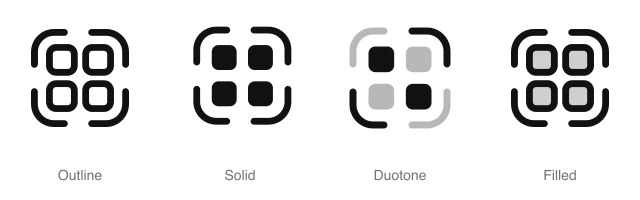
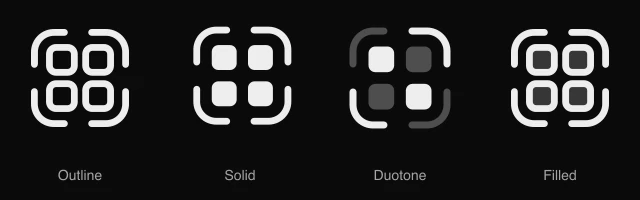
Grid of four squares inside corner scan brackets, for QR code scanning, ticket check-in and camera readers. Available in 4 styles (outline, solid, duotone and filled) as a React component you install with the shadcn CLI.
Preview
- 16px
- 20px
- 24px
- 32px
Install and code
Scan QR Code icon in shadcn/ui components
Button
Icon button
Button group
Dropdown menu
Input group
Sidebar
Scan QR Code icon FAQ
What does this icon show?
Grid of four squares inside corner scan brackets, for QR code scanning, ticket check-in and camera readers. Typical uses: scan QR code button, event ticket check-in and pay by QR camera trigger.
When should I use it instead of a similar icon?
Use it for:
- The scan button on a wallet or payments home screen that opens the camera to pay
- Staff check in screens at an event door, reading each guest's ticket with the camera
- Linking a phone to a desktop app by pointing the camera at the code it shows
For the tile side of a view switch above a gallery or file browser, use the Grid Four icon. For product SKUs read at a till or during a stock count, use the Barcode icon.
Which styles does it come in?
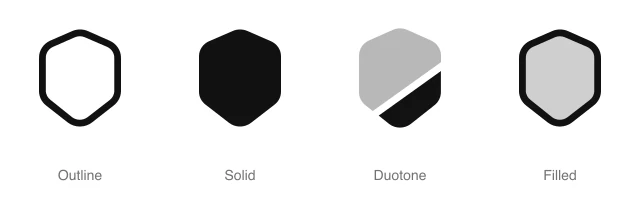
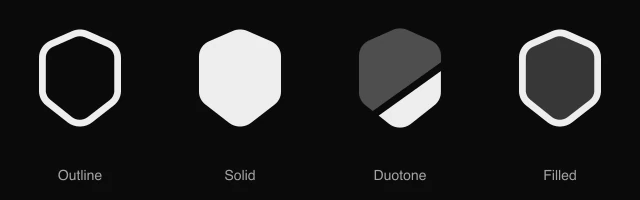
4 styles: Outline, Solid, Duotone and Filled. Every style is drawn on the same 24 by 24 grid and installs as its own file, so you can switch styles without touching the layout.
How do I install it with the shadcn CLI?
Copy the install command from the panel above, in the style you want, and run it in your project. The shadcn CLI adds the icon as a React component that you import and render like any other. It draws in the current text color, so your text color and size classes style it. Icon installs need a ReUI Ultimate license.
What icons go well with it?
Icons from the same family and the Security set: Code, SIM Card Code, Square Code, Eye, Eye Slash and Face ID.
When was it added, and what was it called before?
It joined the ReUI icon library on June 30, 2026. It was previously named scan-barcode, and that install name still resolves to this icon.
Icons related to Scan QR Code
For AI Agents
Hand your agent this brief or the ReUI MCP, not a screenshot. Installs with a ReUI Ultimate license.
When to use
- The scan button on a wallet or payments home screen that opens the camera to pay
- Staff check in screens at an event door, reading each guest's ticket with the camera
- Linking a phone to a desktop app by pointing the camera at the code it shows
When not to use
- The tile side of a view switch above a gallery or file browser: use the Grid Four icon
- Product SKUs read at a till or during a stock count: use the Barcode icon
Agent notes
- Name an icon-only button with its label, "Scan to pay", as the aria-label
Markdown
https://reui.io/icons/preview/scan-qr-code.mdMCP
get_icon("scan-qr-code")Install
npx shadcn@latest add @reui/icons/default/duotone/scan-qr-codeStart building with ReUI Pro today.
Every Pro block, every style, and every future addition, with one license for unlimited projects.
Get All-Access
From $249, once. Lifetime updates.