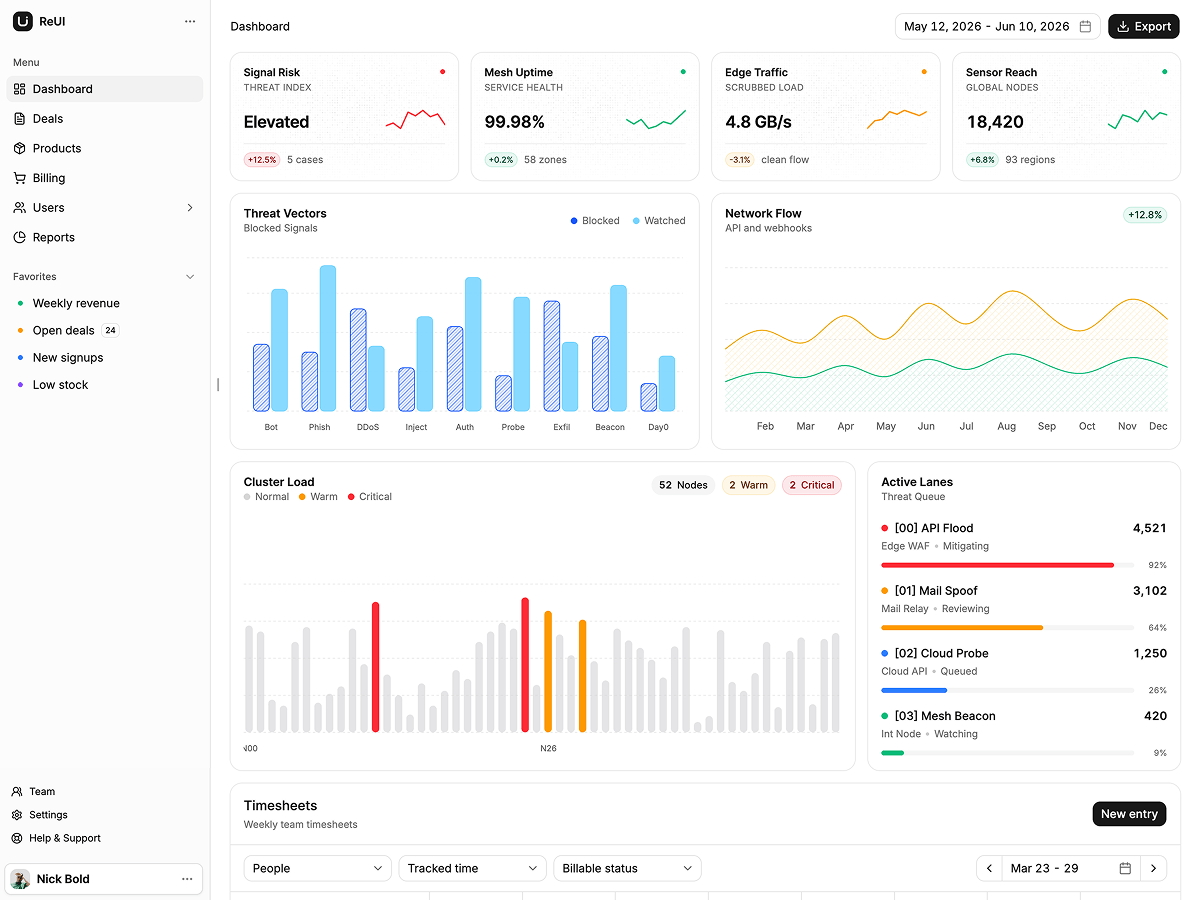
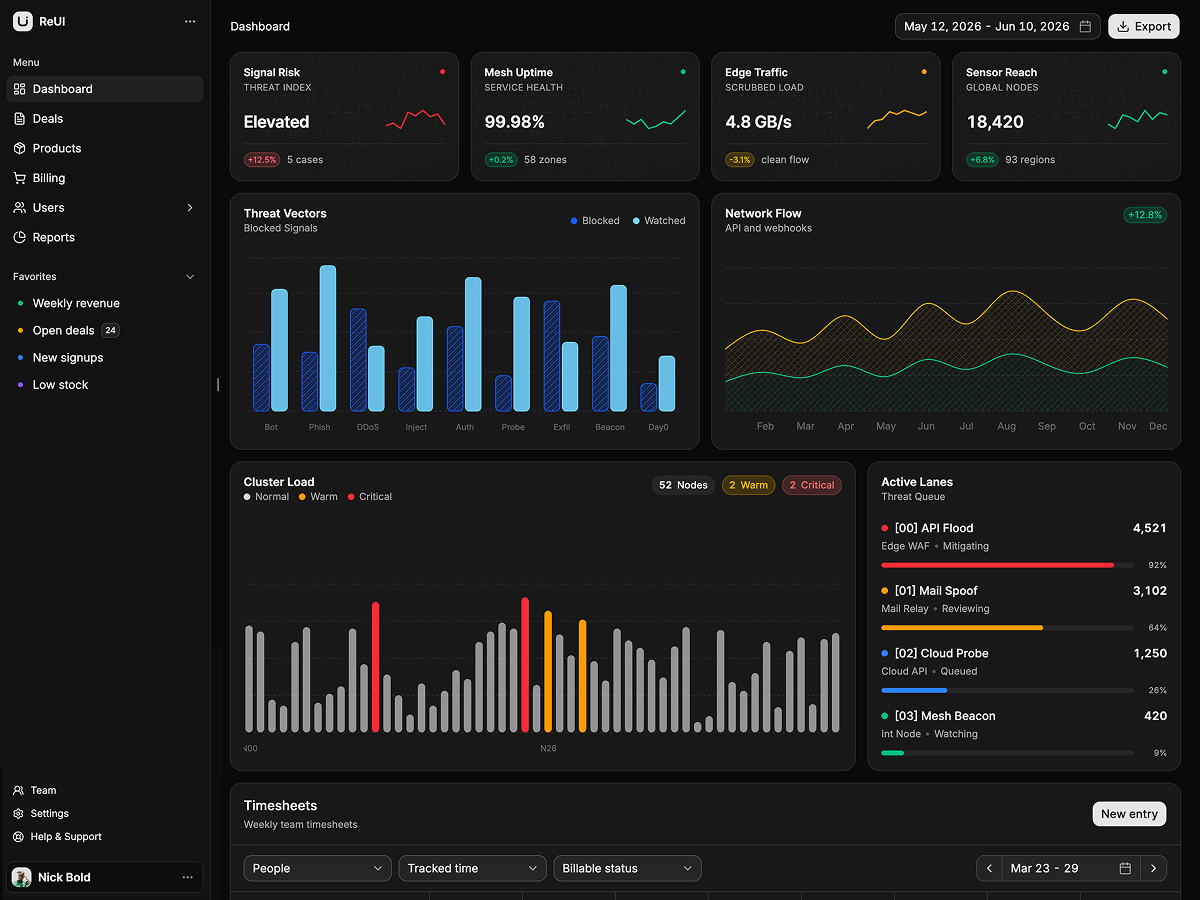
Tempo - TanStack Start Task Management Template
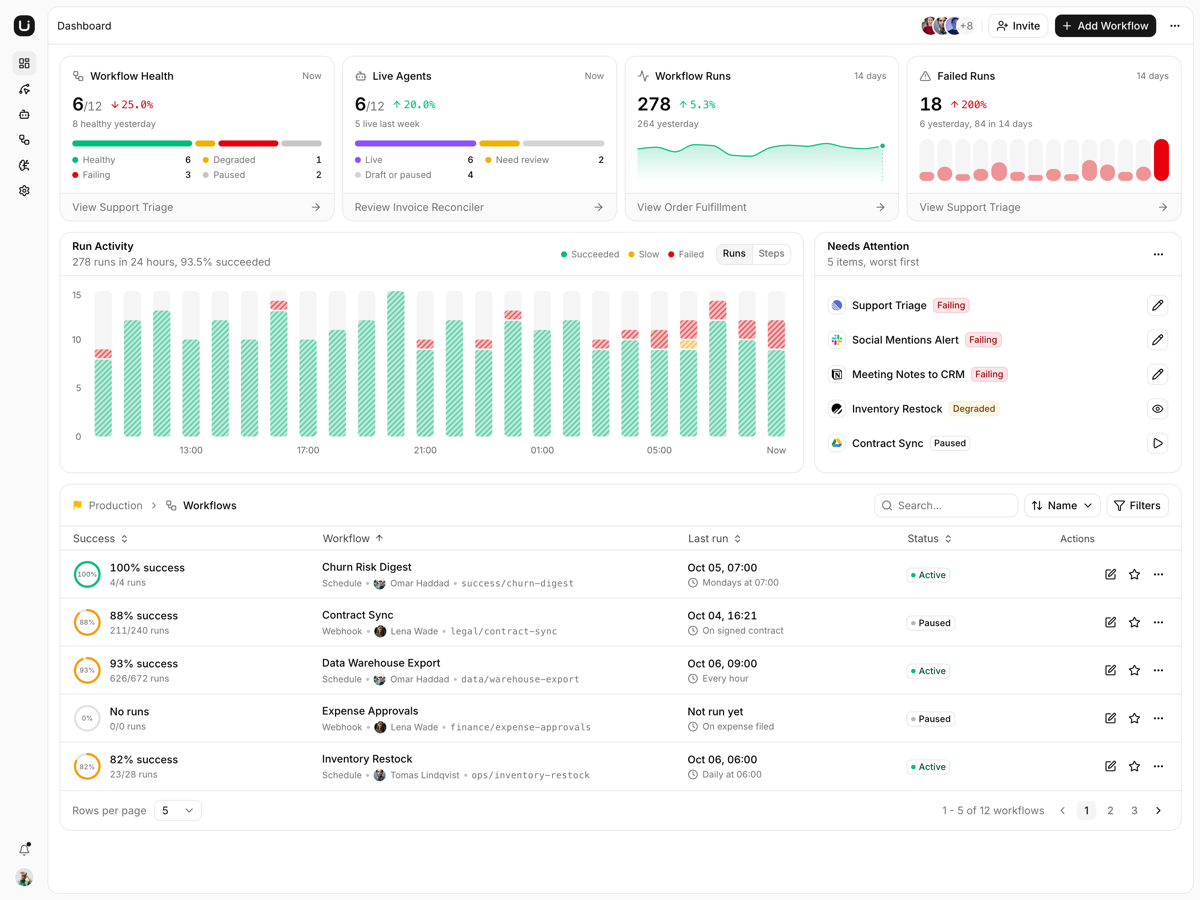
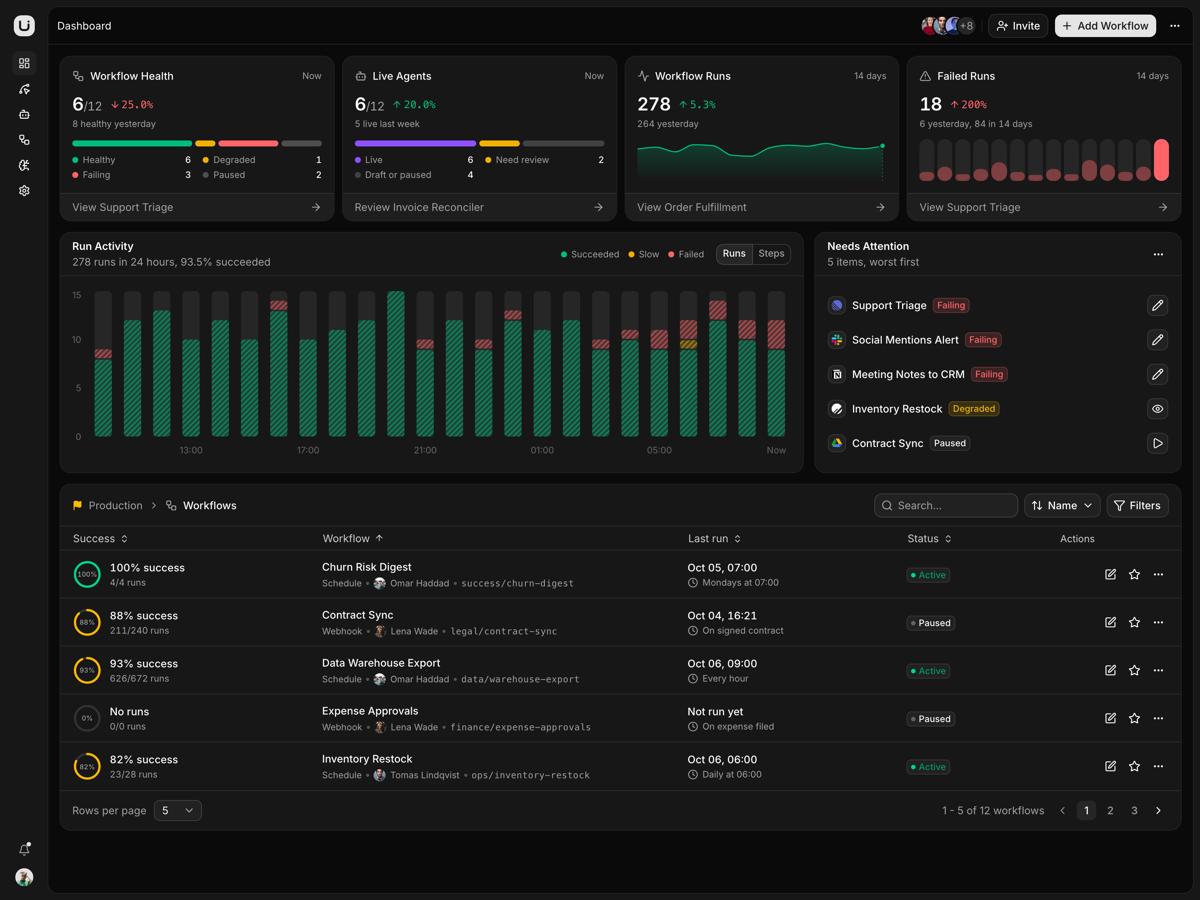
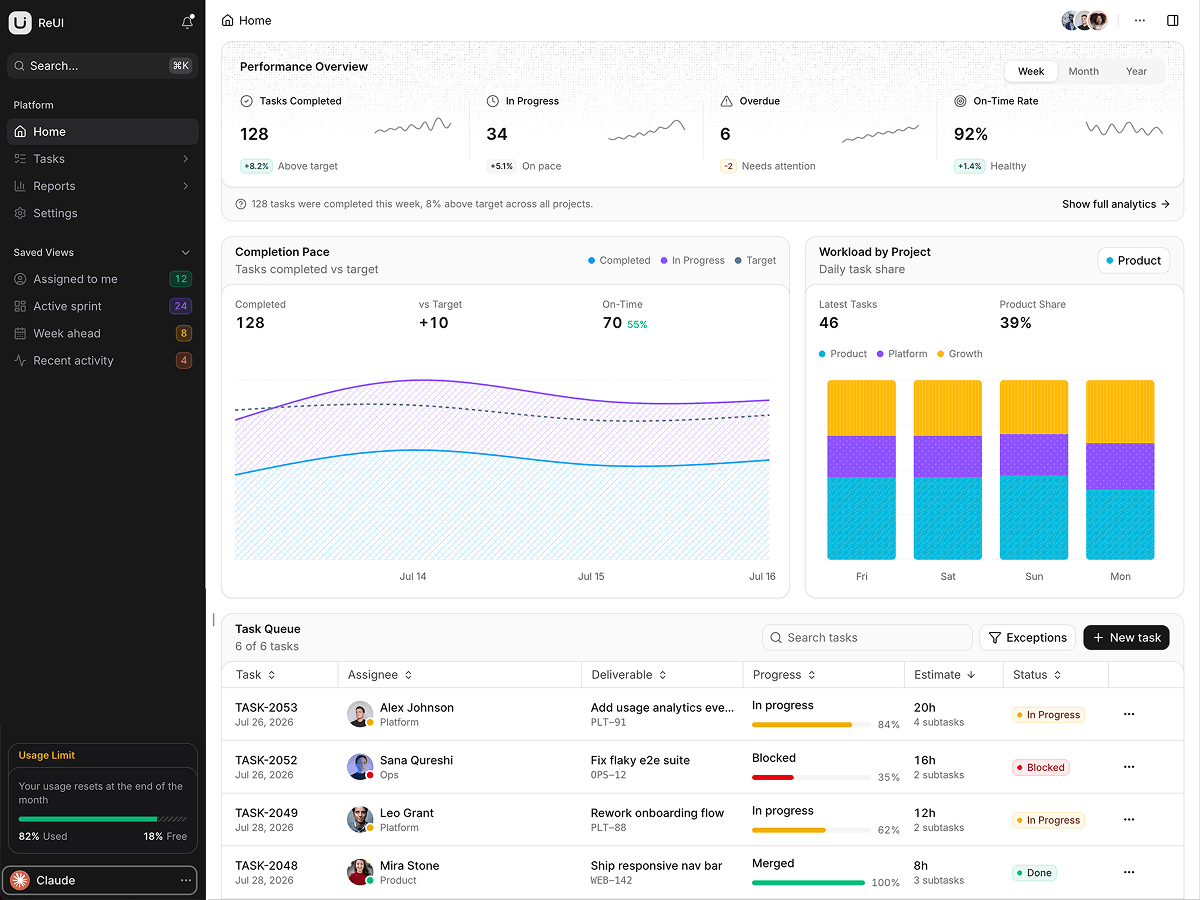
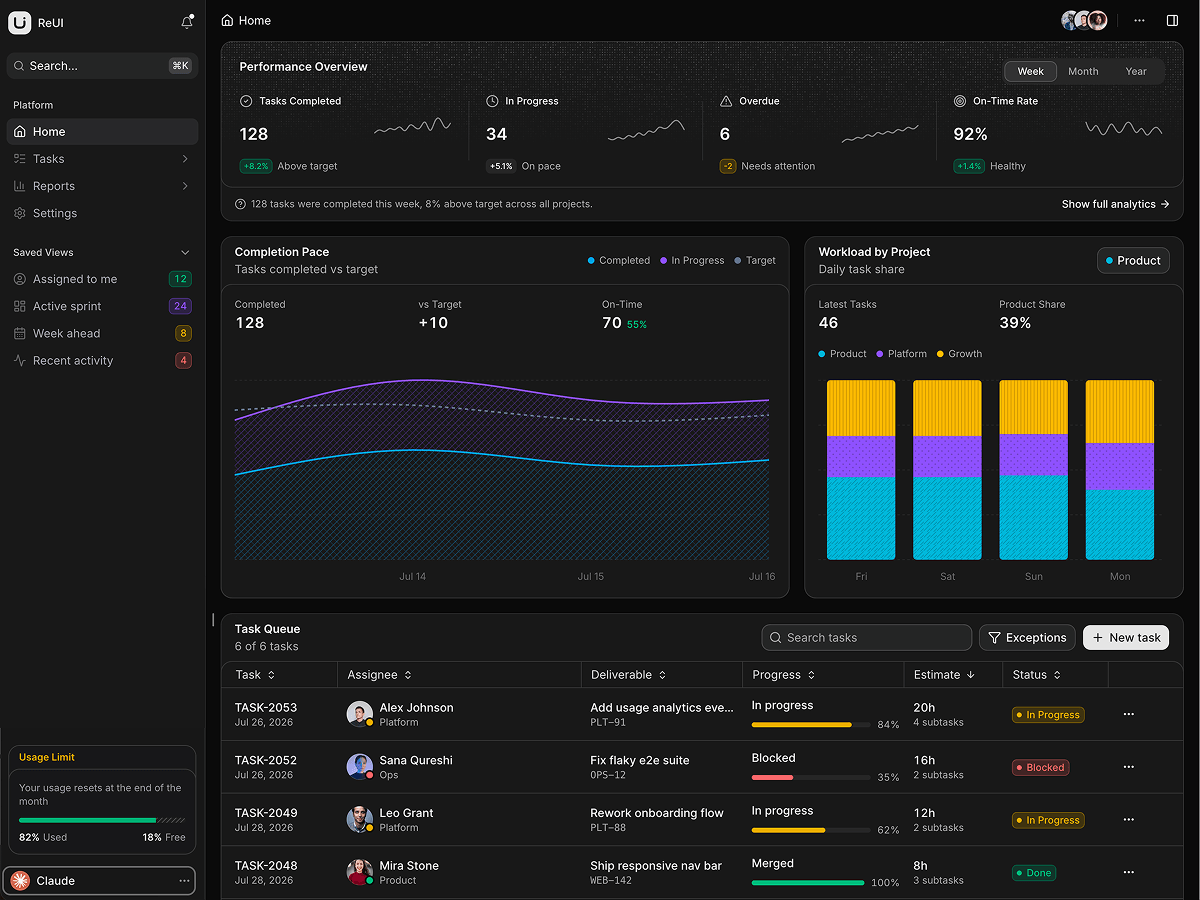
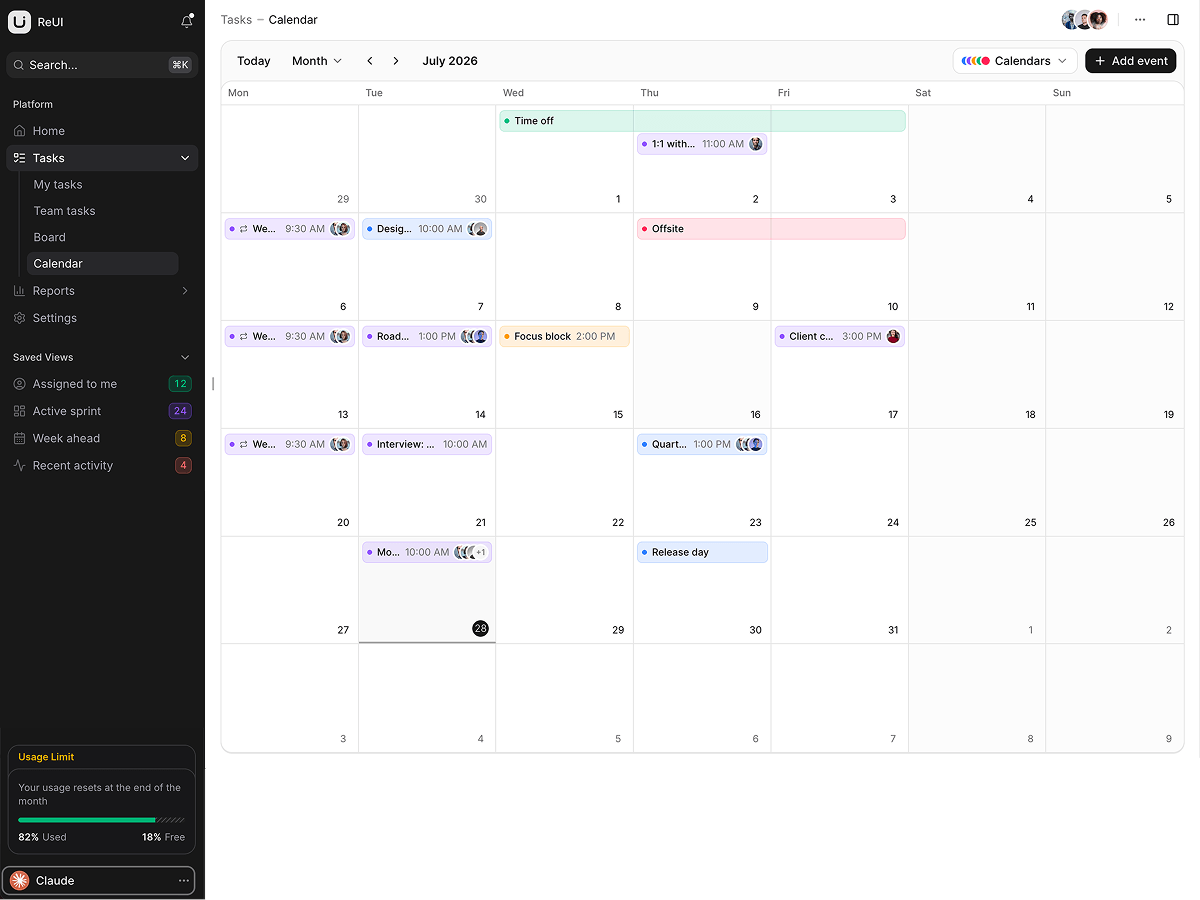
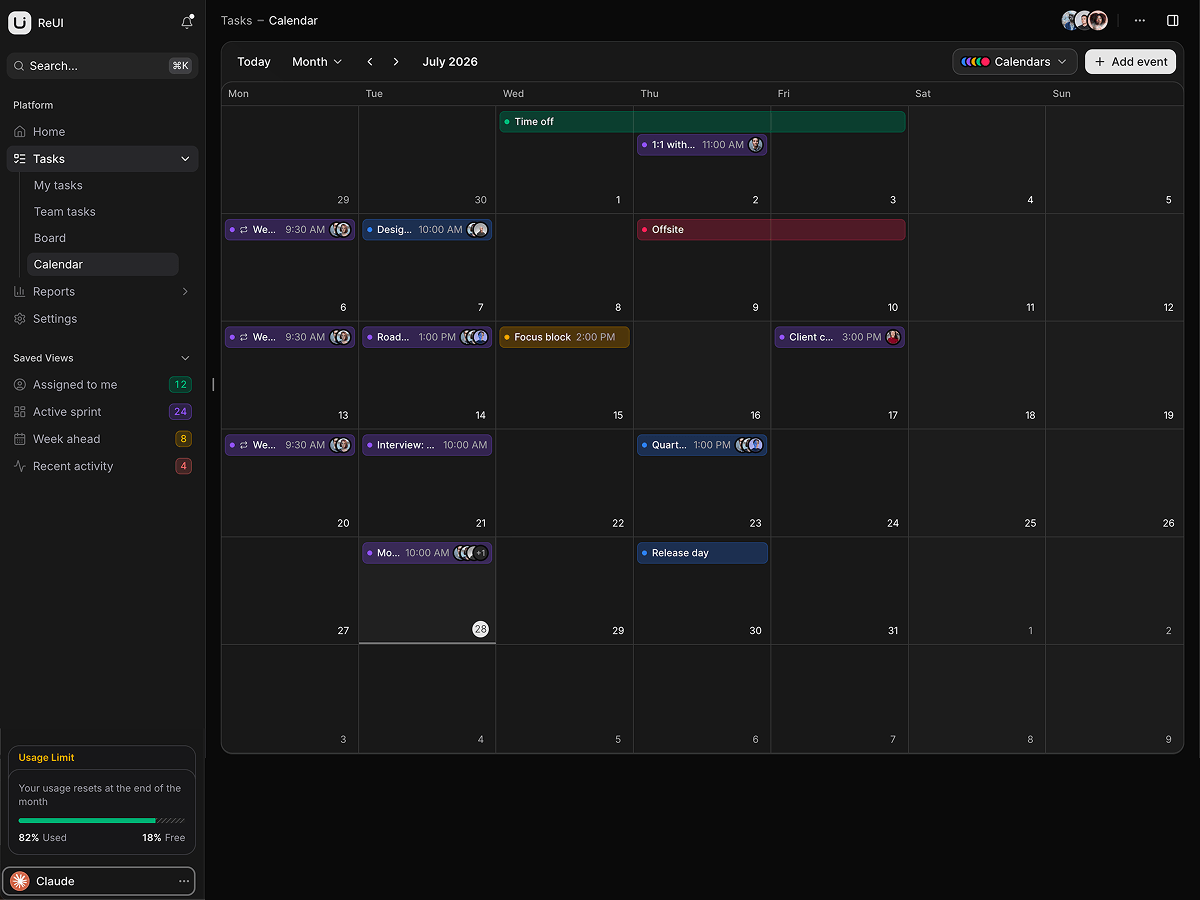
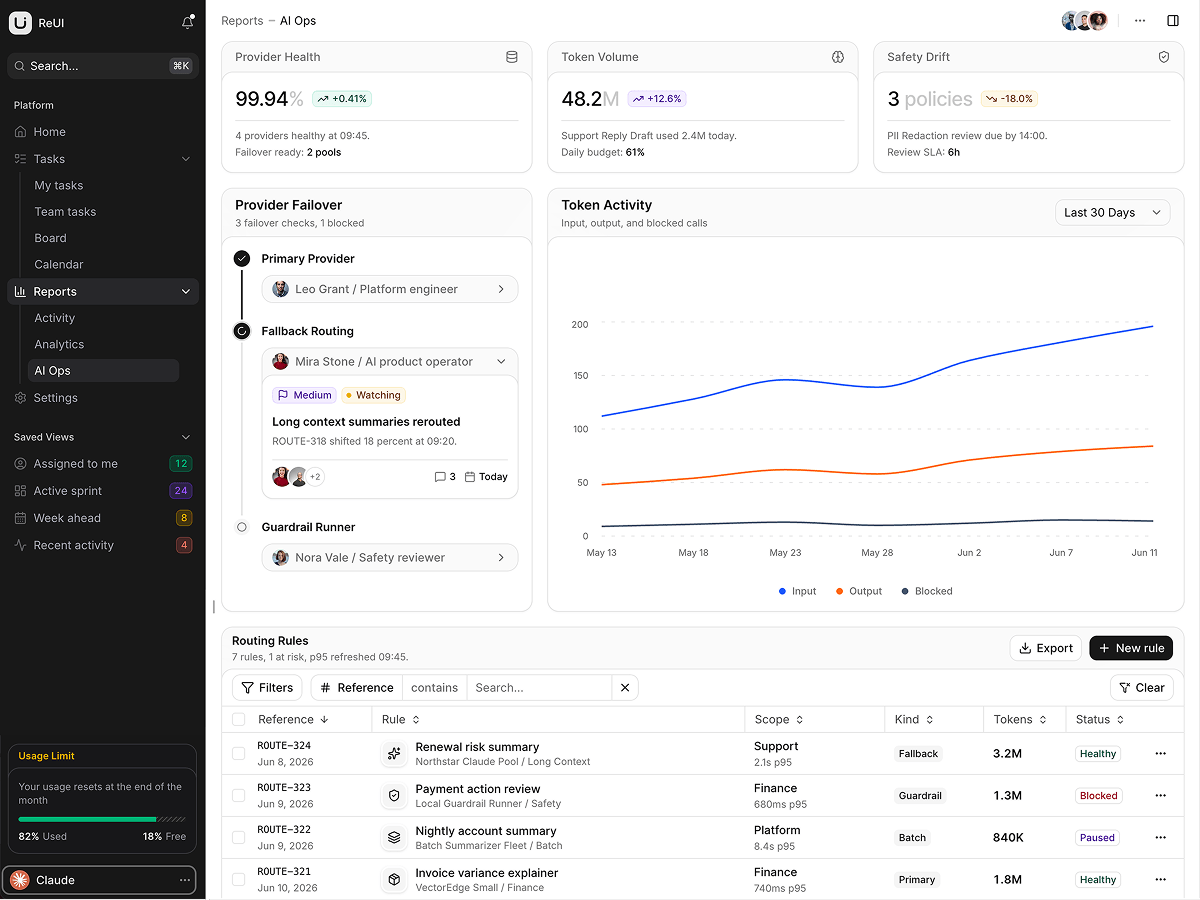
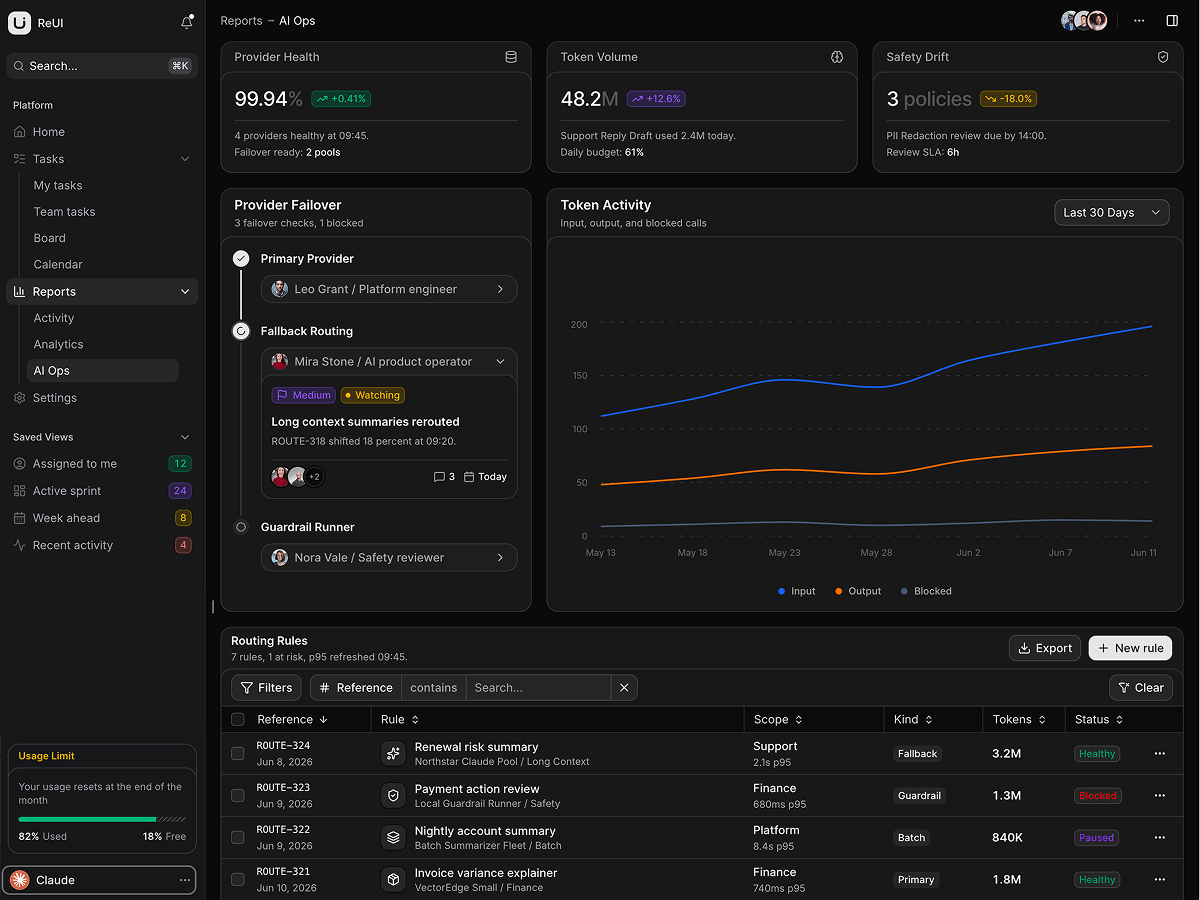
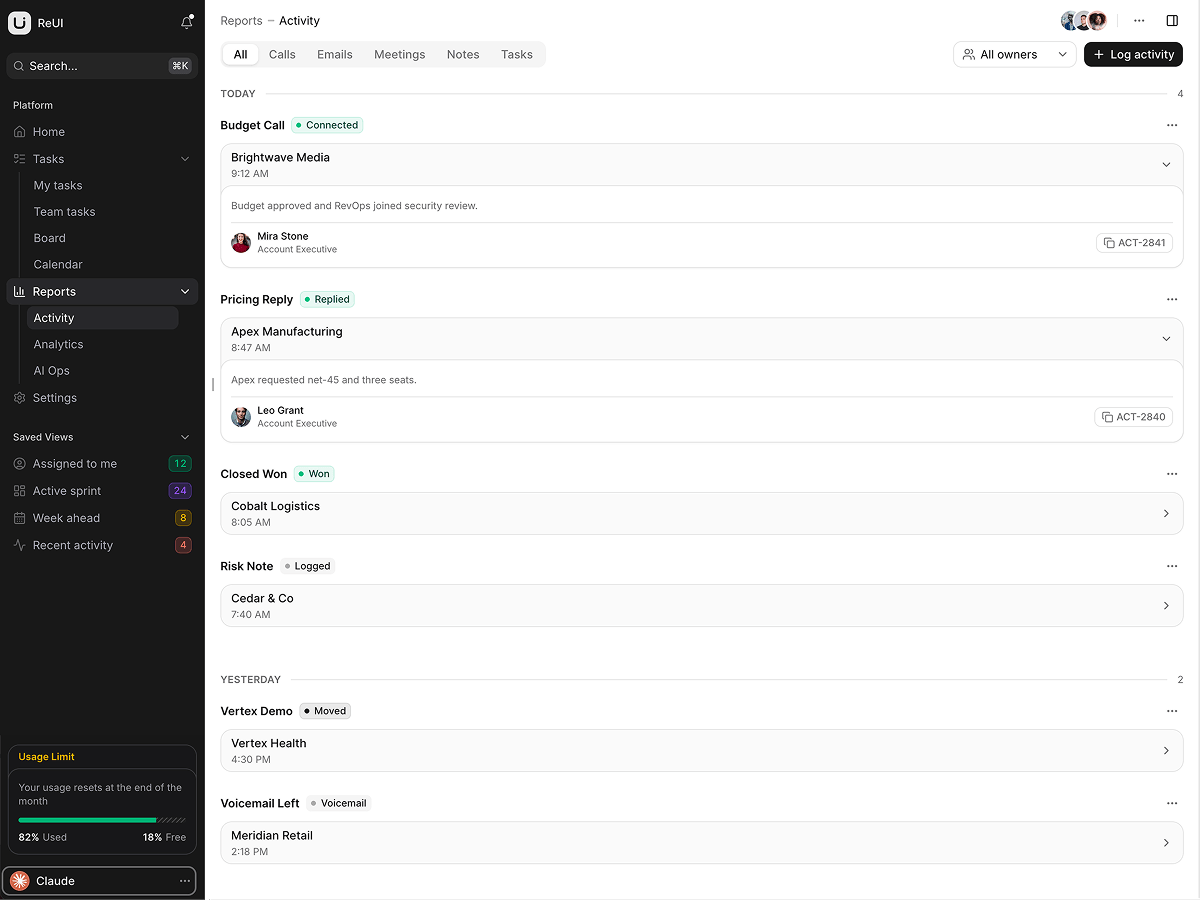
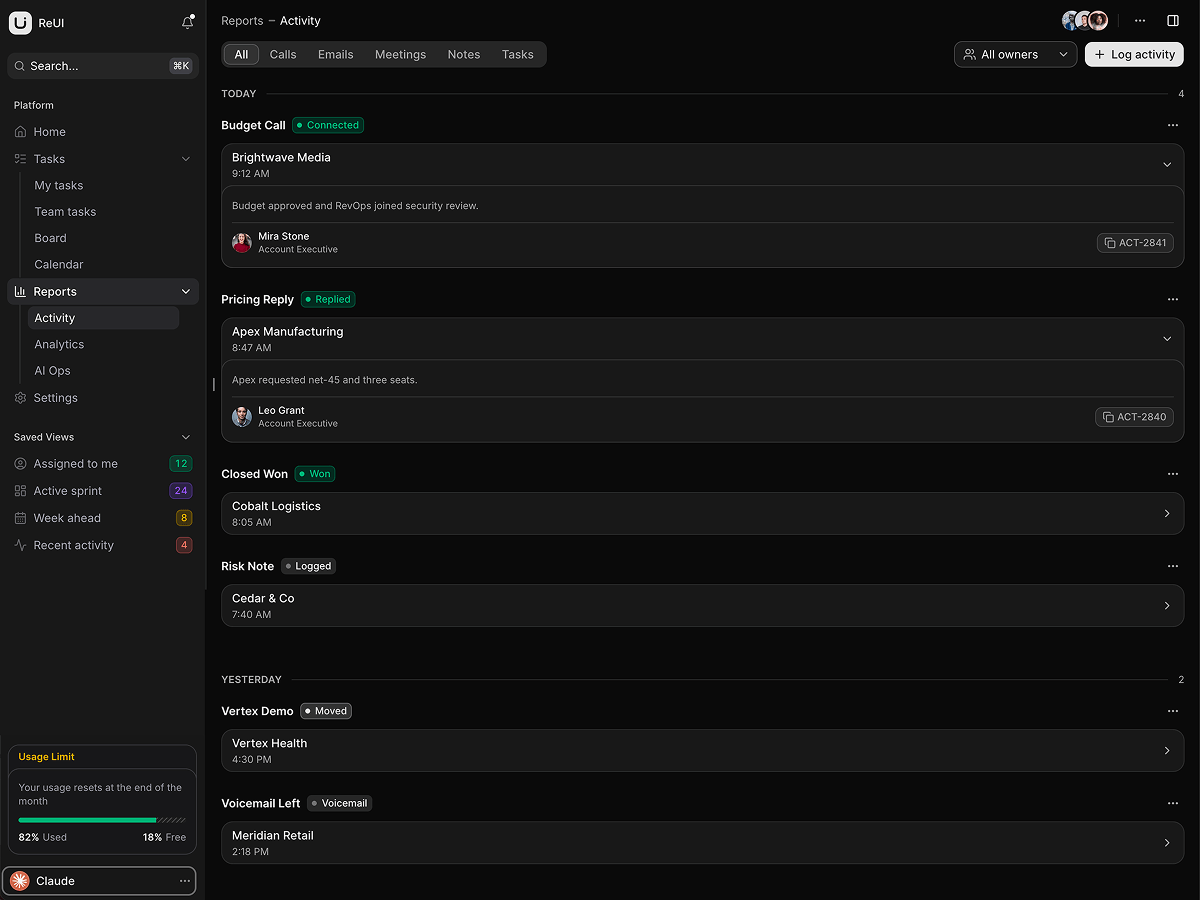
popularA task management dashboard on TanStack Start: kanban board, gantt timeline, event calendar, a task grid with sub-issues, and an AI Ops console.
What is included
- Board drops restamp status. Dropping a card into another column rewrites its status to match.
- Locked gantt bars refuse drops. A drag that would overlap a locked bar is refused, with an Overlap blocked toast.
- Sub-issues expand in place. Expanding a task adds its sub-issue rows, and the title filter searches their titles too.
- Four grids on TanStack Table v9. Tasks, orders, routing rules and stage breakdown each call useTable with the dataGridFeatures bundle.
- 1,370 tests, 41 files. Vitest covers the locked-bar overlap rule, the sub-issue search blob, routing-rule CRUD and all twelve zod schemas.
- Home filters live in the URL. The search box and the exceptions toggle are typed search params, so a filtered view is a link.
- Cmd+K ranks by prefix. Label prefixes outrank hints, which outrank hidden keywords.
- Calendars nest under accounts. The right panel toggles a calendar, recolors it and adds upcoming events, per account.
Who it is for
- Teams split between board and timeline /tasks/board, /tasks/my and /tasks/calendar ship together, so nobody rebuilds the other two.
- A backend waiting for a front end The board loader calls getTasks and getTeam; every other page imports its own seed module.
- Reviewers who read the tests first task-state.ts and task-state.test.ts sit side by side in features/gantt/lib.
Frequently asked questions
Is there a backend, and what happens to a card I drag?
No backend, and the card is back where it started after a reload. Two async service modules, src/lib/data/planner/services.ts and src/features/dashboard/lib/services.ts, feed the board and home route loaders; every other page imports a seed from its own data module and copies it into useState. The transition functions under each feature's lib/ are pure and take rows in, so replacing a seed with your fetch leaves the components alone.
Is the sign-in screen wired, and is anything guarded?
Nothing is guarded. The dashboard is the landing page, and src/routes/_app.tsx carries the beforeLoad guard to restore in a comment. /sign-in is a real page reachable from the user menu, any address matching WORK_EMAIL_PATTERN signs you in, and the session is one localStorage key in src/lib/auth/session.ts.
Does it need a server to deploy?
No. It builds in SPA mode to a static bundle in dist/client, and the build step copies _shell.html to index.html so the entry point exists. vercel.json sets the build command, the output directory and a rewrite that sends every path back to index.html; any other static host needs the same rule, or a refresh on /tasks/board returns a 404.
What do I get when I download a template?
The full source of a standalone project: every page, component, route, and style, ready to run locally. Templates are built entirely from ReUI blocks and components, so the code matches the registry you already use.
Do I need a plan to download templates?
Free templates only need a ReUI account, so sign in and download. Every other template is included with the Ultimate plan, alongside all blocks and Motion Icons.
Are templates sold individually?
No. Templates come with the Ultimate plan rather than as separate purchases, so one upgrade unlocks the whole catalog, including everything added later.
How do I install a template?
Download the source, install dependencies with your package manager, add your environment variables, and run the dev server. Each template ships a README with its own setup steps.