Atlas - Next.js Admin Dashboard Template
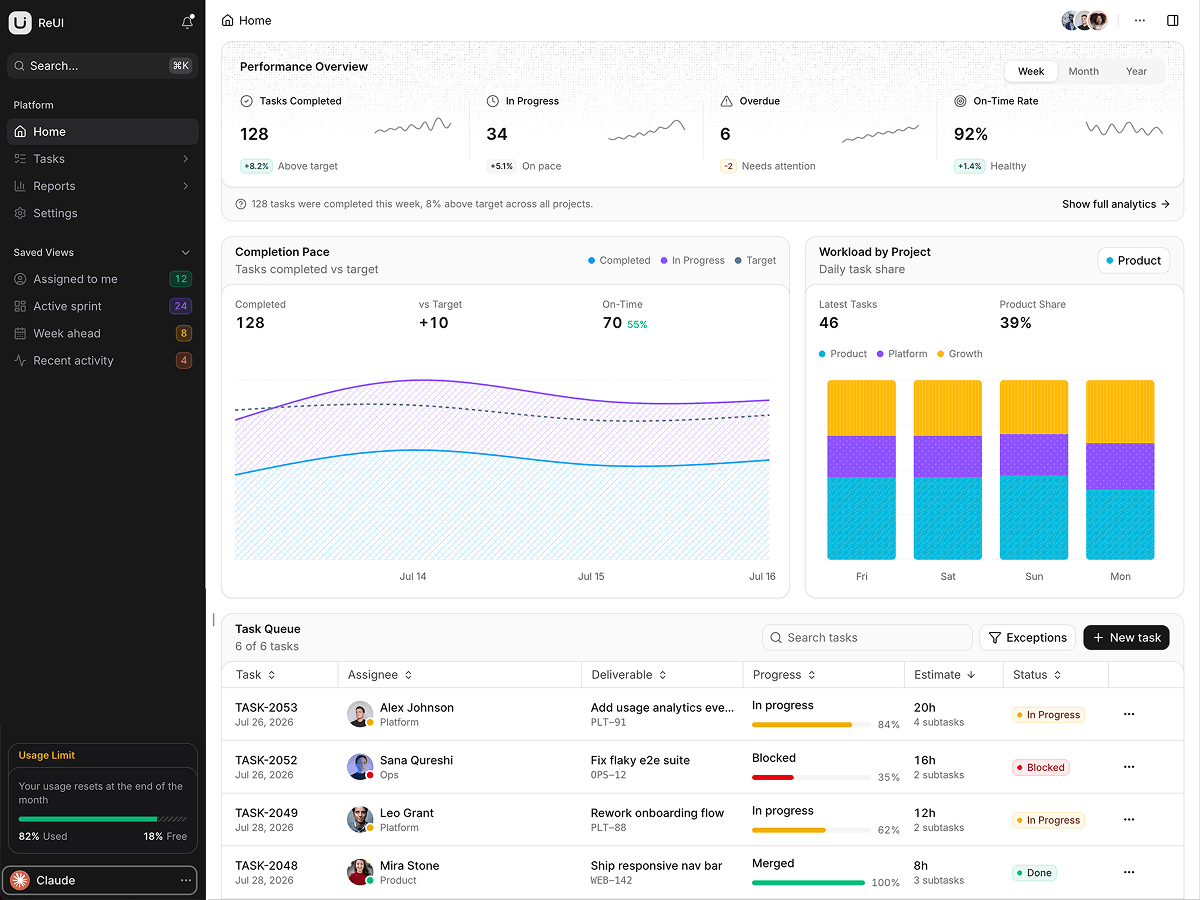
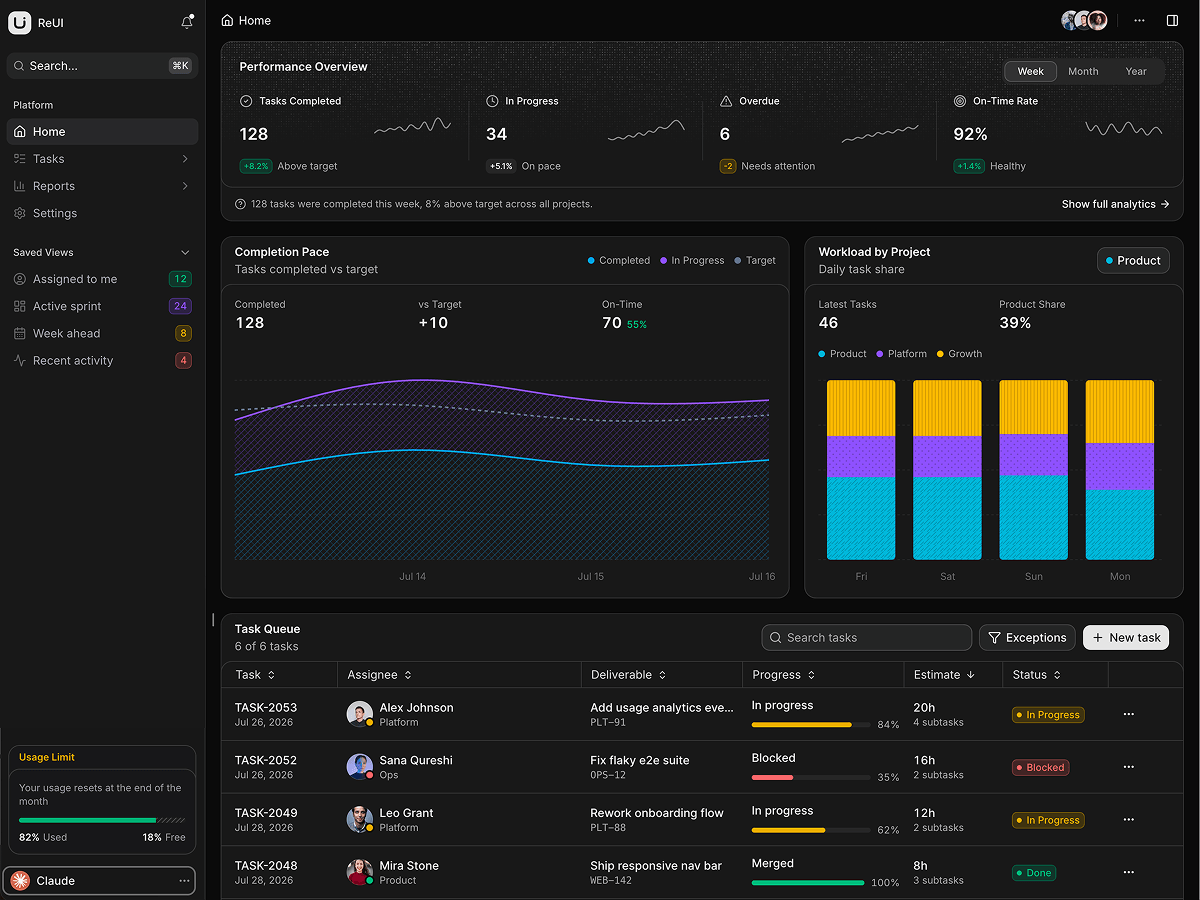
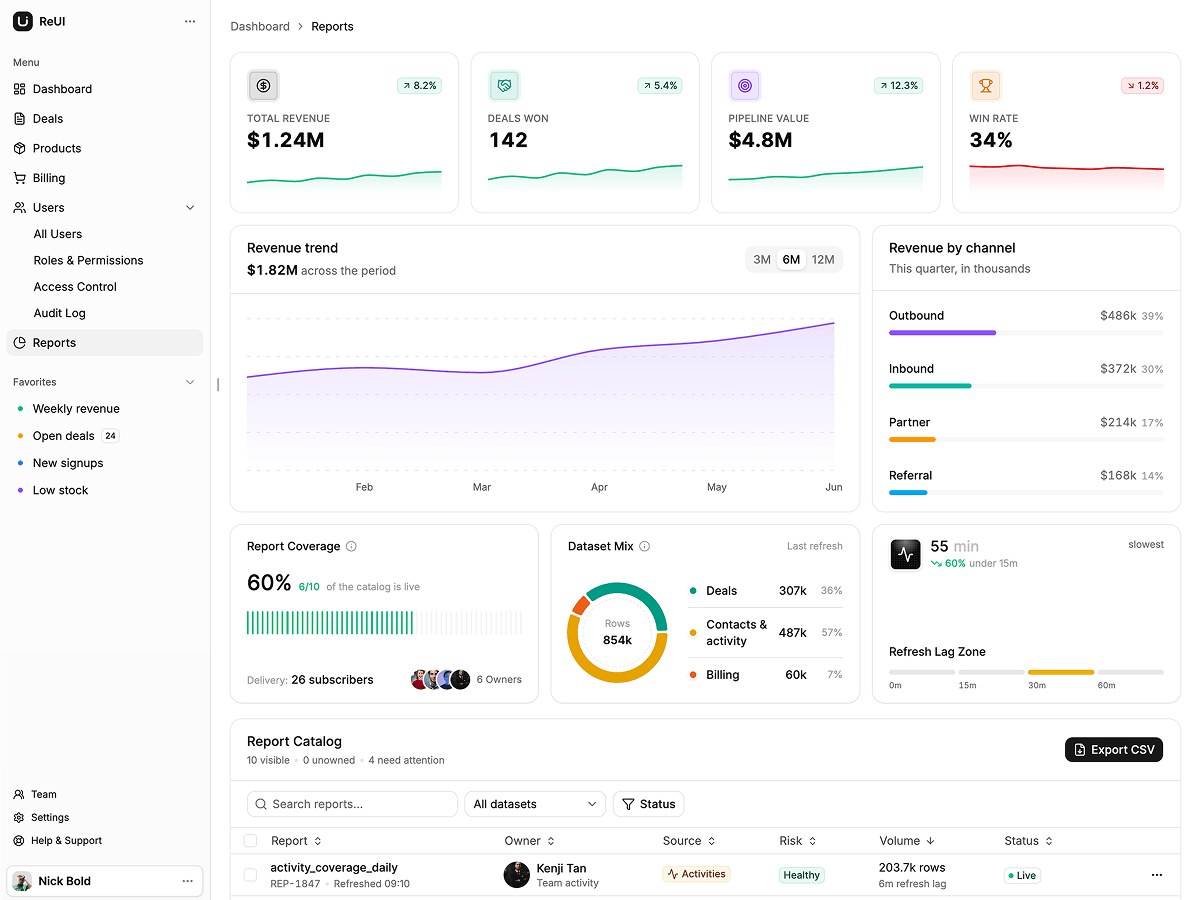
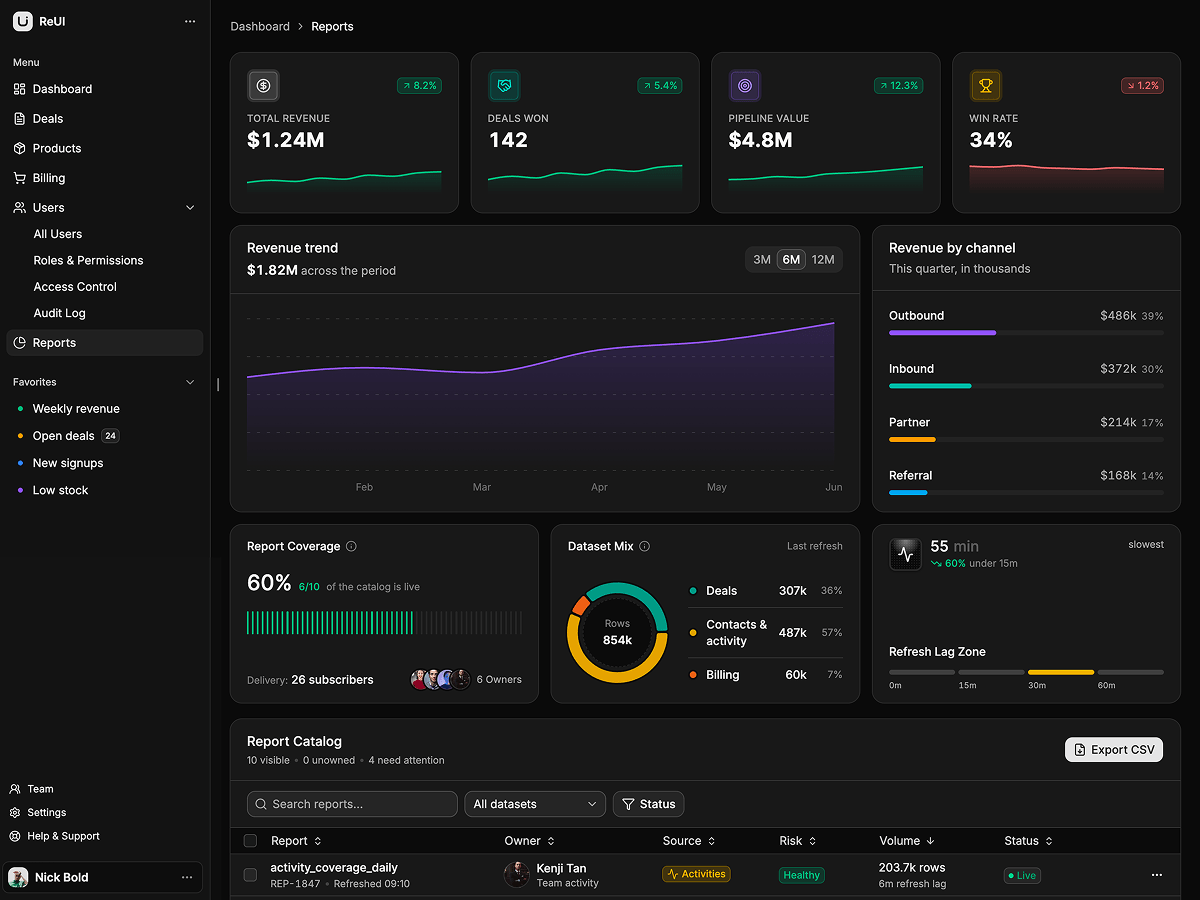
popularA general purpose Next.js admin: user directory, roles and permissions, access requests, an audit log, products, billing, a deal board and reports.
What is included
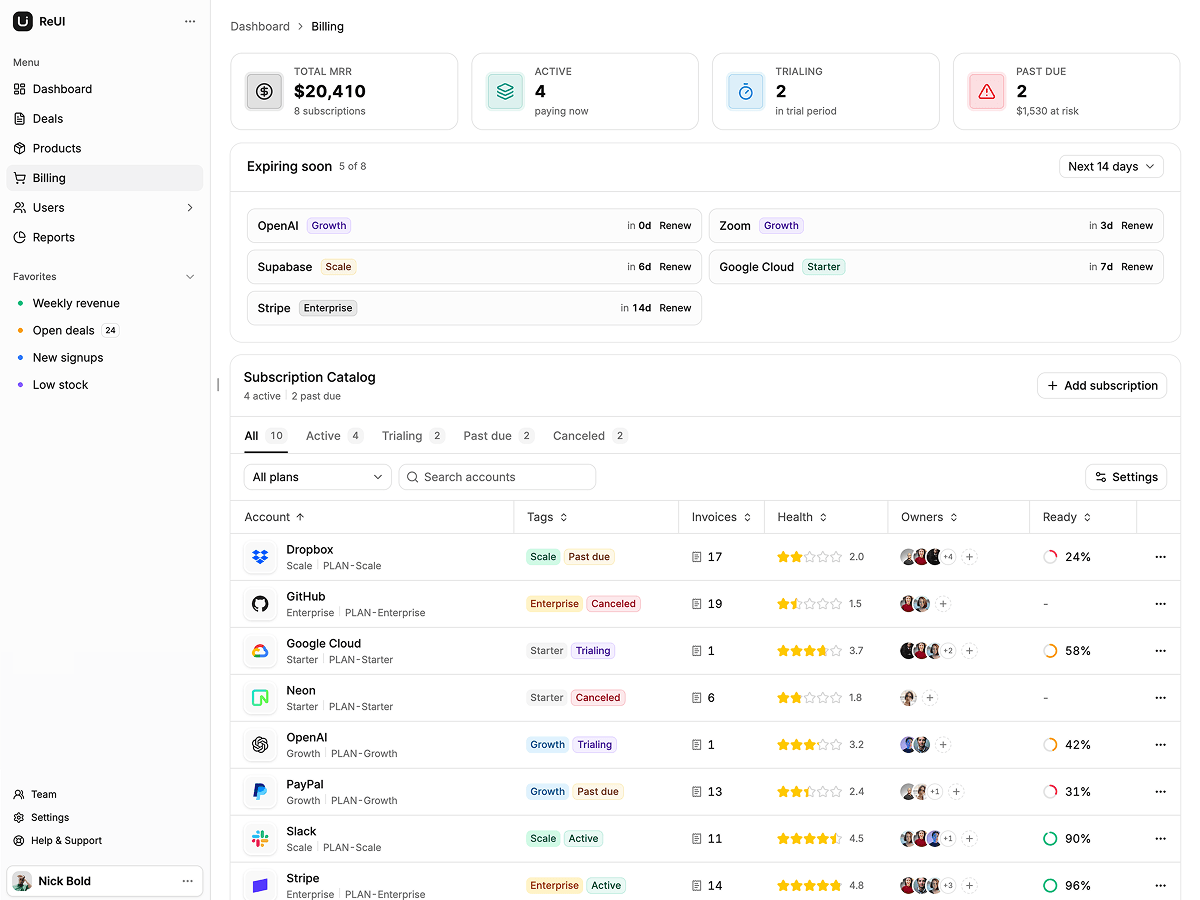
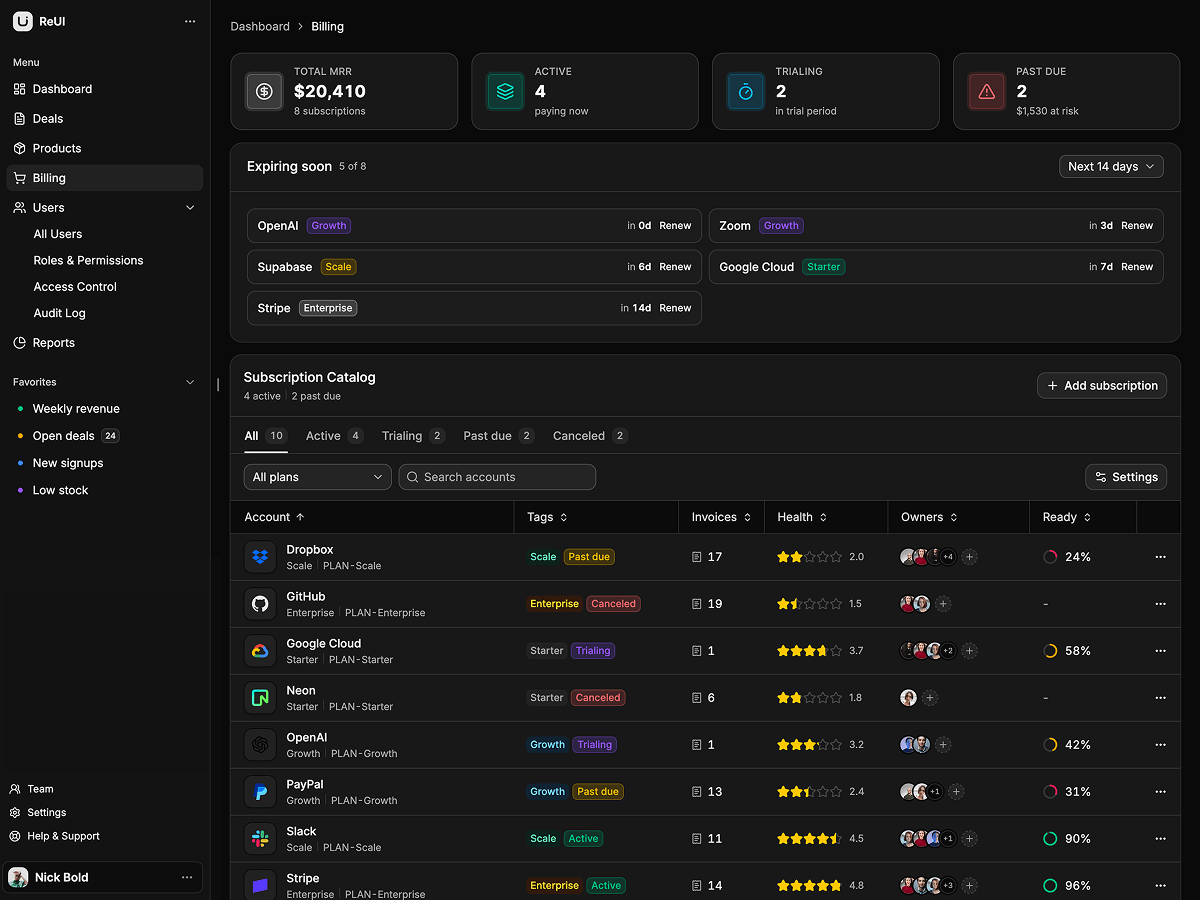
- Grid controls per screen. The access queue and report catalog pin columns, and billing toggles density, resizing and column order.
- Users, roles, access, audit. Four routes under /users: member directory, permission matrix, access queue, audit log.
- Owner keeps every permission. Untick a scope and the matrix card reads Unsaved, and reducing Owner is refused with an alert.
- Time boxed access requests. Each request names a scope and a window from 4h to permanent, and the sheet counts blockers.
- Escalate or resolve. Resolving an audit event strikes its row through and drops the Flagged count.
- Editable pipeline stages. Add, rename or delete a deal column, then drag cards between what is left.
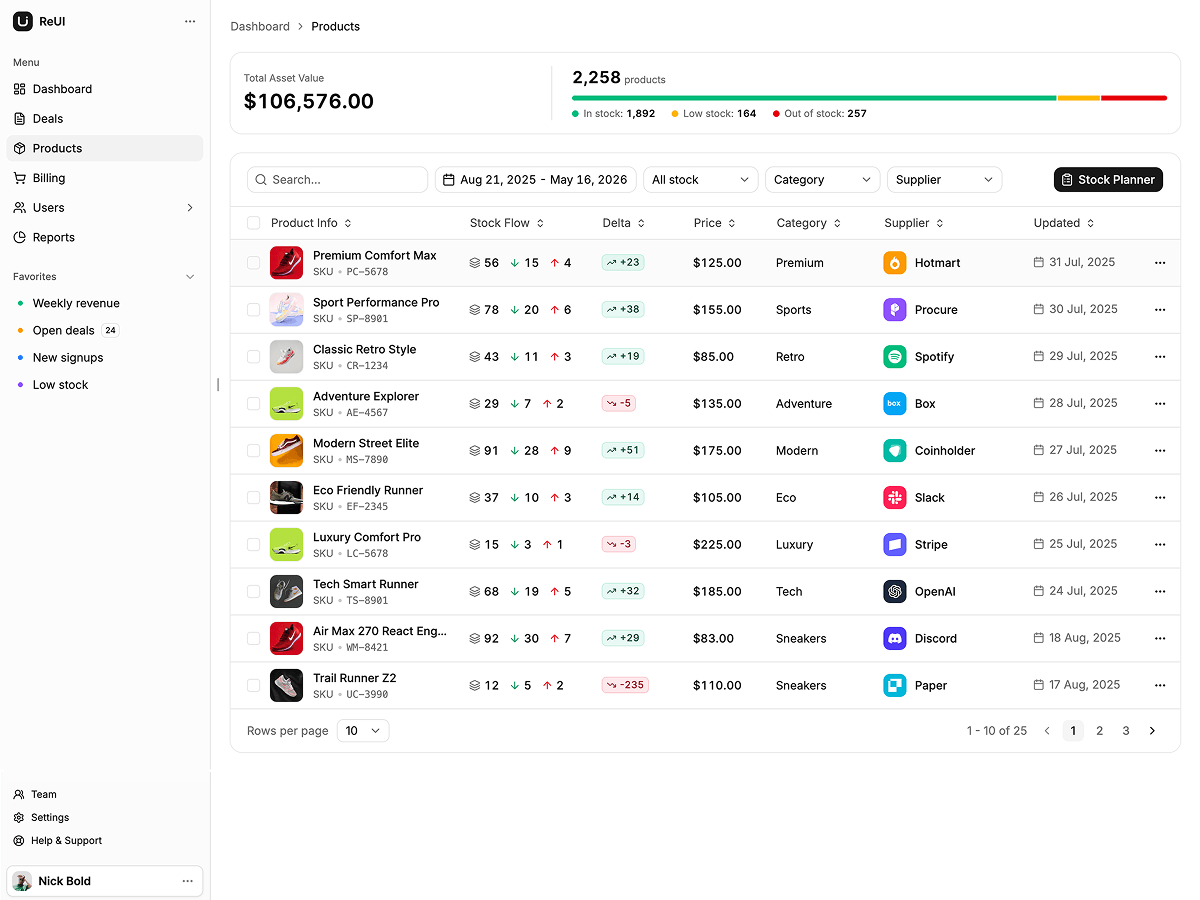
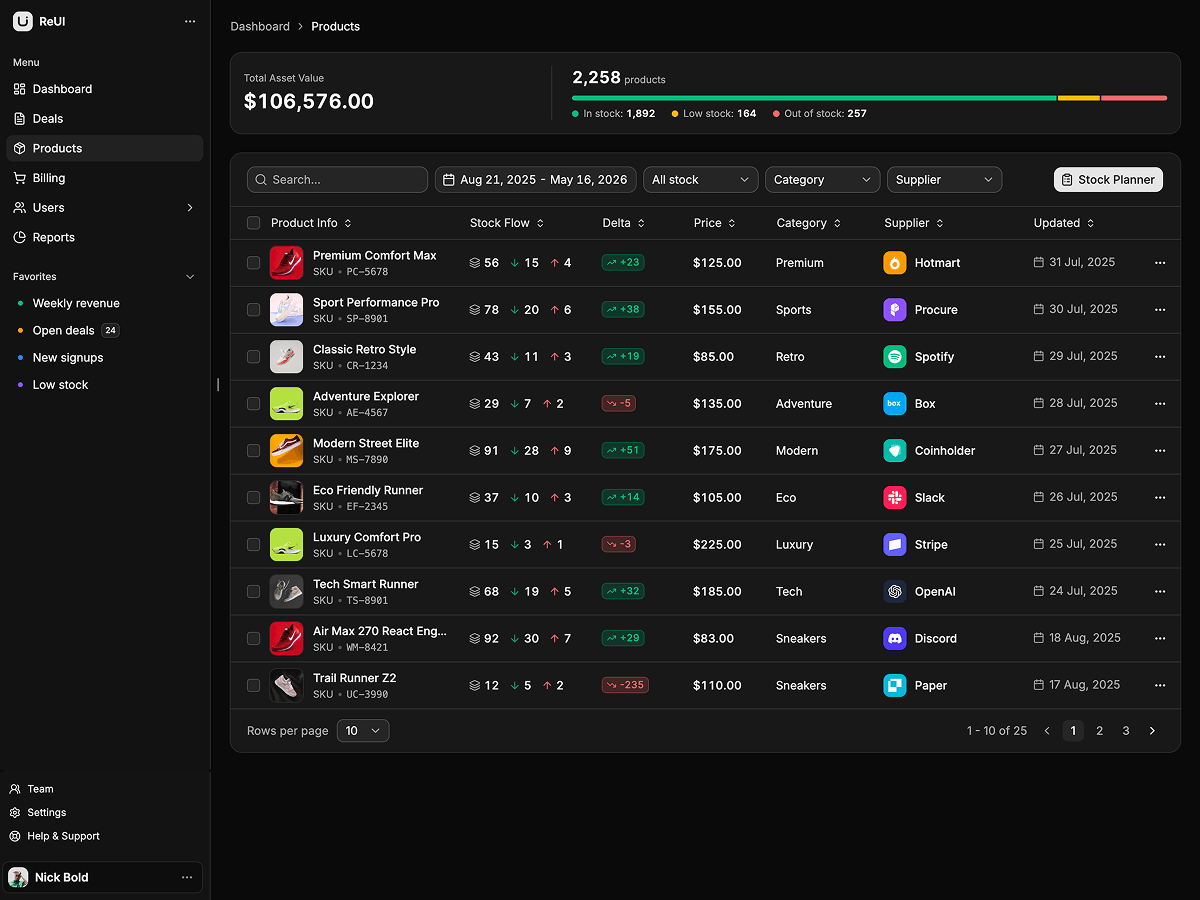
- Low stock deep link. The sidebar favorite opens /products?stock=low and remounts the grid.
- Billing tiles follow edits. Cancelling or deleting a subscription in the grid moves total MRR and the expiring soon list.
Who it is for
- Bolting an admin onto an existing API The 18 screens and their table state are done, so each fixture module becomes a fetch.
- Your product just grew roles and permissions The Owner floor, the timed access queue and the audit trail are already built.
- One chassis, several admin domains Every domain is one folder: view, columns, sheet, data.
Frequently asked questions
Does Atlas include a backend?
No, it is frontend only. Each feature keeps its rows in a typed fixture module and each view holds its own table state in useState, so swapping the data source leaves columns, sheets and pages alone. Edits live in component state, so a reload restores the seed rows. Fetch in the route's server component and pass rows down, or make the fixture modules async.
Is authentication actually wired up?
No. Log in, sign up and forgot password are built on a split screen layout in their own route group, but any submit routes you to the dashboard and no route is guarded. The sign in form arrives prefilled with demo credentials. Add your provider, then guard the app route group layout.
What is on the home dashboard?
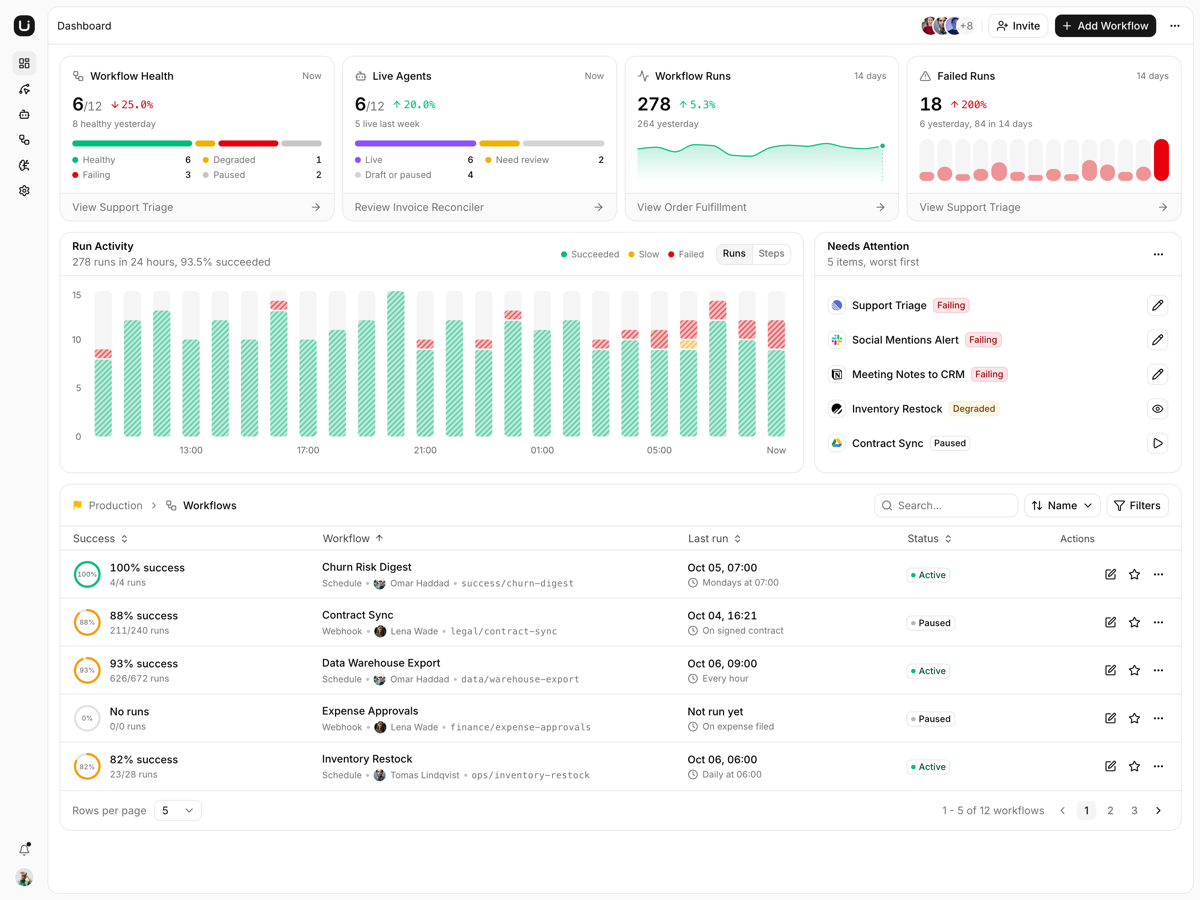
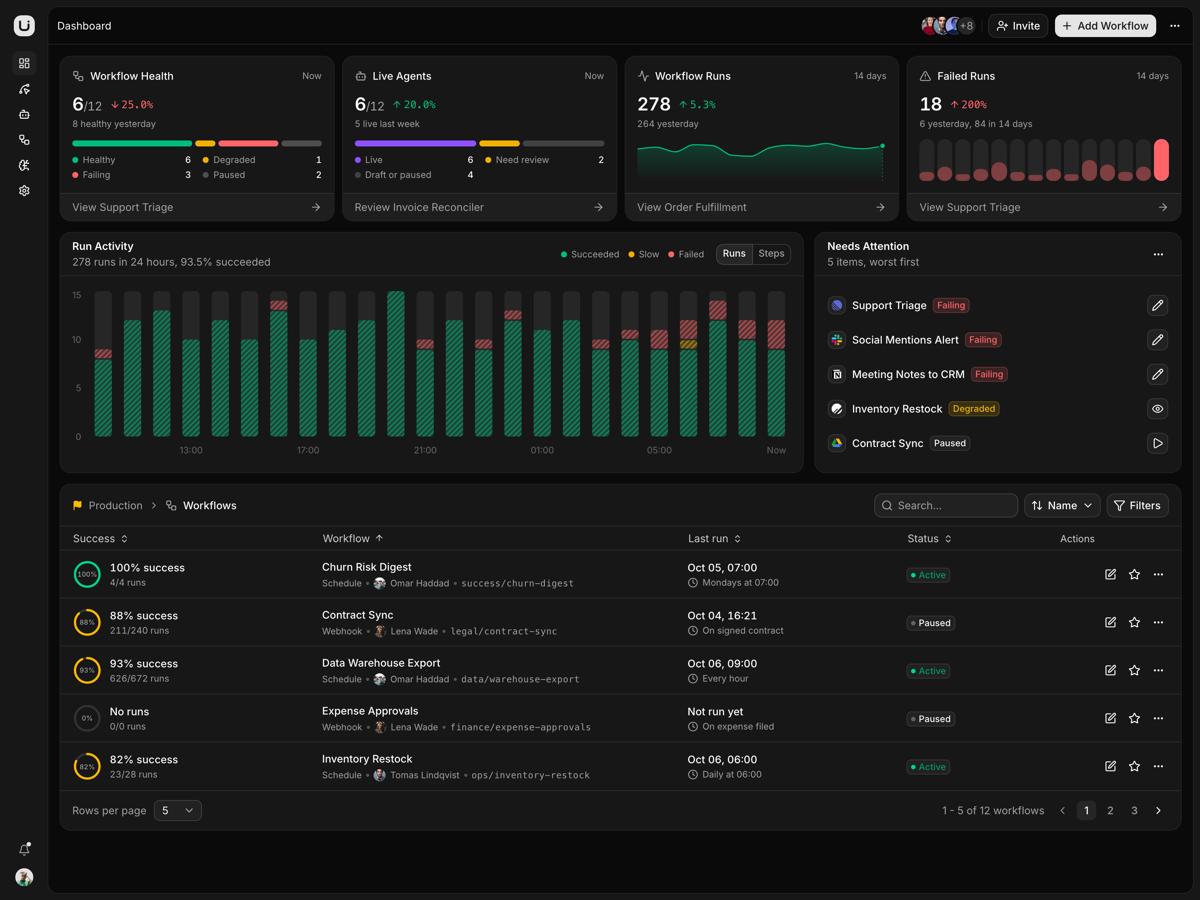
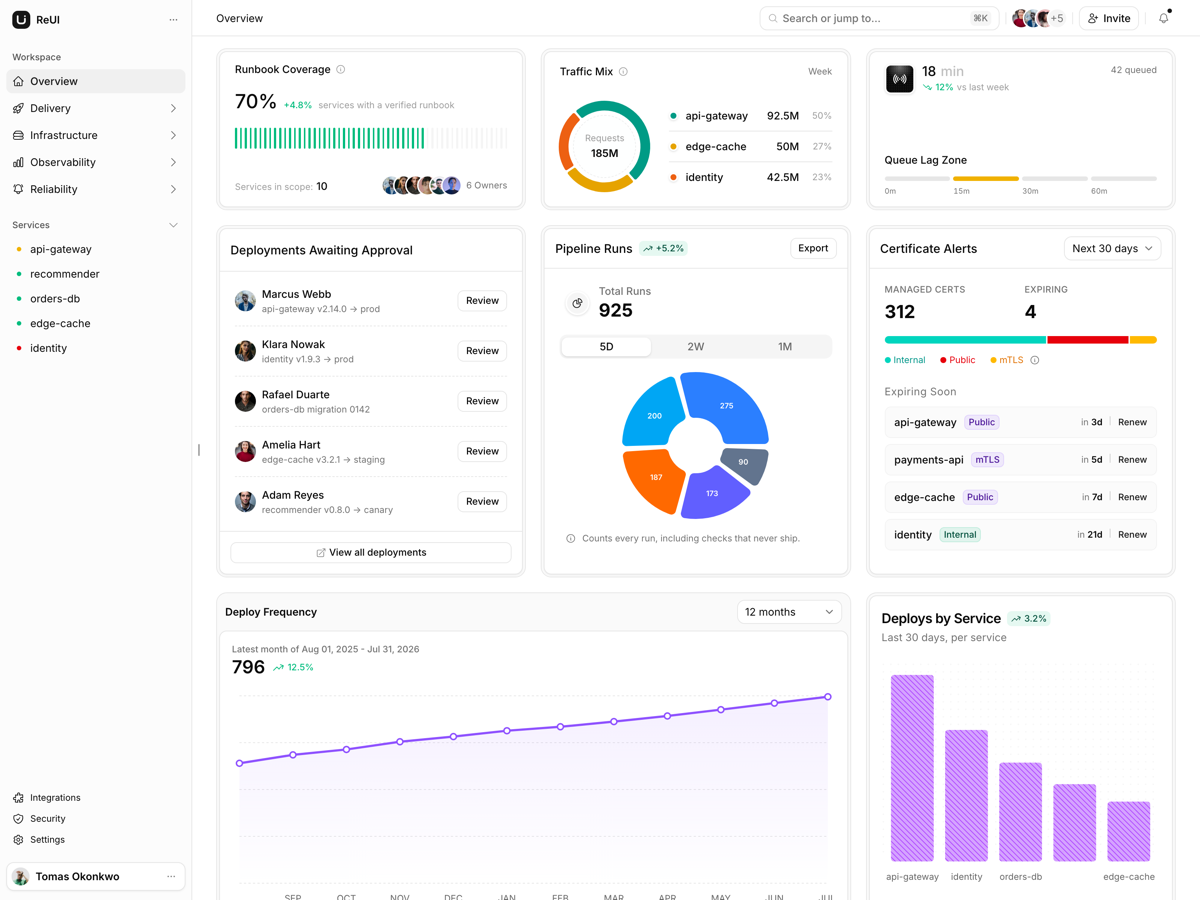
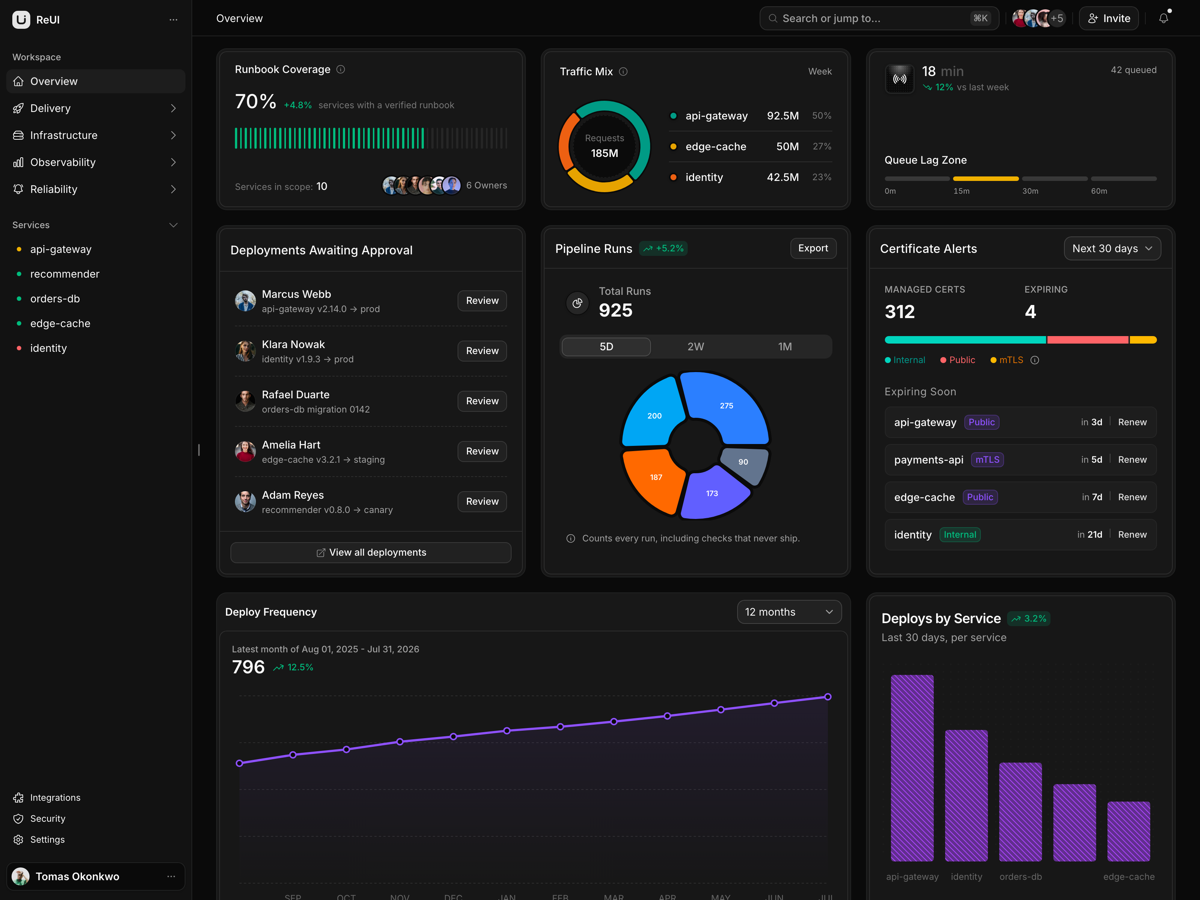
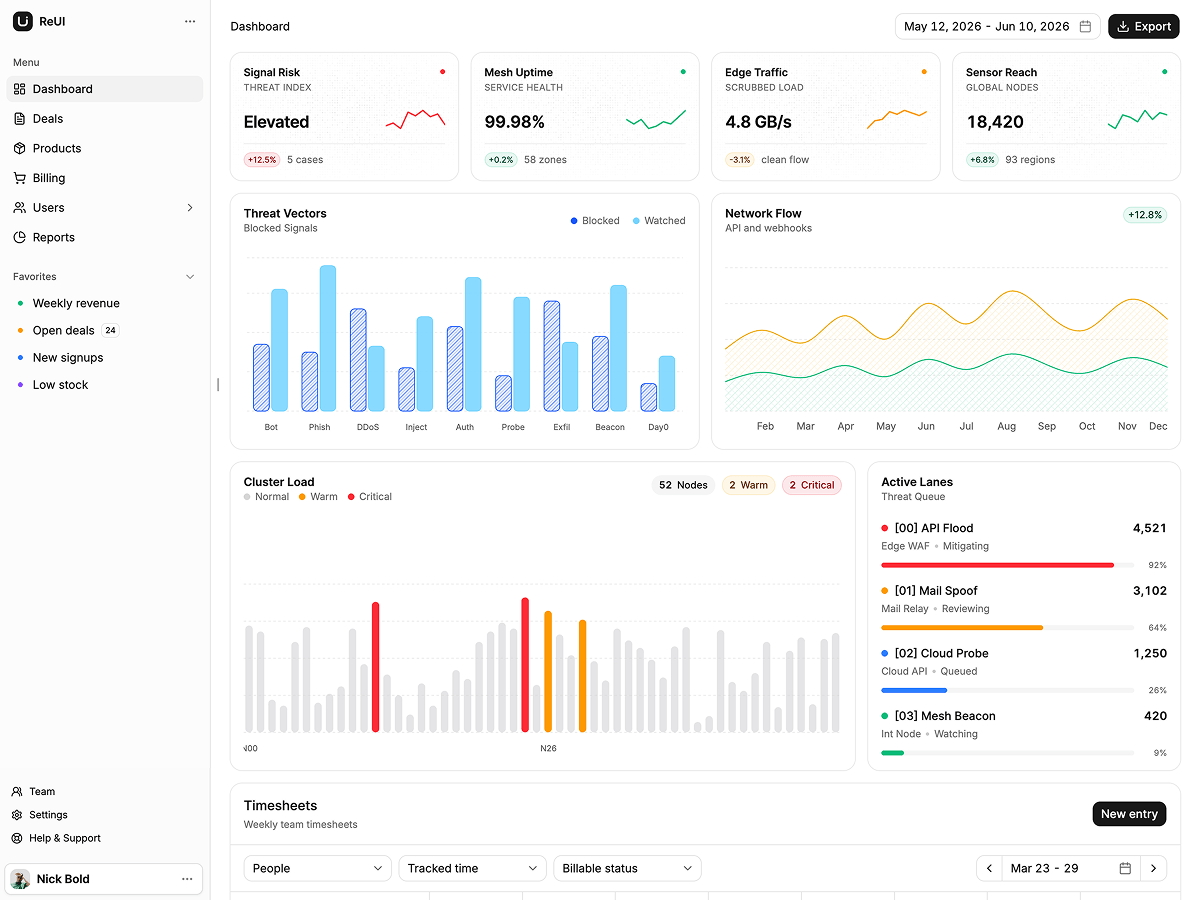
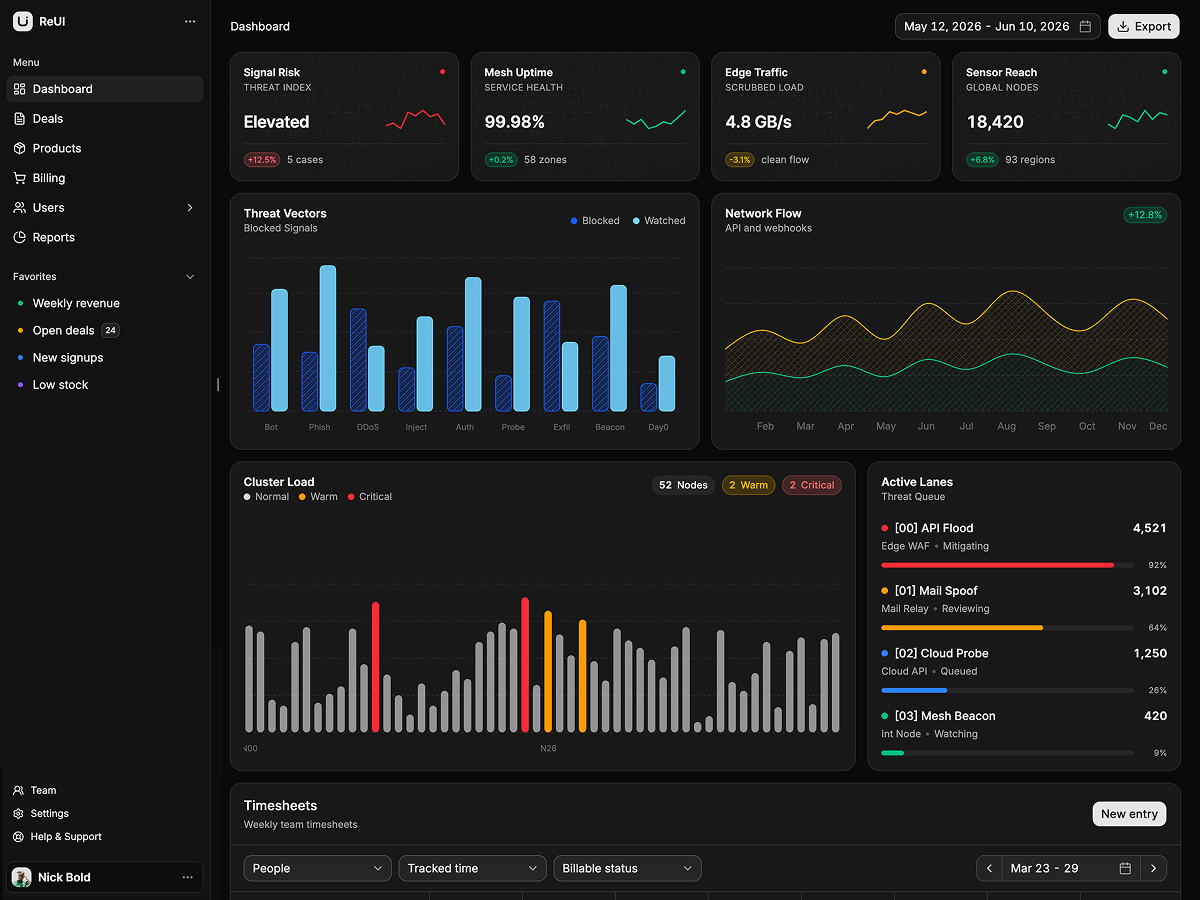
A security telemetry overview: four metric tiles, threat vector and network flow panels, a load panel with an active list, and a full width team timesheet grid. The layout is the reusable part. The panels read one data file and the timesheet grid keeps its own.
What do I get when I download a template?
The full source of a standalone project: every page, component, route, and style, ready to run locally. Templates are built entirely from ReUI blocks and components, so the code matches the registry you already use.
Do I need a plan to download templates?
Free templates only need a ReUI account, so sign in and download. Every other template is included with the Ultimate plan, alongside all blocks and Motion Icons.
Are templates sold individually?
No. Templates come with the Ultimate plan rather than as separate purchases, so one upgrade unlocks the whole catalog, including everything added later.
How do I install a template?
Download the source, install dependencies with your package manager, add your environment variables, and run the dev server. Each template ships a README with its own setup steps.