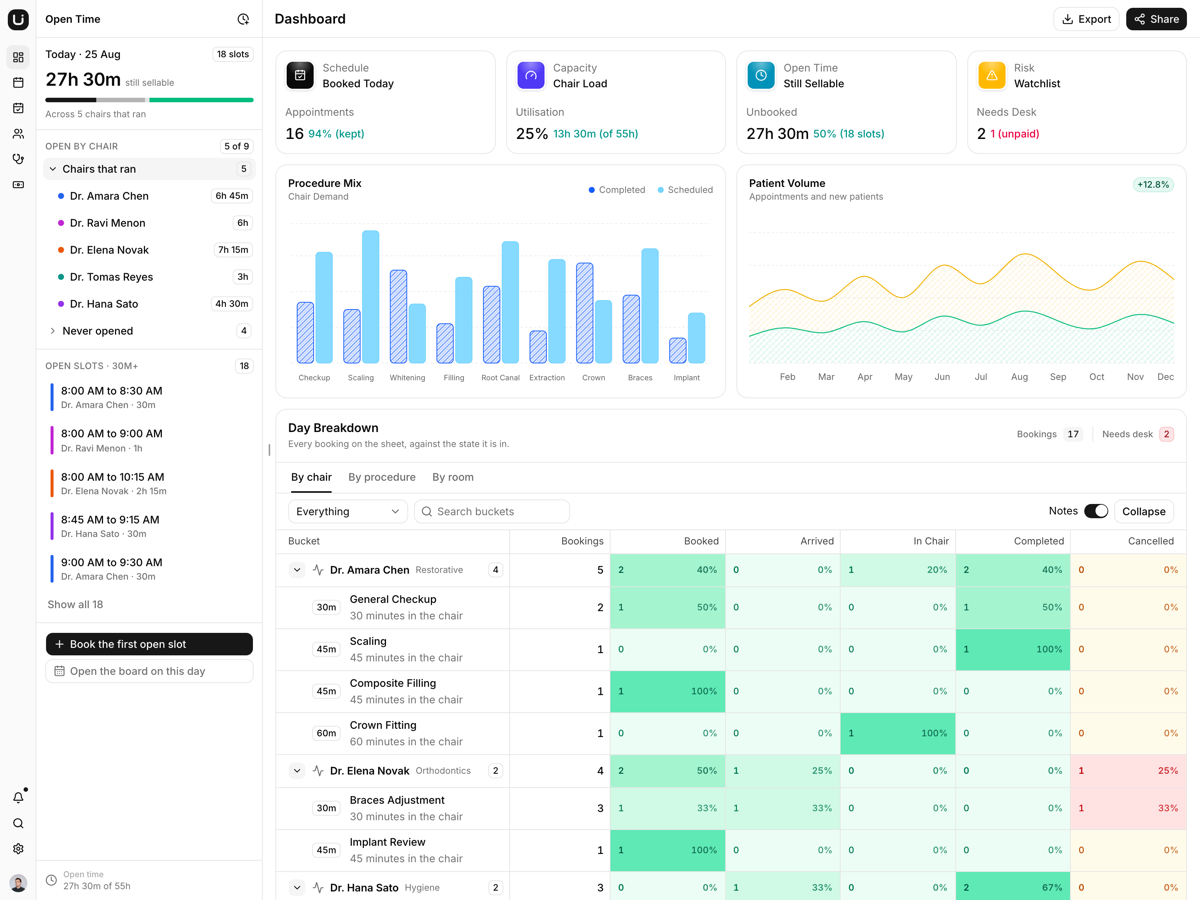
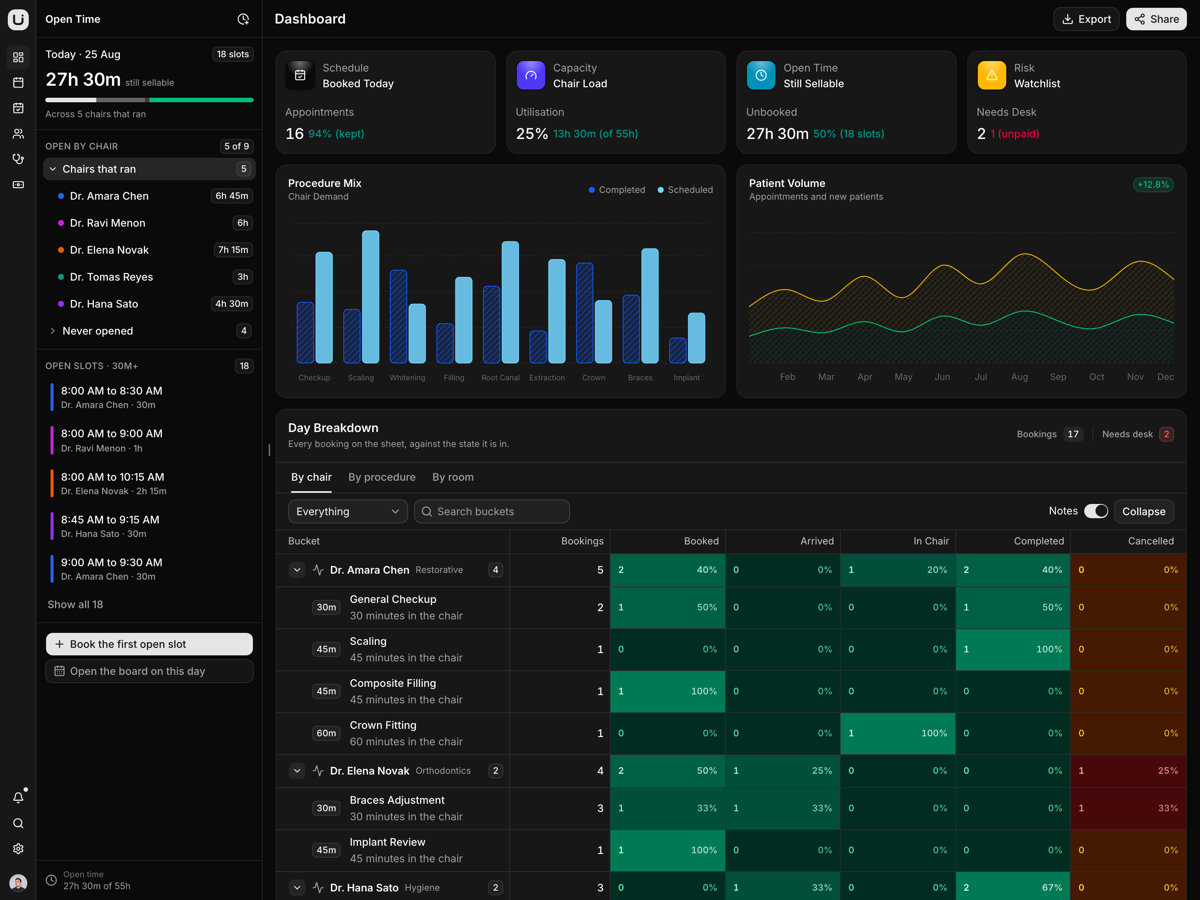
Roster - React HR and People Management Template
A React people operations console: a directory nested by reporting line, time off, timesheets, a hiring board and approvals, on typed modules with no server.
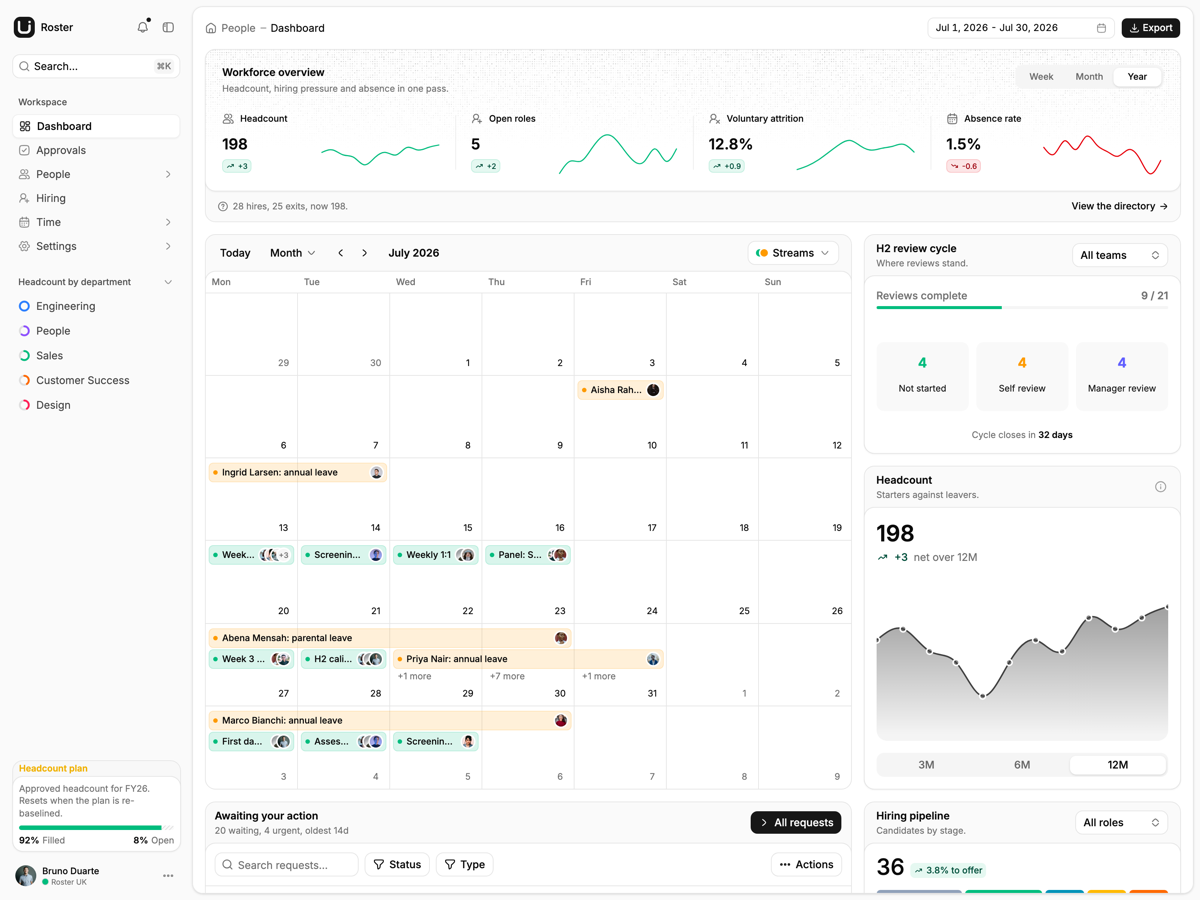
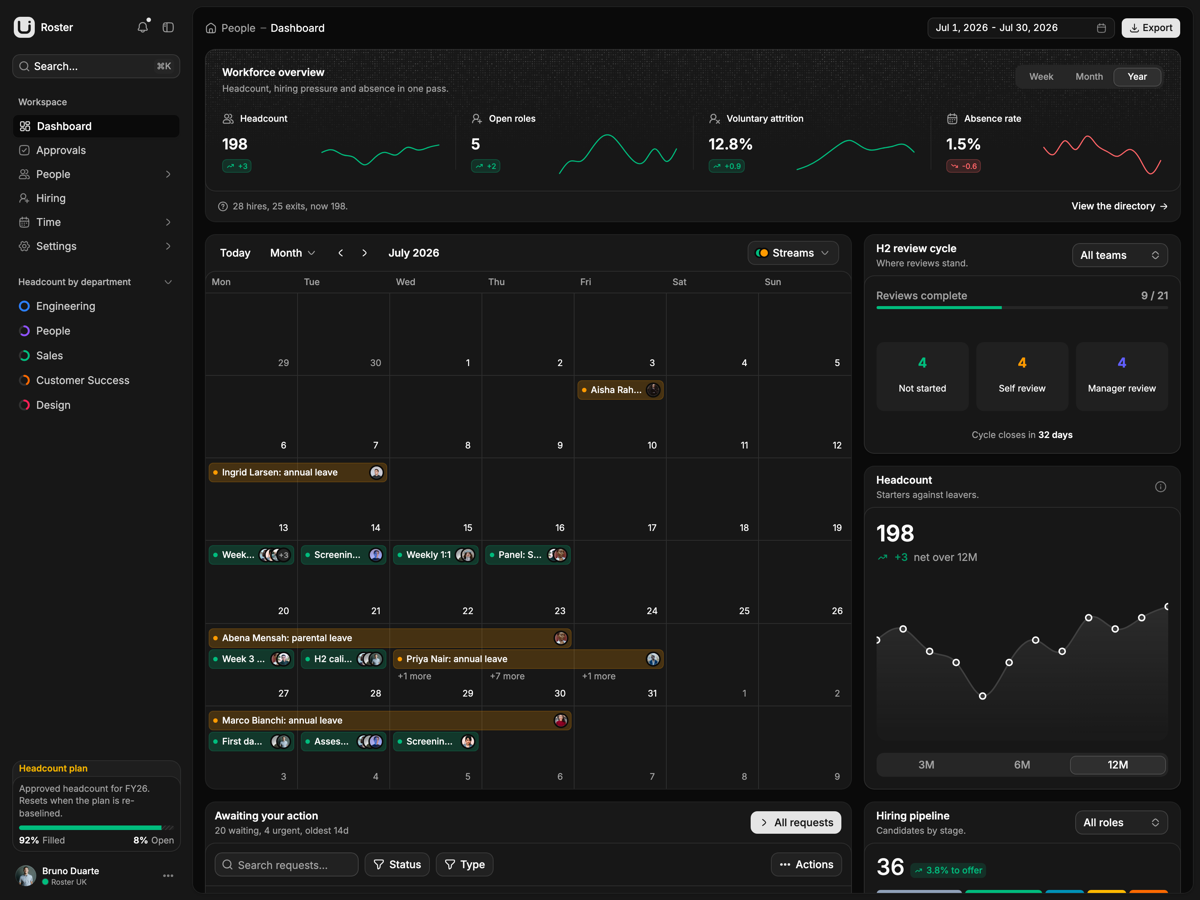
What is included
- Static build, no server. pnpm build writes dist, and vercel.json rewrites deep links to index.html.
- One switch for data. Every screen derives from src/lib/data/dataset.ts, so repointing that one file swaps the whole company.
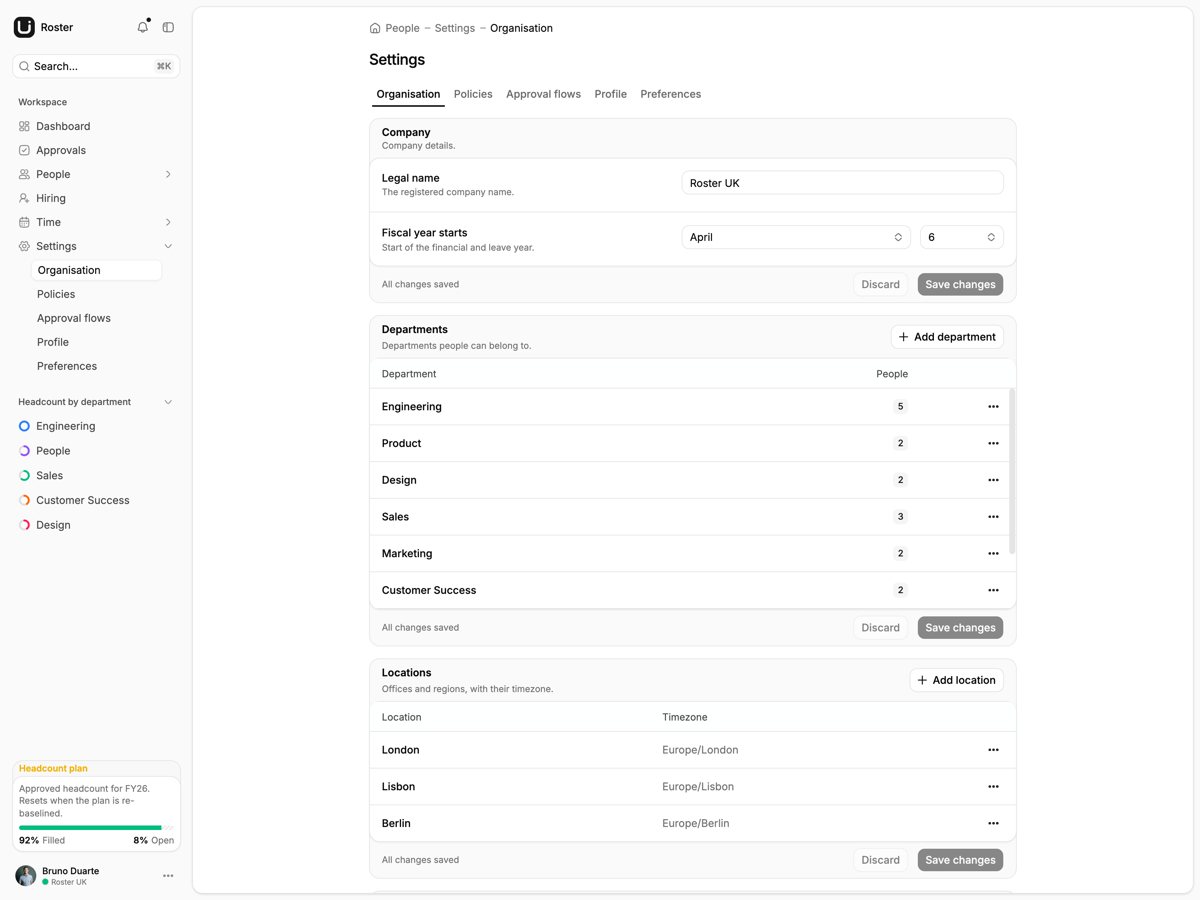
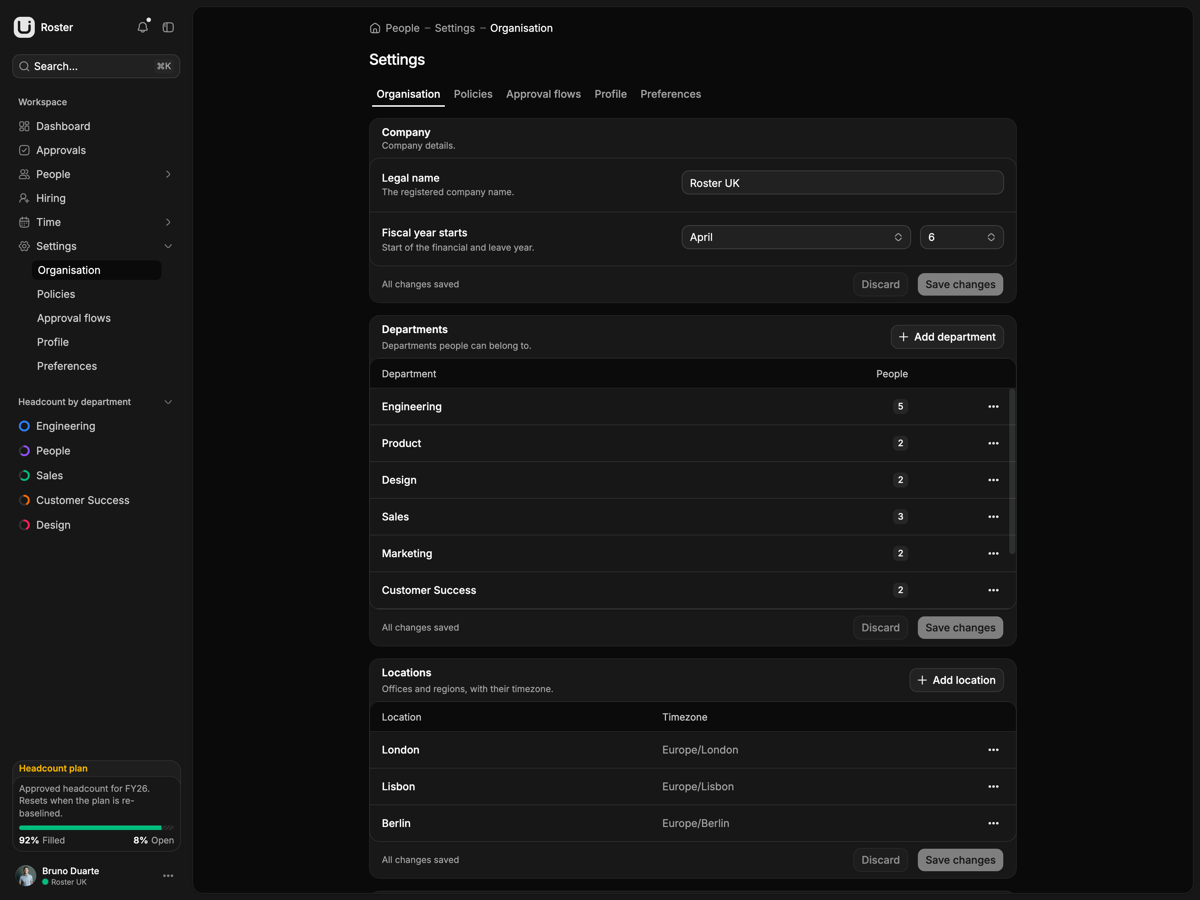
- Seven localStorage overlays. Decisions, candidate drags, people edits, org settings, notes, signed-off weeks and booked leave sit under roster.*.v1 keys.
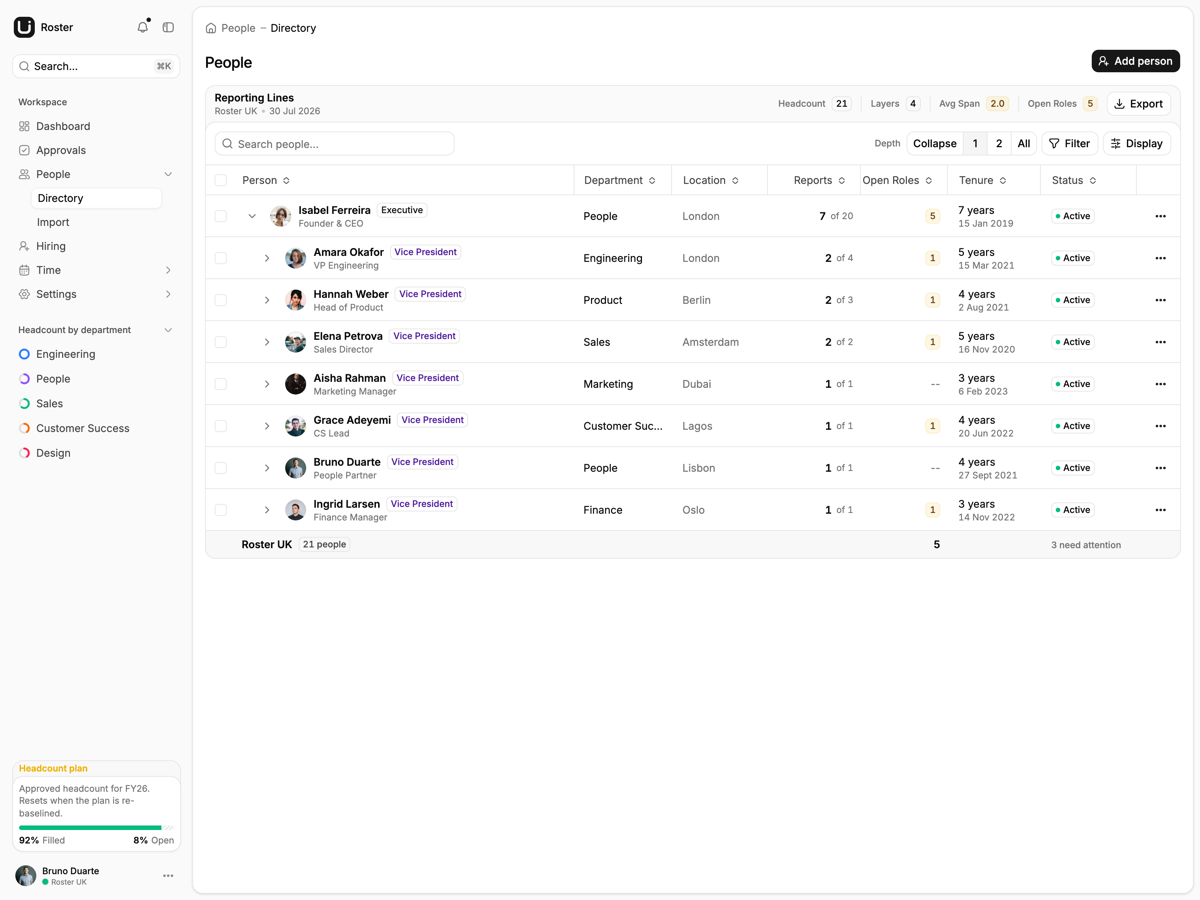
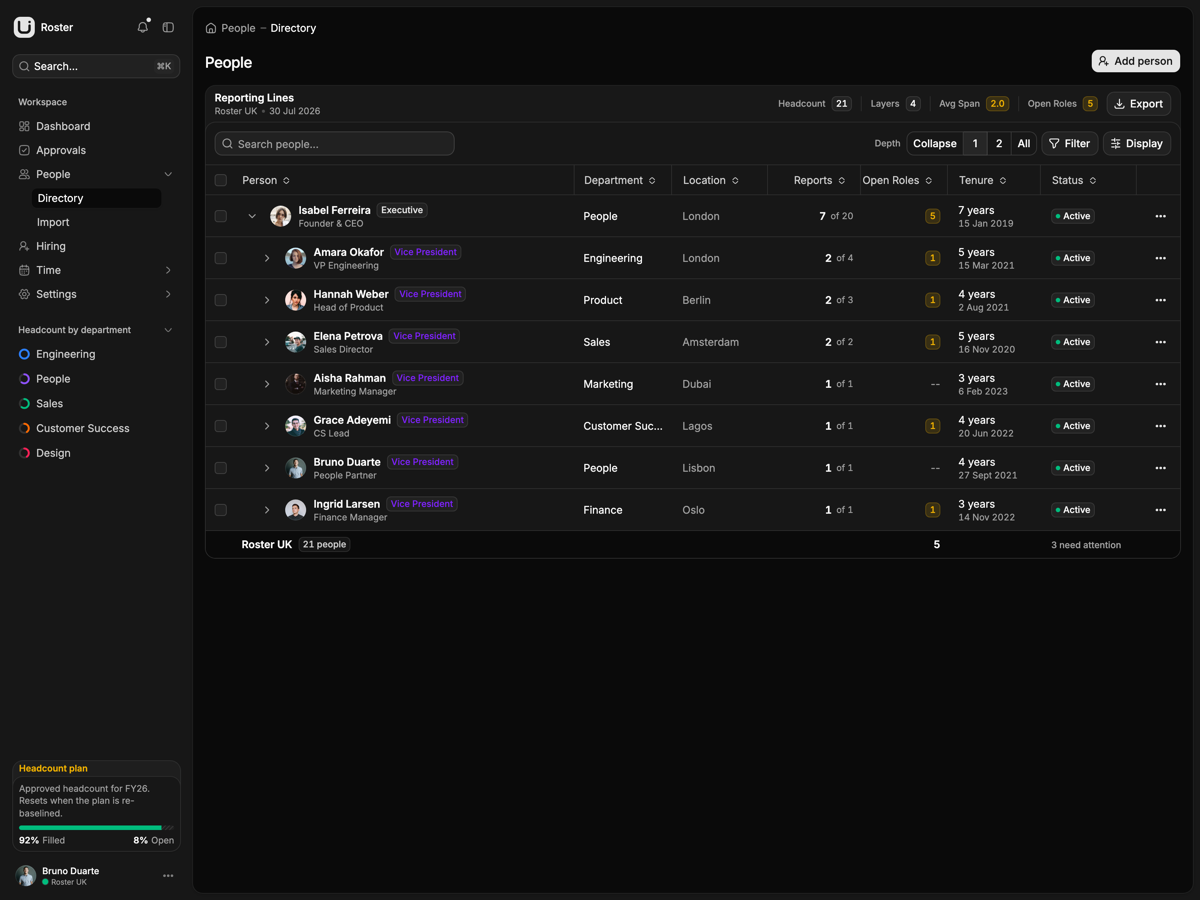
- Directory nests by manager. TanStack Table v9 getSubRows rolls span of control up each reporting line, rebuilt when the overlay changes.
- Four calendar views. Month, week, day and agenda, and dragging an event rewrites the leave store.
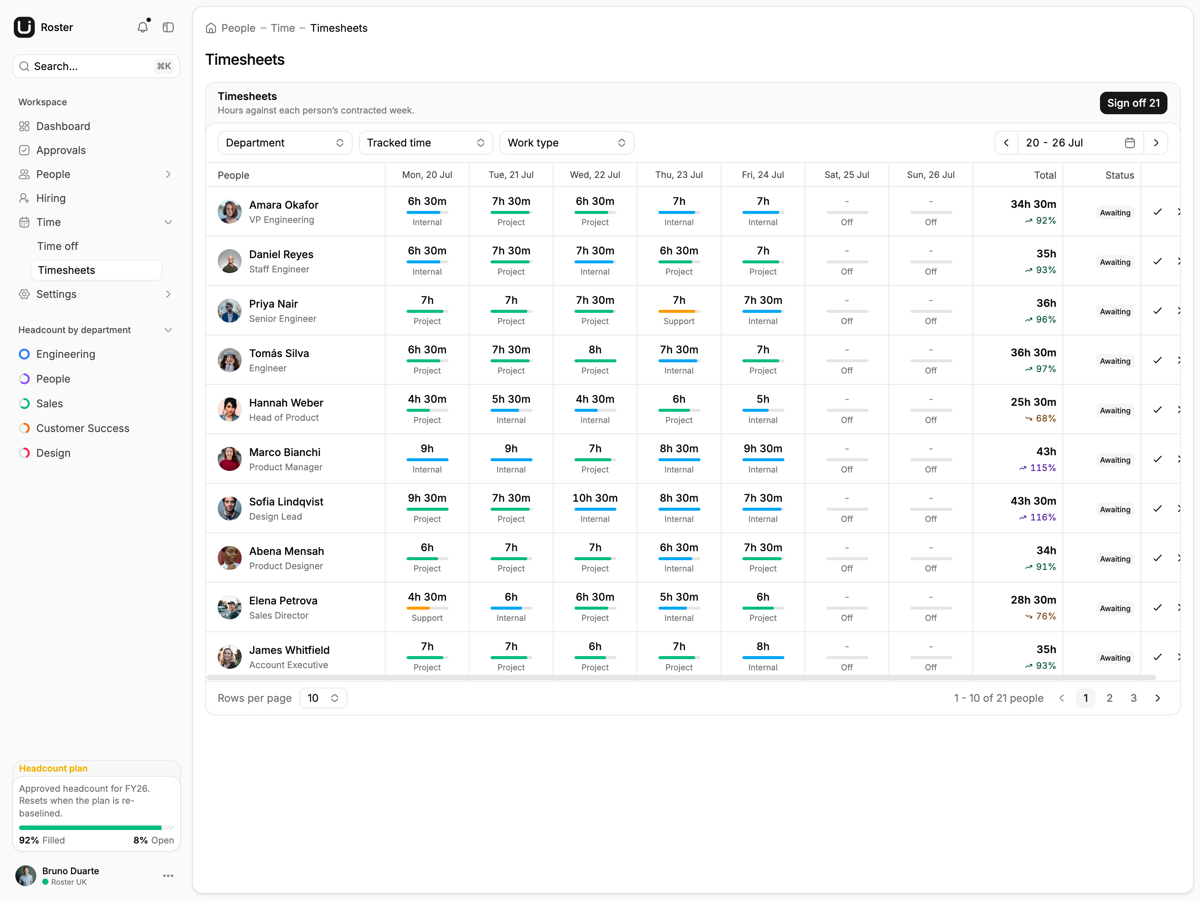
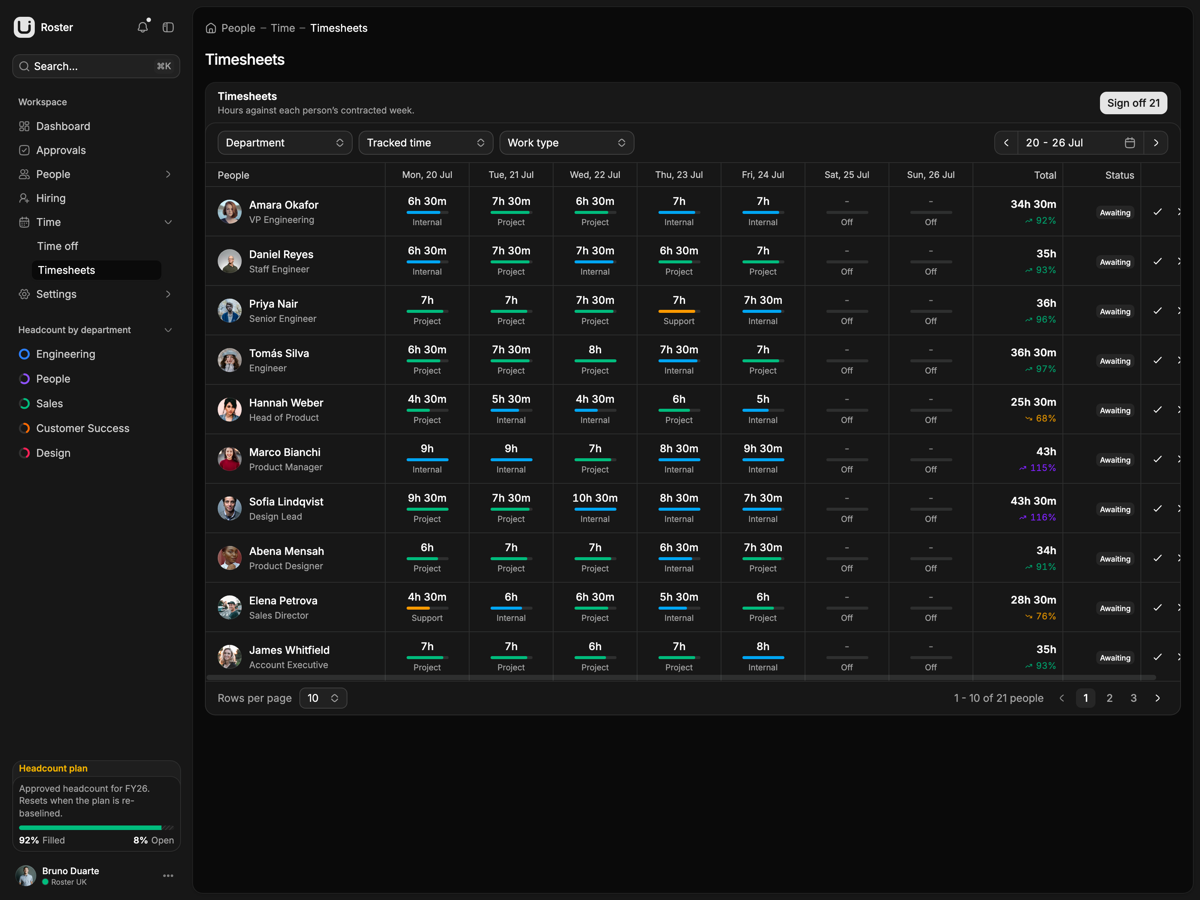
- Timesheets count leave. dailyMinutes prices an approved leave day at the contracted week over the working days in Settings.
- Five-step CSV import. Upload, map, preview, merge duplicates, import, through a hand-written parser that survives Excel's BOM.
- Drag moves the funnel. Dropping a candidate into Offer moves the dashboard funnel.
Who it is for
- Shipping an HR tool with no backend Nothing to host but files, and every change stays in the browser.
- Fronting an existing HR API Swap the PERSISTENCE block in each of the seven stores; the derivations above stay.
- Standing the app up on real data Point dataset.ts at seed/empty and the dashboard becomes a six-step setup checklist.
Frequently asked questions
Is there a backend, and do my changes survive a reload?
There is no server. The sample company of 21 people lives in src/lib/data/seed, and everything you do on top of it goes into seven localStorage stores: roster.people.v1, roster.decisions.v1, roster.pipeline.v1, roster.org-config.v1, roster.notes.v1, roster.week-decisions.v1 and roster.leave-events.v1. Those changes survive a reload in that browser and nowhere else, so clearing site data puts you back to the seed.
How is this different from Cohort, the Laravel version?
Same product, opposite half of the stack. This one is a Vite SPA that builds to static files and keeps state in the browser, so it deploys to any static host with no database and no runtime environment variables. Cohort runs the same screens on Laravel against a real database. Take this one if you are bringing your own API or only want the front end.
Does the sign-in screen actually authenticate?
No. Both /sign-in and /sign-up open pre-filled from DEMO_CREDENTIALS, submitting calls preventDefault and navigates to the dashboard, and the password field is never read. The signed-in user is CURRENT_USER in src/lib/auth/session.ts, resolved once at module load, and no route is guarded. Add your provider and route protection before real users see it.
What do I get when I download a template?
The full source of a standalone project: every page, component, route, and style, ready to run locally. Templates are built entirely from ReUI blocks and components, so the code matches the registry you already use.
Do I need a plan to download templates?
Free templates only need a ReUI account, so sign in and download. Every other template is included with the Ultimate plan, alongside all blocks and Motion Icons.
Are templates sold individually?
No. Templates come with the Ultimate plan rather than as separate purchases, so one upgrade unlocks the whole catalog, including everything added later.
How do I install a template?
Download the source, install dependencies with your package manager, add your environment variables, and run the dev server. Each template ships a README with its own setup steps.