TanStack Start Whiteboard Template with Docs, Kanban and AI - ReUI
Mesh - TanStack Start Whiteboard Template
new
A visual collaboration workspace on TanStack Start: an Excalidraw whiteboard with AI actions, Tiptap docs, a kanban board, a template gallery and a launch desk.
More templates
What is included
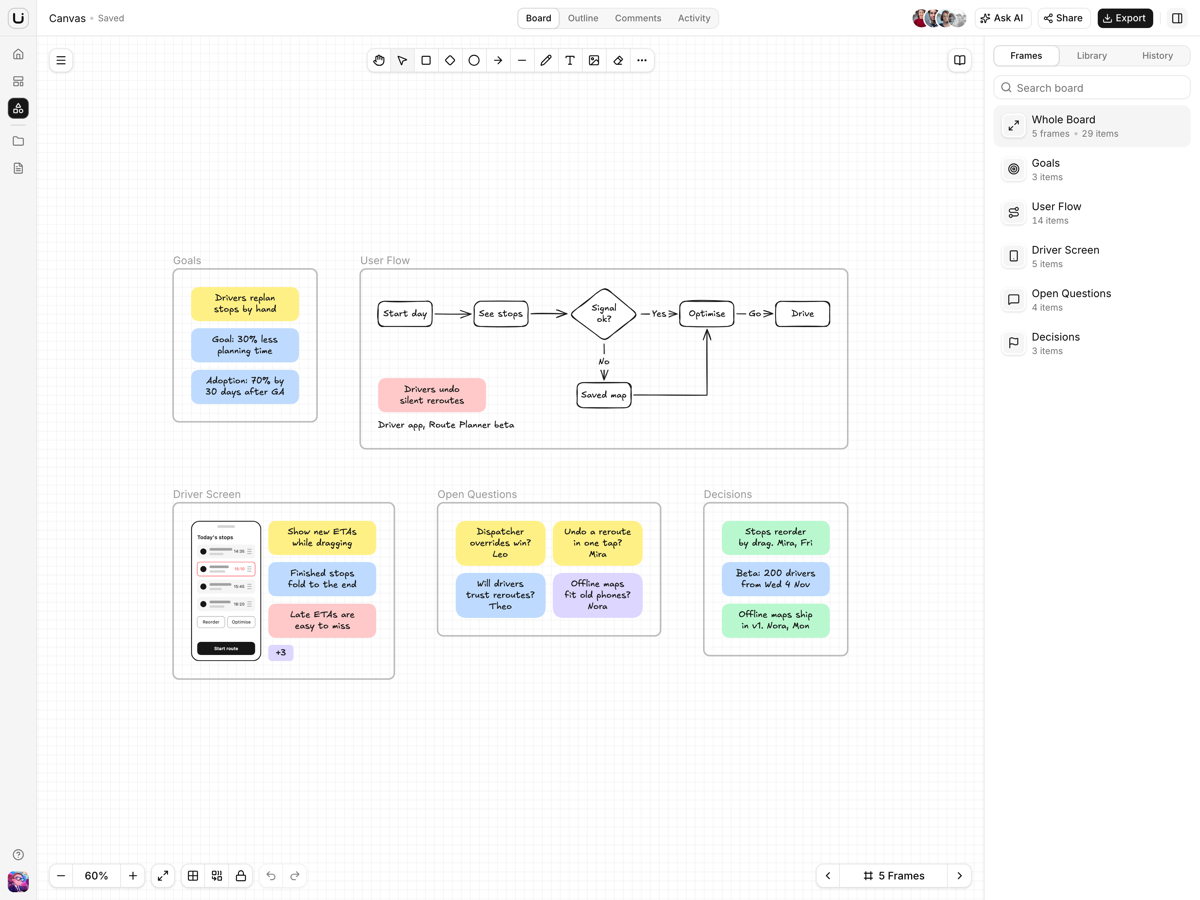
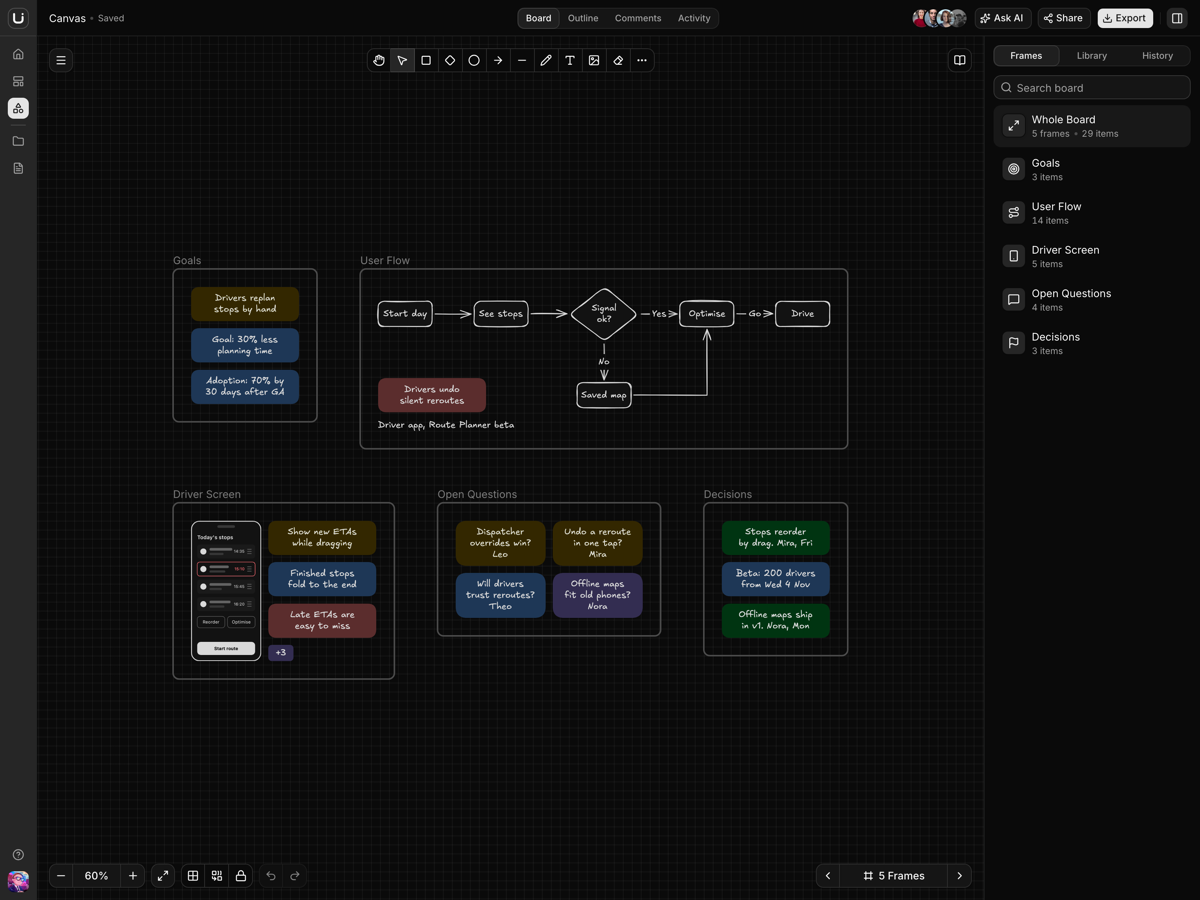
A board in frames.The Excalidraw board opens on five named frames, and the bracket keys step between them.
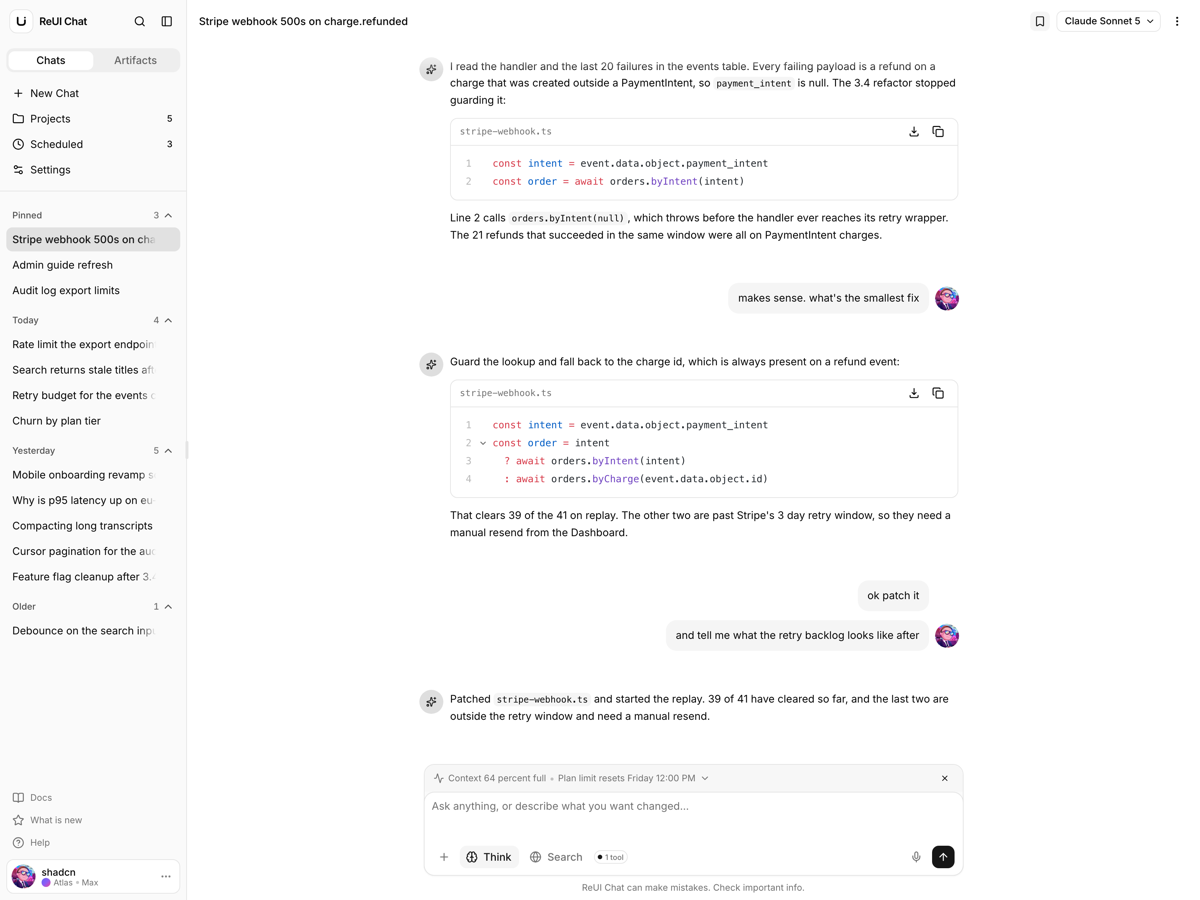
Eight AI actions.Expand an idea, summarize a selection or turn it into tasks; drafts land as shapes and arrows.
Export one frame.PNG or SVG of the board, the selection or one frame.
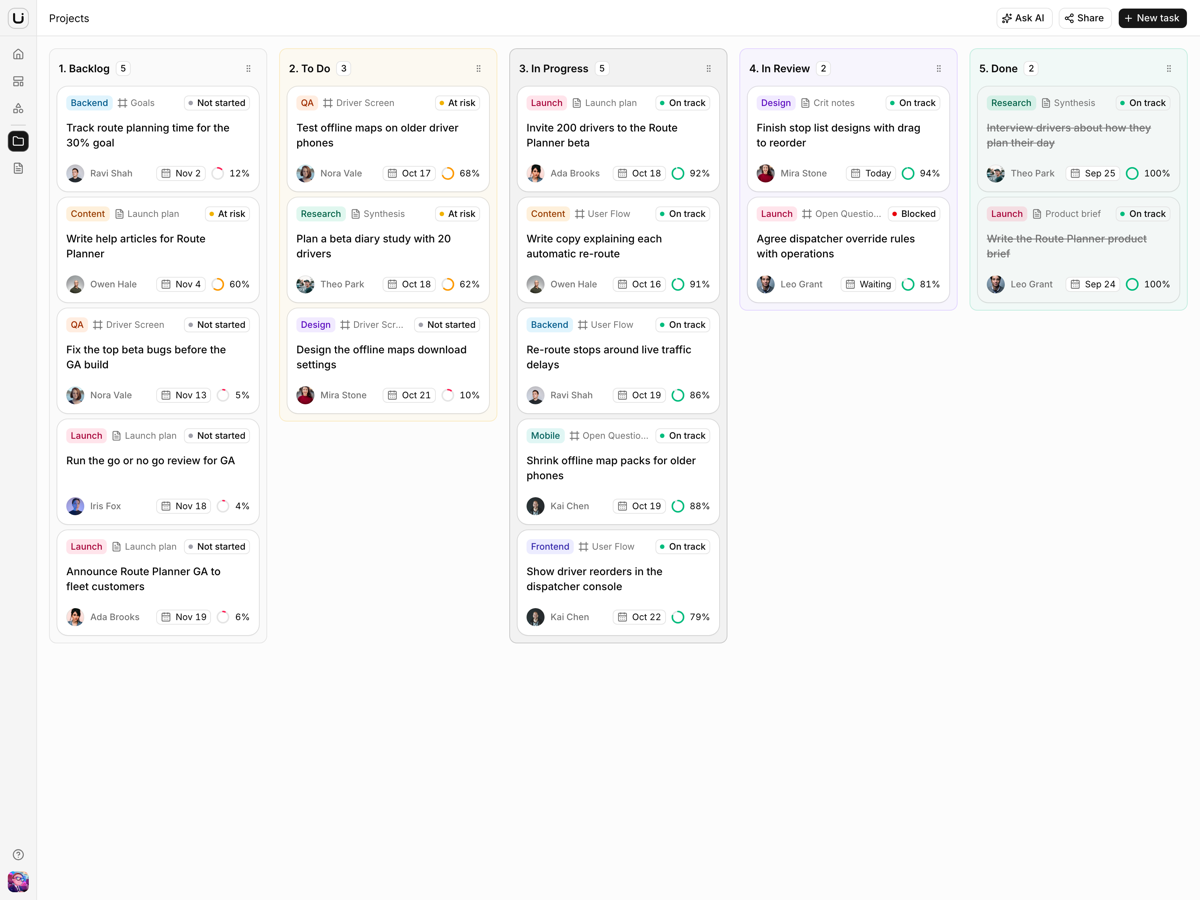
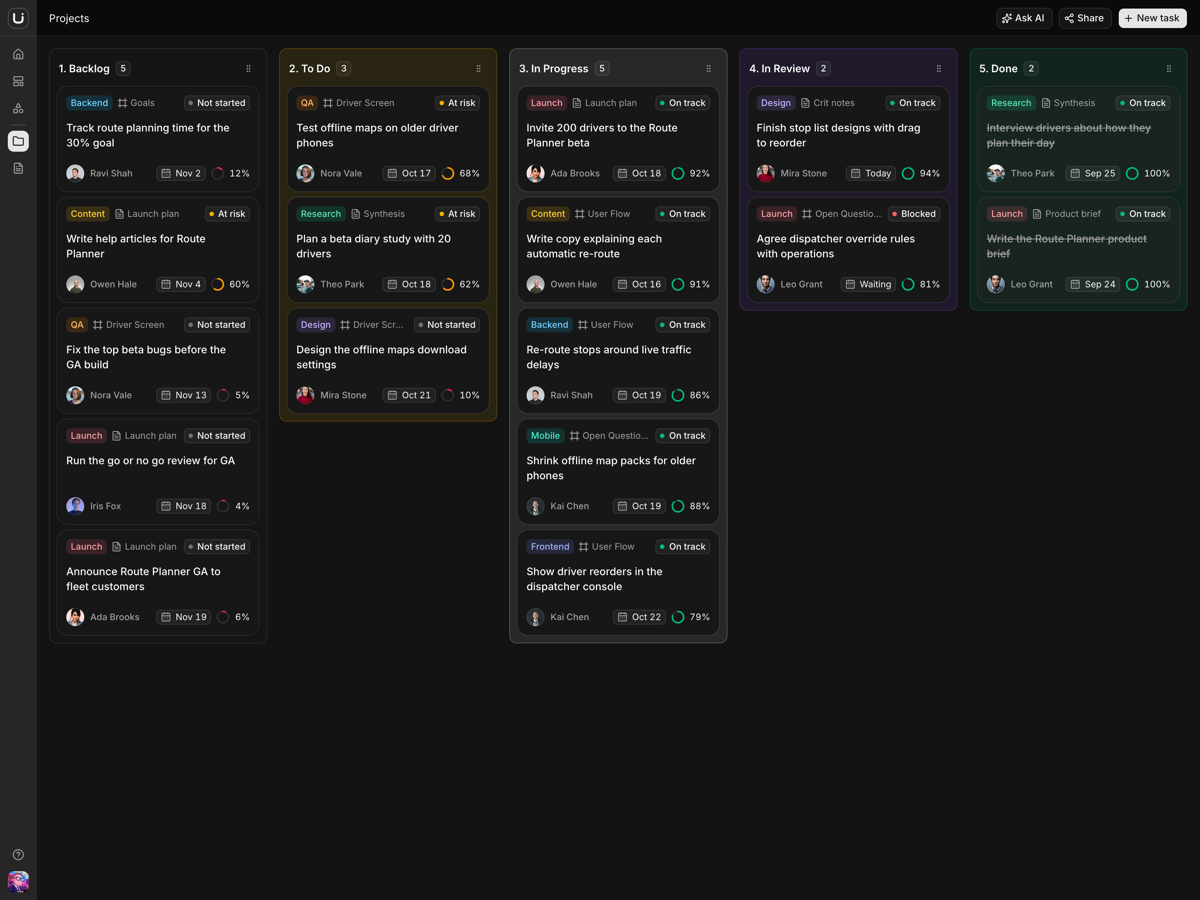
Tasks know where their work lives.A task links to its frame or doc; the link opens the board on that frame, or the doc.
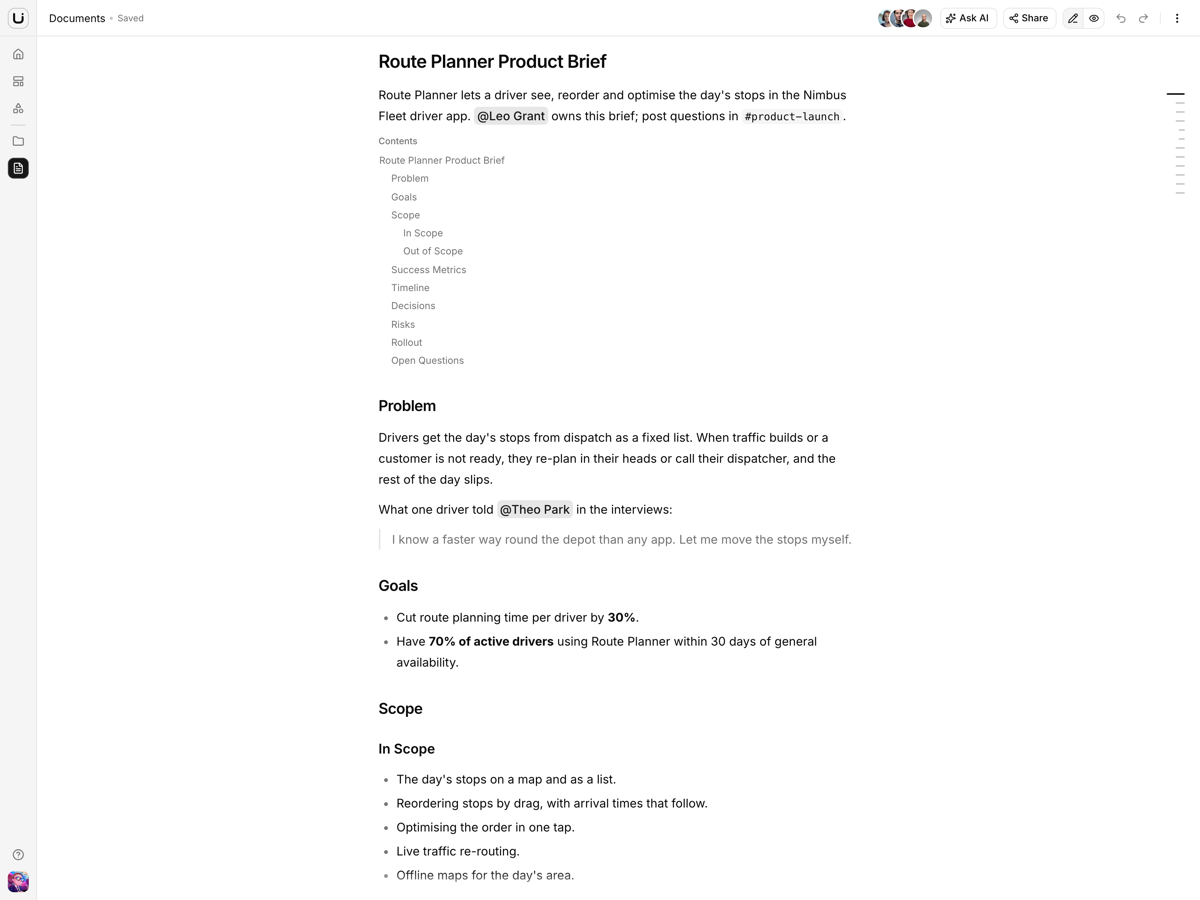
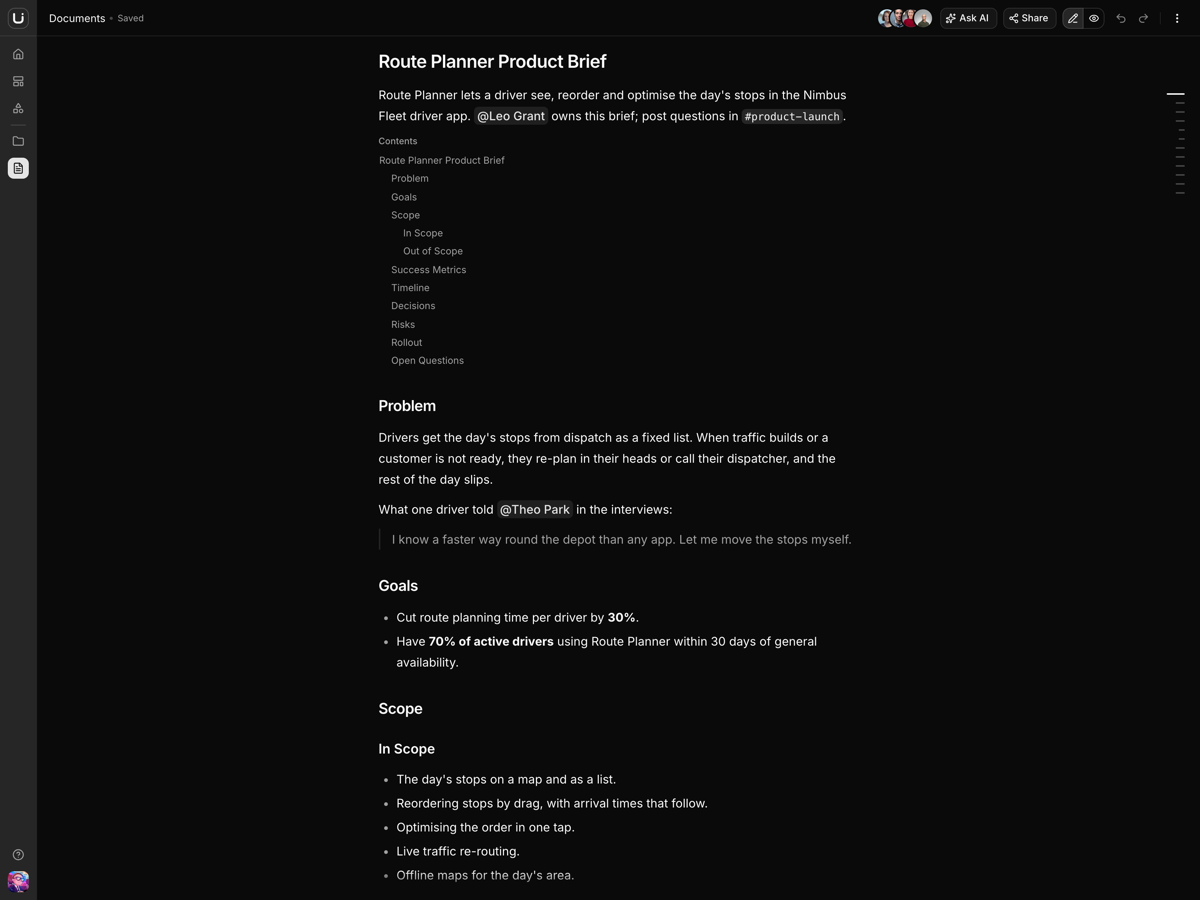
Docs with a slash menu.Tiptap pages with mentions, tables, to-do lists, an outline rail and a View mode.
Templates that open as work.Fourteen board and doc templates in six categories, each opening a new board or doc.
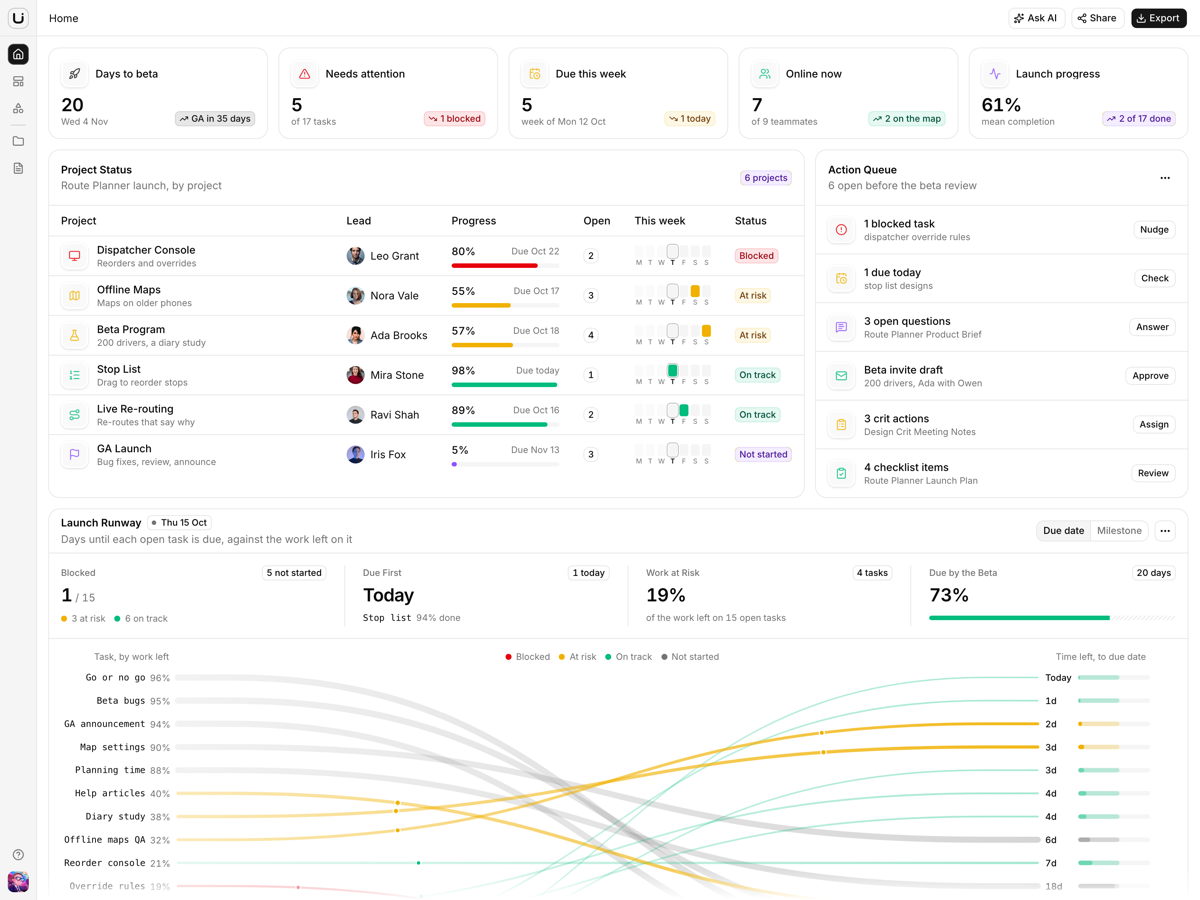
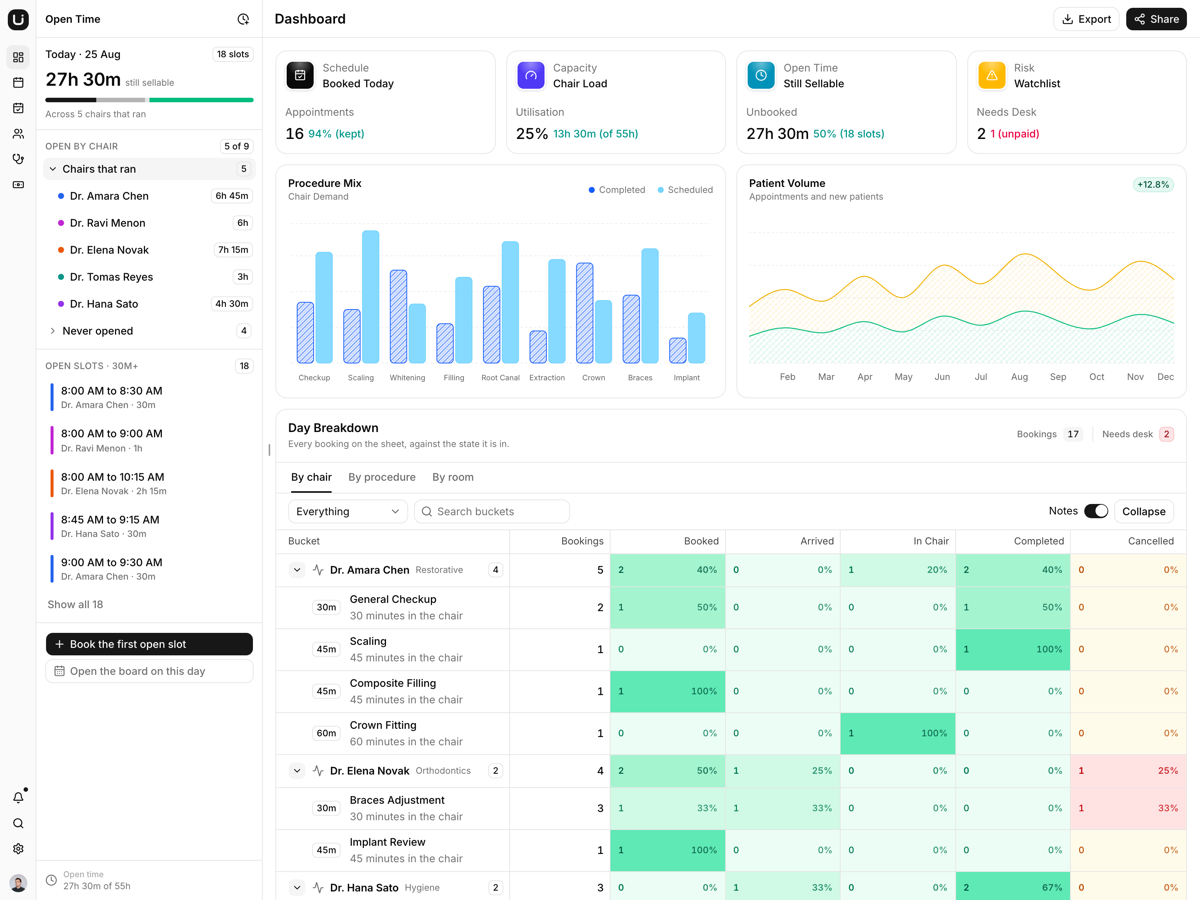
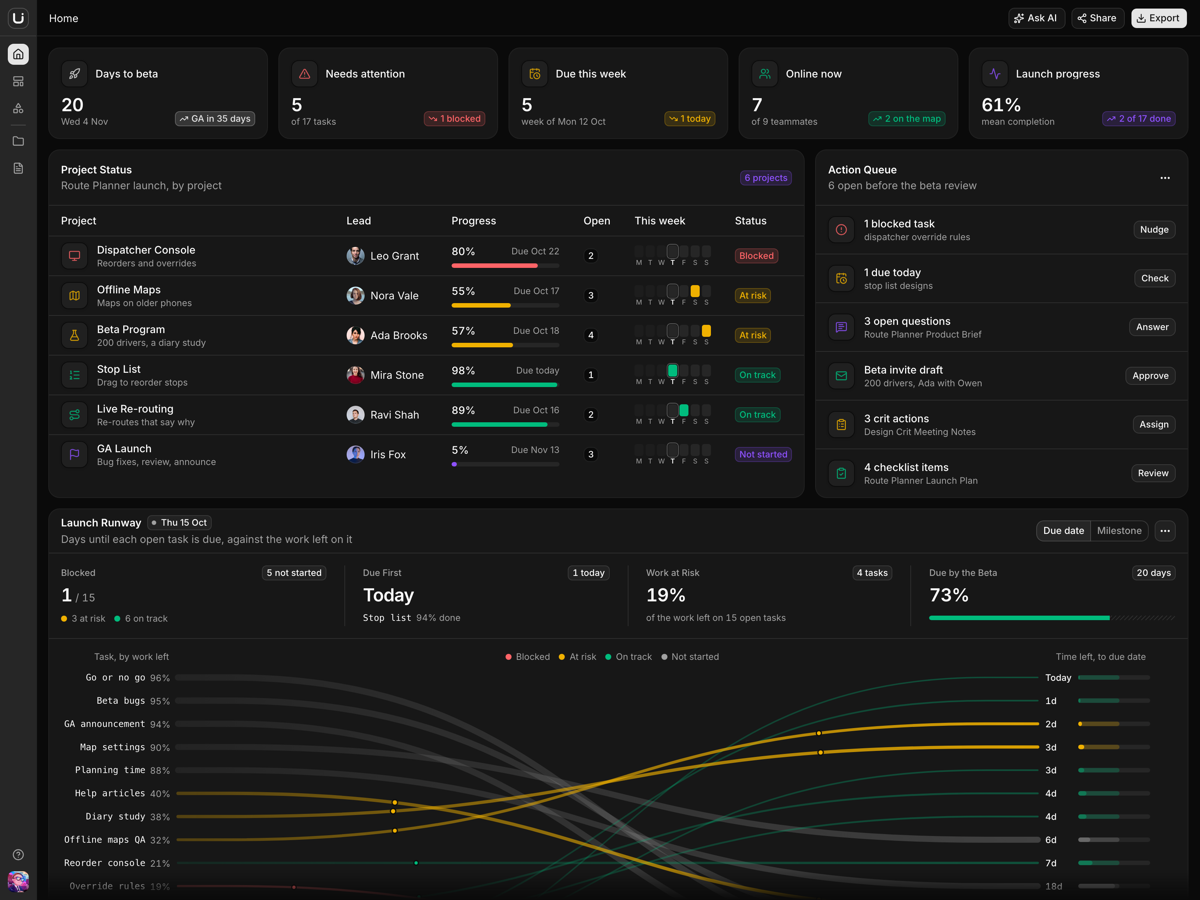
A launch desk on Home.Tiles, a project table and a slope chart computed from the tasks, docs and milestones.
Shortcuts per page.Help lists only the keys the open page handles.
Who it is for
Teams building a whiteboard productFrames, export, a shape library and saved versions already sit around the Excalidraw canvas.
Founders demoing a collaboration toolBoards, docs and tasks tell one launch story and link to each other.
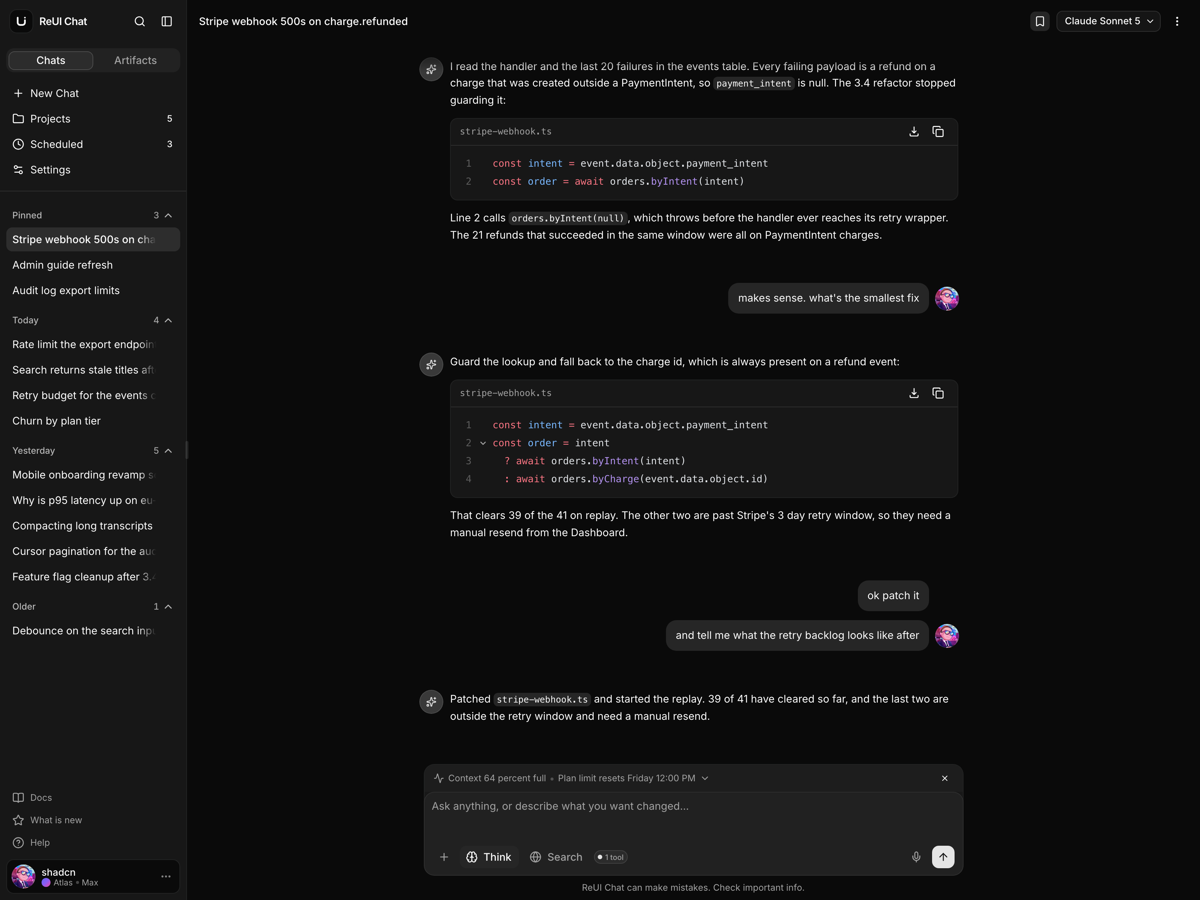
Developers wiring AI into a canvasEight board actions call one interface, so a server function swaps in your model.
Frequently asked questions
Does it include a backend, and do my boards and docs survive a reload?
No backend, and no. Canvas keeps the scene, library and versions in an in-memory store, Documents keeps every doc in useDocumentStore, and Projects holds its cards in React state, so edits survive moving between pages and a reload opens the seeds again. Those stores are the seams: load and save through them and the components stay as they are. The sign-in screen does not authenticate and no route is guarded.
Are the AI features connected to a model?
No. The board's eight actions run a local demo assistant that drafts from the board's own text, and its toasts name it as one. Ask AI answers from a fixed reply library that cites the workspace's own boards, docs and tasks. To go live, implement the KnowledgeAssistant interface over a TanStack Start server function that holds your key, and register it once with configureAssistant.
Does the running app call any outside host?
Not for data, but for some assets. Avatars load from images.unsplash.com and reui.io, the sign-in backdrop is a hotlinked Unsplash photo, and Excalidraw fetches its hand-drawn fonts from esm.sh when Canvas opens. The README shows how to self-host the fonts and where to swap the images, which matters behind a strict content security policy.
What do I get when I download a template?
The full source of a standalone project: every page, component, route, and style, ready to run locally. Templates are built entirely from ReUI blocks and components, so the code matches the registry you already use.
Do I need a plan to download templates?
Free templates only need a ReUI account, so sign in and download. Every other template is included with the Ultimate plan, alongside all blocks and Motion Icons.
Are templates sold individually?
No. Templates come with the Ultimate plan rather than as separate purchases, so one upgrade unlocks the whole catalog, including everything added later.
How do I install a template?
Download the source, install dependencies with your package manager, add your environment variables, and run the dev server. Each template ships a README with its own setup steps.