Echo - Next.js AI Chat Template
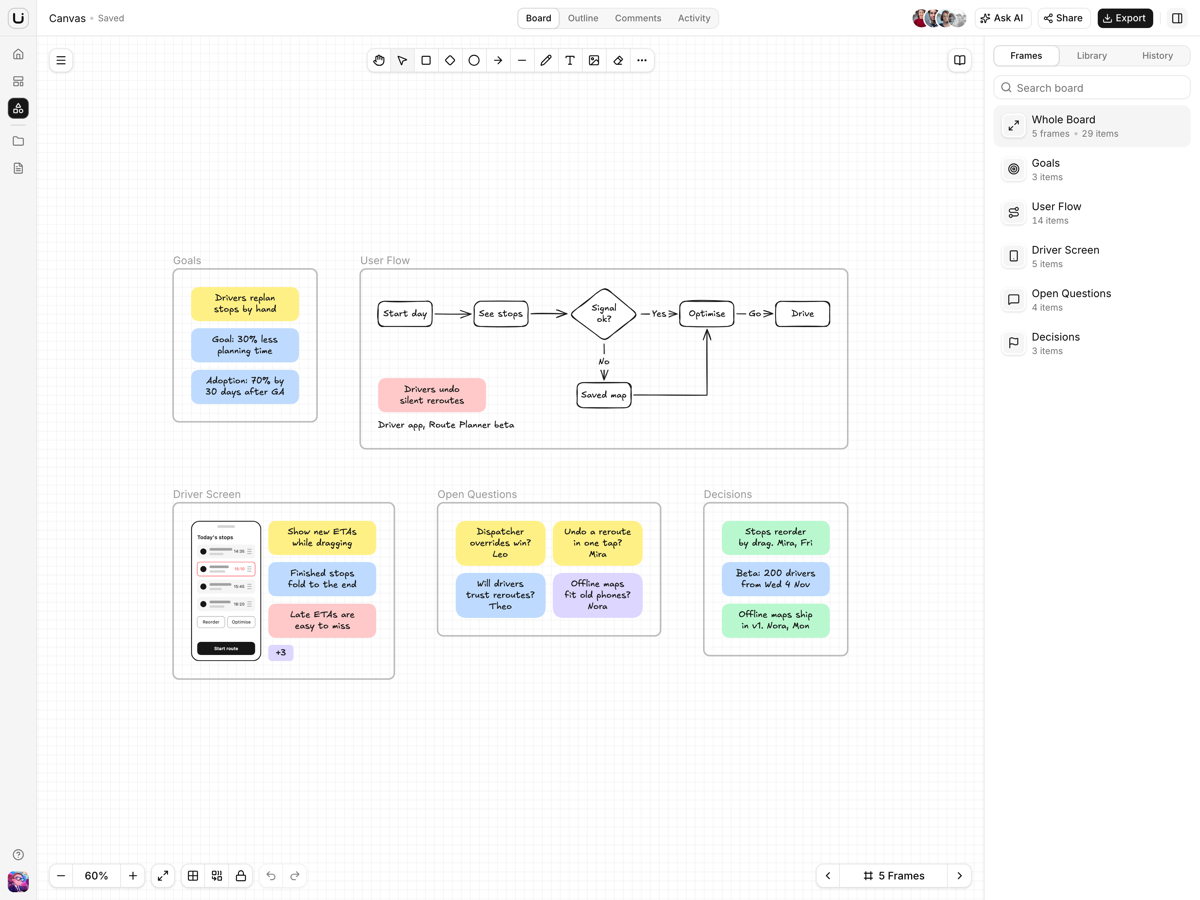
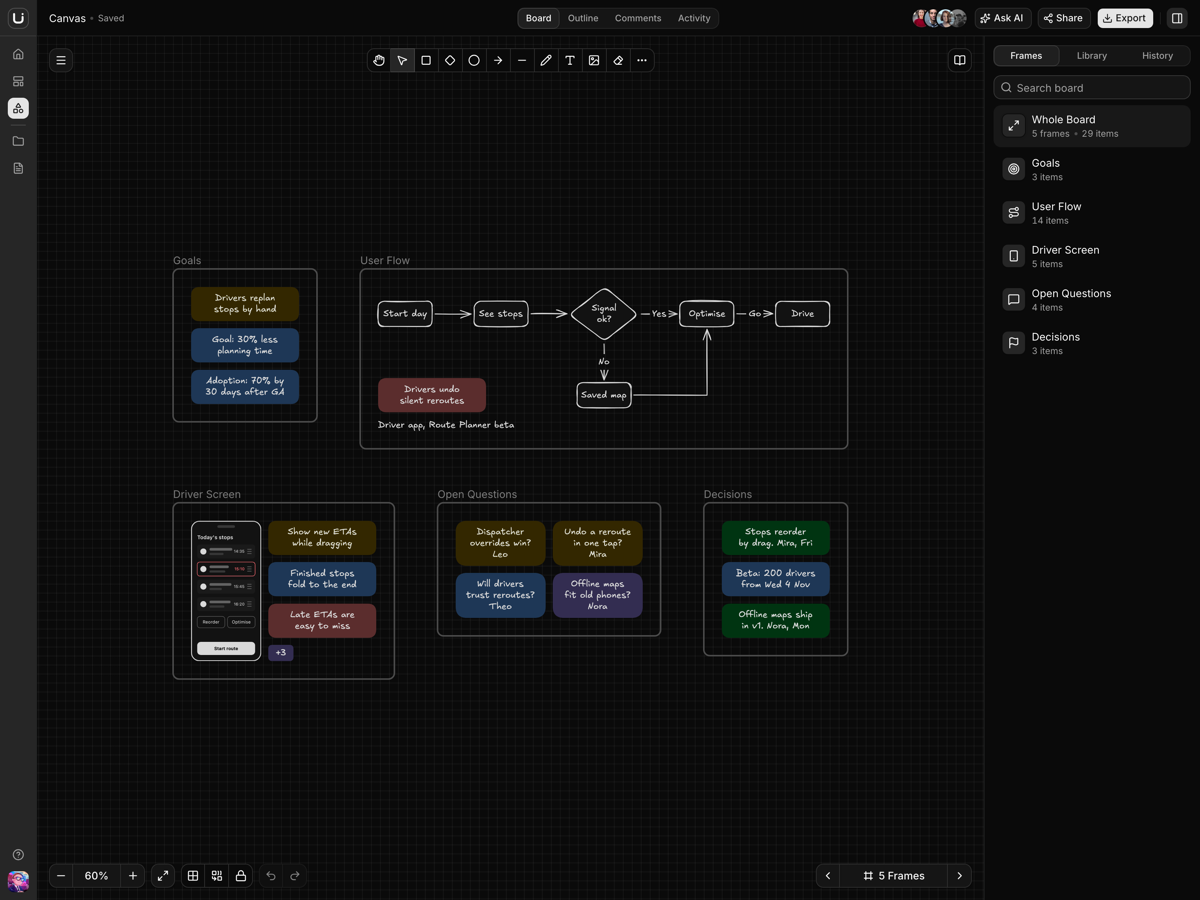
newAn AI chat workspace on Next.js 16: addressable conversations, a docked artifact panel, projects with standing instructions, and scheduled tasks.
What is included
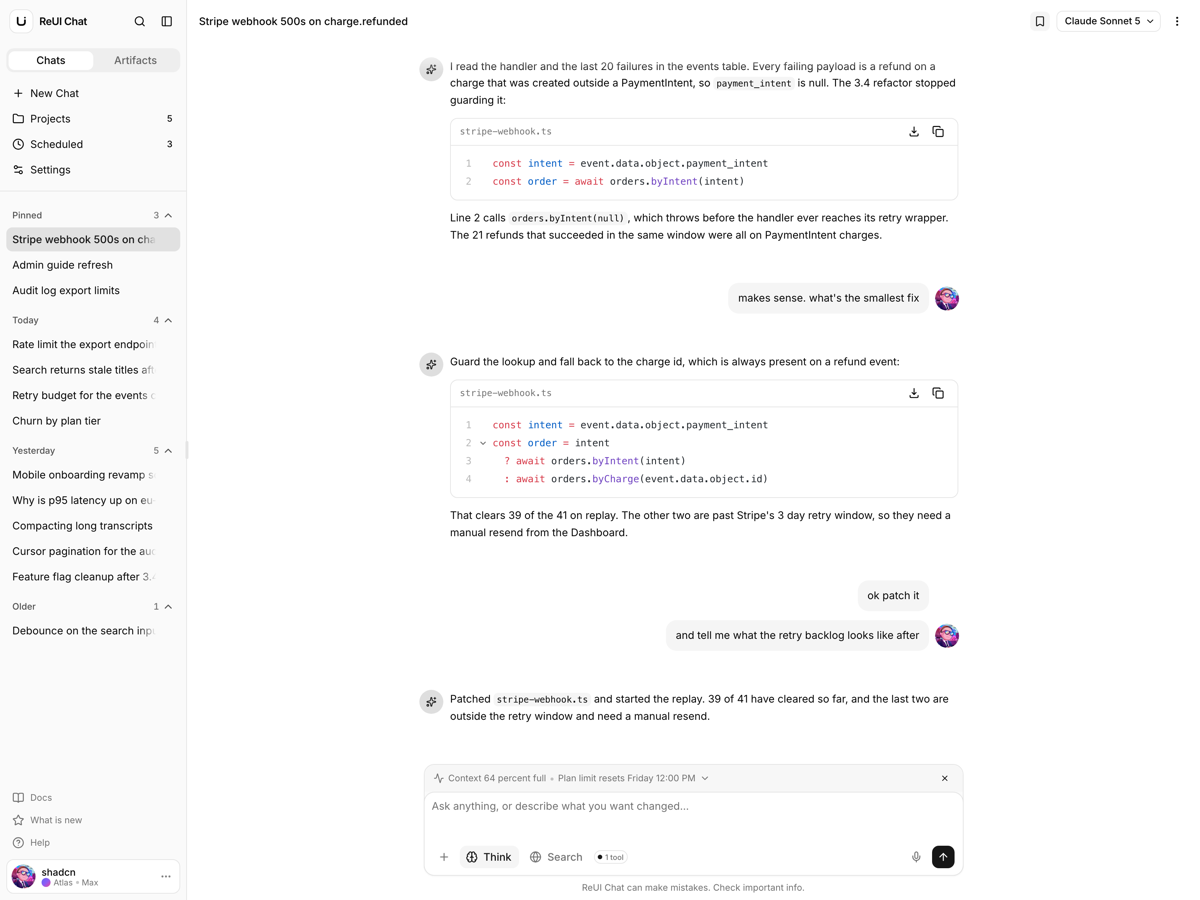
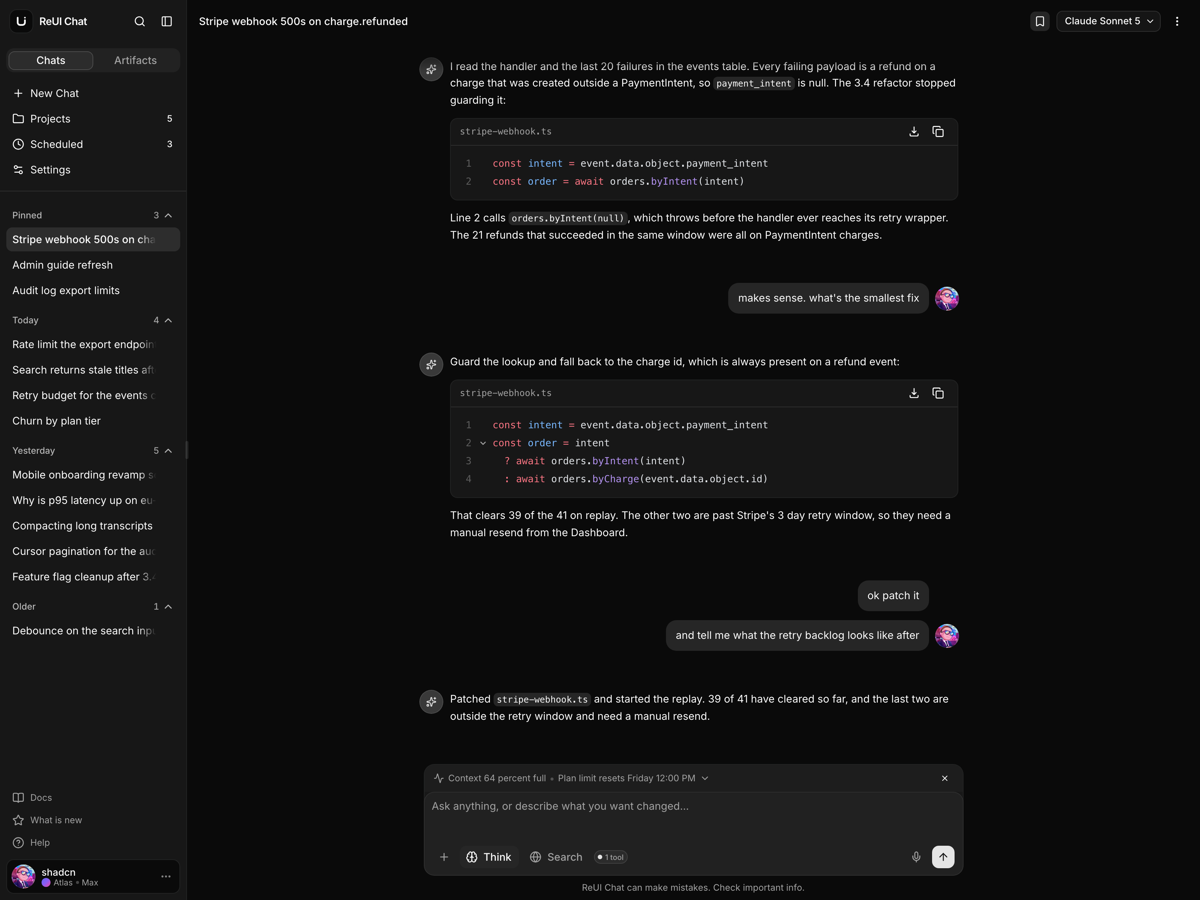
- Conversations have addresses. The first message mints a UUID and moves the URL onto it, so a link works.
- Docked artifact panel. A file opens beside the transcript in a resizable split, and the composer stays live.
- Real bytes behind it. The eight seeded artifacts are files on disk, drawn by pdf.js and Shiki.
- Export writes Markdown. Export transcript downloads the conversation as a real .md file.
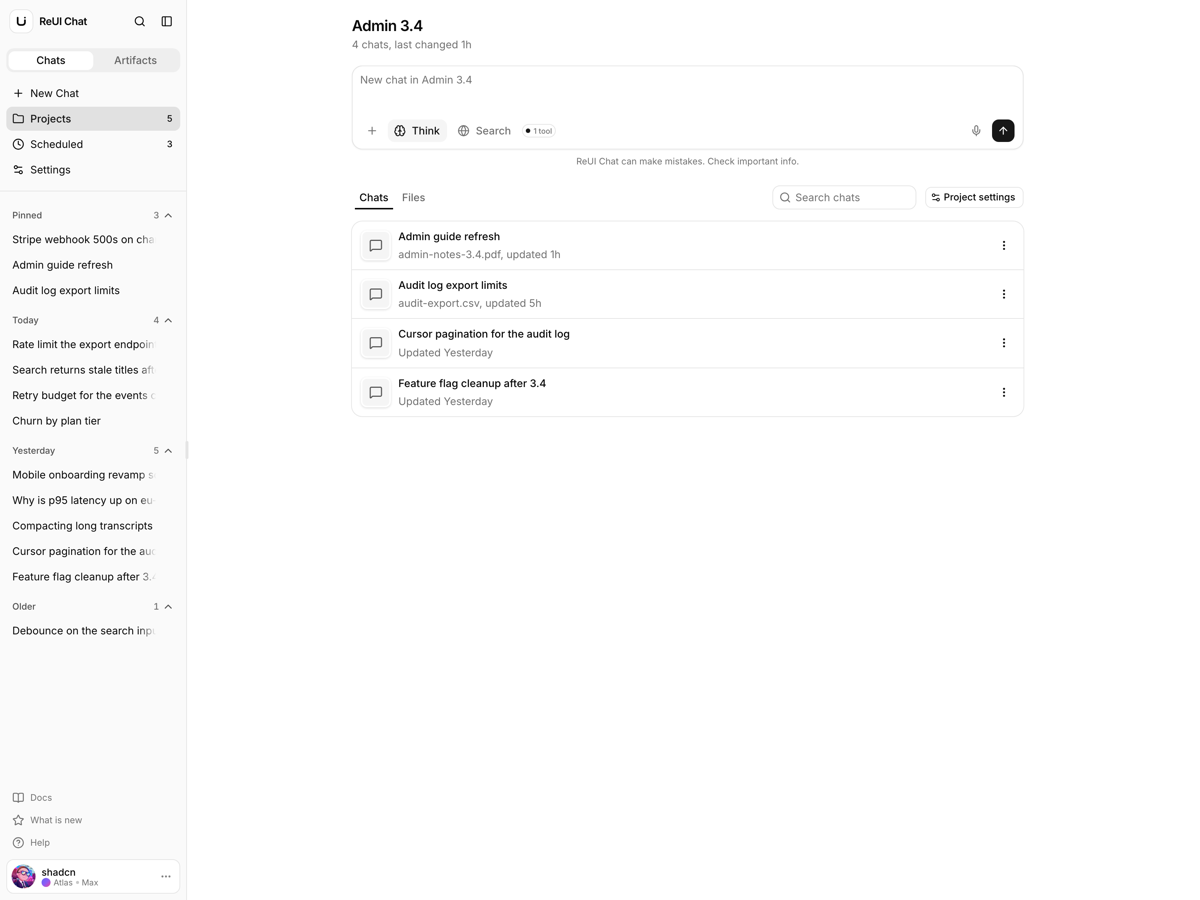
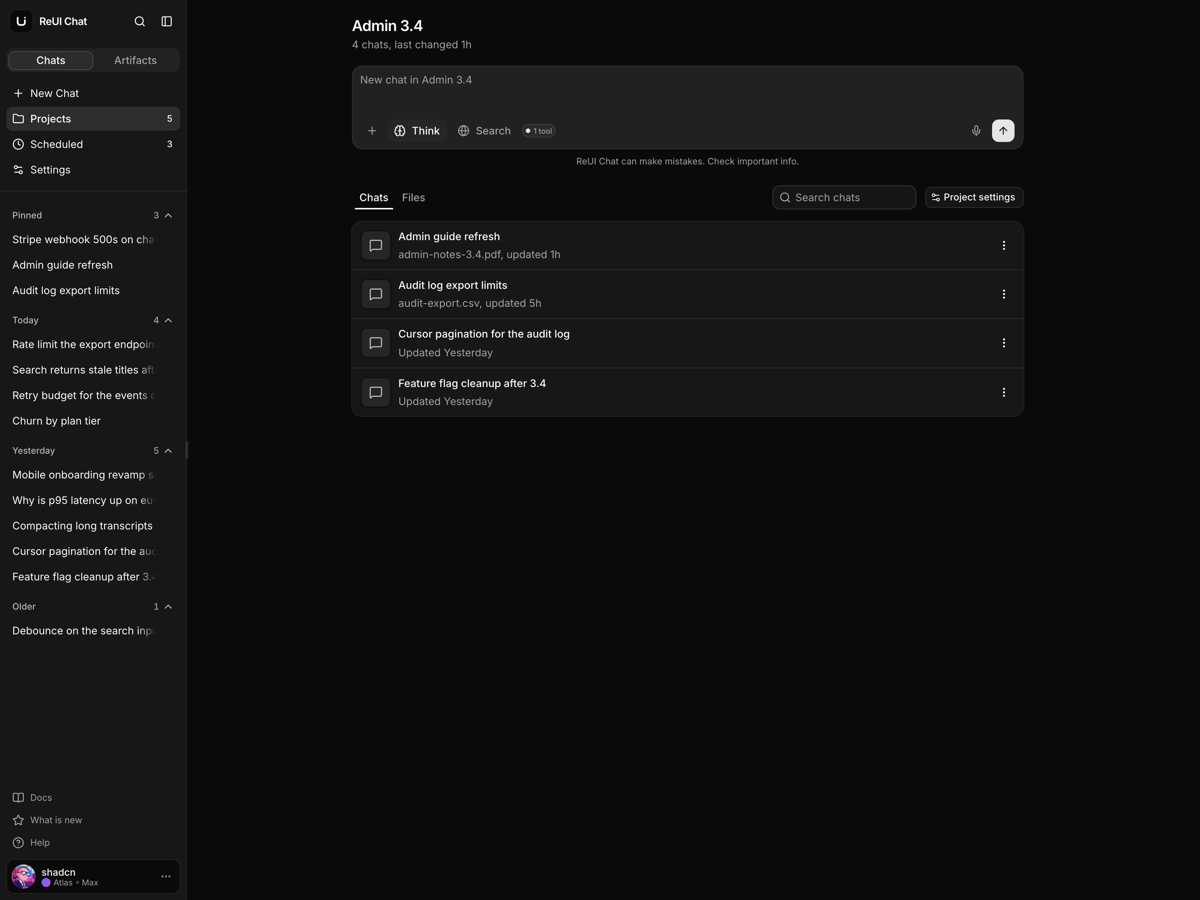
- Projects carry context. A project holds its chats, its files and standing instructions, and its composer starts a chat inside it.
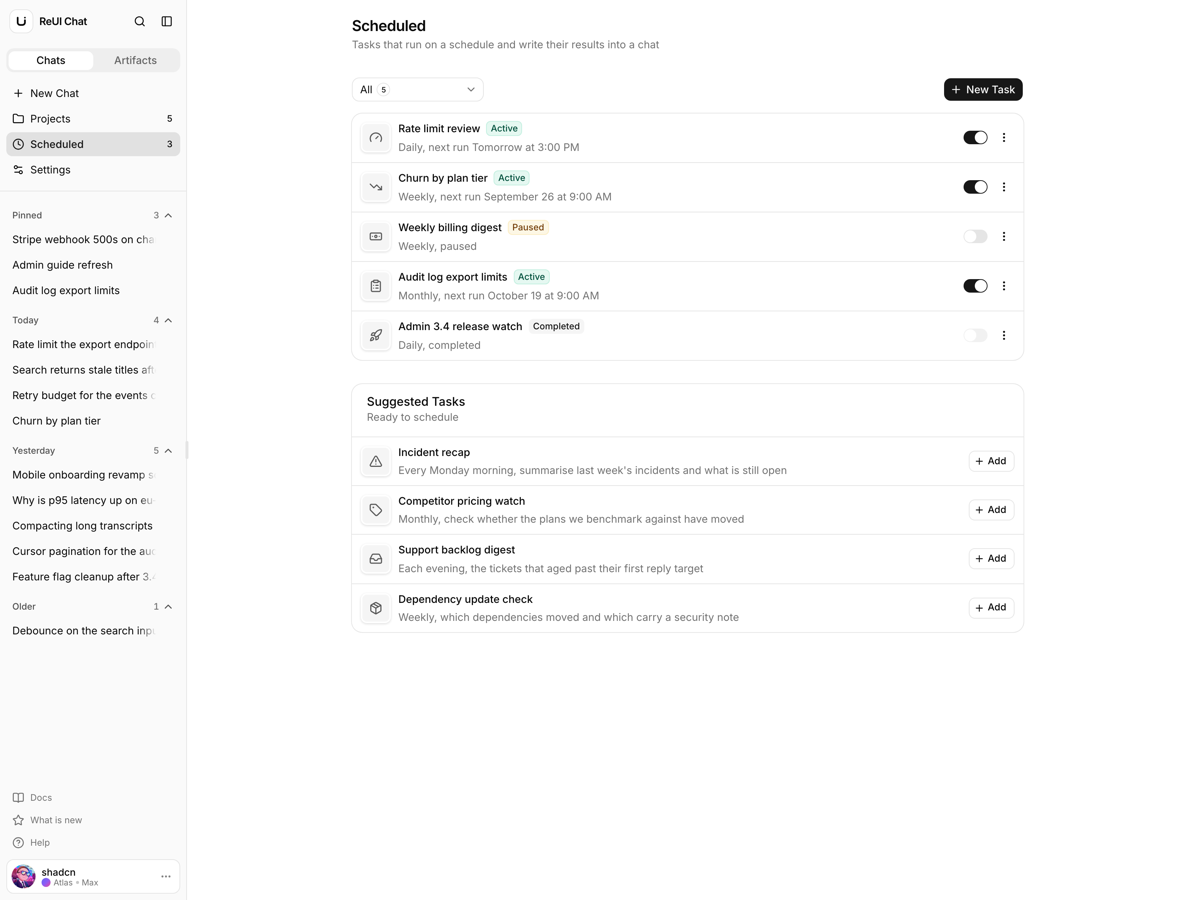
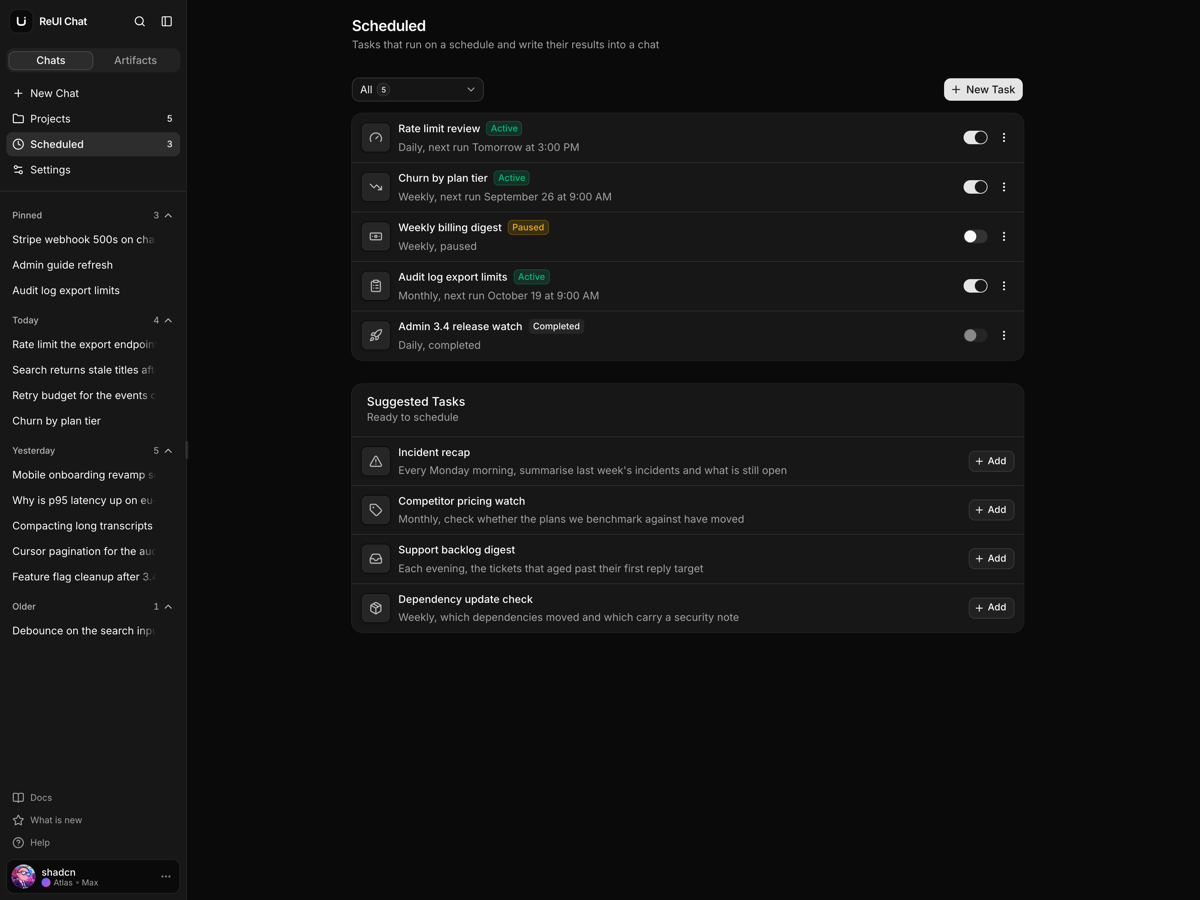
- Scheduled tasks. Repeat, time of day and an end date derive the next run.
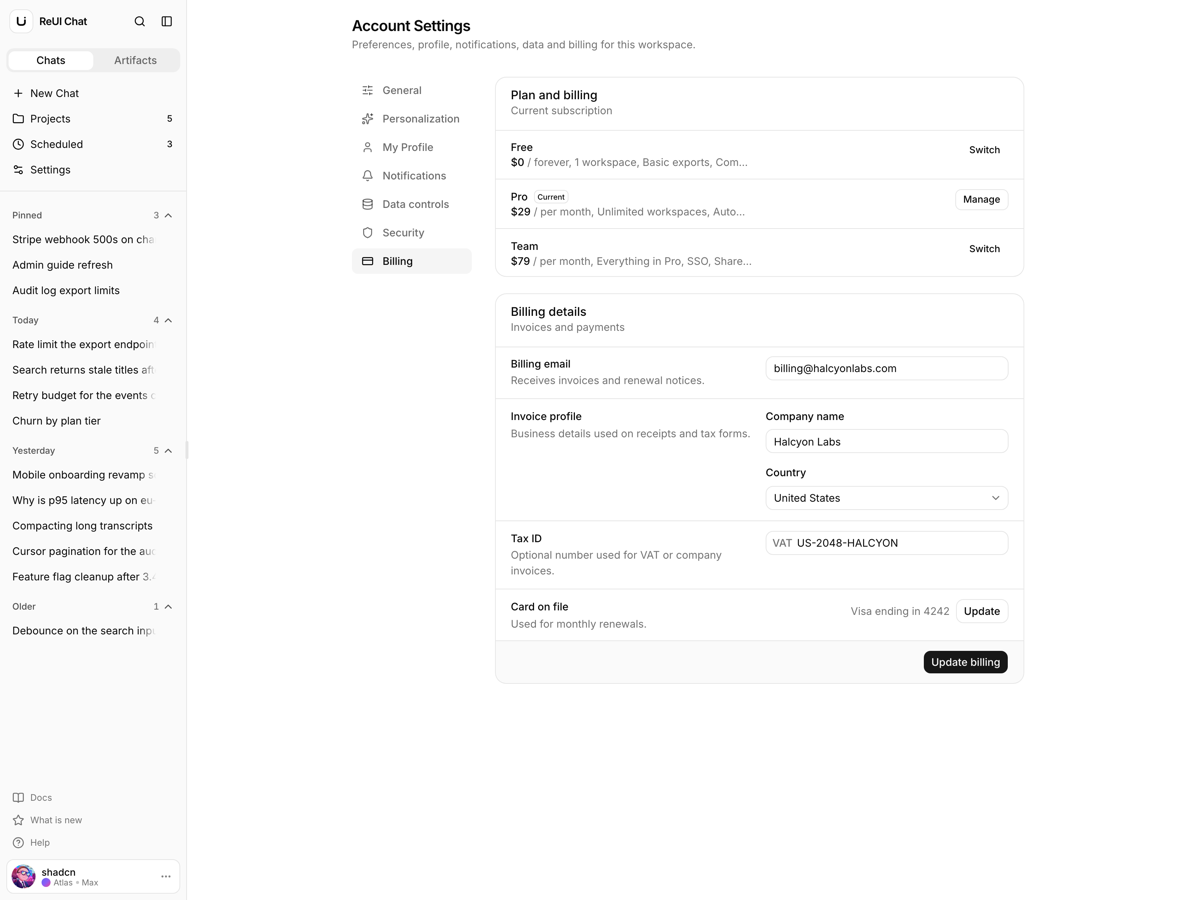
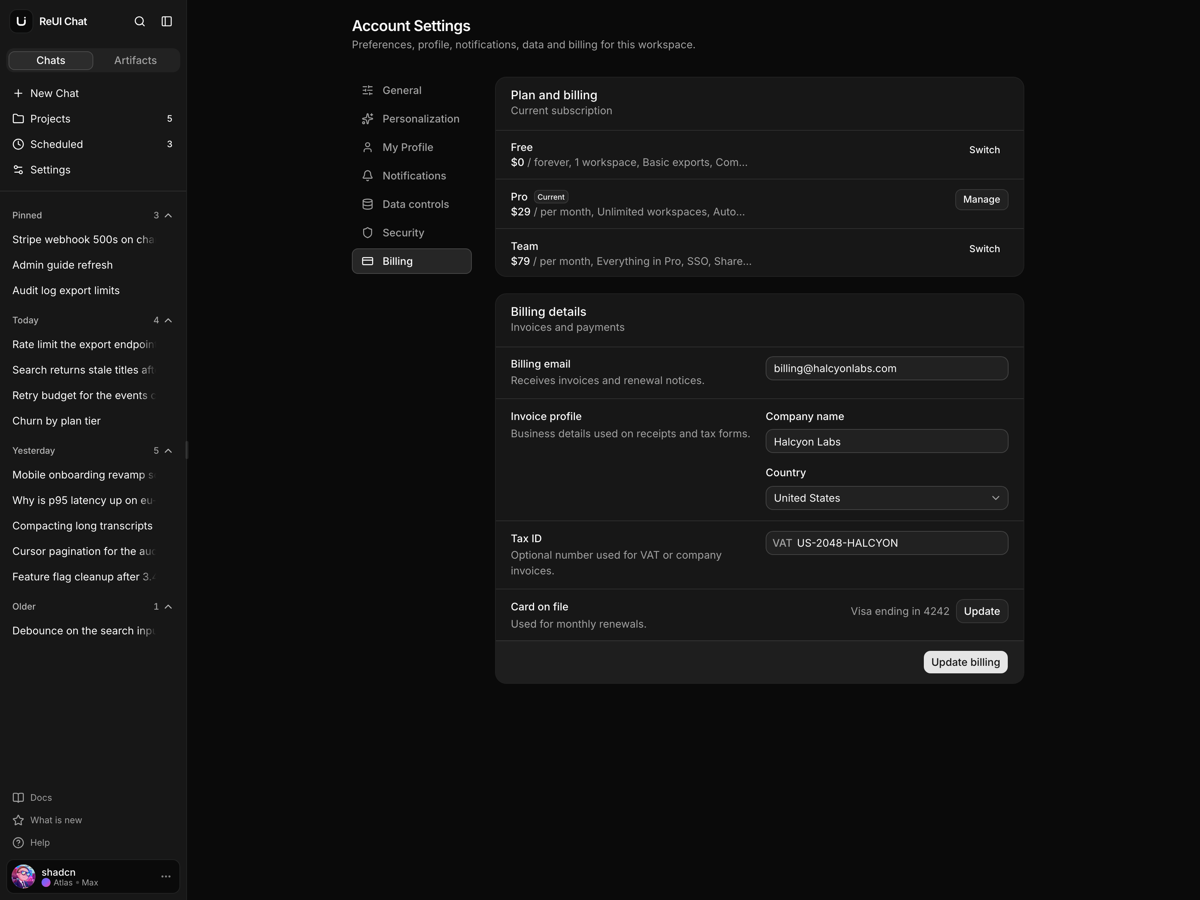
- Seven settings sections. One route per section, and what you set there survives a reload.
- No inert menu items. Rename, share, archive, delete and export are wired through one context.
Who it is for
- Teams putting a UI on their model The sidebar, the transcript and the composer are done before you touch your API.
- Developers who need files beside the chat The viewer reads PDF, CSV, PNG and TypeScript off disk, not a screenshot.
- Agencies shipping an AI chat this quarter Four destinations and seven settings sections arrive built, so the backend is the work left.
Frequently asked questions
Does it include a backend, and do my chats survive a reload?
No backend. Conversations, projects and scheduled tasks each live in a React context provider under features/, so sending a message, creating a project or pausing a task holds for the session and is gone on reload. Two things do persist: what you set in Settings is written to localStorage by features/settings/lib/preferences-provider.tsx, and the sidebar width and collapsed state ride in a chat_sidebar cookie the server reads. Replies come from draftReply() in features/chat/components/chat/data.ts, which drafts an answer on a timer rather than calling a model, so going live means replacing that call and the three providers.
Is the sign-in screen wired, or is it decorative?
Decorative. It is the ReUI sign-in block, it lives in features/auth/, and it is reached only by Sign Out in the account menu: there is no auth route group, no session and no guarded route. The form checks that the email parses and the password is not empty, then flips a boolean in features/chat/components/workspace-actions.tsx back to the workspace, and the Google and Apple buttons do the same after a toast. Real auth means a credential exchange in features/auth/components/auth.tsx plus a proxy.ts, which is what Next 16 renamed middleware to.
How is this different from Flux, the other Next.js AI template?
Flux is the console behind agents: run queue, step traces, approvals, evals and token spend. Echo is the surface a person types into, four destinations built around one conversation. Know what is still rough before you choose it: Share chat records the chat as shared even when the clipboard write fails and only toasts Copy failed, the task sheet's End Repeat is a raw date input, scheduled rows are not clickable where project rows are, and the composer footer line measures 4.35 to 1 against the 4.5 to 1 AA threshold in light theme.
What do I get when I download a template?
The full source of a standalone project: every page, component, route, and style, ready to run locally. Templates are built entirely from ReUI blocks and components, so the code matches the registry you already use.
Do I need a plan to download templates?
Free templates only need a ReUI account, so sign in and download. Every other template is included with the Ultimate plan, alongside all blocks and Motion Icons.
Are templates sold individually?
No. Templates come with the Ultimate plan rather than as separate purchases, so one upgrade unlocks the whole catalog, including everything added later.
How do I install a template?
Download the source, install dependencies with your package manager, add your environment variables, and run the dev server. Each template ships a README with its own setup steps.