Pulse - TanStack Start Help Desk Template
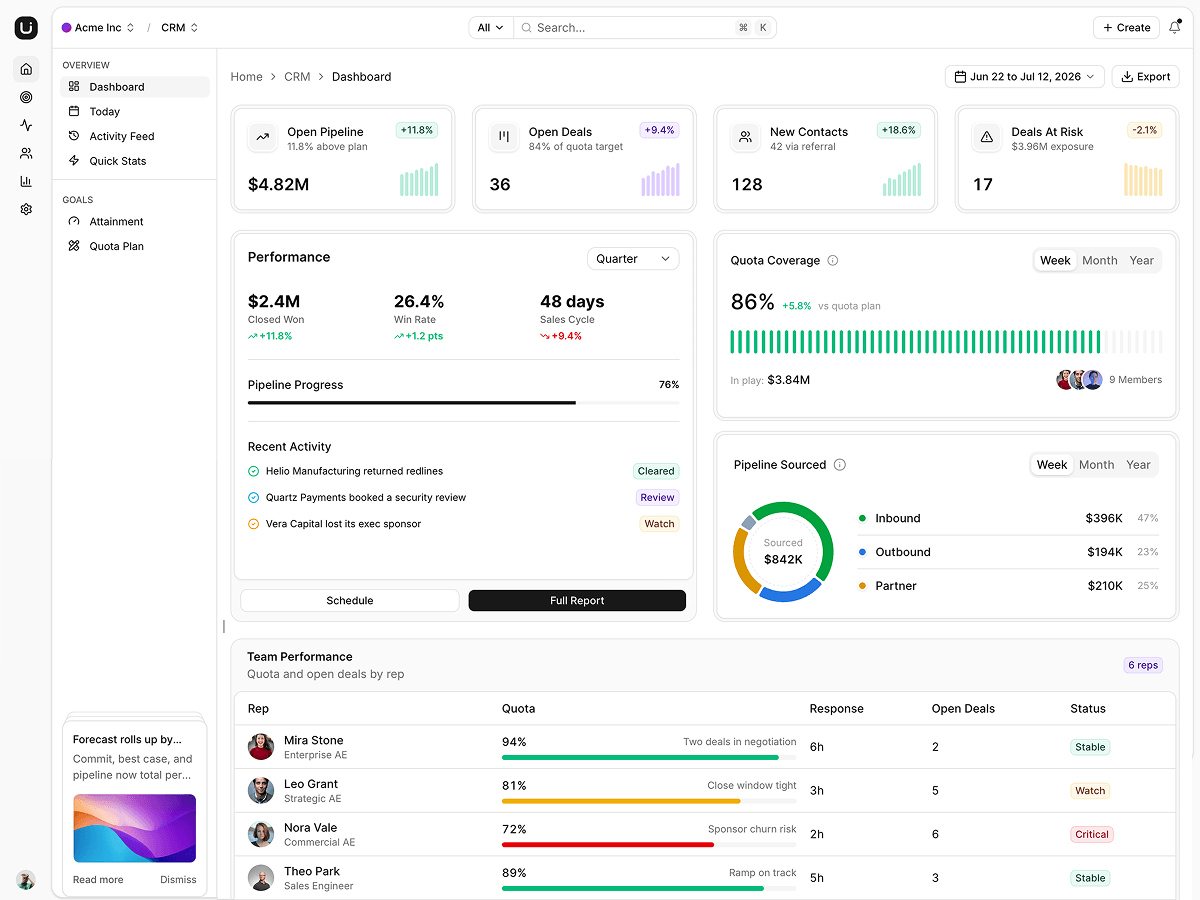
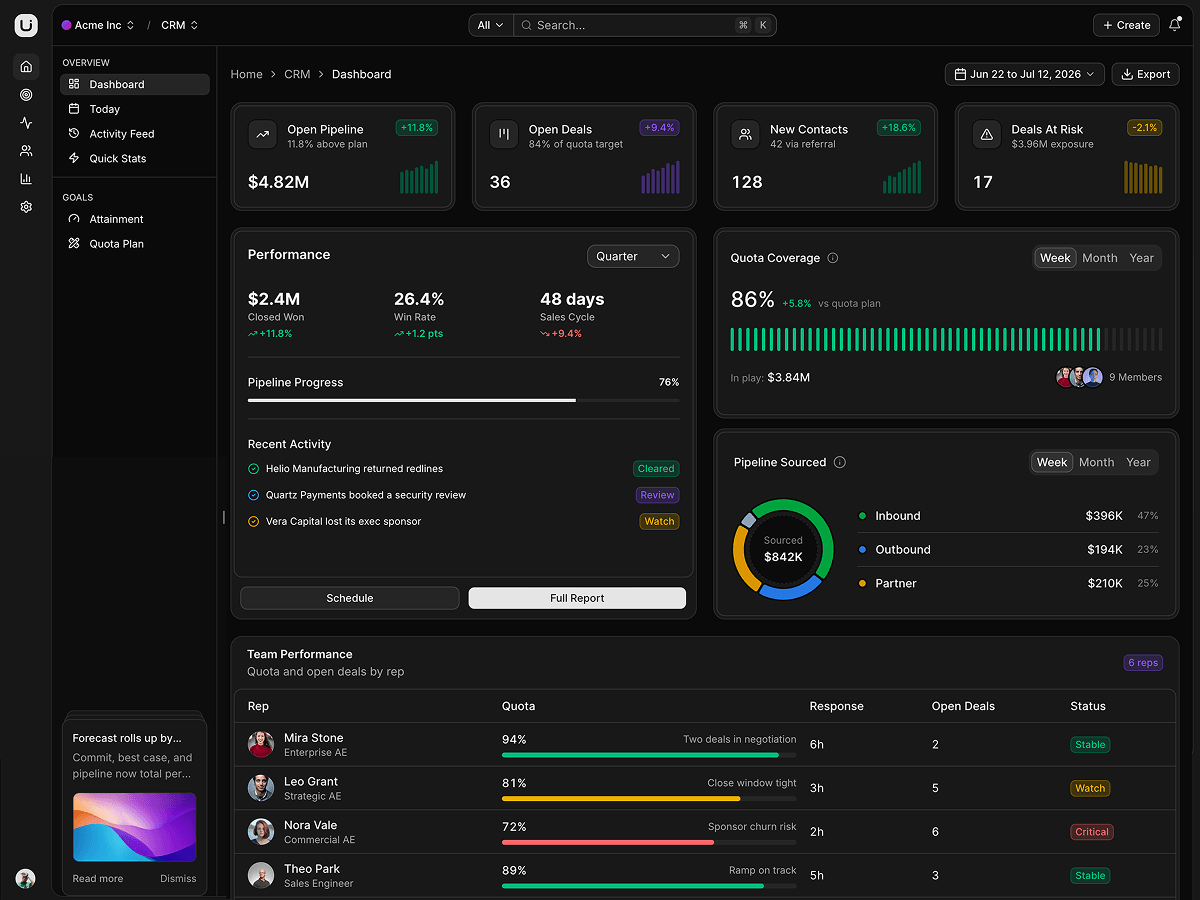
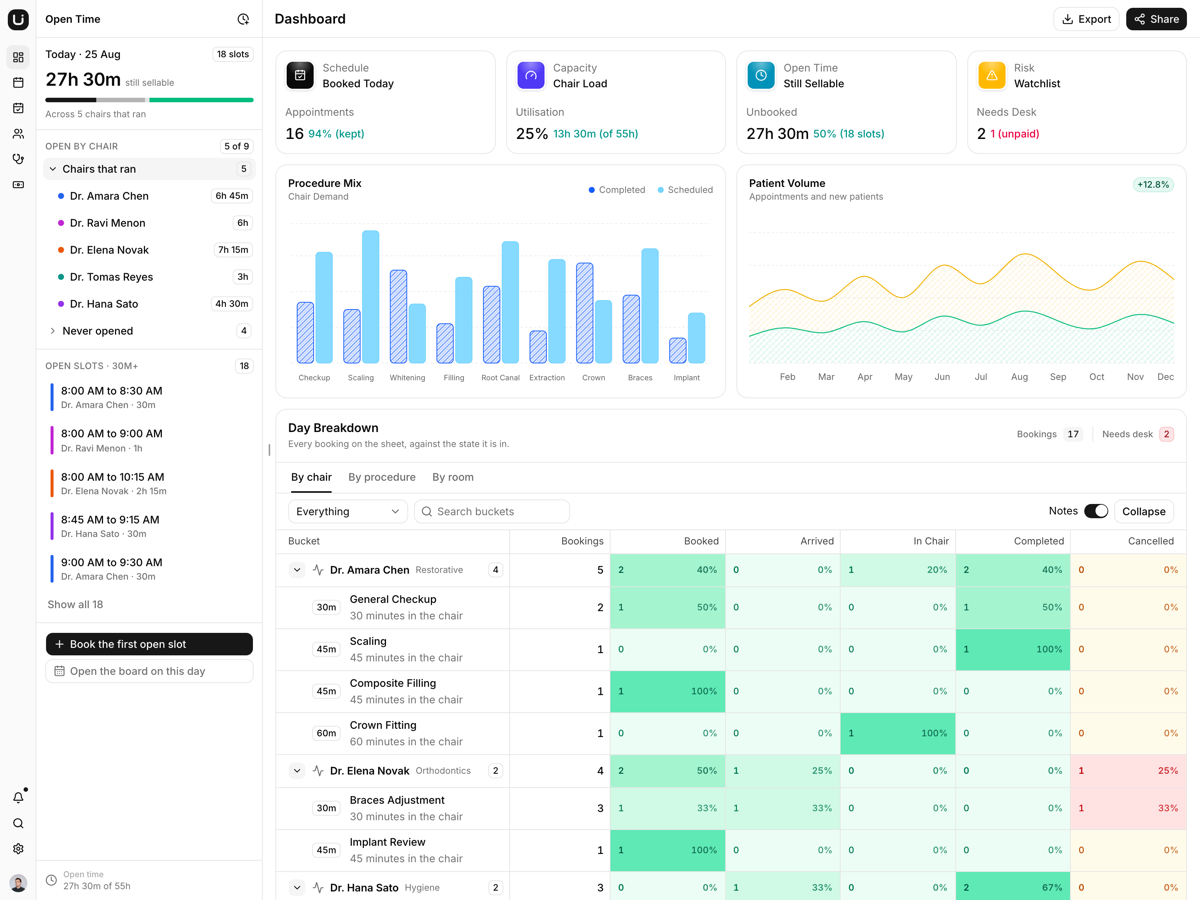
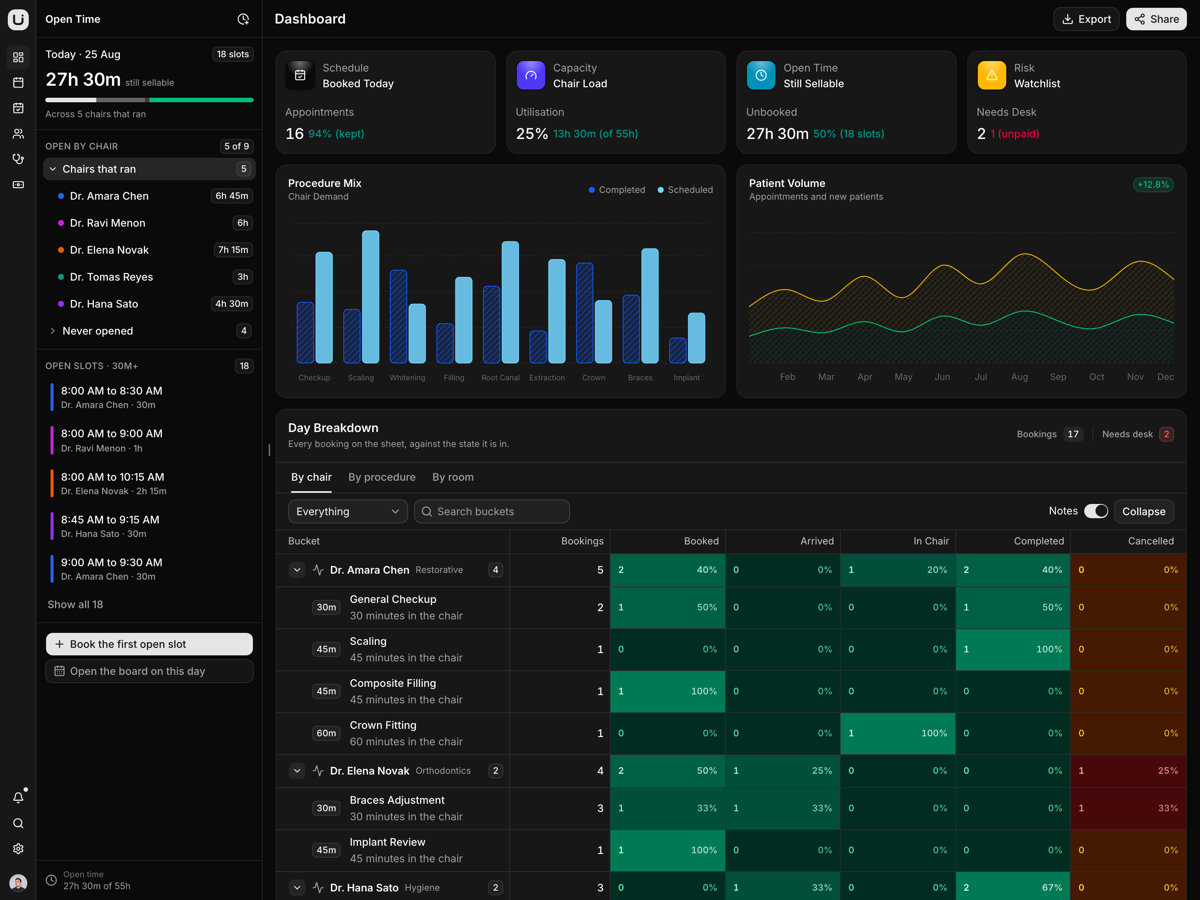
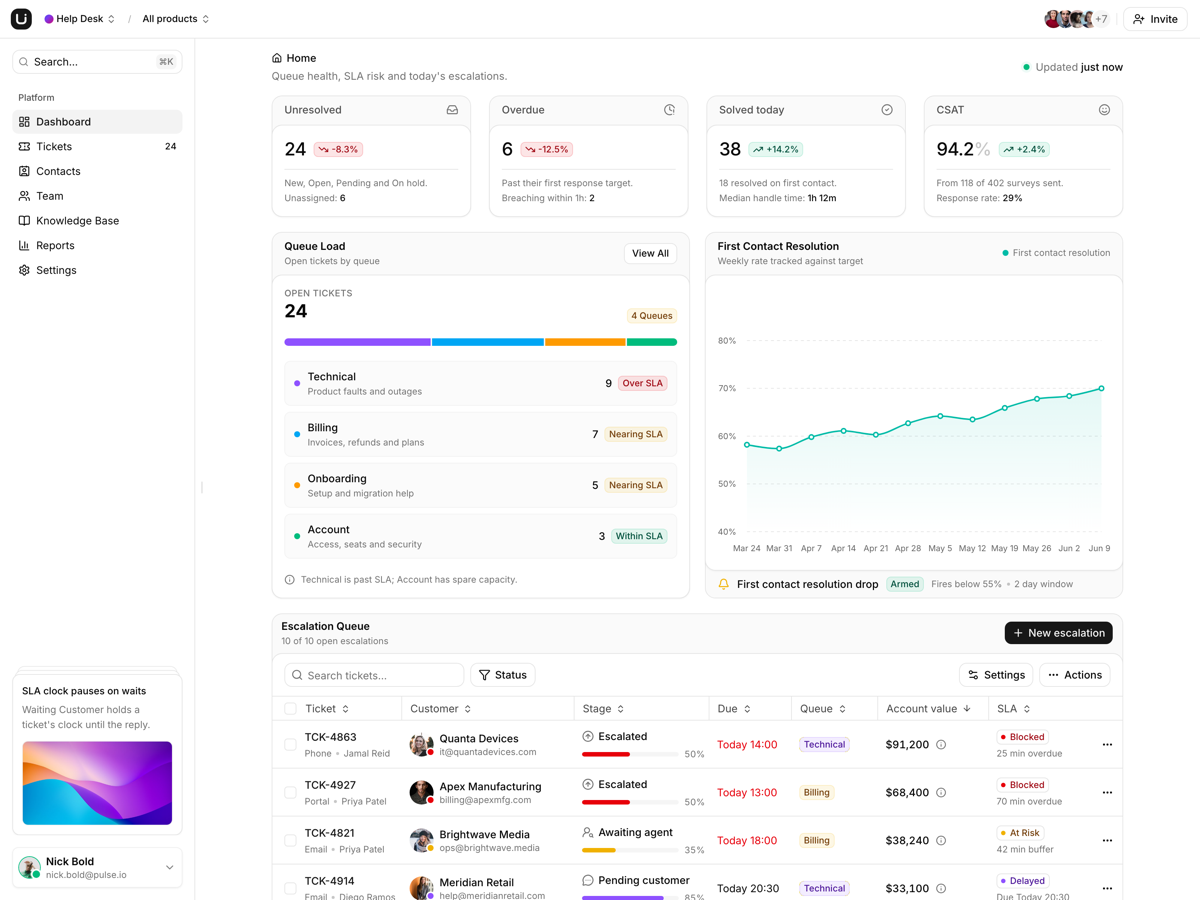
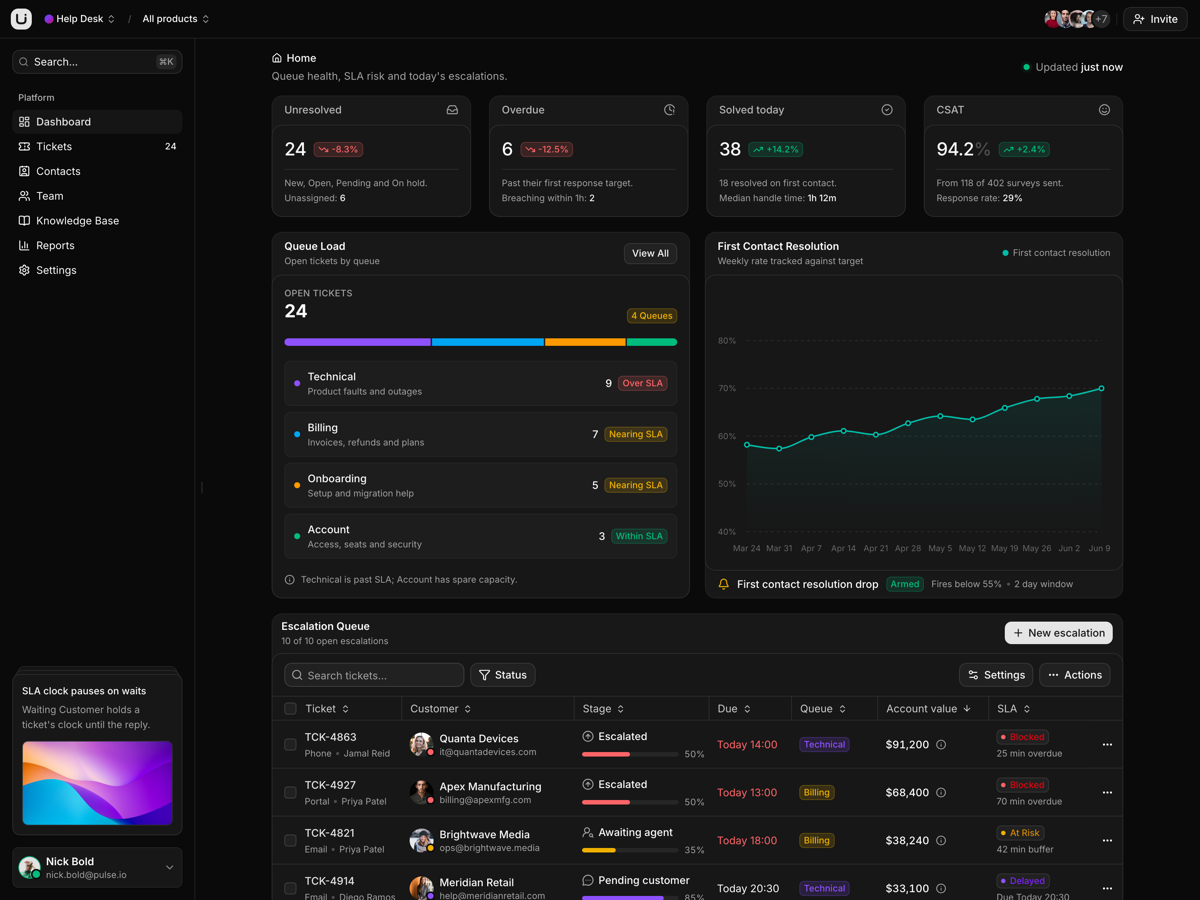
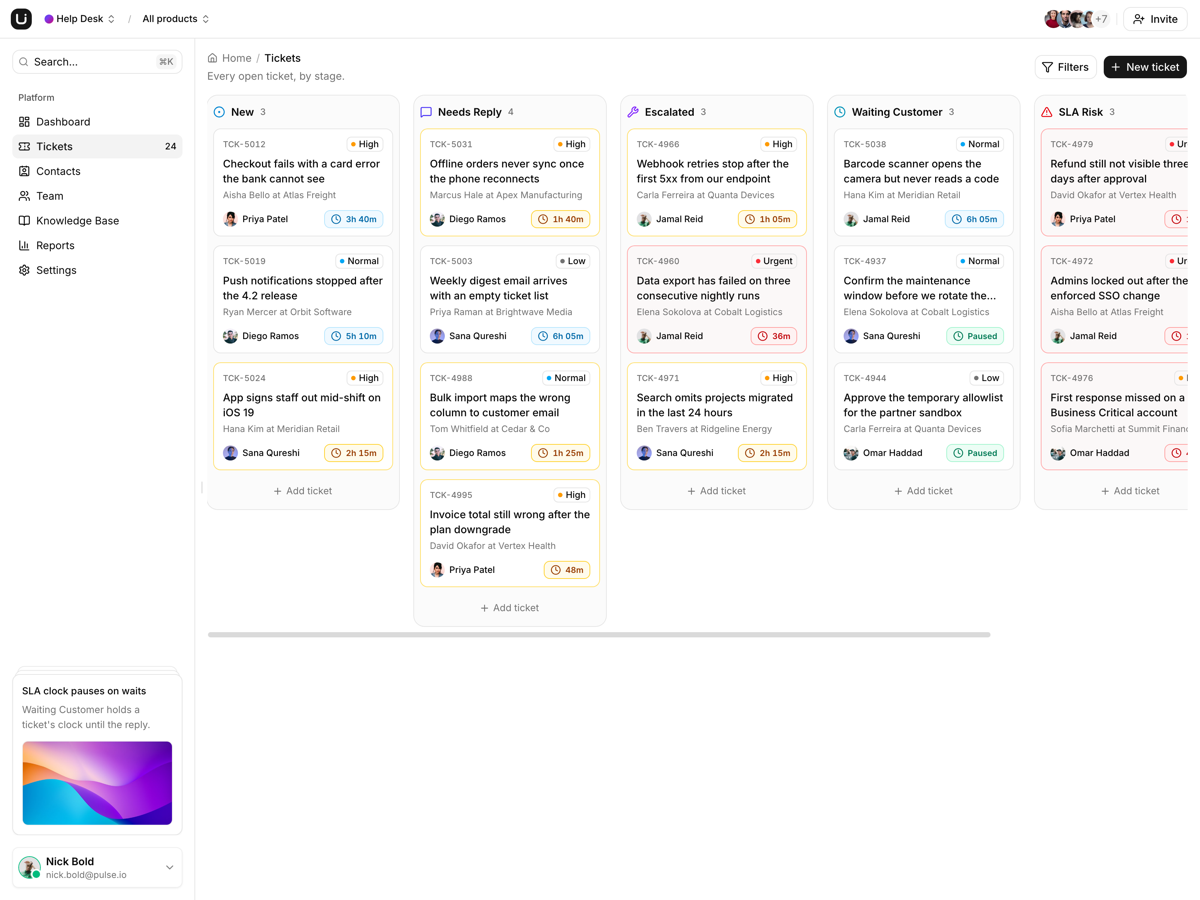
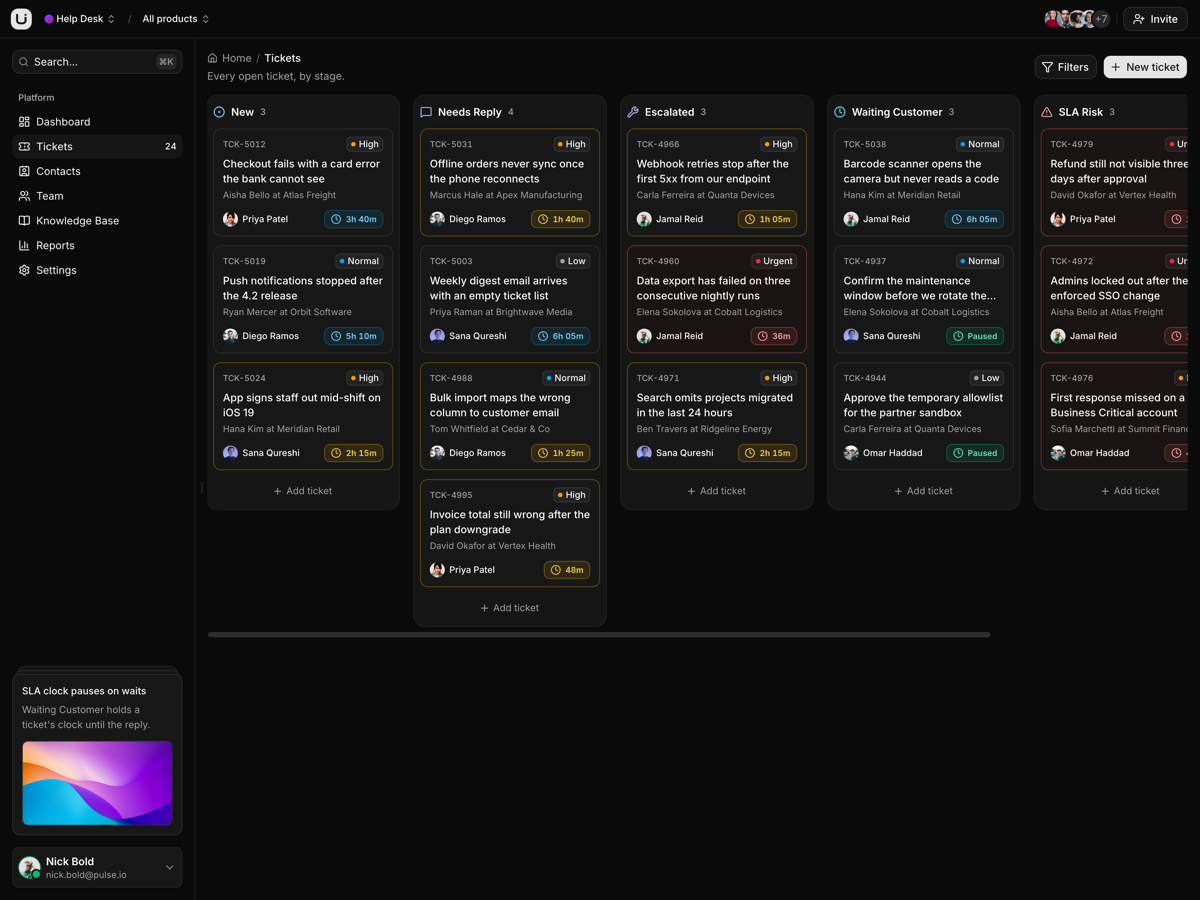
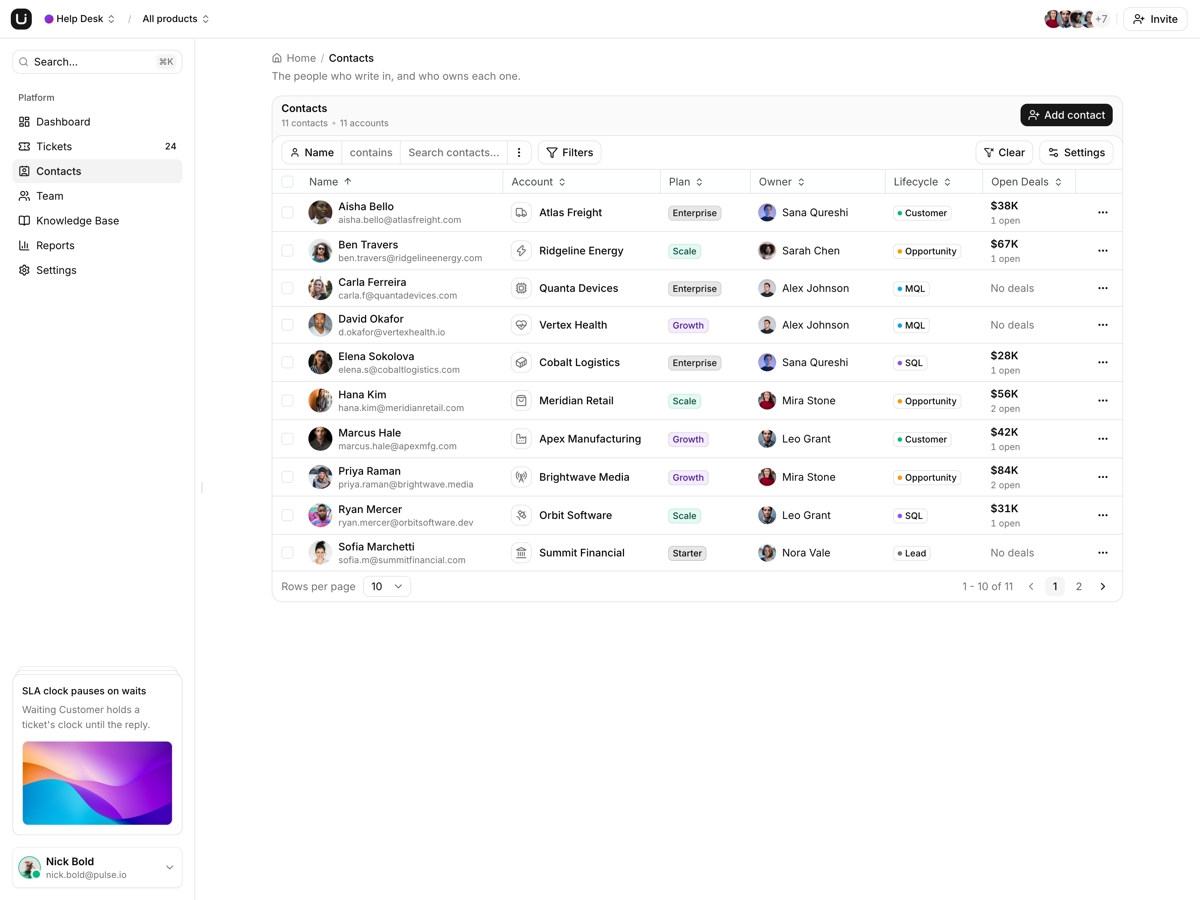
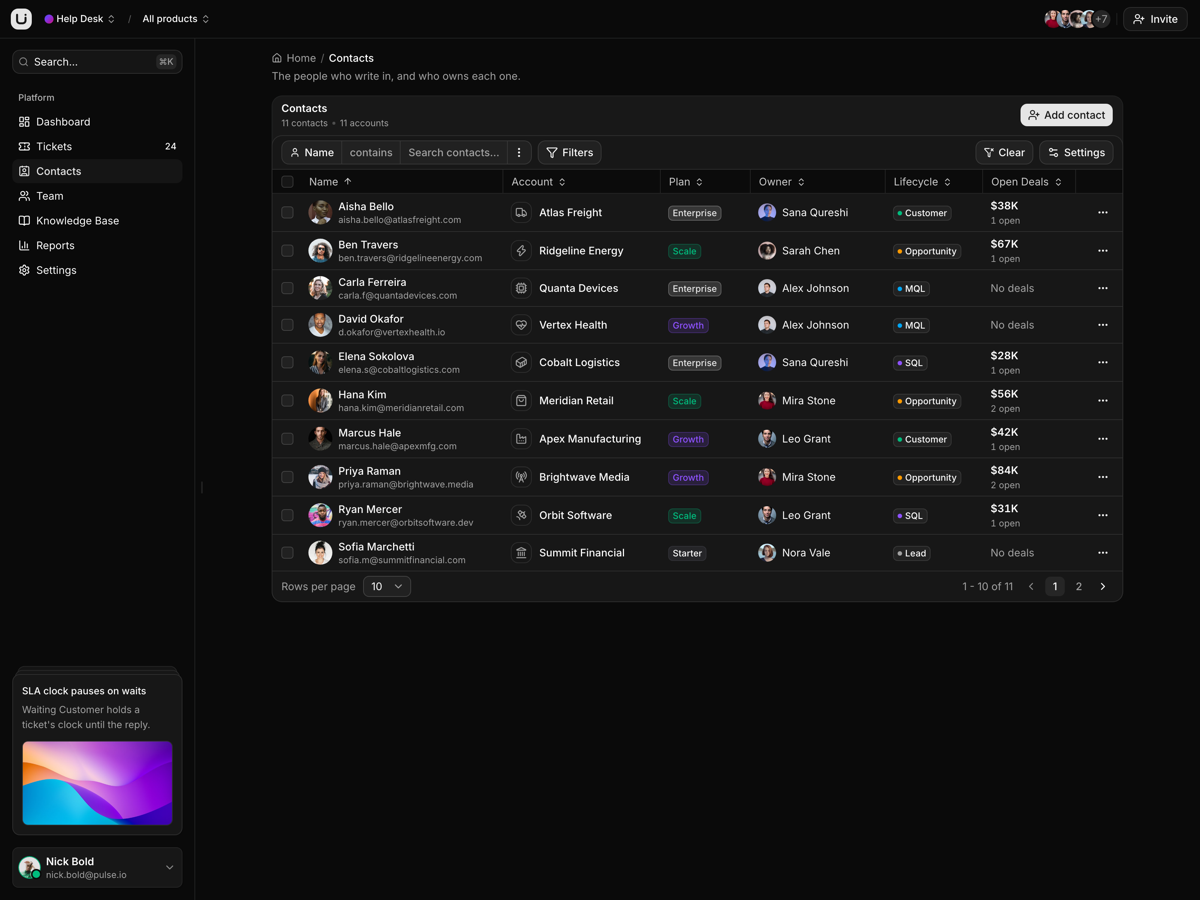
A help desk on TanStack Start: a six column ticket board with SLA states, an escalation queue, contacts, a knowledge base, an agent scorecard and team seats.
What is included
- Six columns, one board. Drag a ticket across New, Needs Reply, Escalated, Waiting Customer, SLA Risk and Resolved, or reorder the columns.
- SLA on every card. The chip prints time remaining, and the card borders amber as that runs short, red at breach risk.
- Escalation queue on the dashboard. Search, a Status filter counting each SLA state, and an Export CSV of exactly the rows on screen.
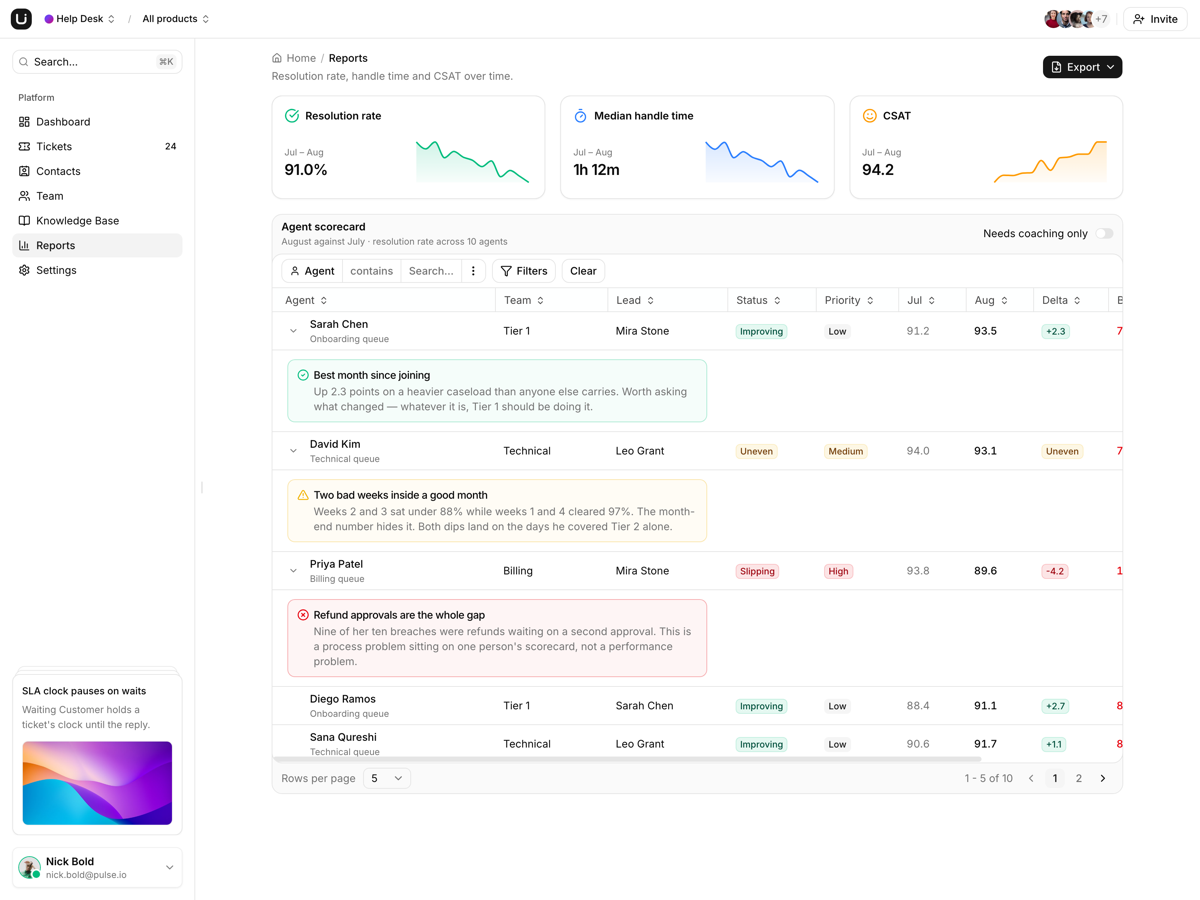
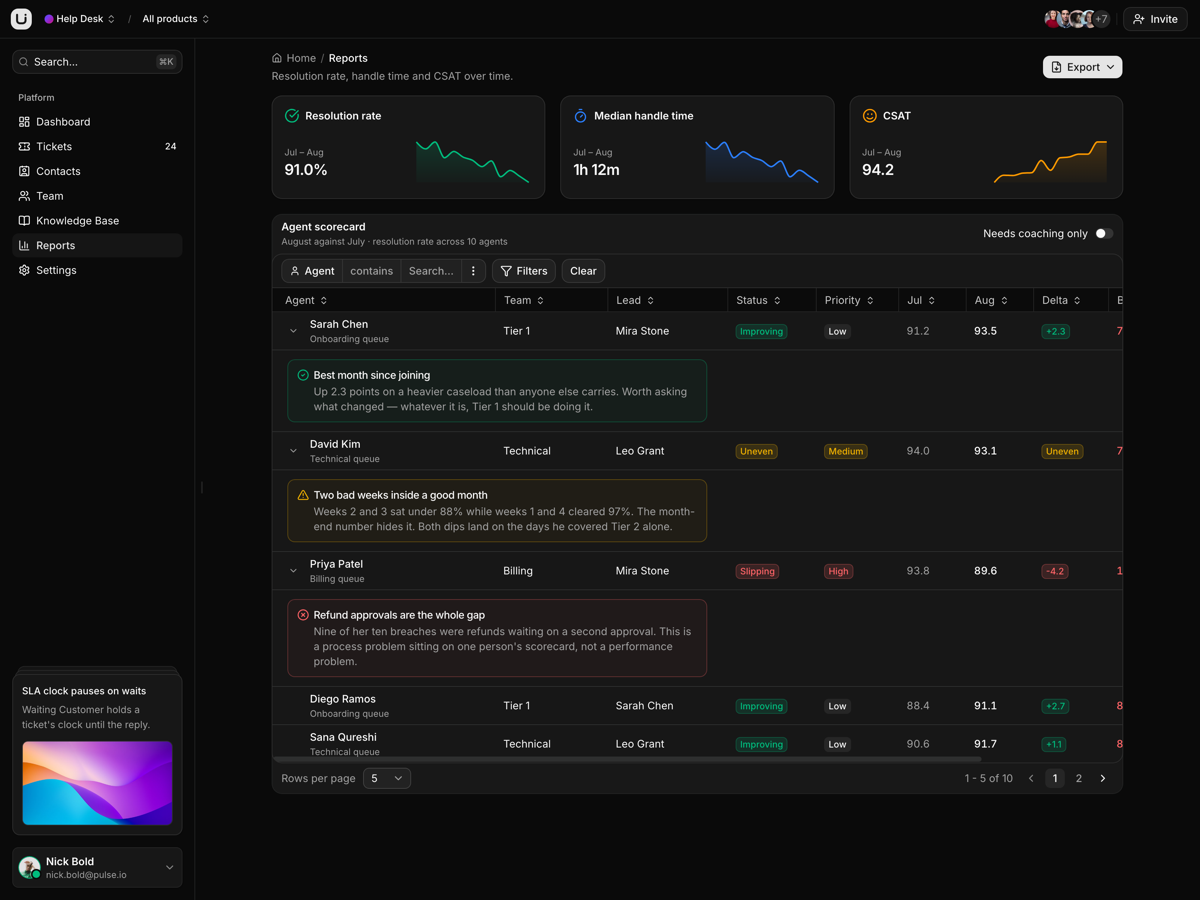
- Ten agents, one scorecard. Baseline against current, SLA breaches and who to coach first.
- One switcher scopes the desk. Web App, Admin Console or Field App narrows the dashboard, board, contacts and reports from the URL.
- Grids write before they toast. Add, edit, delete, assign an owner or change a role: the rows change first.
- Eighteen articles, each with an address. A guide opens in a sheet the URL owns, so Back closes it and Copy link works.
- Seats, invites and roles. Eighty seats, and an invite that refuses an address already in the directory.
Who it is for
- Teams outgrowing a shared support inbox Queues, SLA states and an escalation path arrive drawn; you supply the data.
- Agencies standing up a desk per client Reseed one data.tsx per feature and all eleven screens follow.
- Desks that answer for several products Three products sit in one array, and four scoped pages read it through byProduct.
Frequently asked questions
Does it include a backend, and do my edits survive a reload?
No backend, and no. Each feature seeds a useState from a typed data.tsx module sitting beside its components, so a ticket you drag or a contact you delete is back on the next refresh. There is no src/lib/data folder, no demo and live pair and no route loaders: going live means replacing those fixture modules and leaving the components alone, and 73 customize: comments across 33 files mark where. The sign-in screen does not authenticate either, and no route is guarded.
Can an agent write a reply from the ticket panel?
No. Opening a card gives a facts panel: subject, queue, channel, SLA, reply count, requester, account, plan and assignee, with Delete and Reply in the footer. Delete removes the card, and Reply raises a toast, because there is no conversation thread and no message history anywhere in the template. The customize: comment on that button names where your composer hooks in.
Does it need a server, or can I host it as static files?
It needs a Node process as it ships. SSR is on, and vercel.json plus api/index.mjs re-export the fetch handler that vite build writes to dist/server, so any host that runs Node and serves a static directory works the same way. To host it as static files, switch the app to SPA mode, delete api/index.mjs and the functions block, then point the catch-all rewrite at /index.html.
What do I get when I download a template?
The full source of a standalone project: every page, component, route, and style, ready to run locally. Templates are built entirely from ReUI blocks and components, so the code matches the registry you already use.
Do I need a plan to download templates?
Free templates only need a ReUI account, so sign in and download. Every other template is included with the Ultimate plan, alongside all blocks and Motion Icons.
Are templates sold individually?
No. Templates come with the Ultimate plan rather than as separate purchases, so one upgrade unlocks the whole catalog, including everything added later.
How do I install a template?
Download the source, install dependencies with your package manager, add your environment variables, and run the dev server. Each template ships a README with its own setup steps.