Overture - Next.js Waitlist Template
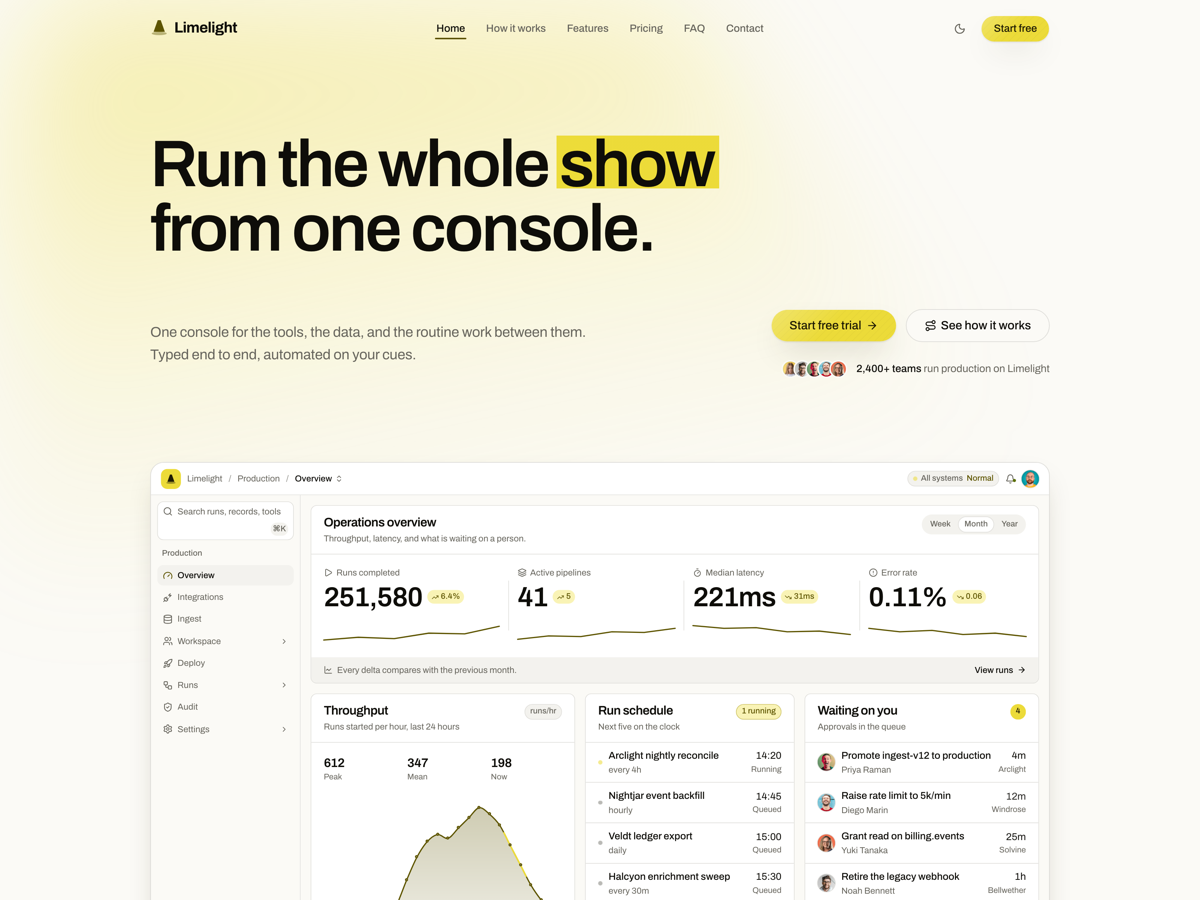
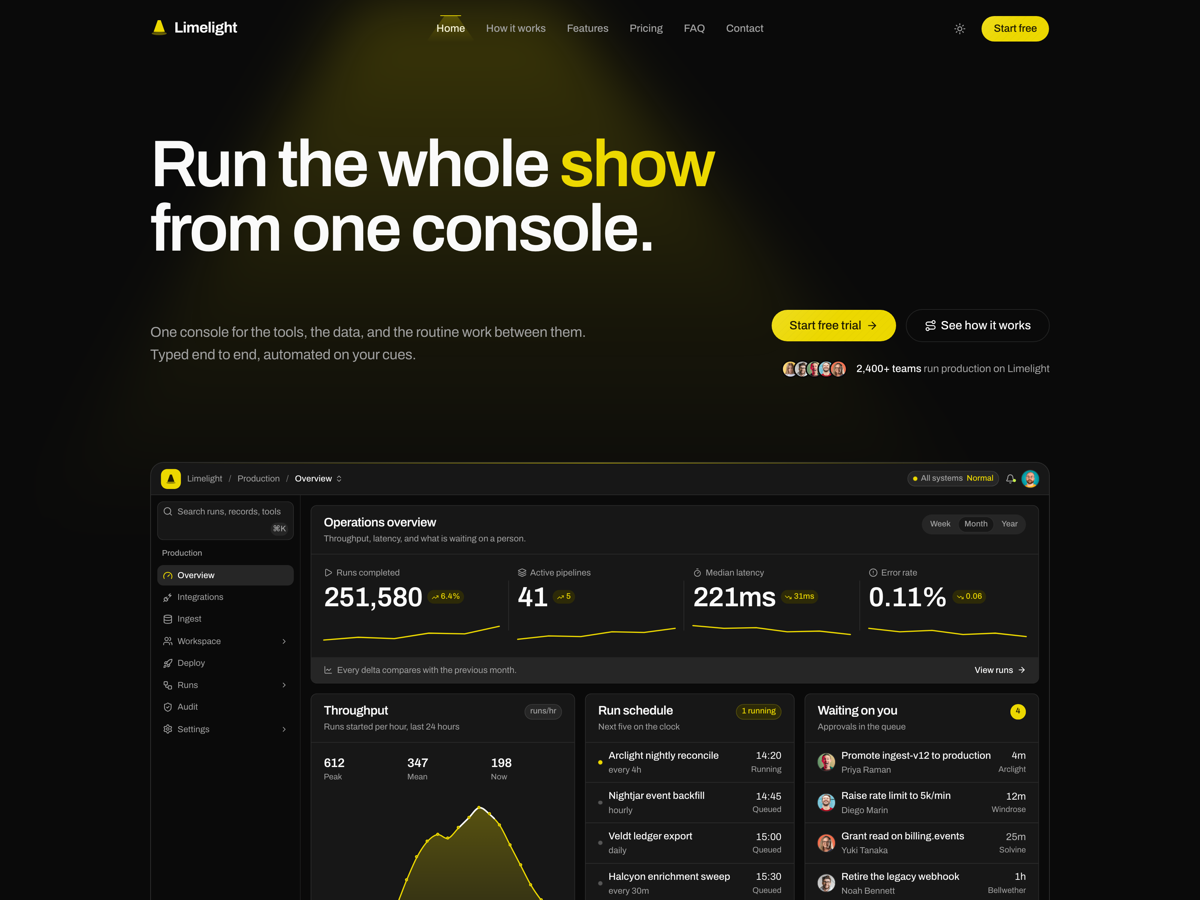
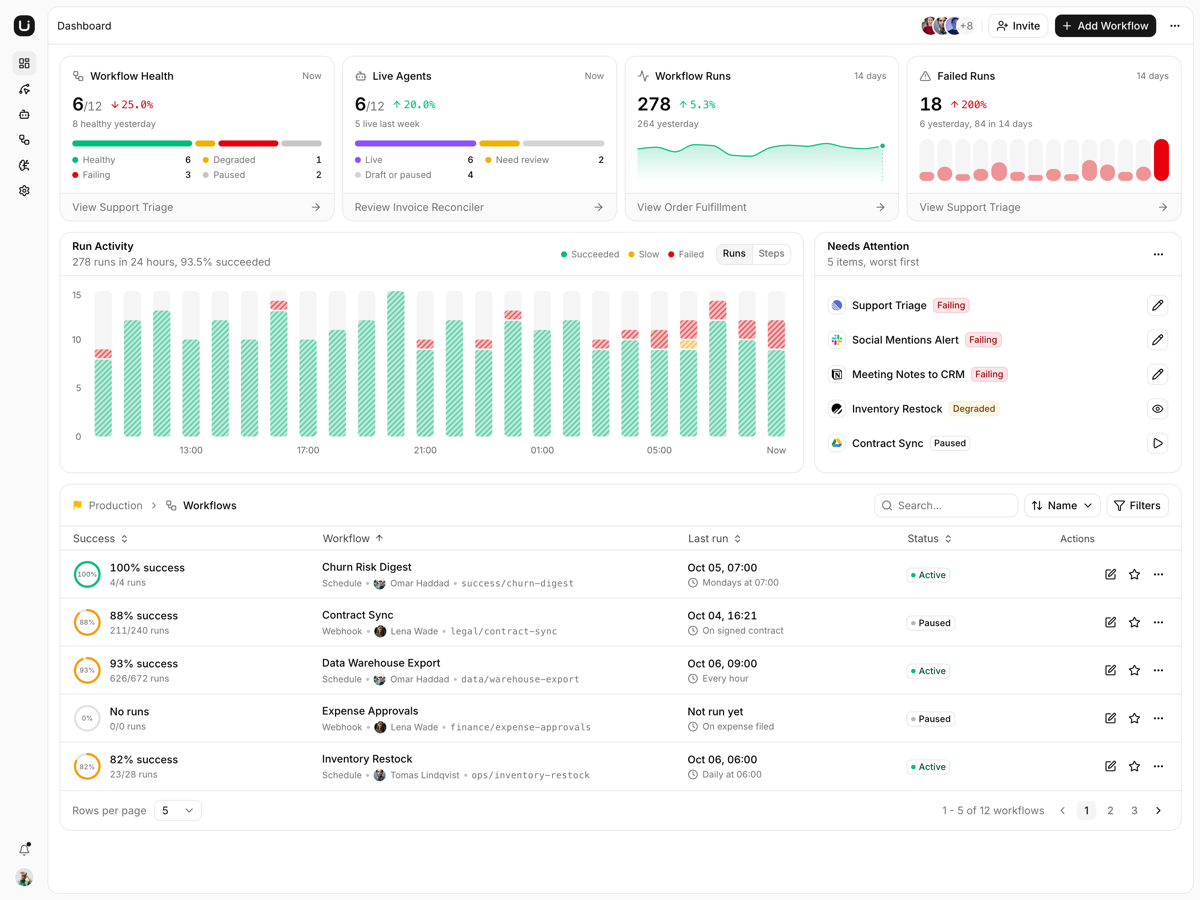
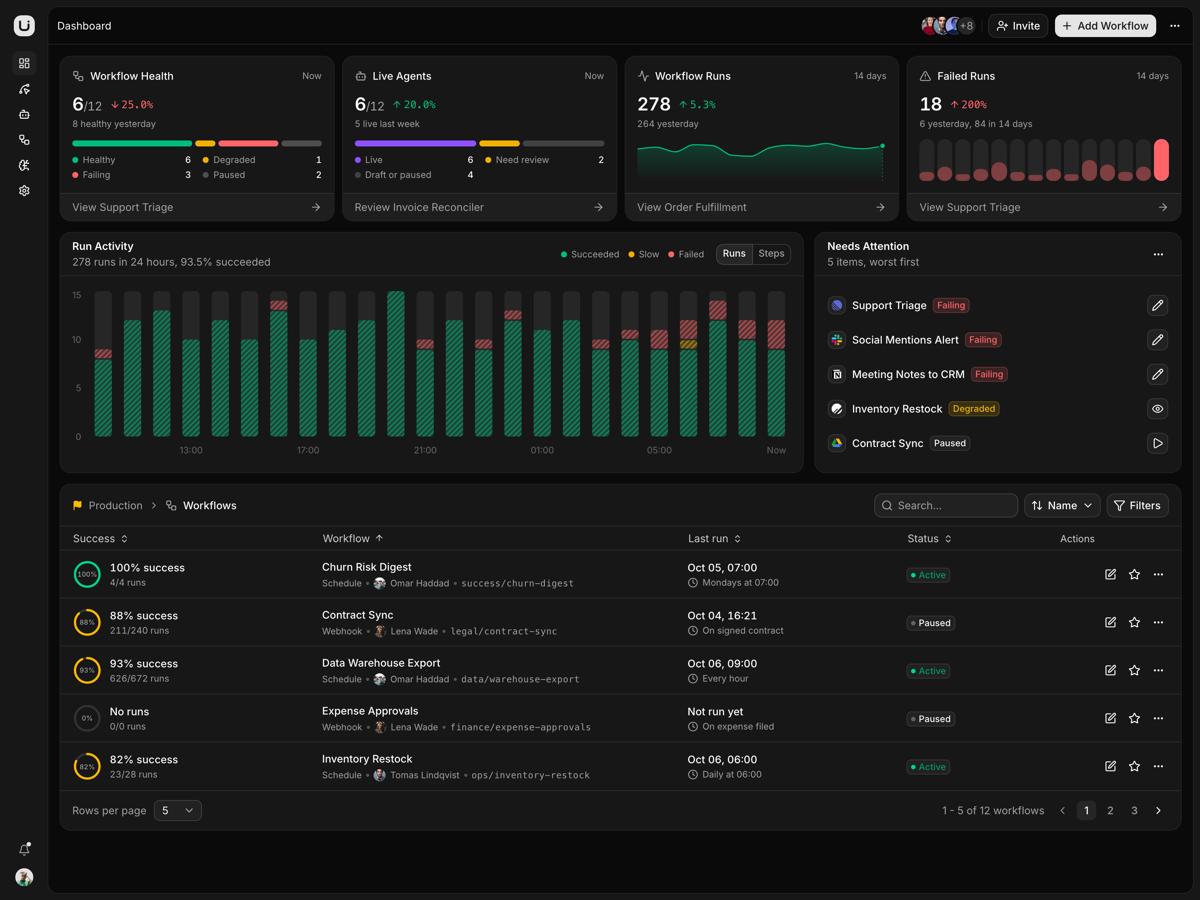
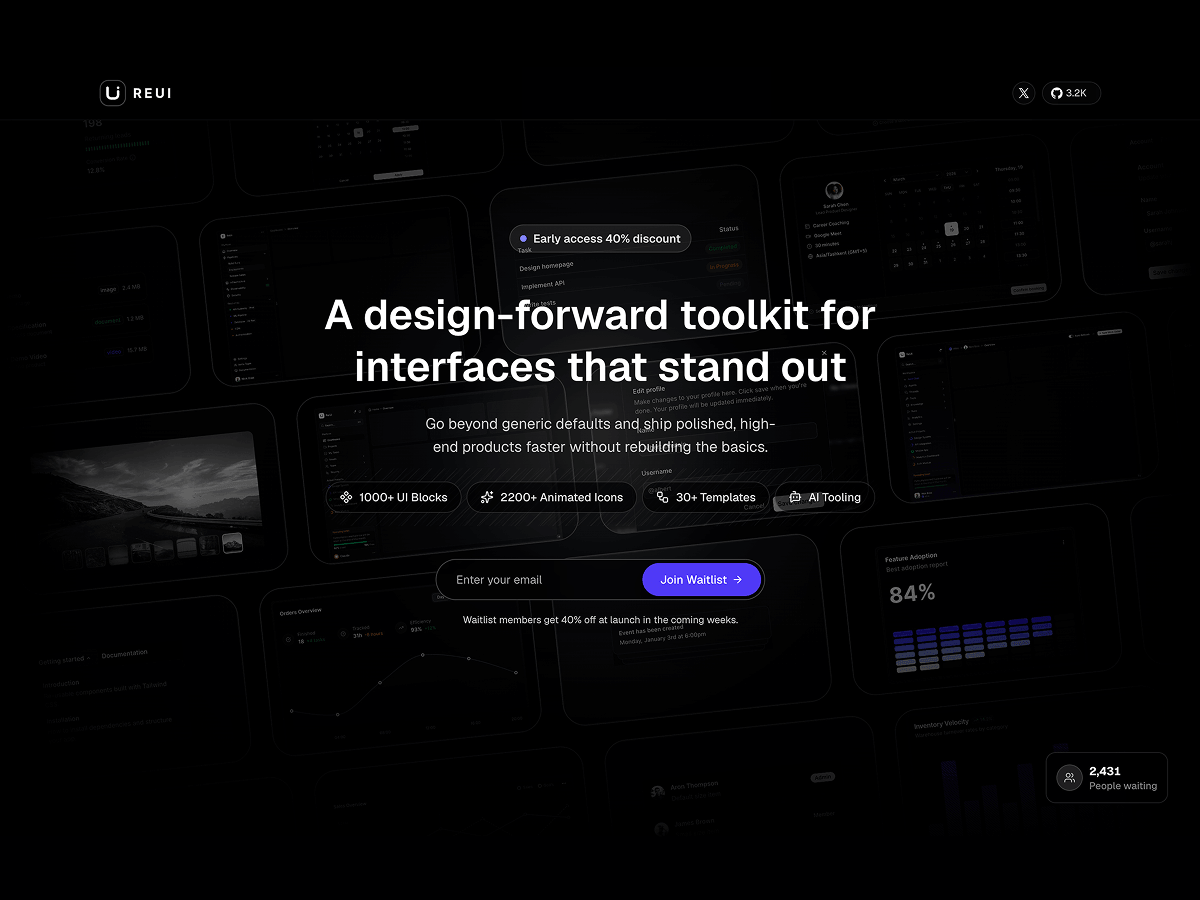
A one-page pre-launch waitlist: a scrolling wallpaper of 75 product screenshots, a signup route that screens bots and throttles, and a counter that ticks up.
What is included
- Screenshot wallpaper on five rows. Seventy-five product shots tilt six degrees and drift at a different speed per row.
- Spotlight tracks the pointer. Two springs lag a full-page gradient behind the cursor, then ease it back to rest.
- Signup API that throttles. POST /api/waitlist caps five a minute per IP and lowercases addresses so casing cannot duplicate.
- Bot checks that stay quiet. A hidden company field and a one second floor, and a rejection never names the check it failed.
- The counter is live. The badge reads per request and ticks up through context the moment a signup returns.
- Reduced motion parks it. The marquee stops and the spotlight listener is never attached.
- Two config files. Brand, headline, discount and counter seed live in lib/config, and no env file is required.
- Metadata already filled in. Canonical URL, a Satori OG card the Twitter card re-exports, robots, sitemap, and WebSite JSON-LD with a JoinAction.
Who it is for
- Founders launching before the product ships The signup route already handles a repeat address and a sixth submit inside a minute.
- Collecting emails before the backend exists Signups run through three functions in store.ts, so swapping in Postgres touches nothing above.
- Designers reskinning the wallpaper to their product Swap the paths in marquee-slides.ts and the tilt, vignette and spotlight stay put.
Frequently asked questions
Where do the signups actually go?
Into an in-memory Map that lives as long as the Node process, so a serverless instance starts empty and a restart loses the list. That is deliberate: the template ships with no database and no credentials. lib/waitlist/store.ts keeps three signatures, insertSignup, getJoinedCount and getStats, so replacing it with real persistence touches nothing above it. The confirmation email seam in notifications.ts logs rather than sends, so point it at Resend or Postmark before you launch.
Is the joined count a real number?
It is a seed plus real signups. counterConfig.seedJoinedCount starts at 2431 and the store adds every address that has joined this process. Set the seed to 0 to start from nothing, or flip showCounter to false to drop the badge entirely.
Is there a light theme?
No. The design is dark only, so the html element always carries the dark class and globals.css holds a single token set under :root. Adding a light mode means authoring that second set and unpinning the dark variant from the class. The page is a black canvas under layered gradients and a screenshot marquee, so light is a redesign rather than a token swap.
What do I get when I download a template?
The full source of a standalone project: every page, component, route, and style, ready to run locally. Templates are built entirely from ReUI blocks and components, so the code matches the registry you already use.
Do I need a plan to download templates?
Free templates only need a ReUI account, so sign in and download. Every other template is included with the Ultimate plan, alongside all blocks and Motion Icons.
Are templates sold individually?
No. Templates come with the Ultimate plan rather than as separate purchases, so one upgrade unlocks the whole catalog, including everything added later.
How do I install a template?
Download the source, install dependencies with your package manager, add your environment variables, and run the dev server. Each template ships a README with its own setup steps.