Limelight - Next.js SaaS Marketing Site Template
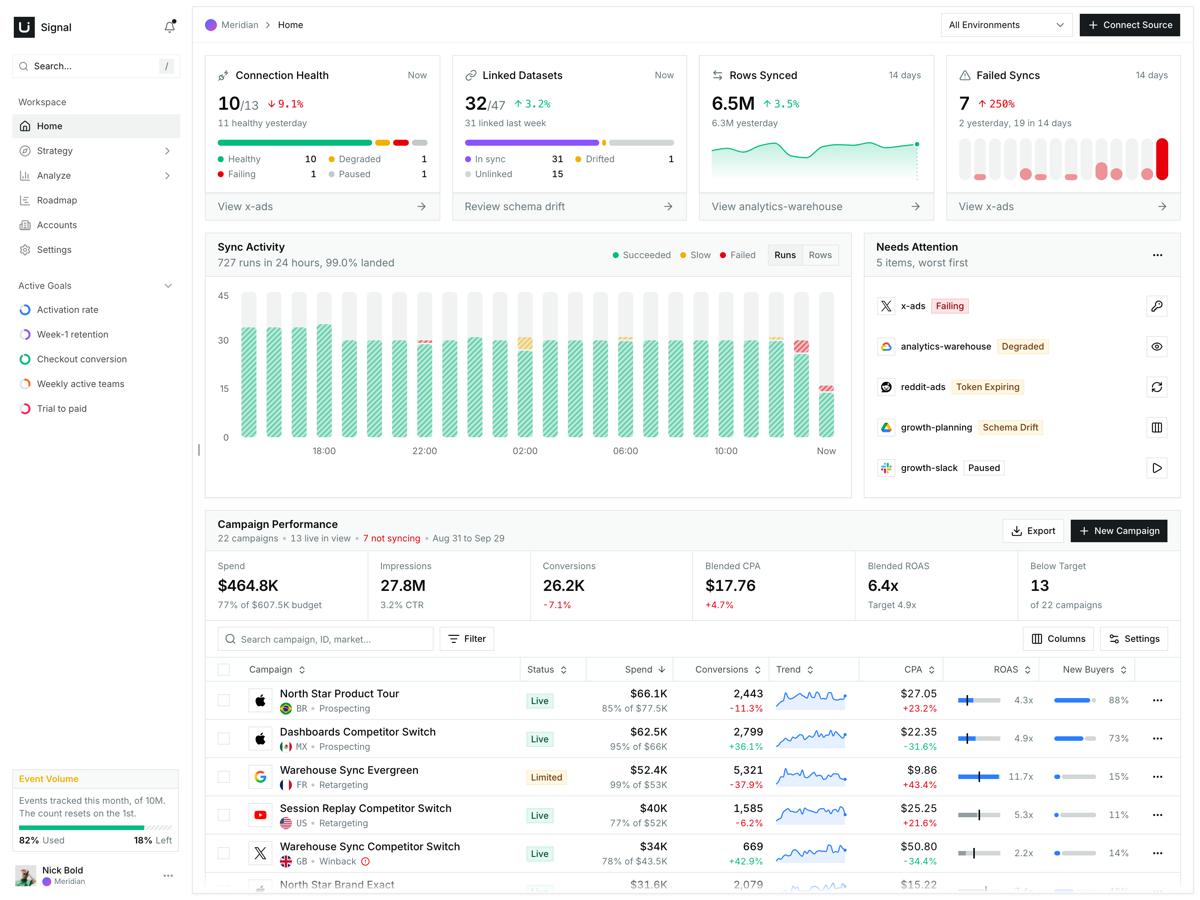
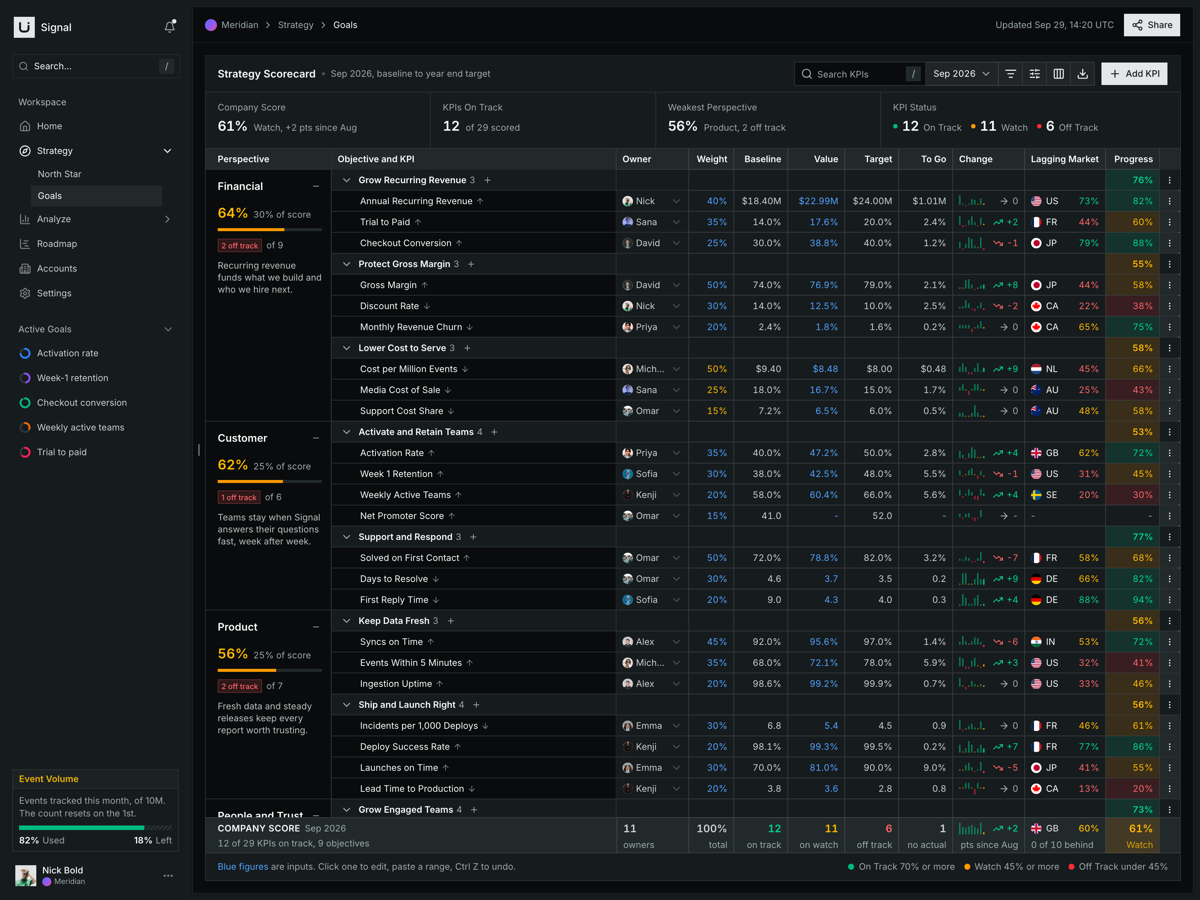
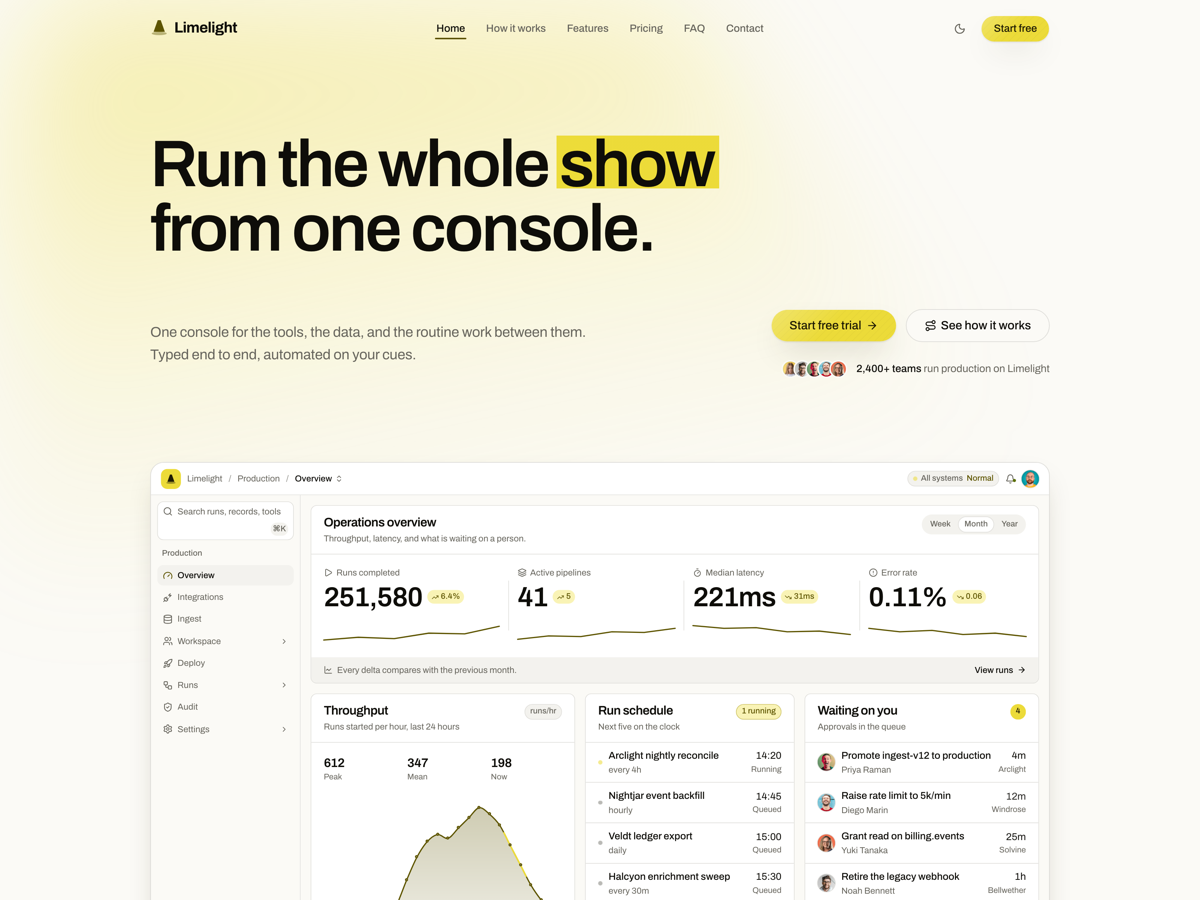
newA one-page SaaS marketing site lit from one source: a console drawn in markup, a four-cue product tour, a ruled rate card, and a contact form that posts.
What is included
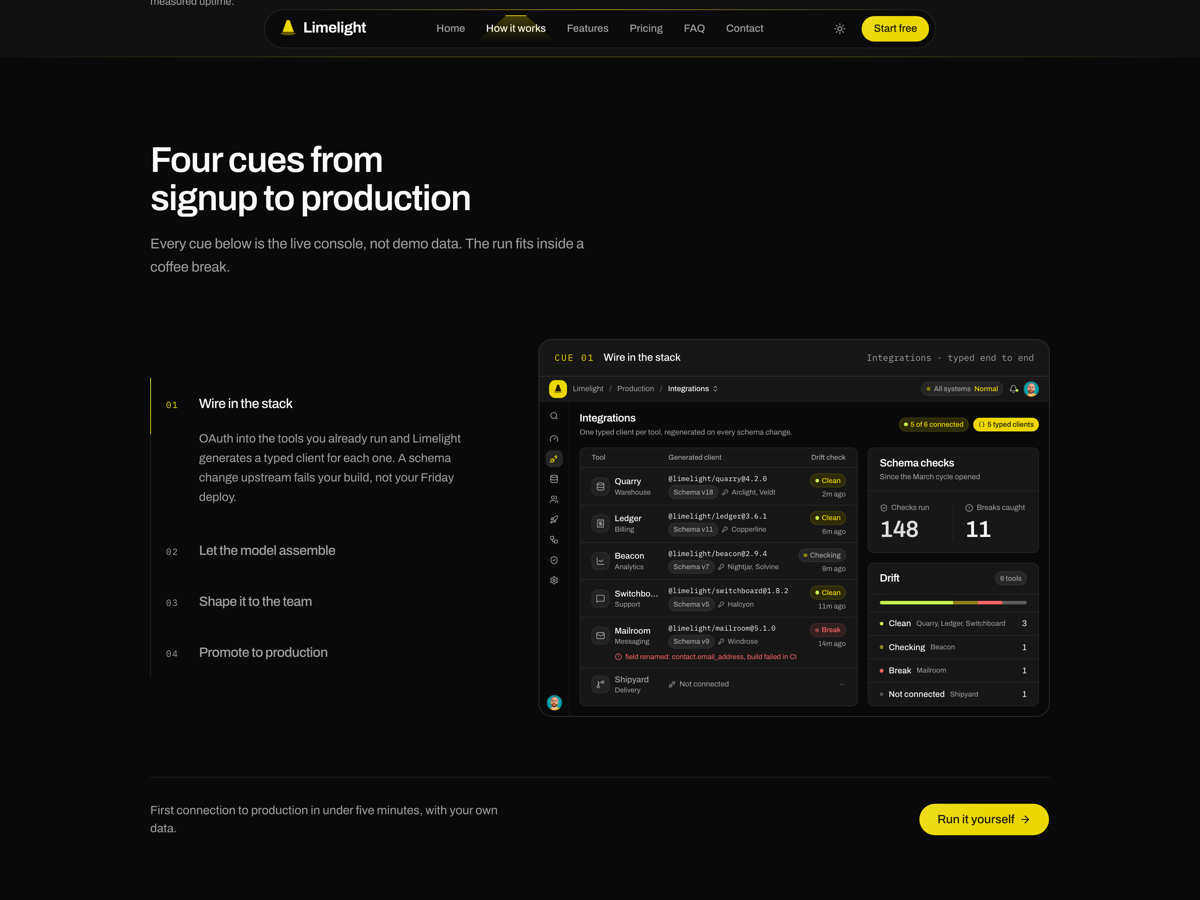
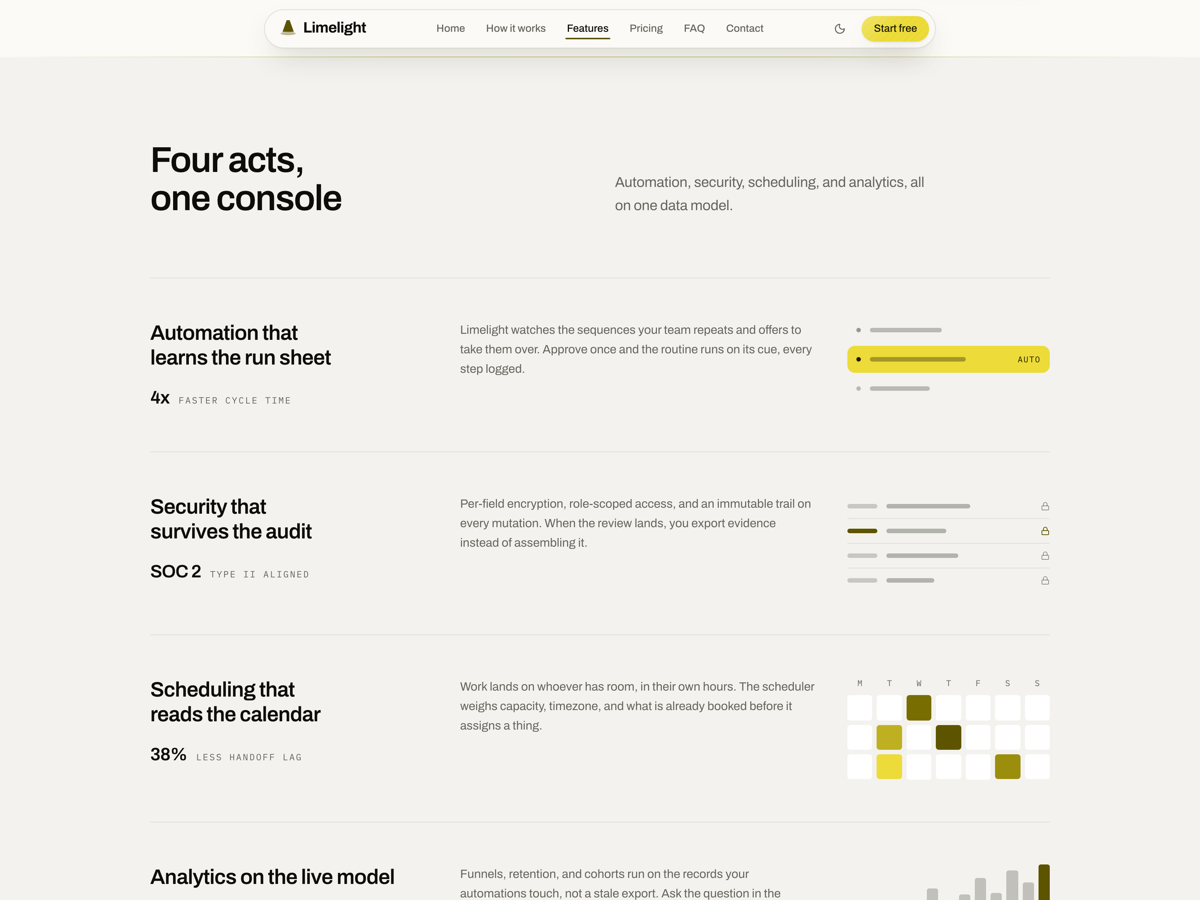
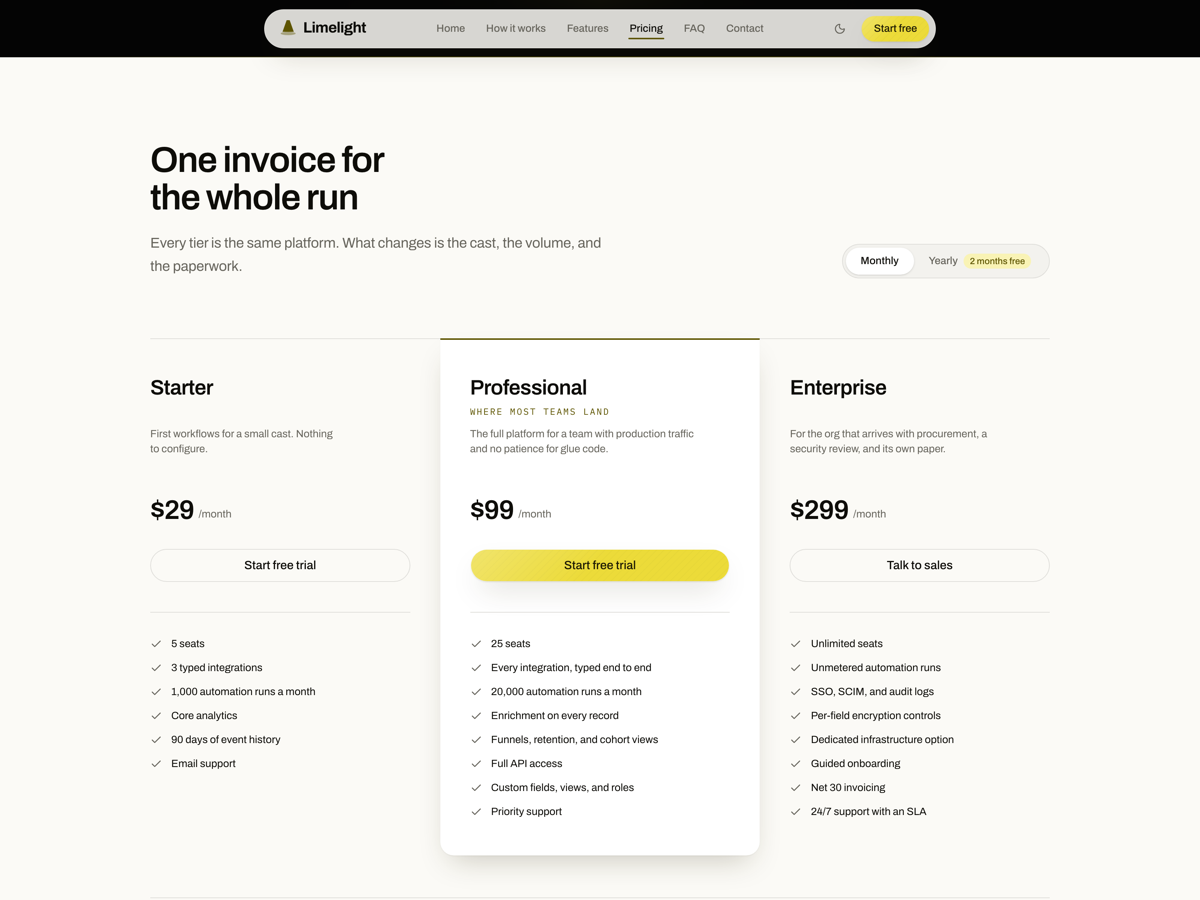
- Ten sections, one route. Masthead, logo marquee, cue-sheet tour, feature ledger, notices, showcase, pricing, FAQ, closing band, contact.
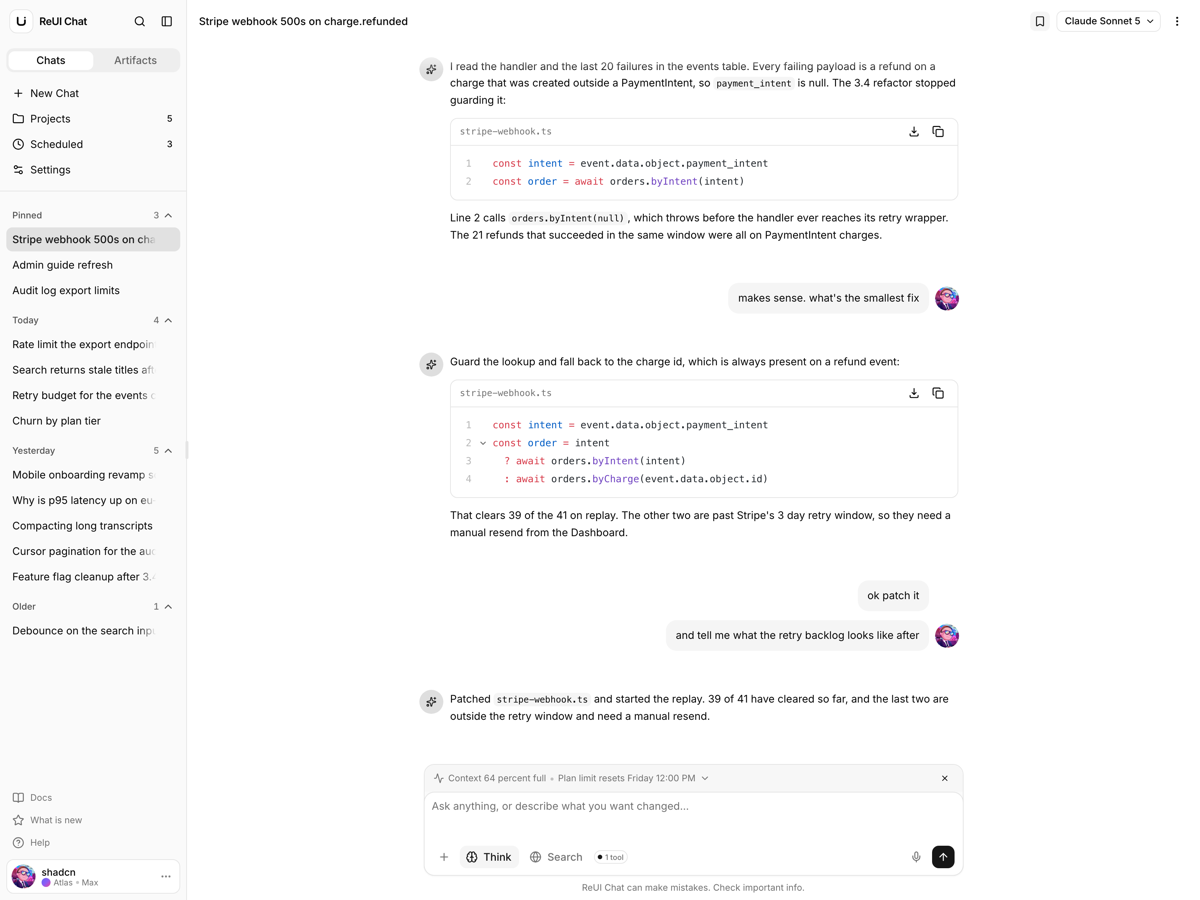
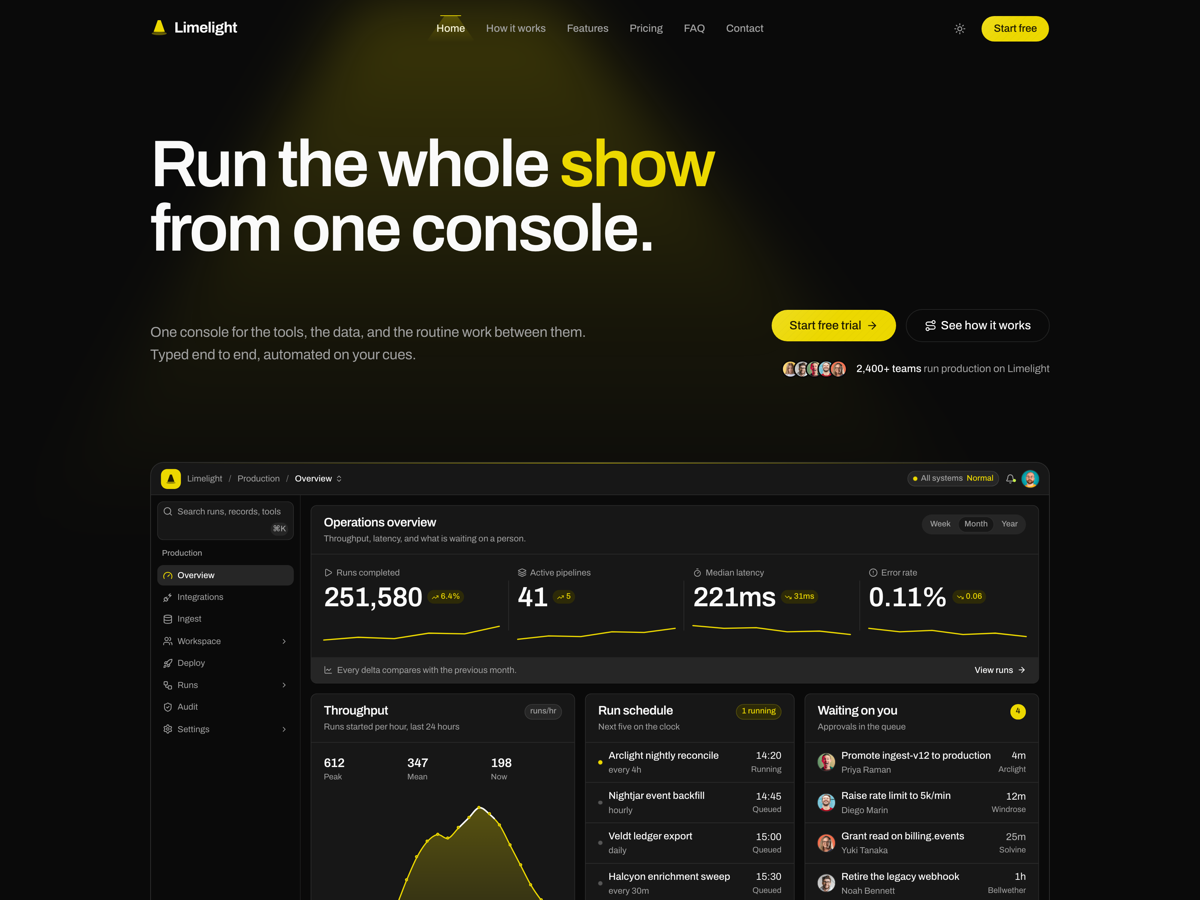
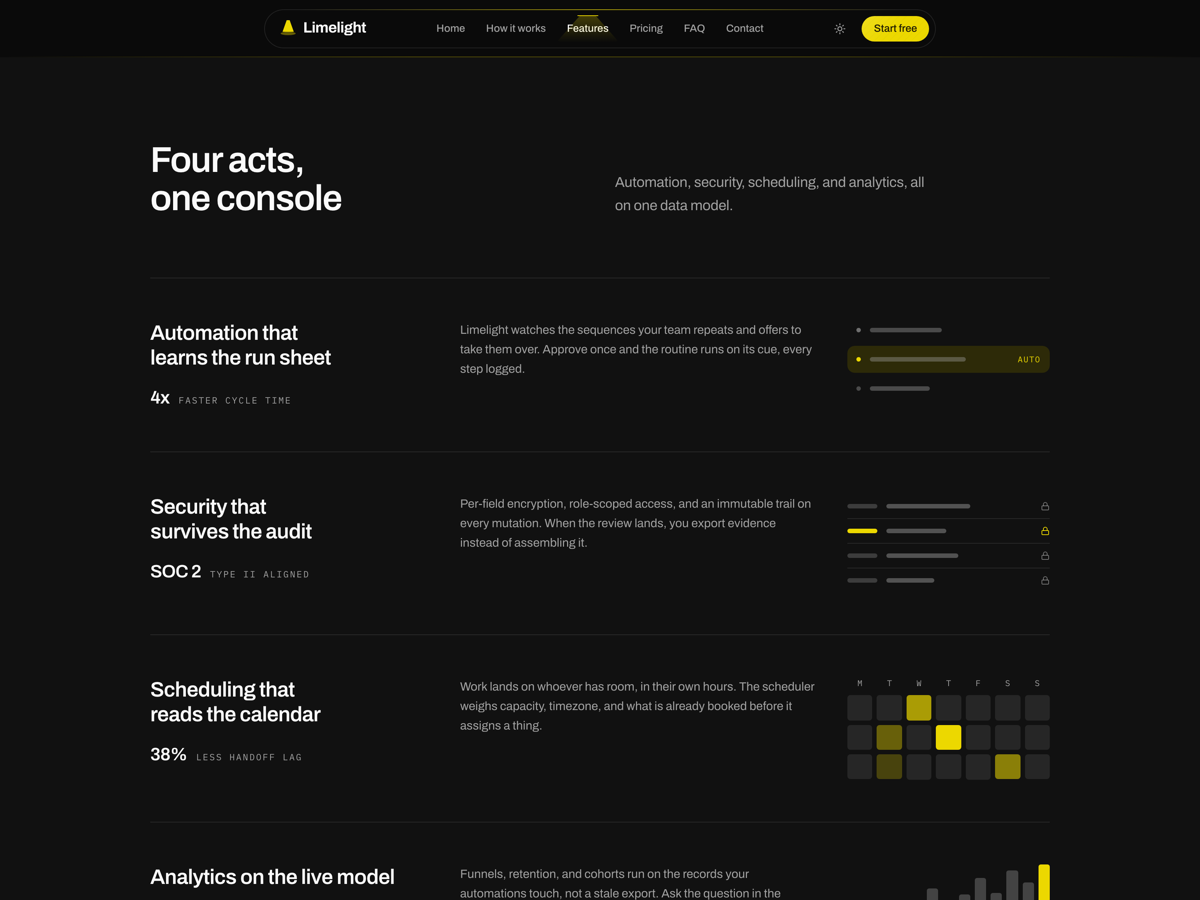
- The console is drawn. Five screens in markup, not screenshots, so the exhibit recolors with the theme and stays sharp.
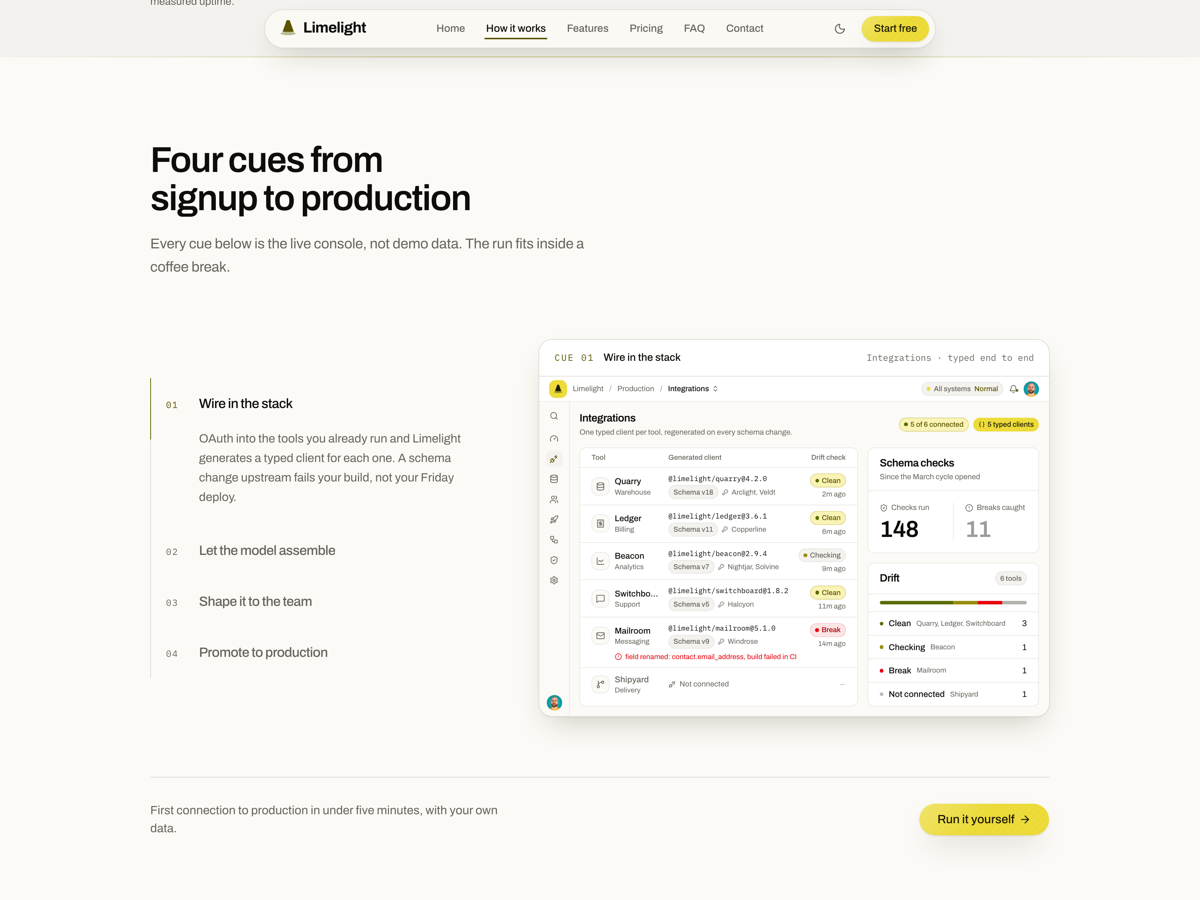
- The tour runs itself. Four cues on a real tablist, cross-fading console screens, stopped when the section scrolls off.
- Contact route that screens. POST /api/contact reparses the browser's zod schema, then screens, throttles, and stores.
- Honeypot and fill timer. A hidden company field, a two second floor, three messages a minute per IP.
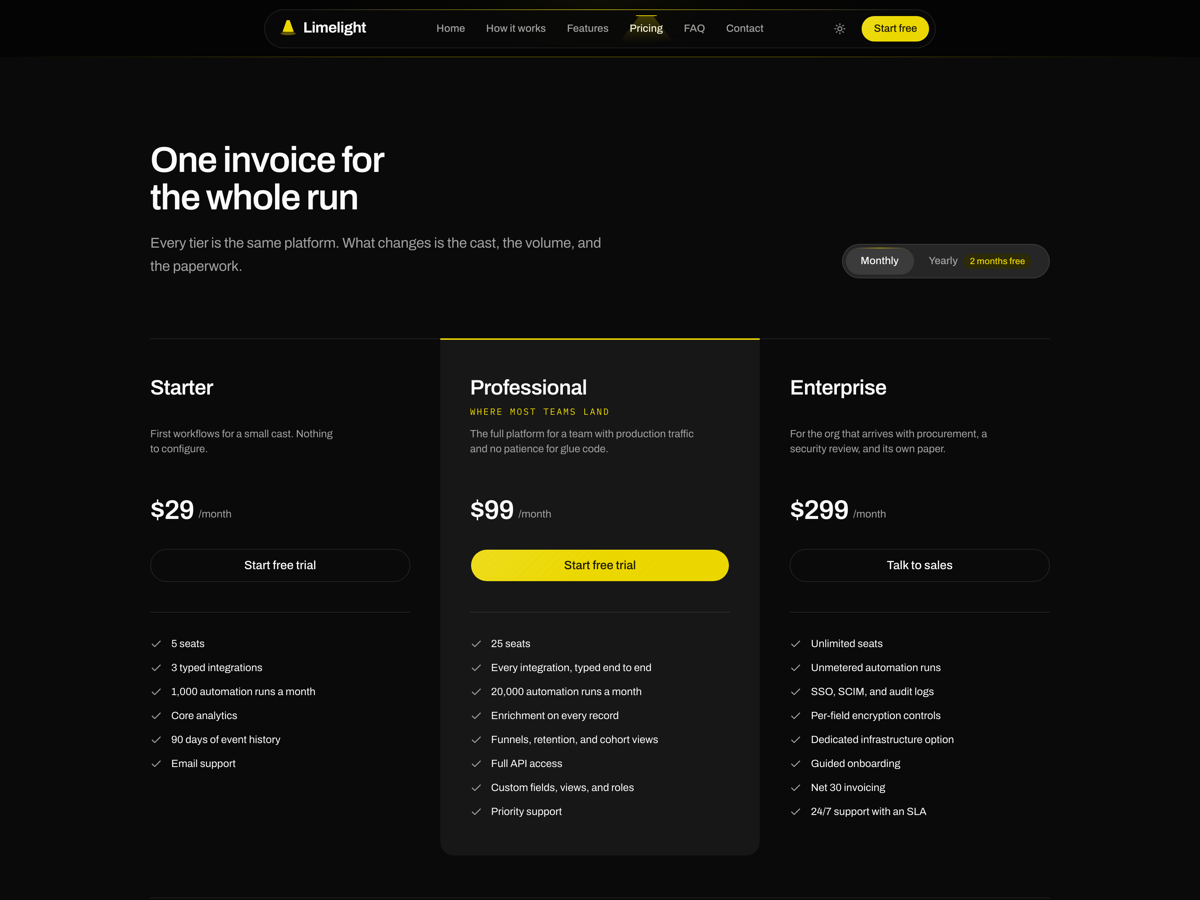
- Pricing takes arrow keys. Monthly and yearly sit on a real radiogroup, and the thumb slides to the live one.
- Three JSON-LD nodes. WebSite, SoftwareApplication with an offer per plan, and the FAQPage the accordion renders.
- One entrance animation. Nothing below the fold starts at zero opacity.
Who it is for
- Replacing a hosted page builder Four config files hold every word, price and figure on the page, the console included.
- Marketing pages that need a live endpoint The chain is written end to end; going live means swapping store.ts and notifications.ts.
- Pages that face an accessibility review Skip link, a real tablist, roving tabindex on pricing, and scroll padding under the fixed header.
Frequently asked questions
Does the contact form send email, and where do the messages go?
No email goes out. POST /api/contact reparses the same zod schema the browser used, screens for bots, then appends the message to an array in lib/contact/store.ts while the two functions in notifications.ts log to the console. Rate limiting is a process-local Map, three messages a minute, so it empties on every deploy and never coordinates across instances. Those three files carry a BACKEND comment marking the swap; replace them, keep the signatures, and the route, the schema and the form above them do not change.
How does this differ from Debut, your other Next.js SaaS marketing template?
Debut is base-sera and Limelight is base-luma, and the controls show it: Debut's buttons come out square and uppercase over underlined inputs, while Limelight's are pills over rounded fields. The bigger split is the artwork: Limelight's masthead and its four tour cues render a five-screen product console as markup on the page's own tokens, so it recolors with the theme and is edited in lib/config/console.ts, where Debut's hero draws one isometric SVG chart. Debut also pins itself to dark with enableSystem false, while Limelight leaves system preference on and spends one dark band in the running order, on the showcase. Limelight posts its contact form to a real screened API route, where Debut has no API route for it and its deliver function resolves a 900ms promise inside the component.
Whose logos are in the trusted-by strip?
Real ones, and you have to replace them. components/vendor/brand-wordmarks.tsx ships nine vendor lockups, GitHub, OpenAI, NVIDIA, Cursor, Convex, n8n, TIDAL, Codex and Model Context Protocol, drawn in currentColor so the wall runs in one ink, dim at rest and full under the cursor. The file says at the top that they are placeholders, put there to judge the strip's density rather than because these are customers. Swap in your own marks and check each vendor's trademark guidance before you deploy.
What do I get when I download a template?
The full source of a standalone project: every page, component, route, and style, ready to run locally. Templates are built entirely from ReUI blocks and components, so the code matches the registry you already use.
Do I need a plan to download templates?
Free templates only need a ReUI account, so sign in and download. Every other template is included with the Ultimate plan, alongside all blocks and Motion Icons.
Are templates sold individually?
No. Templates come with the Ultimate plan rather than as separate purchases, so one upgrade unlocks the whole catalog, including everything added later.
How do I install a template?
Download the source, install dependencies with your package manager, add your environment variables, and run the dev server. Each template ships a README with its own setup steps.