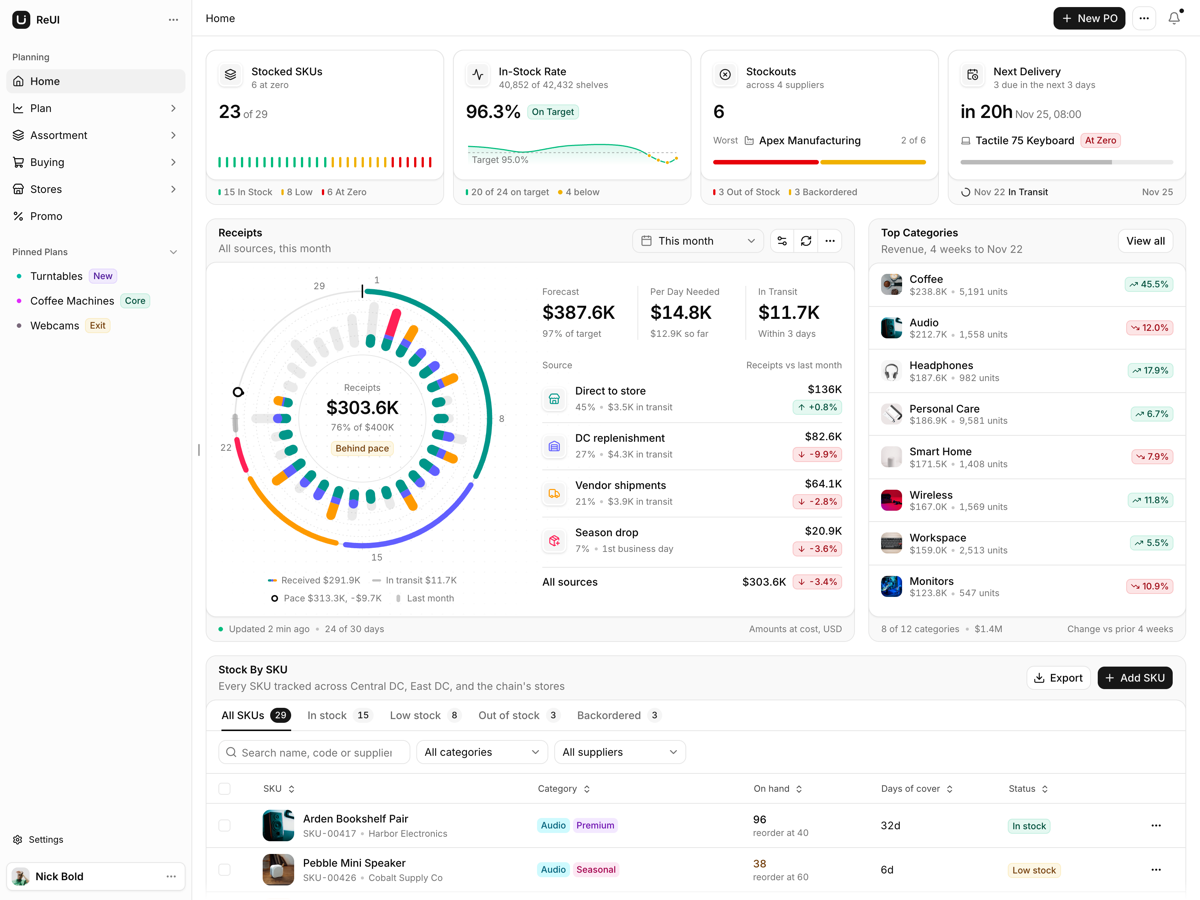
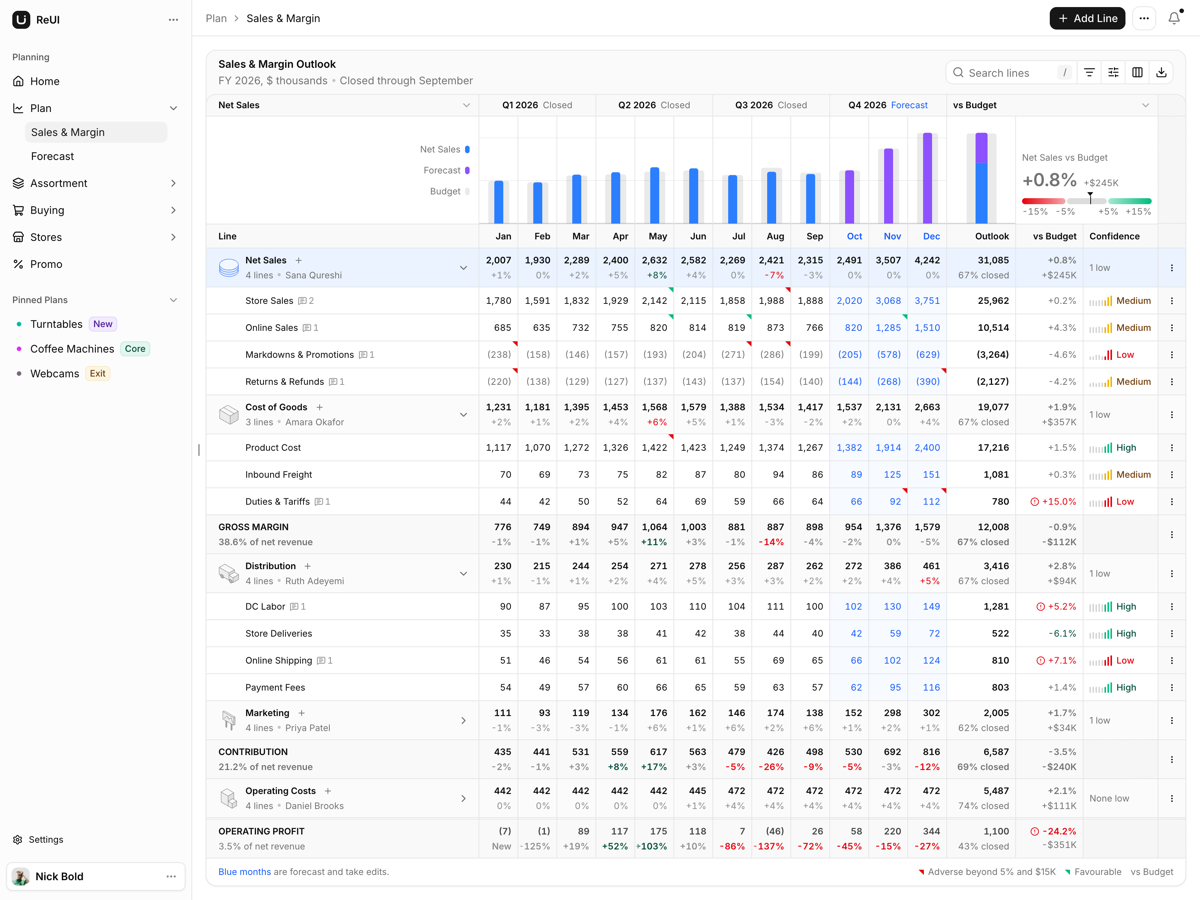
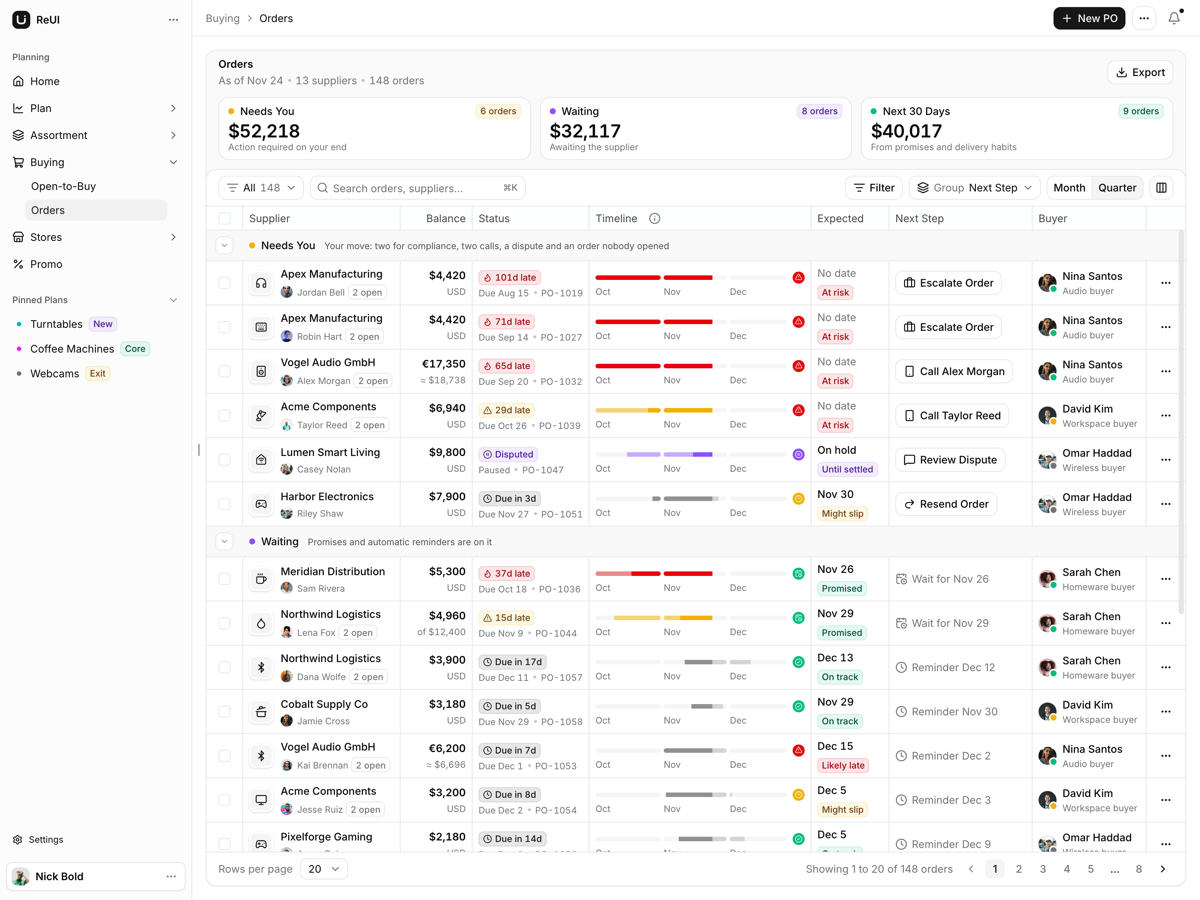
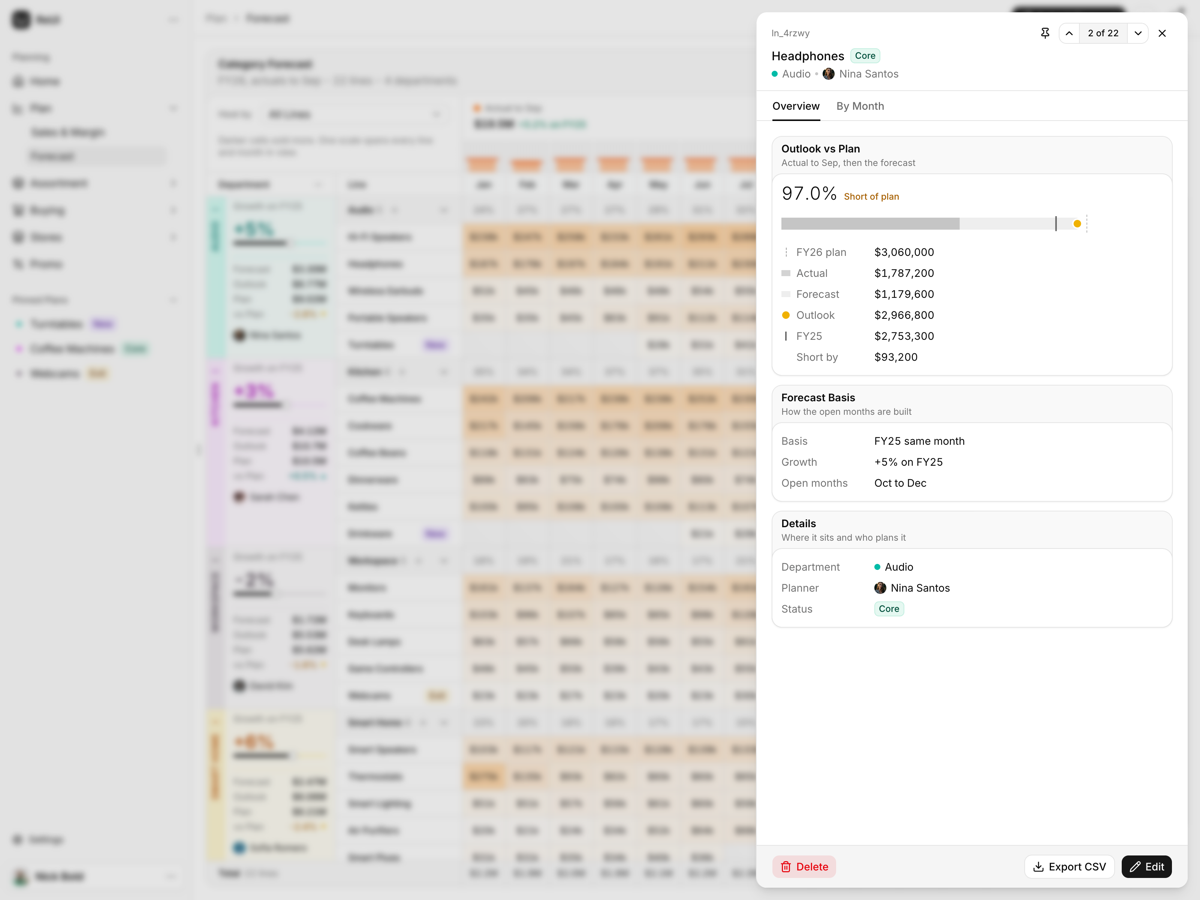
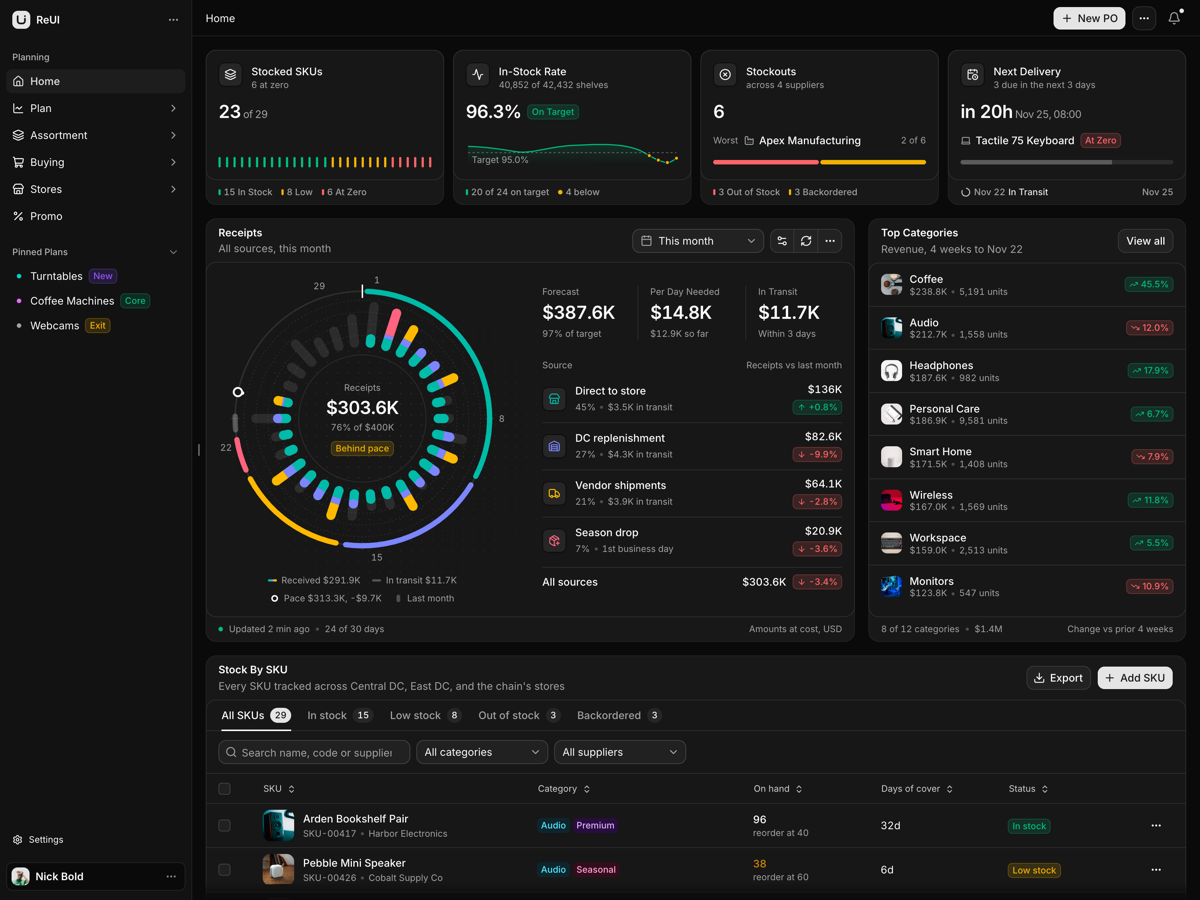
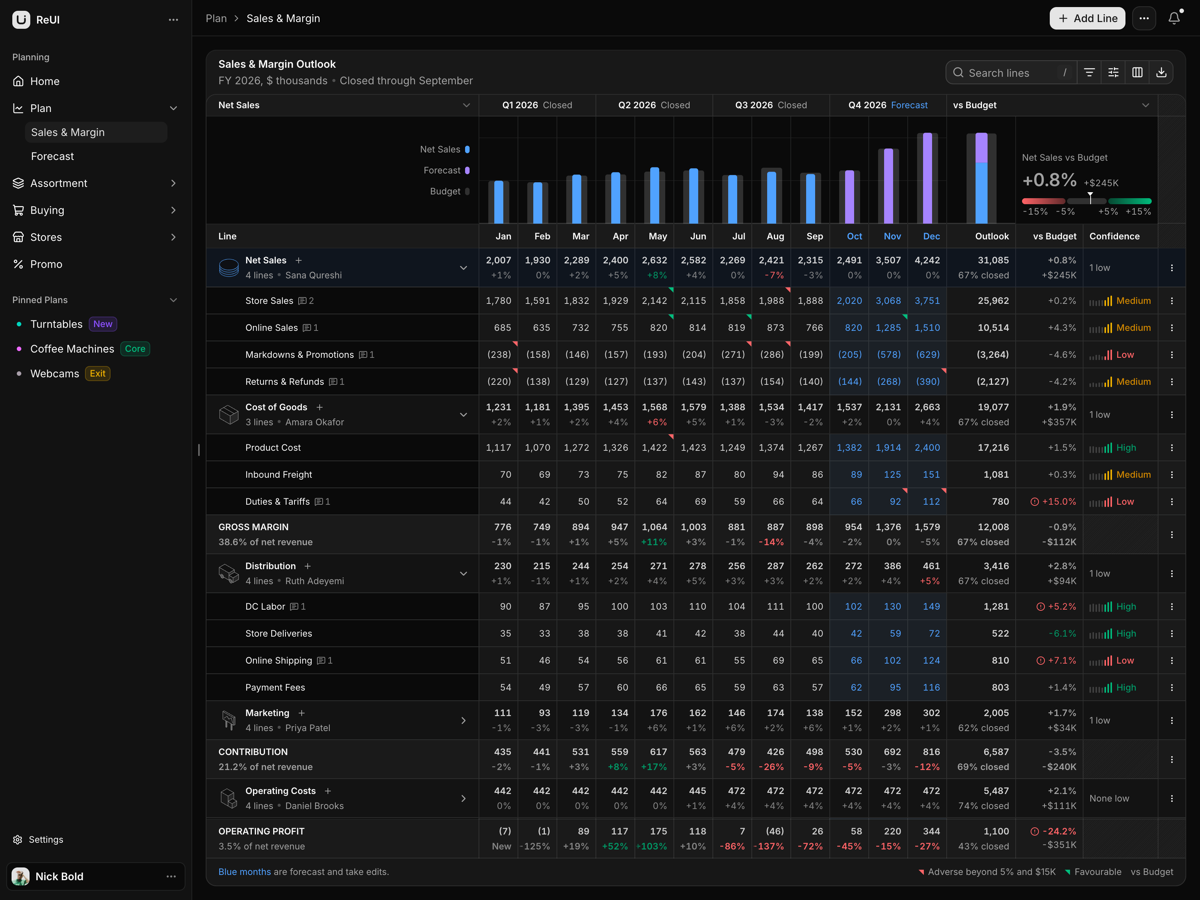
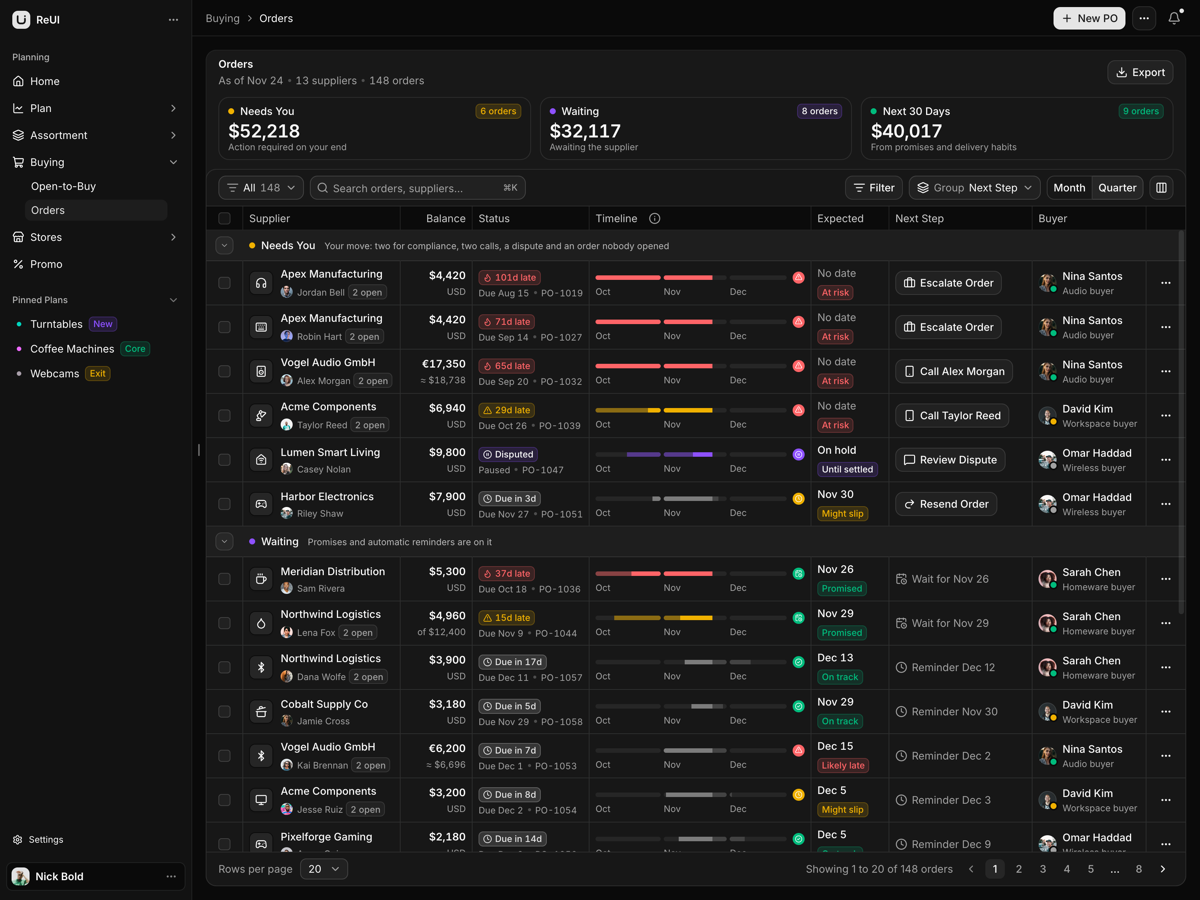
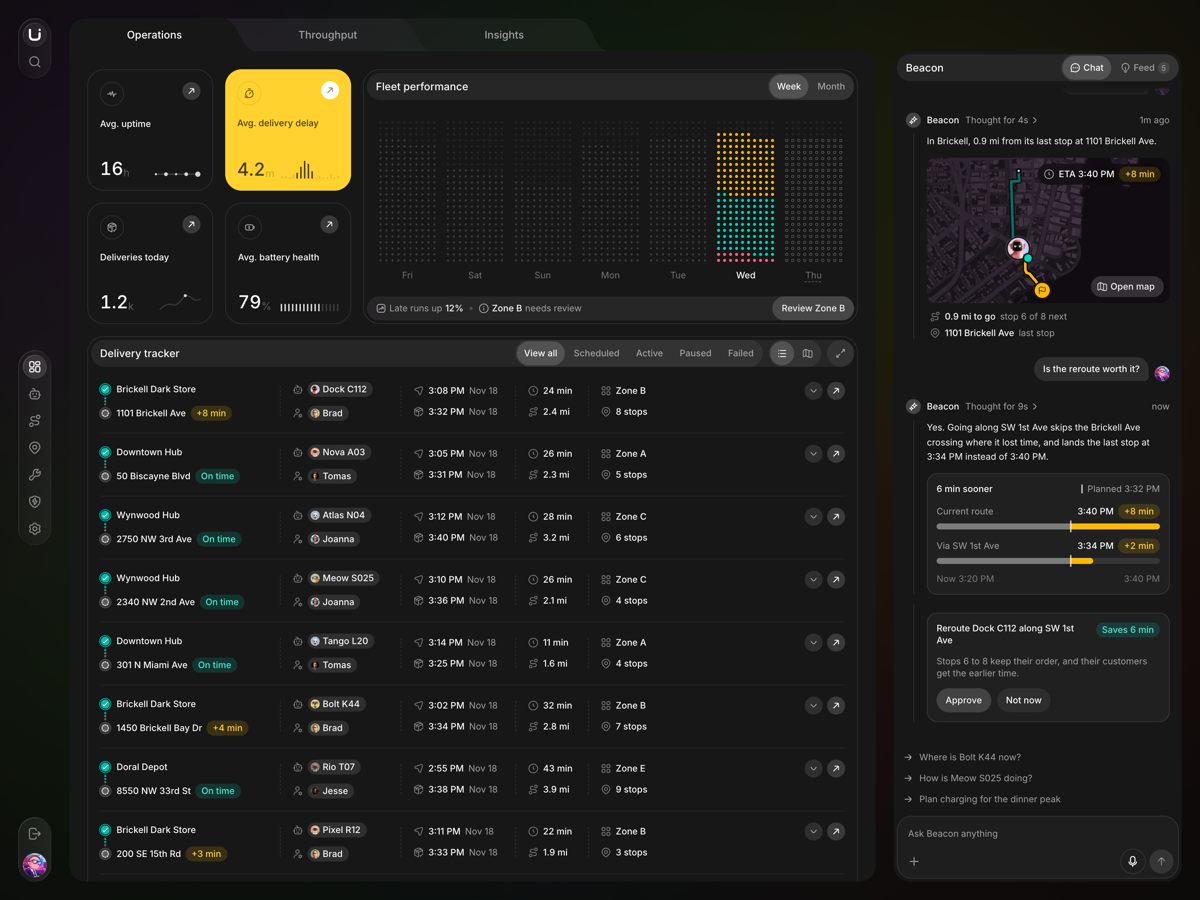
A merchandise planner for a retail chain on TanStack Start: stock by SKU, sales and margin, forecast, assortment, open-to-buy, purchase orders, store P&L and promotions.
More templates
What is included
Status follows the stock.At zero on hand, a SKU with an open PO reads Backordered; without one, Out of stock.
One PO per supplier.New PO splits checked SKUs into one order per supplier.
Closed months stay closed.Sales & Margin edits October to December; January to September are actuals.
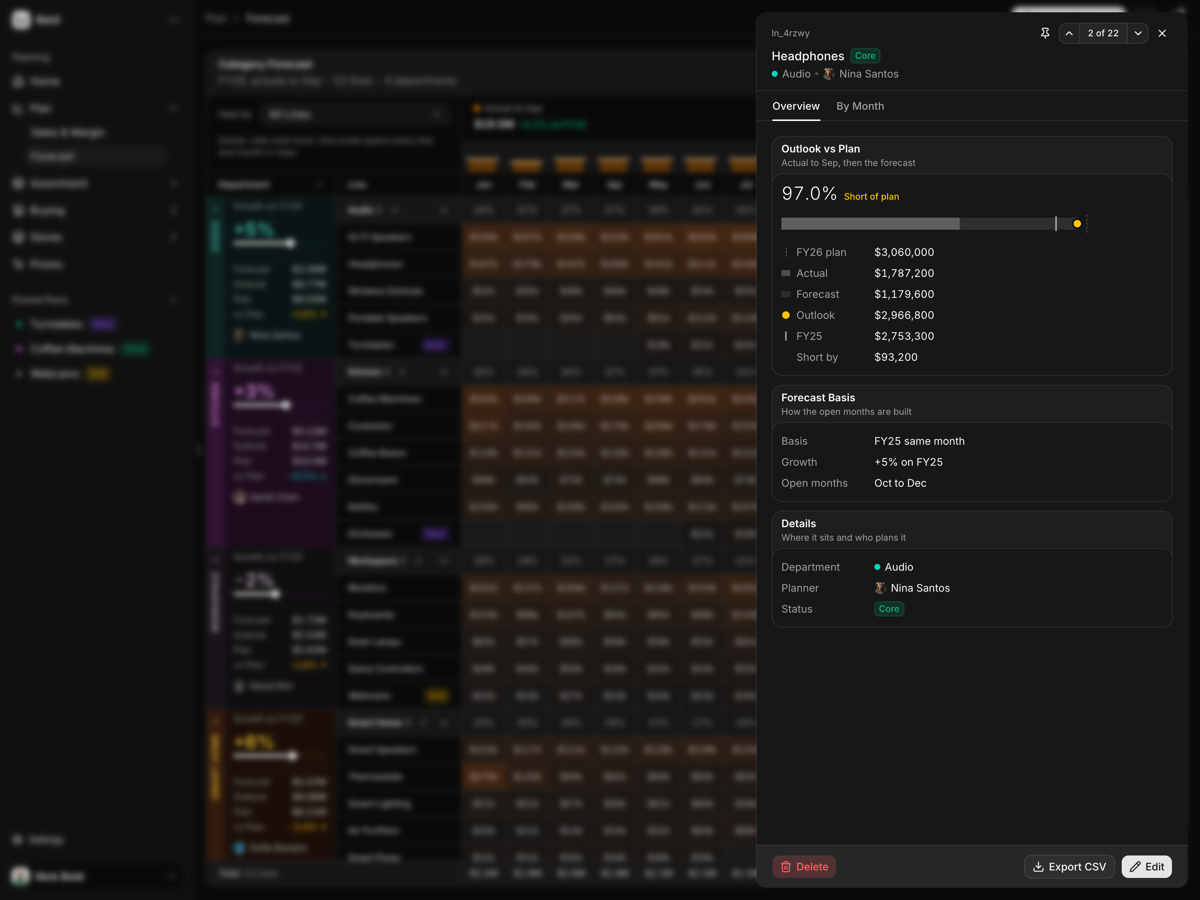
Growth on last year.A department's slider lifts last year's months, while a line with no last year holds its run rate.
The reserve says no.Covering an over-budget buy draws on the season reserve, never past what is left.
Orders chased to delivery.Record a delivery, log a call, escalate to vendor compliance, or close short.
Stalled promos flagged.Idle past its stage's limit, 14 days in Brief and 5 in Negotiation, a promo reads Stalled.
One stock list.A SKU counted on Home shows in Hierarchy at once.
Who it is for
Planning a chain's year in spreadsheetsSales & Margin, Forecast and Open-to-Buy carry a fiscal year, department growth and a season reserve.
Building buying tools for store chainsOrders follows each PO to delivery, with disputes, escalations and balances in four currencies.
Reporting store results to managersPerformance and Store P&L read 28 stores in 10 markets against target and last year.
Frequently asked questions
Does it include a backend, and do my edits survive a reload?
No backend, database or API calls: every page starts from sample data in its feature's data file under src/features/. Home's stock list, Forecast's lines, Pinned Plans and the Settings pages keep edits while you move around the app; Sales & Margin, Lines, Mix, Open-to-Buy, Orders, both Stores pages and Promo start over when you leave them. A reload resets everything but the theme, the sidebar's state and the landing page. grep -rn "BACKEND:" src finds the swap points on Home, Lines, Open-to-Buy, Orders, the shell and Settings; Sales & Margin, Forecast, Mix, both Stores pages and Promo carry no marker yet.
Is sign-in real, or can anyone open the pages?
Anyone can open them: there is no session and no route guard. /auth asks for a work email and no password, and Continue, Google, GitHub and Single Sign-On all go straight to the landing page through enterApp in src/features/auth/components/auth.tsx. Sign Out waits on a stub signOut and reloads /auth. Add your guard in beforeLoad on src/routes/_app/route.tsx.
How is Merchant different from Surge, the other TanStack Start template with purchase orders?
Surge is an online store's back office: orders, catalog, customers and reviews behind a typed repository seam with demo and live adapters. Merchant plans a chain of physical stores: a fiscal year statement, department forecasts, assortment, open-to-buy budgets, supplier orders, 28 stores' results and promotions planned with suppliers. It has no adapter layer, so going live means replacing each feature's data file and the store that holds its writes.
What do I get when I download a template?
The full source of a standalone project: every page, component, route, and style, ready to run locally. Templates are built entirely from ReUI blocks and components, so the code matches the registry you already use.
Do I need a plan to download templates?
Free templates only need a ReUI account, so sign in and download. Every other template is included with the Ultimate plan, alongside all blocks and Motion Icons.
Are templates sold individually?
No. Templates come with the Ultimate plan rather than as separate purchases, so one upgrade unlocks the whole catalog, including everything added later.
How do I install a template?
Download the source, install dependencies with your package manager, add your environment variables, and run the dev server. Each template ships a README with its own setup steps.