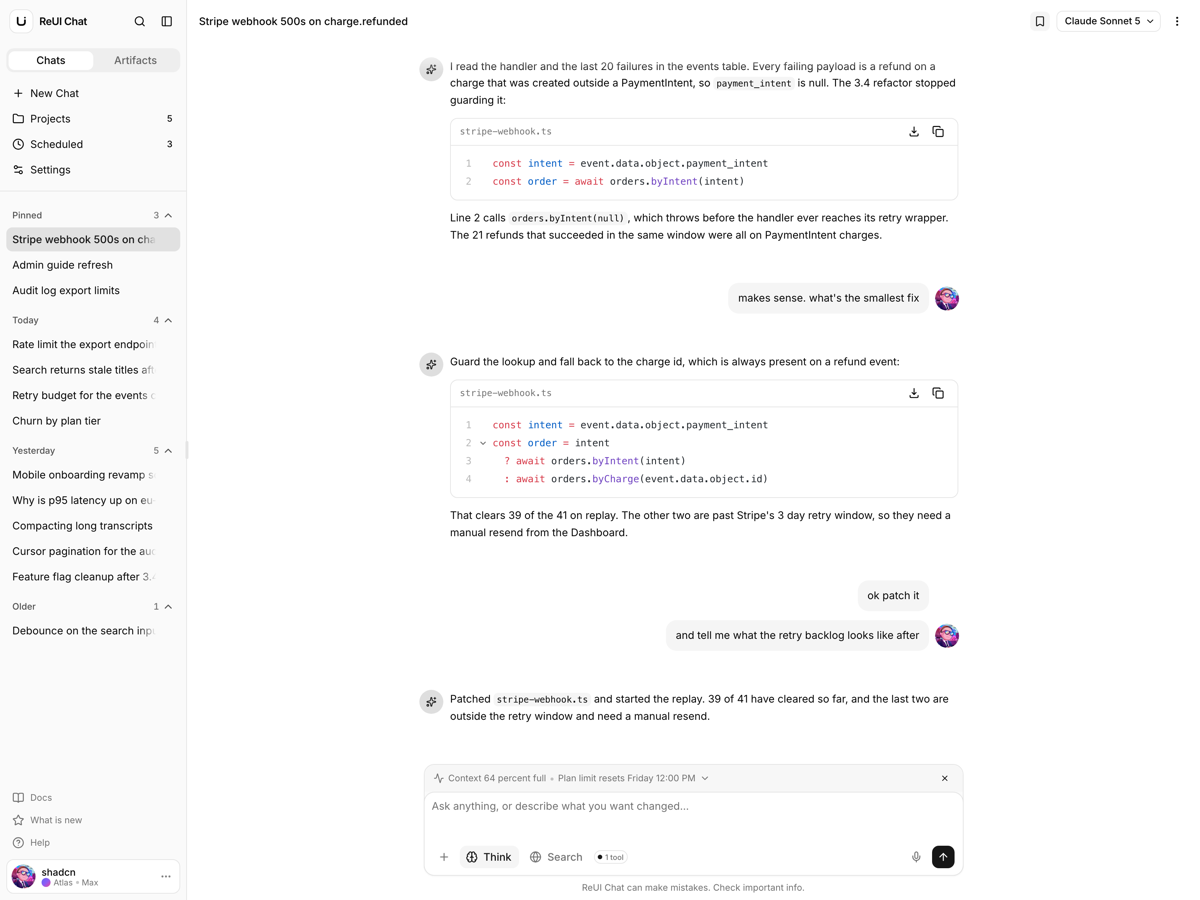
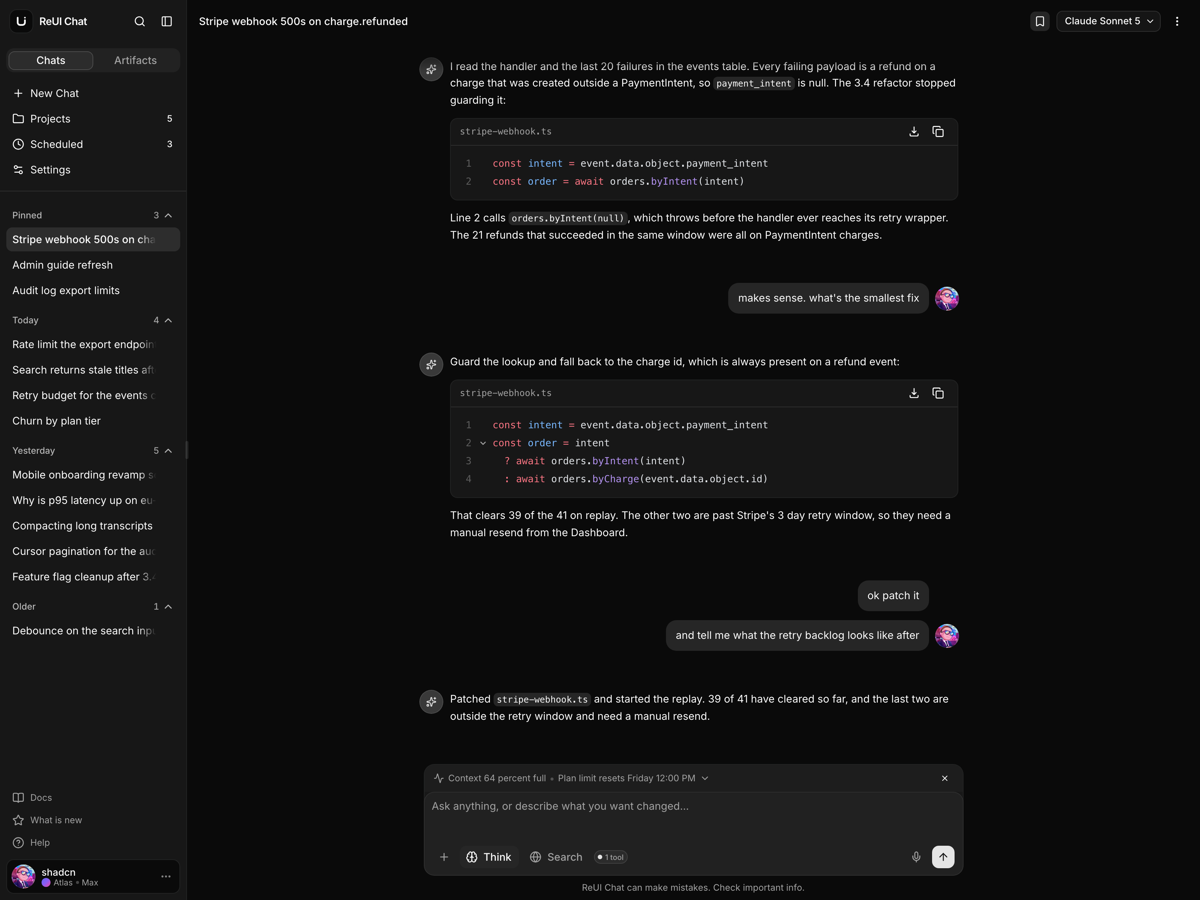
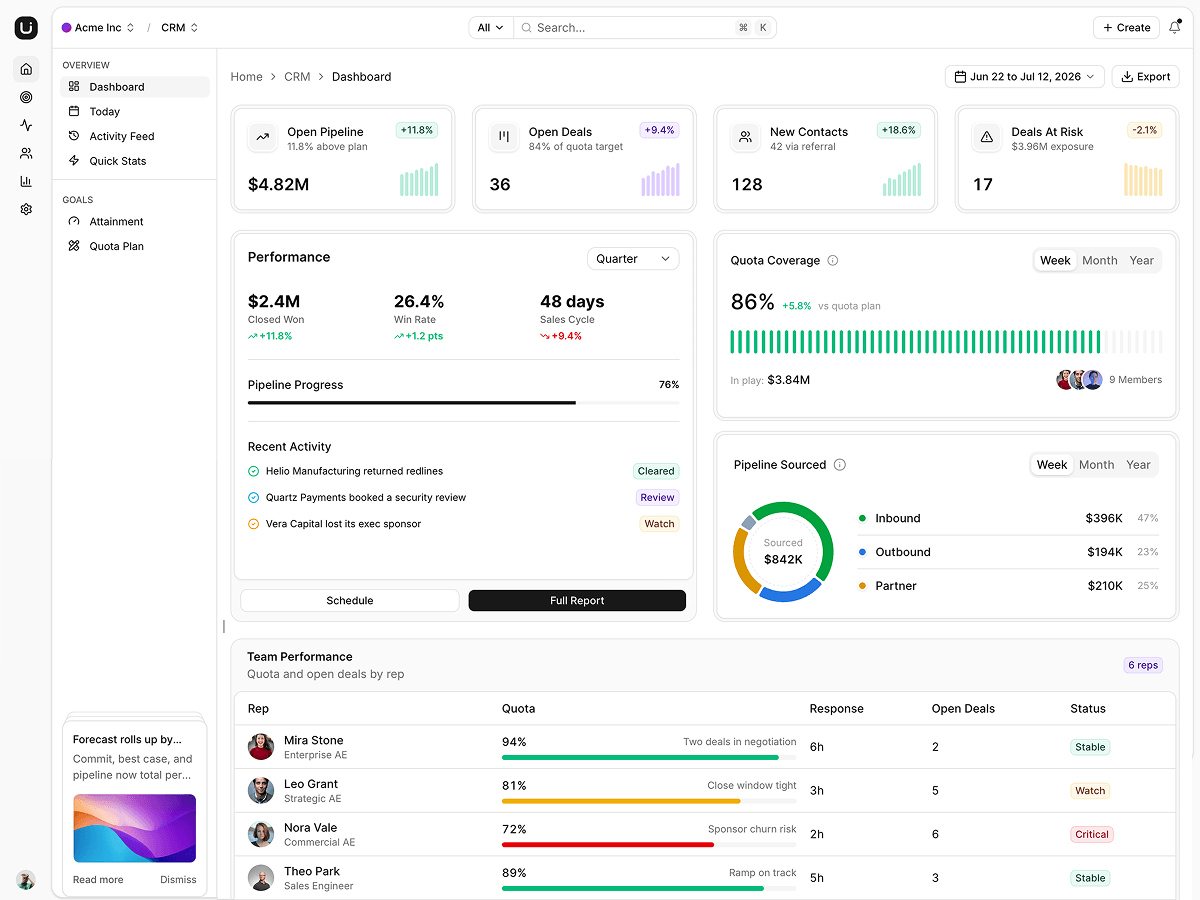
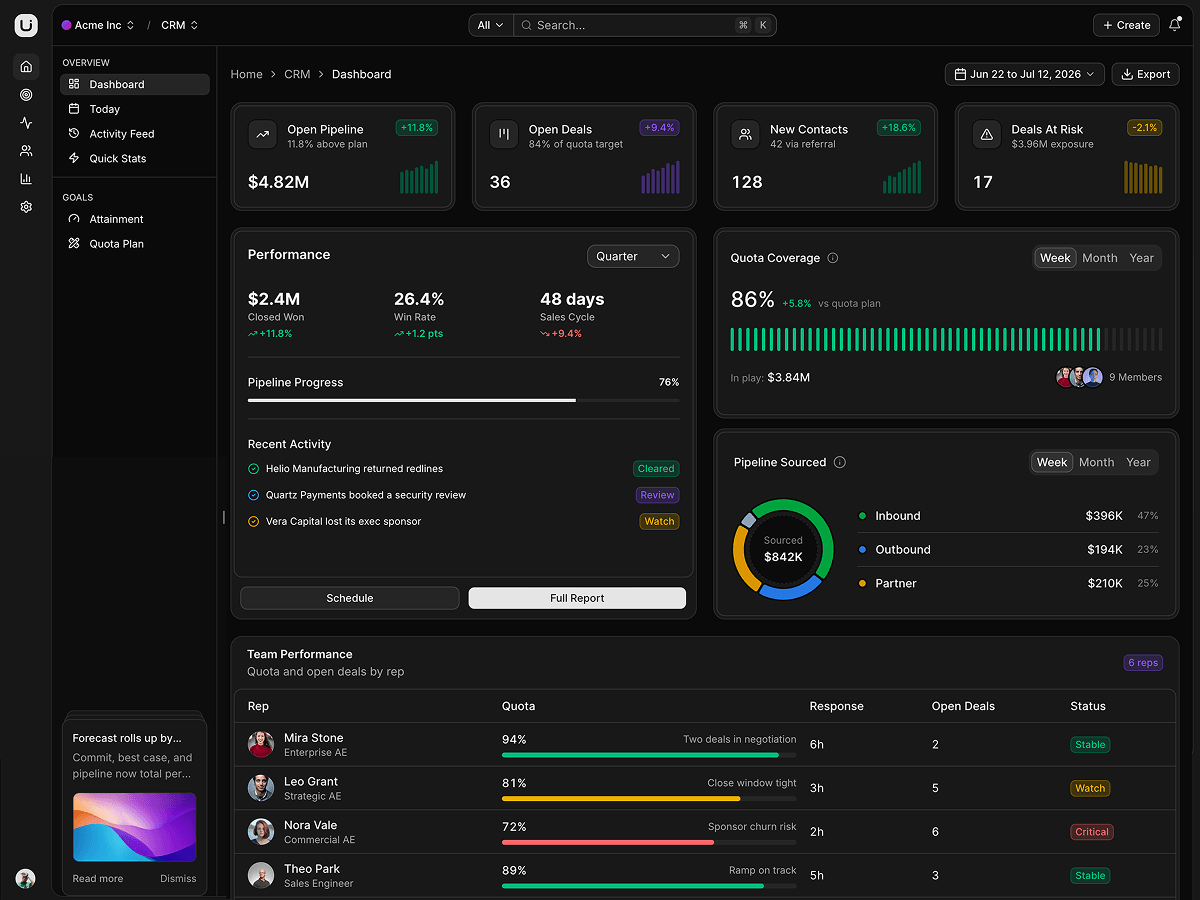
Filespace - Next.js Cloud Storage Template
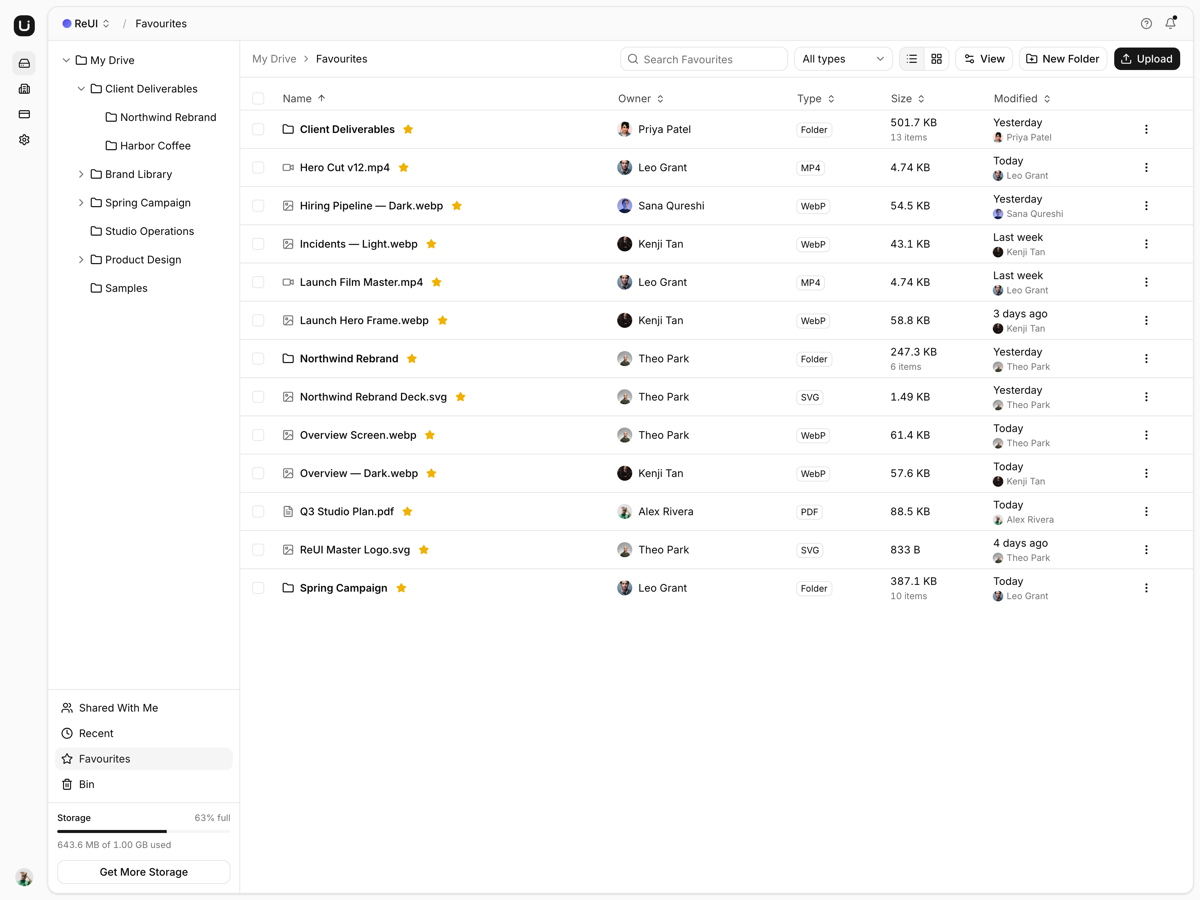
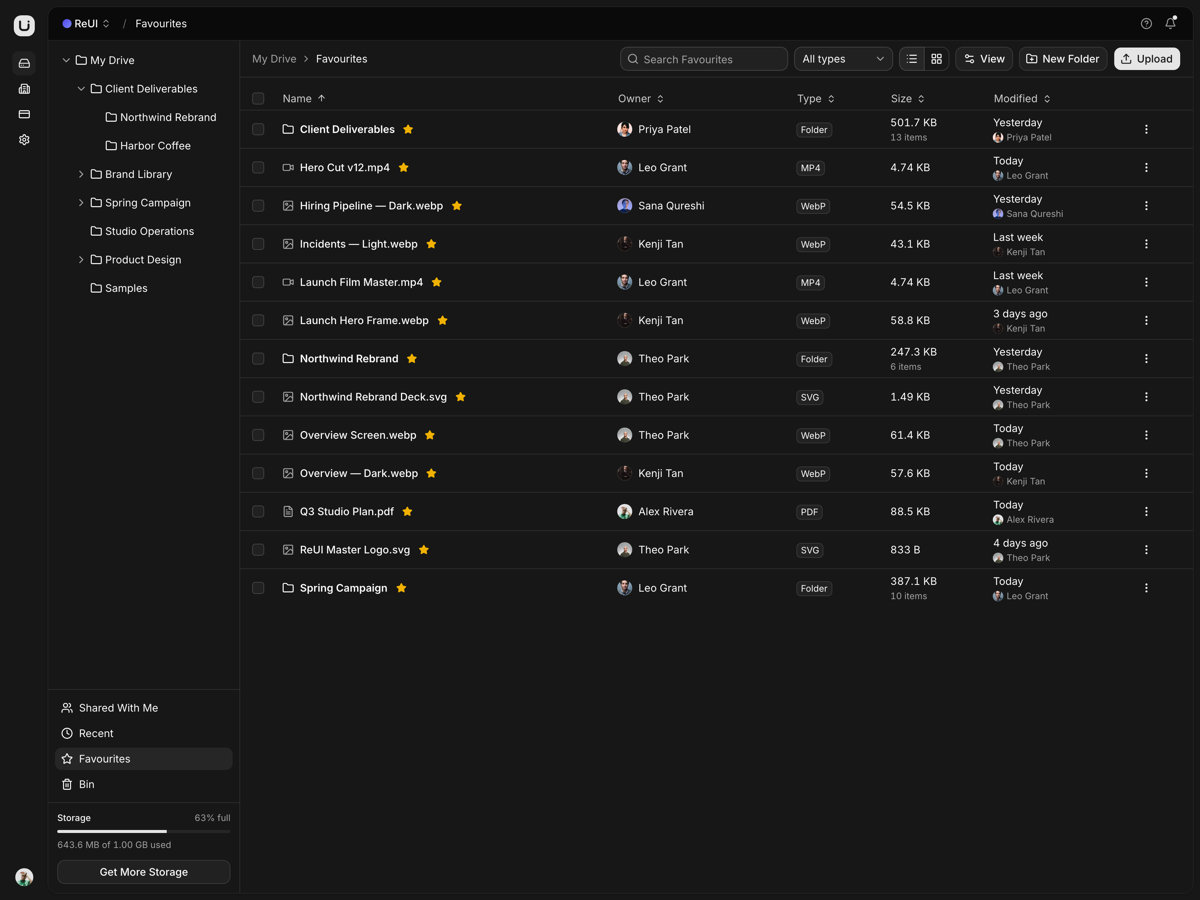
hotA cloud drive front end: folders, upload, sharing with inherited access, real file previews, a bin, and an account area behind one repository interface.
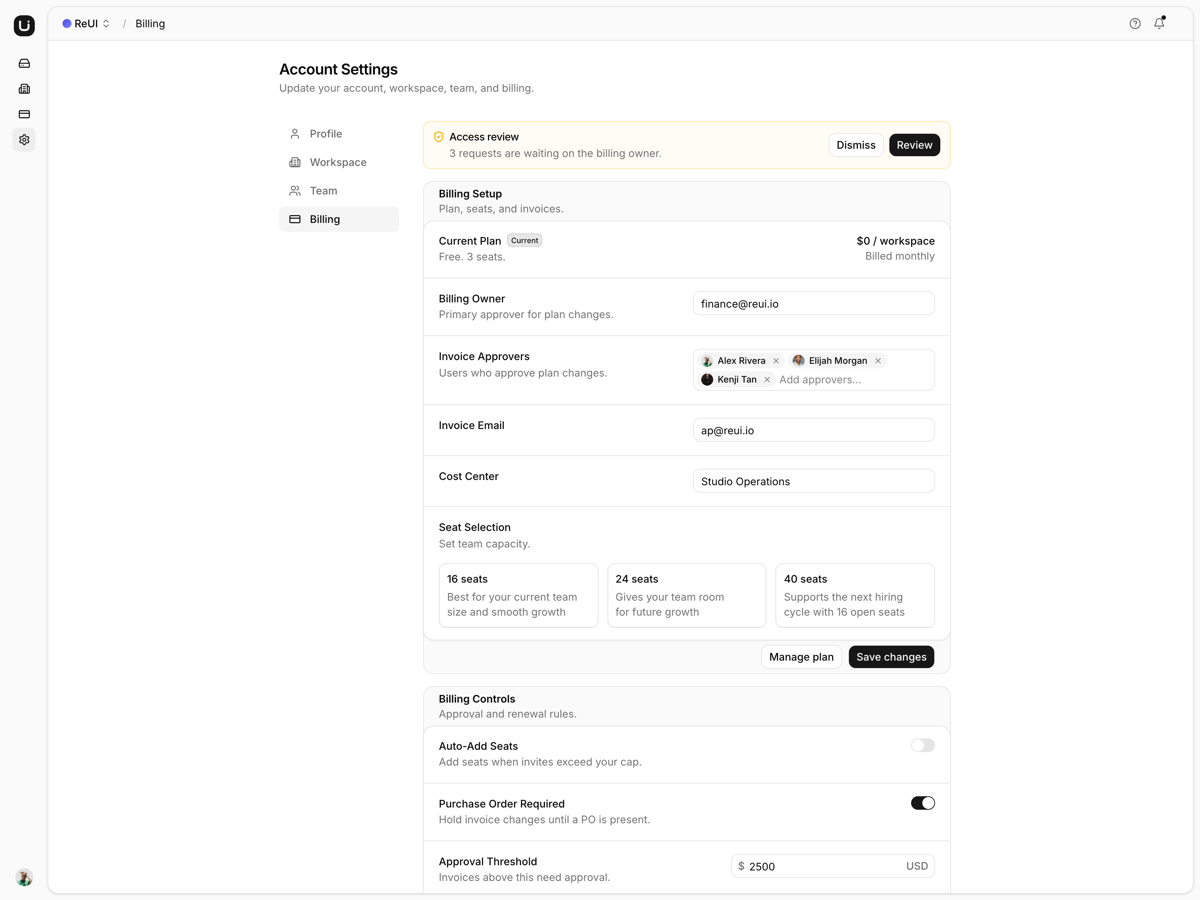
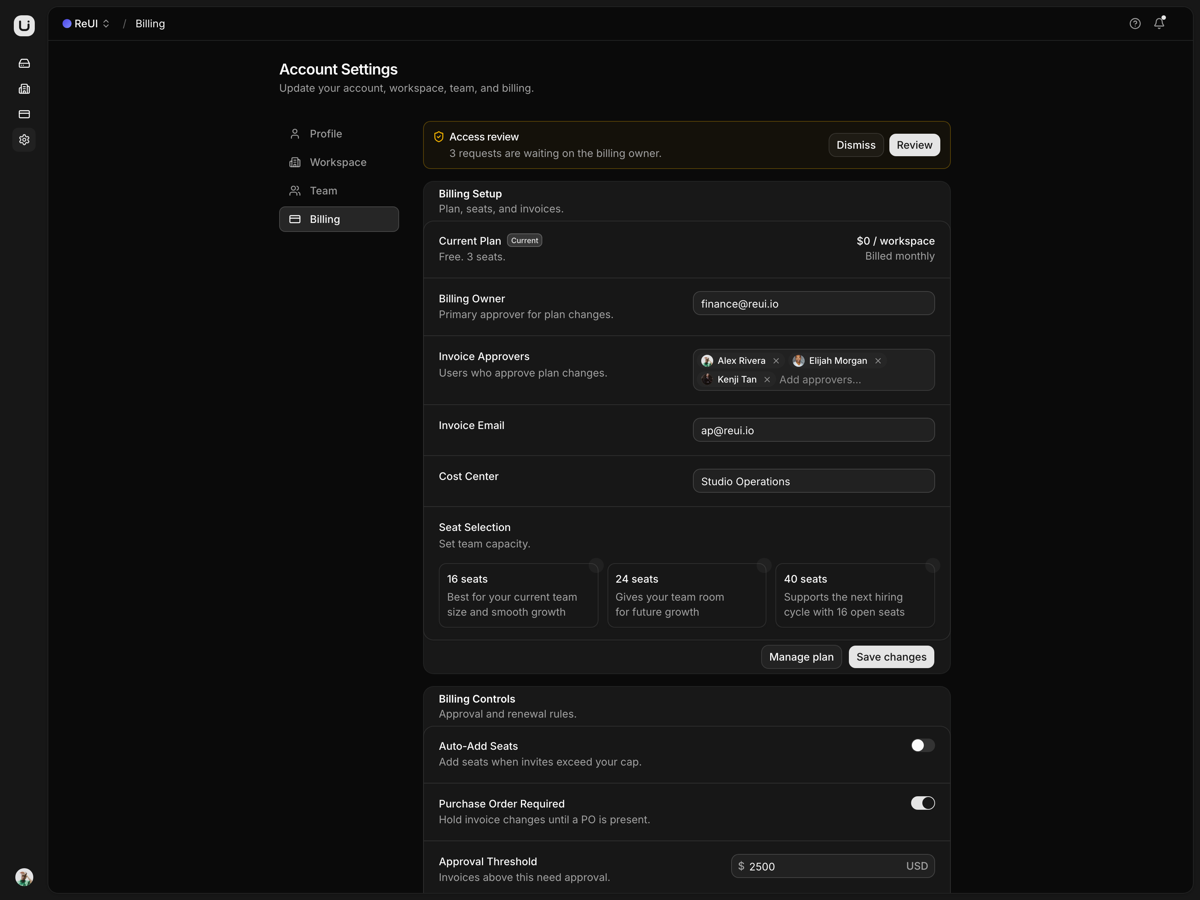
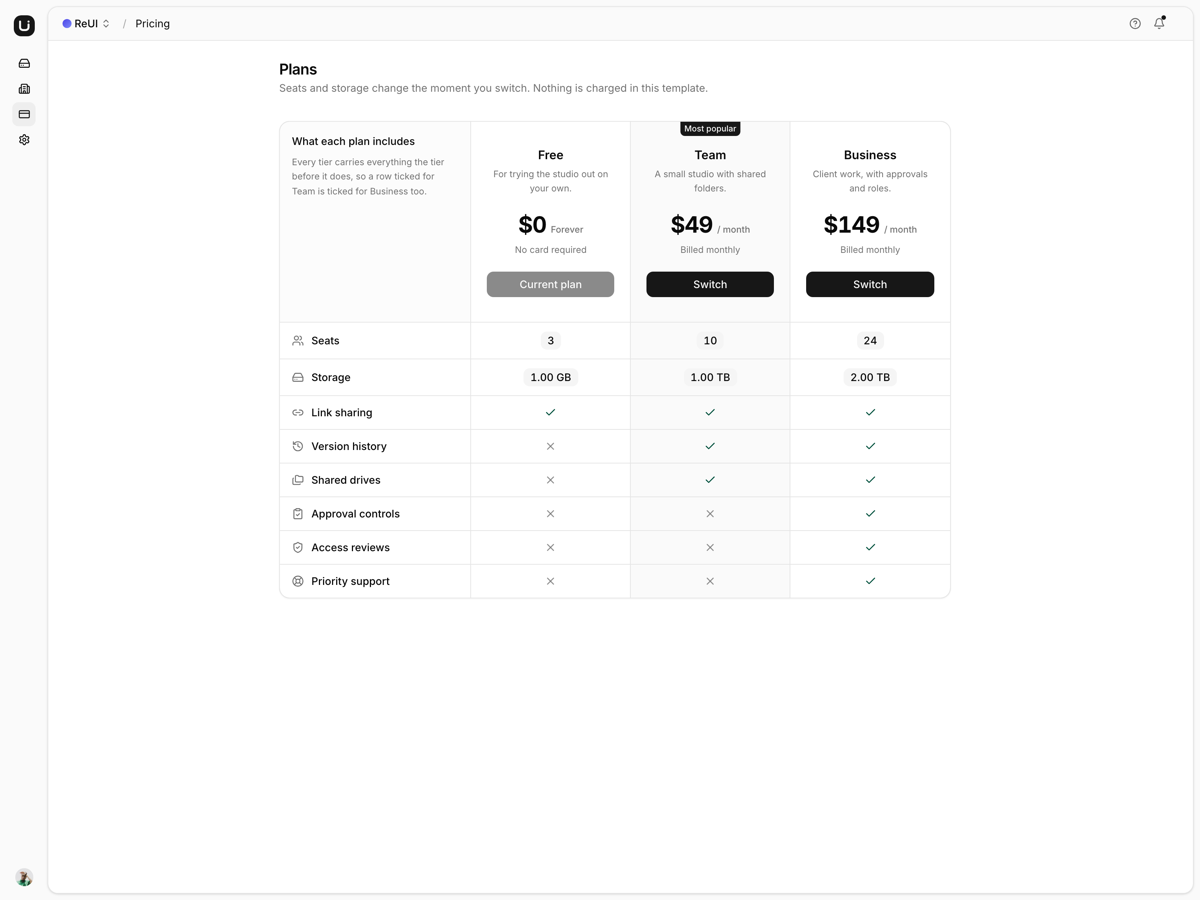
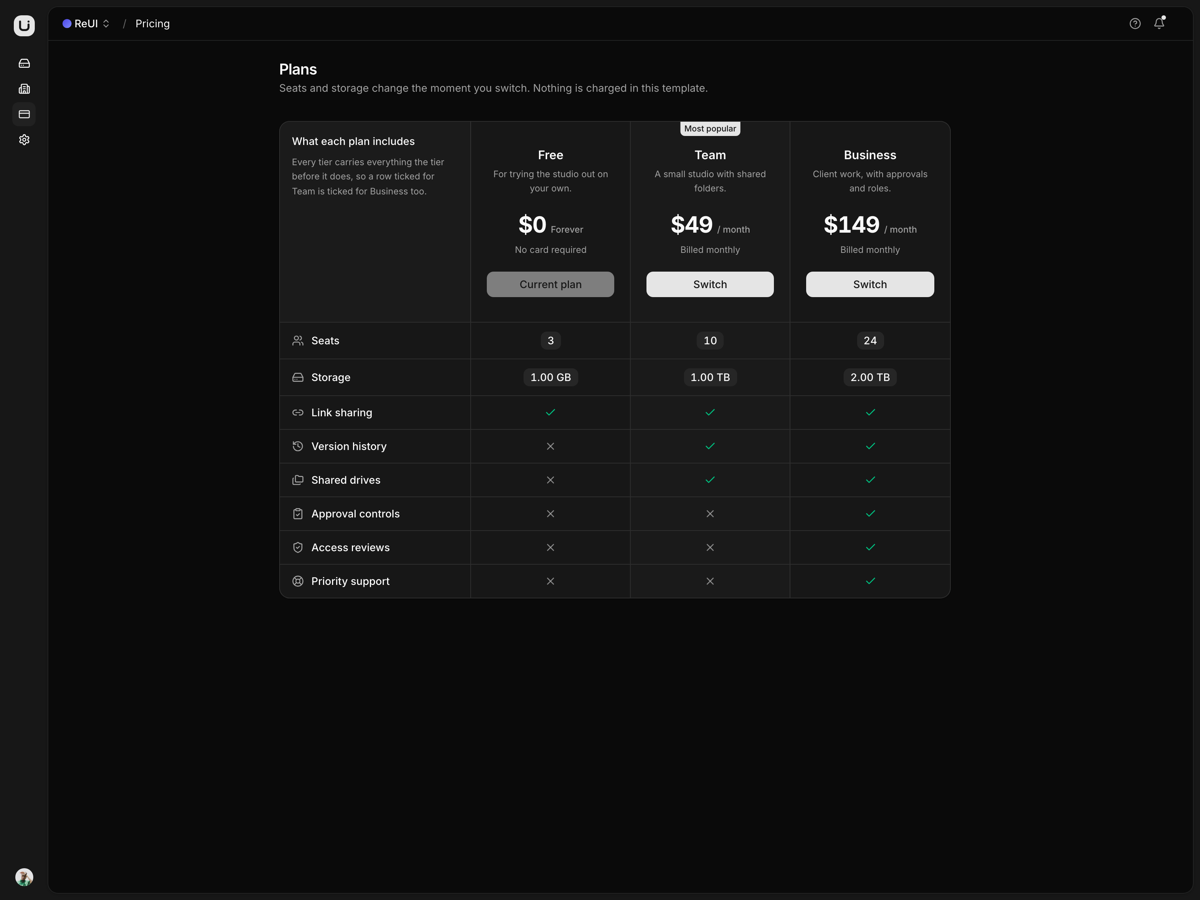
What is included
- Every view has a URL. Folders, Shared, Recent, Favourites and Bin are routes, and the app opens on whichever the profile names.
- The explorer never remounts. Opening a folder pushes its name into the URL, so sort, density and scroll survive the move.
- Previews read the file. PDFs render through pdf.js, an .xlsx parses into its own grid, and a .zip lists its entries.
- A viewer for pictures. Wheel and pinch zoom stay anchored on the pointer, with drag to pan, arrow keys and a filmstrip.
- Sharing resolves inheritance. A file inside a shared folder shows that folder's people, tagged and locked, above its own grants.
- One interface, two stores. A DriveRepository with a demo implementation and a live stub, switched by one environment variable.
- Writes roll back. Every edit lands immediately and reverts the whole snapshot when the repository rejects it.
- A folder downloads as a ZIP. Built in the browser from the files themselves.
Who it is for
- Teams with storage and no interface The explorer, share panel and previews are done; the work left is one adapter.
- Studios handing files to clients A shared folder, an access panel, a bin and a revision history all render today.
- SaaS apps that need a files tab Folder tree, list and grid views, multi-select and a bulk action bar arrive together.
Frequently asked questions
Does it include a backend, and what happens to files I upload?
No backend. Everything above lib/data reaches the drive only through the DriveRepository interface, and the shipped implementation is an in-memory store, so an upload, a rename or a move survives navigation and is gone on reload. Going live means implementing lib/data/live/drive.ts and setting NEXT_PUBLIC_DATA_MODE=live; no component changes. Creates await the repository rather than going optimistic, because the id is the server's to mint, and an unimplemented live adapter throws instead of drawing an empty drive.
How is this different from Filebox, and which one should I buy?
One drive, one ReUI design, built twice. Filespace is the Next.js 16 build, and it stops at the data seam: the drive runs in the browser, there is no database and no server session, and the sign-in screen is a screen rather than a gate. Filebox is Laravel 13 and Inertia, and it ships the half this one leaves open, from Eloquent tables for nodes, shares and versions to Fortify sign-in with two-factor and passkeys. Buy Filespace when the storage and the API already exist and what is missing is the interface and something typed to hook it to; buy Filebox when you want the schema and the login shipped in the box.
Is authentication wired, or is the sign-in screen decorative?
Decorative. There is no session, no middleware and no route guard: sign-in checks that both fields are filled, then sends you to the drive, and the Google and Apple buttons do the same. Sign-up validates all five of its fields in the browser and lands in the same place. Every route in the app is reachable without signing in at all.
What do I get when I download a template?
The full source of a standalone project: every page, component, route, and style, ready to run locally. Templates are built entirely from ReUI blocks and components, so the code matches the registry you already use.
Do I need a plan to download templates?
Free templates only need a ReUI account, so sign in and download. Every other template is included with the Ultimate plan, alongside all blocks and Motion Icons.
Are templates sold individually?
No. Templates come with the Ultimate plan rather than as separate purchases, so one upgrade unlocks the whole catalog, including everything added later.
How do I install a template?
Download the source, install dependencies with your package manager, add your environment variables, and run the dev server. Each template ships a README with its own setup steps.