Filebox - Laravel and Inertia Cloud Storage Template
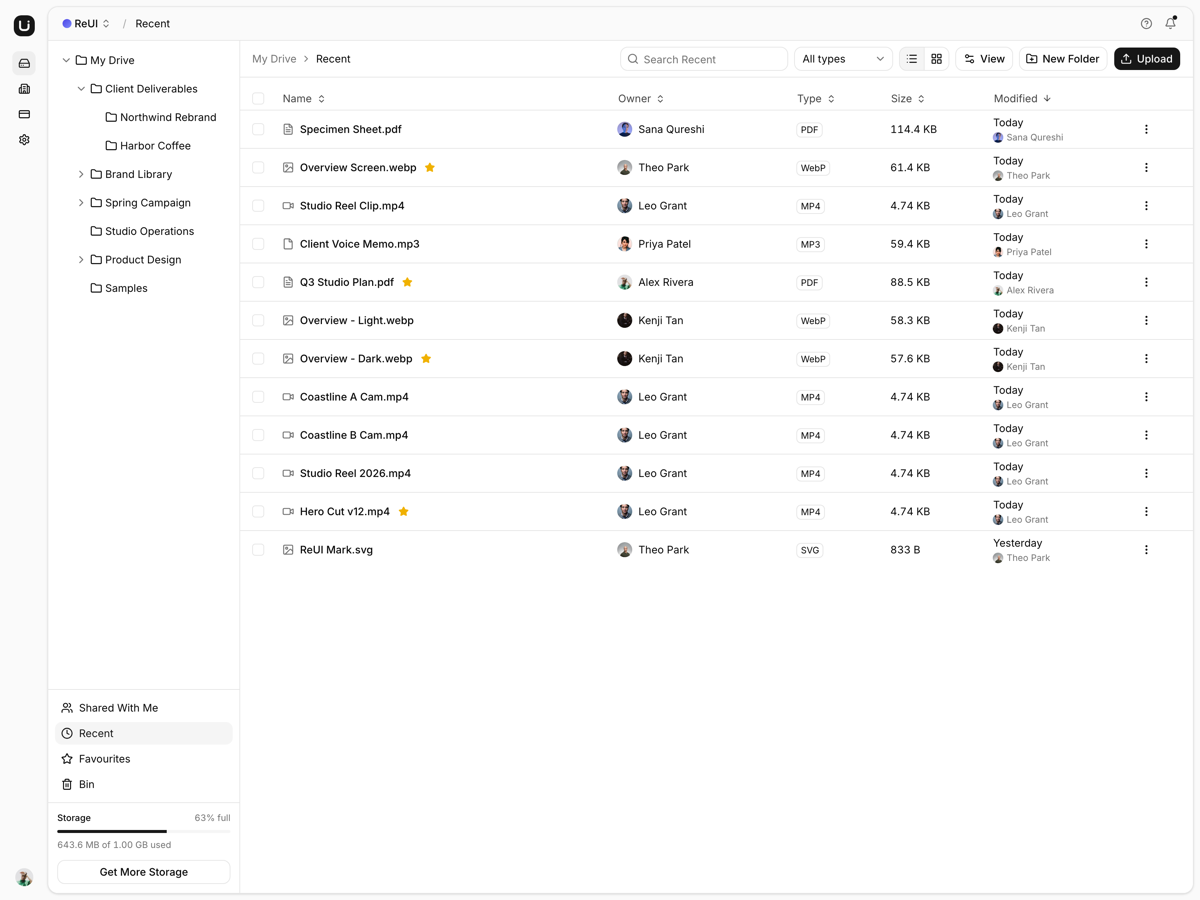
Cloud storage on Laravel and Inertia: an explorer with folders and uploads, a share panel that resolves inheritance, revisions, a bin and an account area.
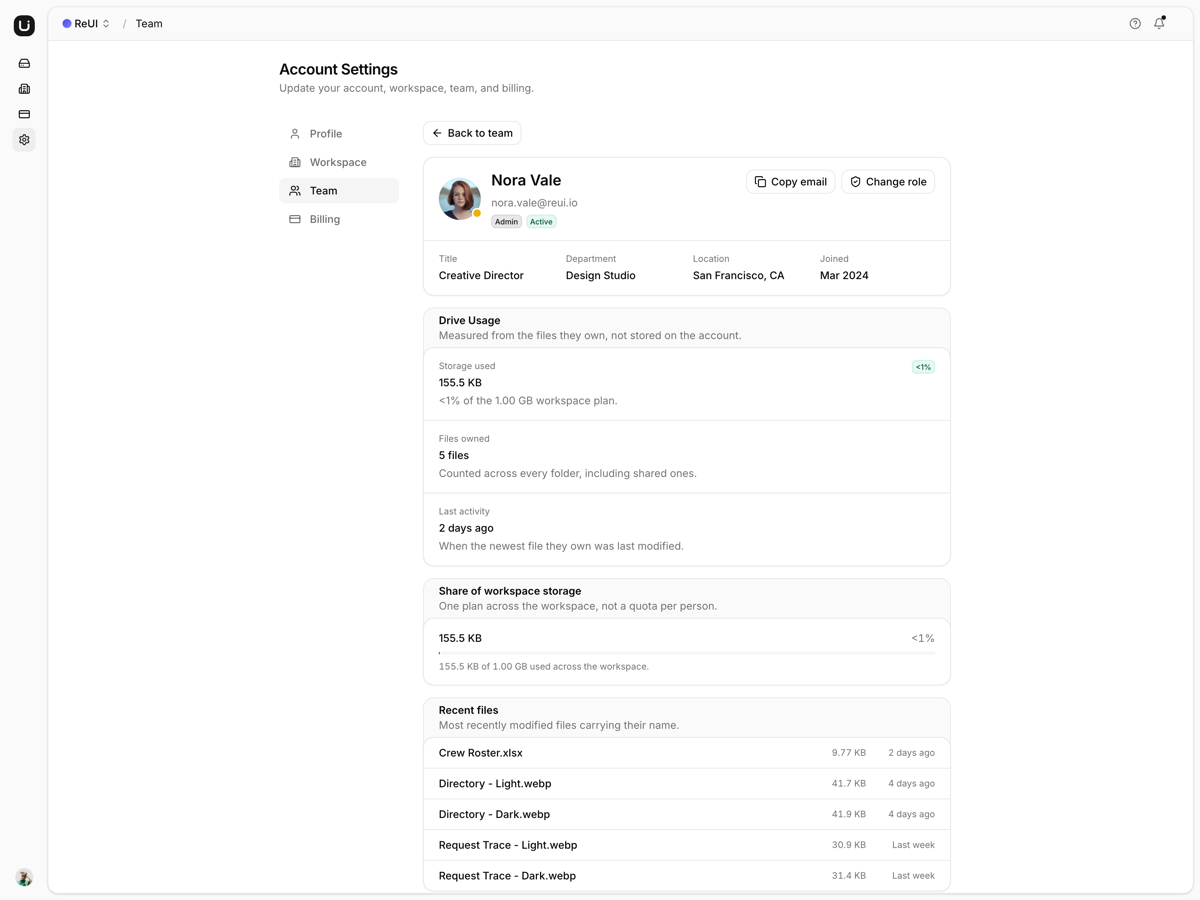
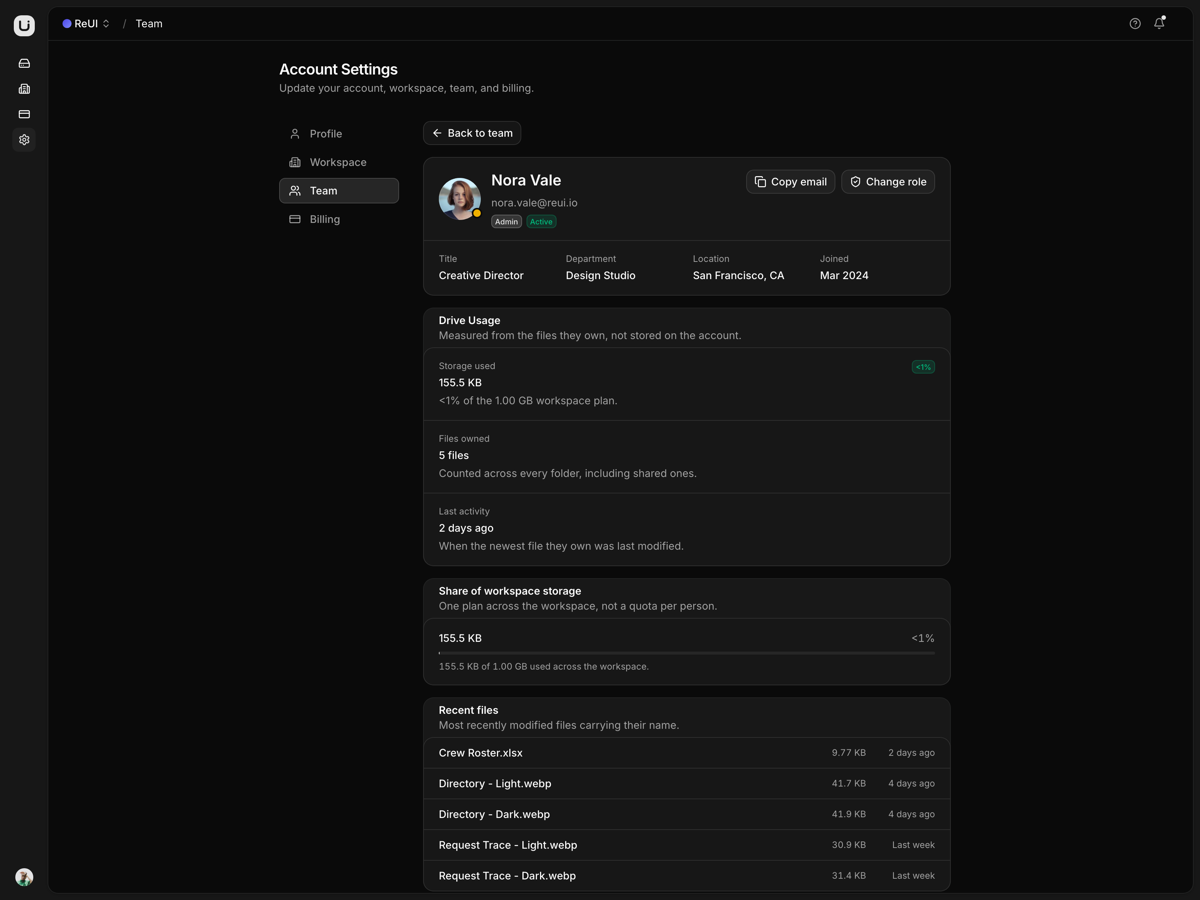
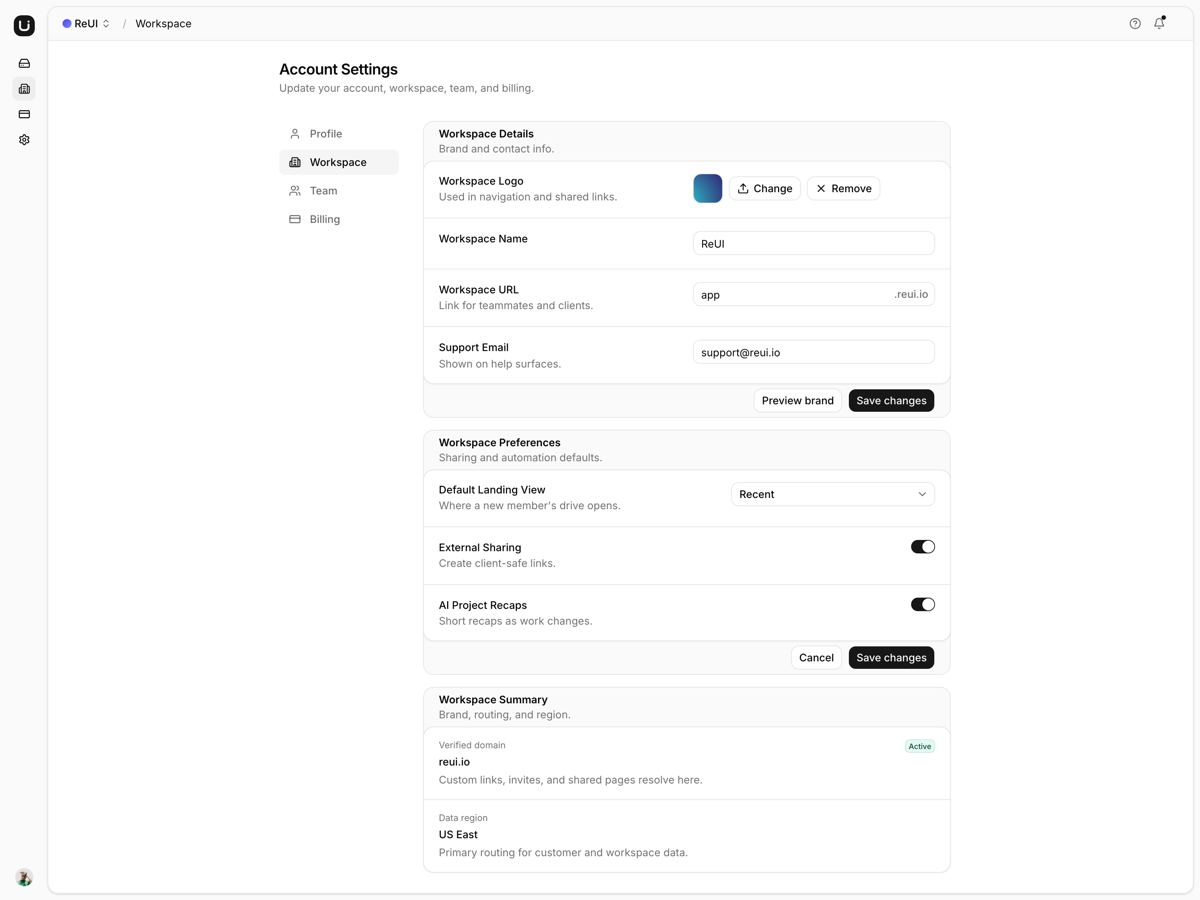
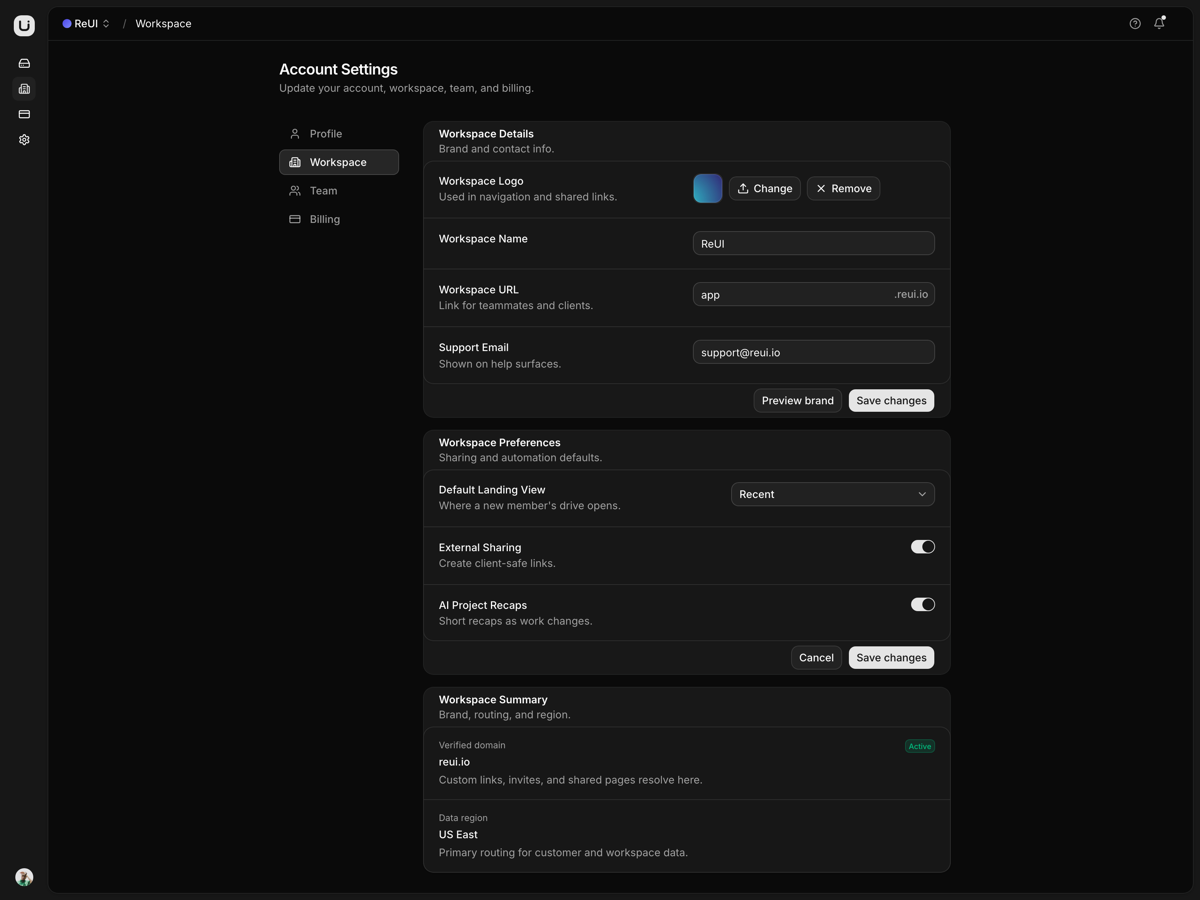
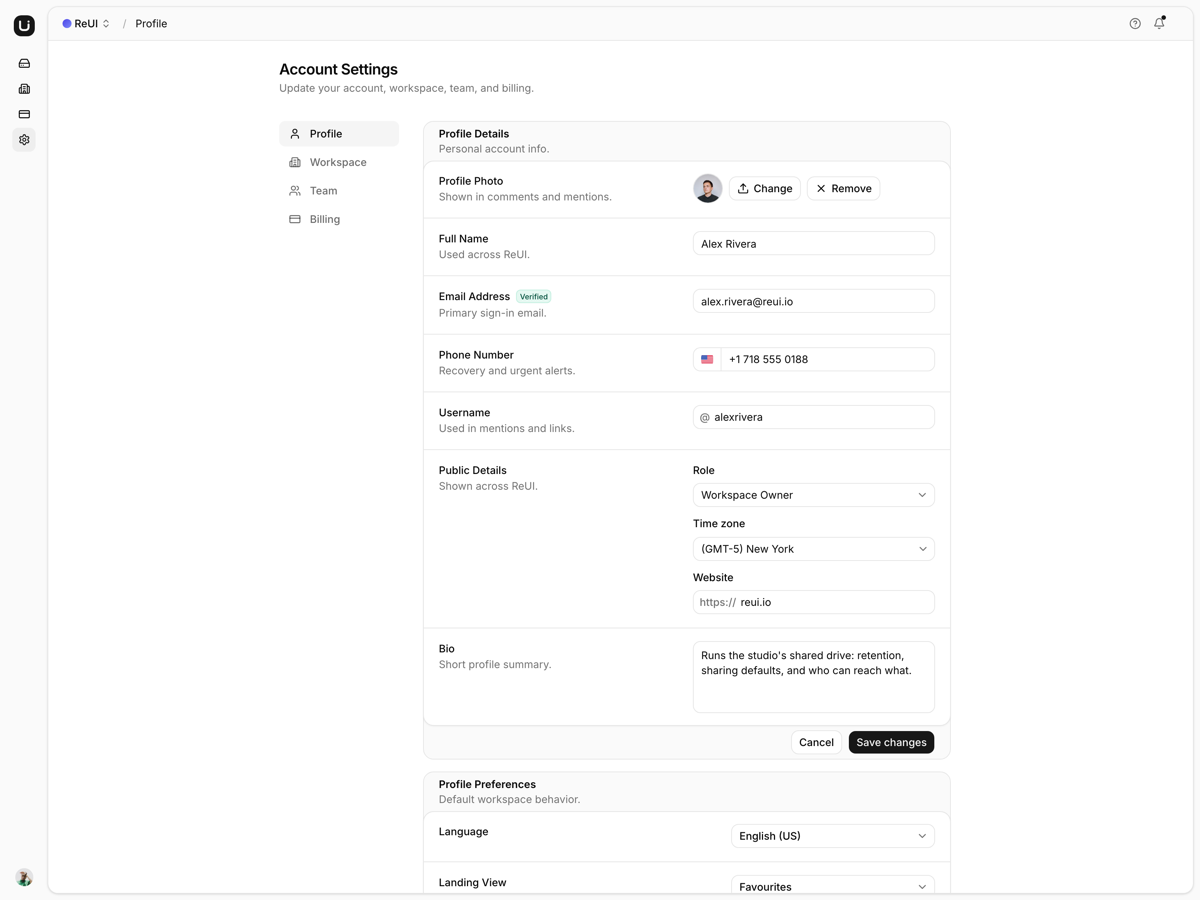
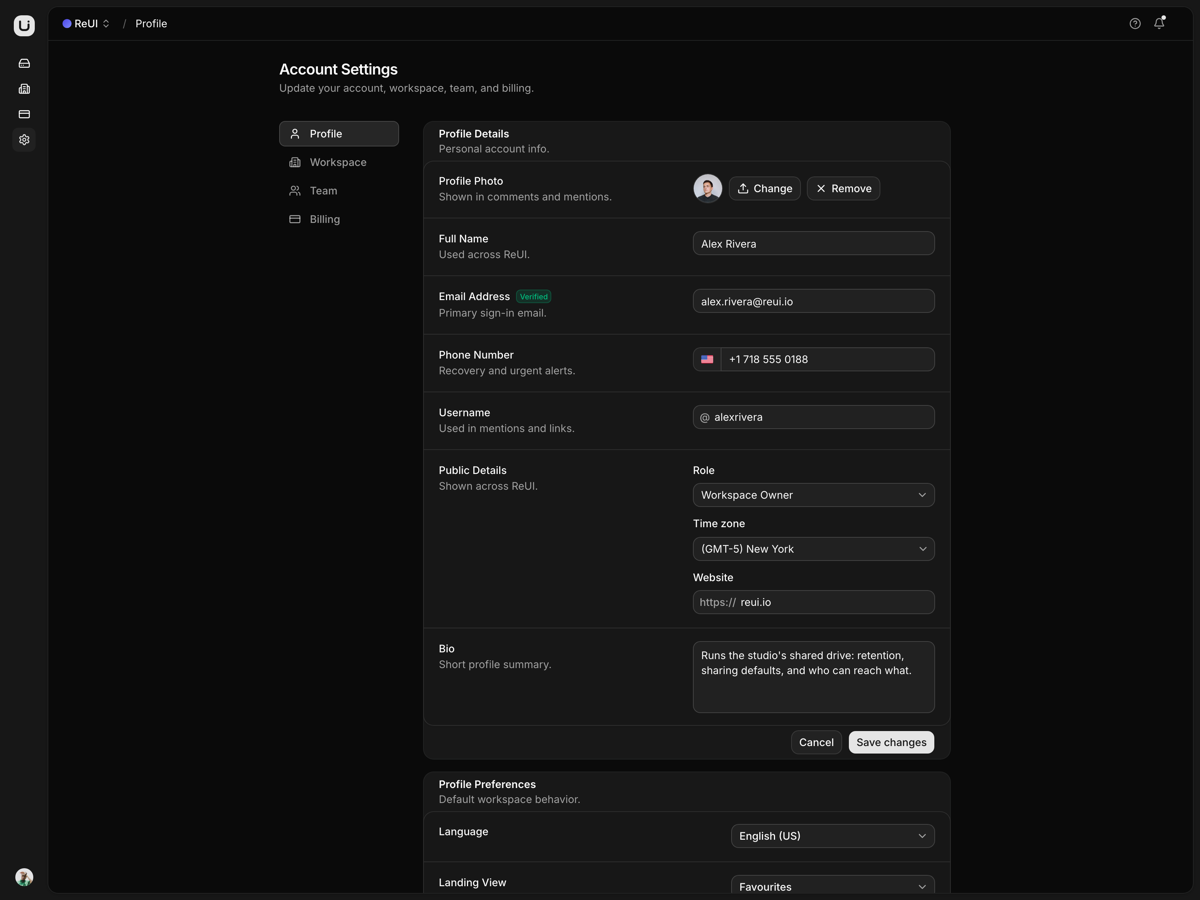
What is included
- Six drive tables. Nodes, grants, teams and revisions are Eloquent rows, so what you create outlives the process.
- Inheritance resolves server side. ShareResolver folds in each ancestor folder's people, nearest first, and tags every borrowed row with its source.
- Borrowed grants cannot save. inheritedFrom is prohibited on the write, and the owner badge never travels down.
- Fortify gates the drive. Login, reset, verification, password confirmation, two-factor and passkeys all run.
- Every change leaves history. Renames, moves, restores and access edits append to drive_versions, and a description edit folds into one entry.
- Restore remembers the folder. Trashing stores the parent, so restore puts the subtree back, or at the root if it is gone.
- Uploads report progress. The one endpoint on XHR rather than Inertia, because nothing else can read upload progress.
- No folder inside itself. NotWithinNode fails the PATCH.
Who it is for
- Laravel teams told to build a drive The schema, the controllers and the share resolver are already written.
- An internal file store behind a login Fortify, two-factor and passkeys arrive wired, and public sign-up is closed by default.
- Moving off a hosted drive DRIVE_DISK points the same upload code at local storage or S3.
Frequently asked questions
Do my edits survive a reload, and where do uploaded files go?
Yes. A new folder, a rename, a move, a star, a trash and a share edit all go through a controller into SQLite and are still there after a restart. Uploaded bytes go to the disk DRIVE_DISK names, which defaults to storage/app/public, so run php artisan storage:link once: composer setup does not, and without it the row saves while its preview URL answers 404. Point DRIVE_DISK at s3 and the same controller writes there instead.
Filespace ships the same drive. Why this one?
Two stacks, one product. Filespace is the Next.js build, where the drive is a module in the browser and the login form has no session behind it. Here the same screens sit on Laravel 13 and Inertia: drive_nodes, drive_shares and drive_versions are tables, Fortify issues the session, and a PHP host is what you deploy to. Decide on what your team already runs, because the screens are the same either way.
Every signed-in account sees the same drive. Can I scope it per user?
Not as it ships. There are no policies and no gates: DriveTree::snapshot() serialises the whole tree to anyone who is signed in, and the share panel records who may reach a node without the write path reading it back. That is why ALLOW_REGISTRATION is false by default and GuardRegistration answers the register routes with a 404 rather than a 403. Scoping it means policies on the six drive controllers and a where clause in that snapshot.
What do I get when I download a template?
The full source of a standalone project: every page, component, route, and style, ready to run locally. Templates are built entirely from ReUI blocks and components, so the code matches the registry you already use.
Do I need a plan to download templates?
Free templates only need a ReUI account, so sign in and download. Every other template is included with the Ultimate plan, alongside all blocks and Motion Icons.
Are templates sold individually?
No. Templates come with the Ultimate plan rather than as separate purchases, so one upgrade unlocks the whole catalog, including everything added later.
How do I install a template?
Download the source, install dependencies with your package manager, add your environment variables, and run the dev server. Each template ships a README with its own setup steps.