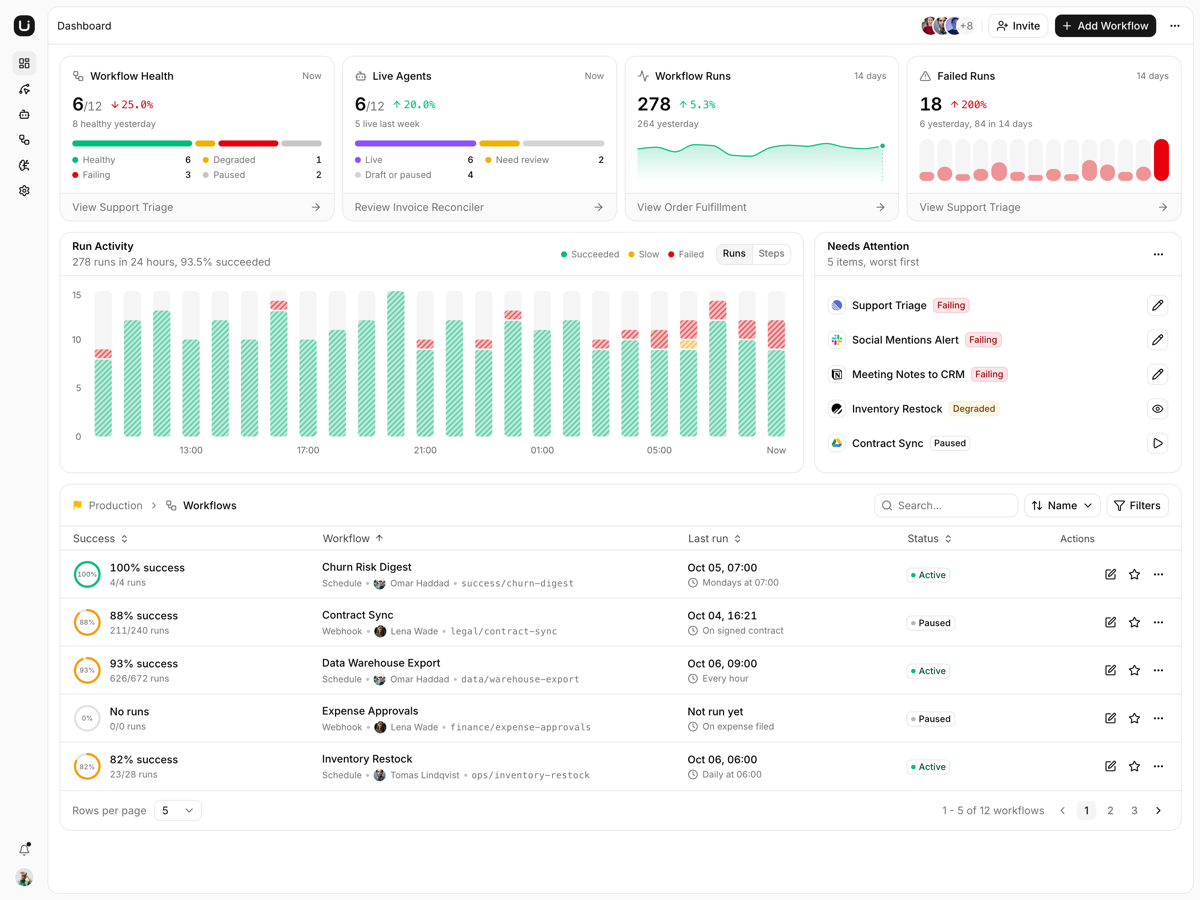
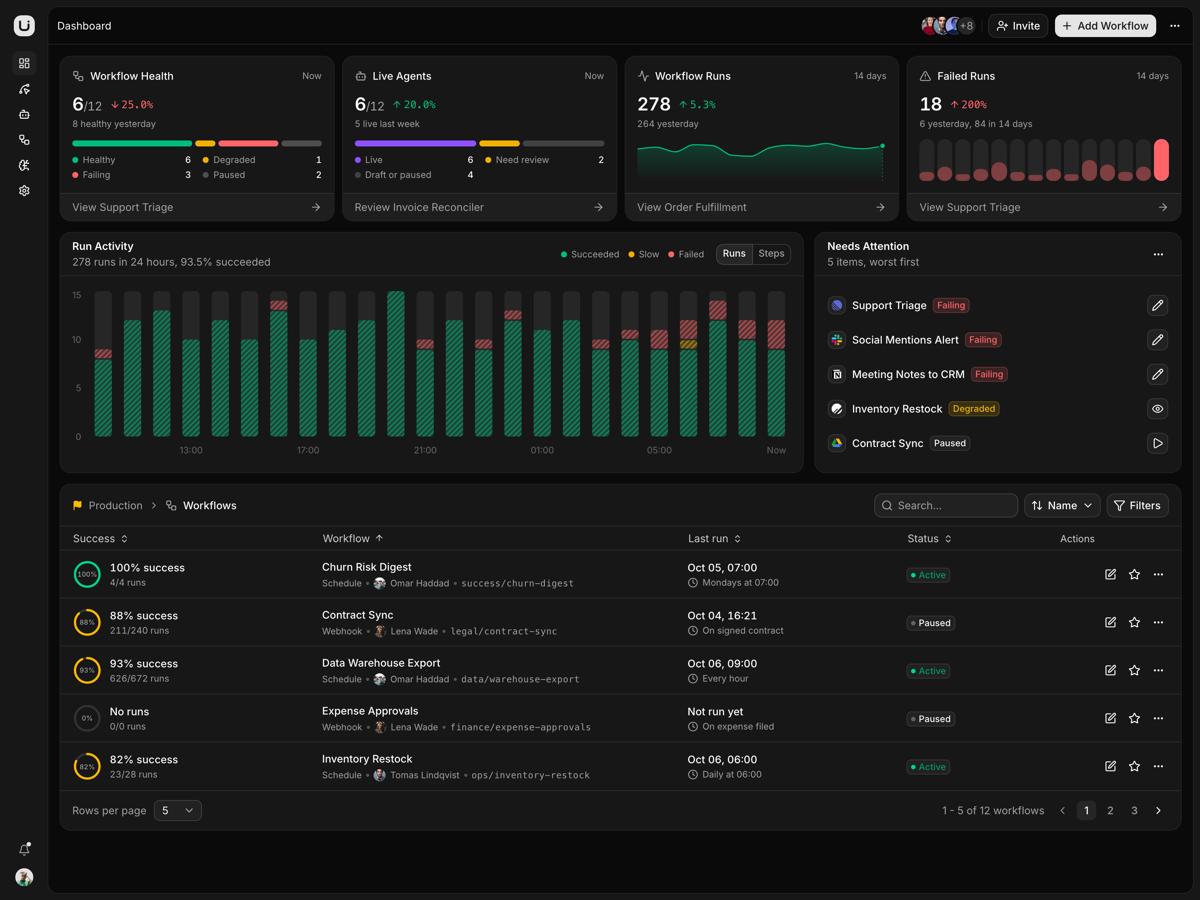
Surge - TanStack Start Commerce Admin Template
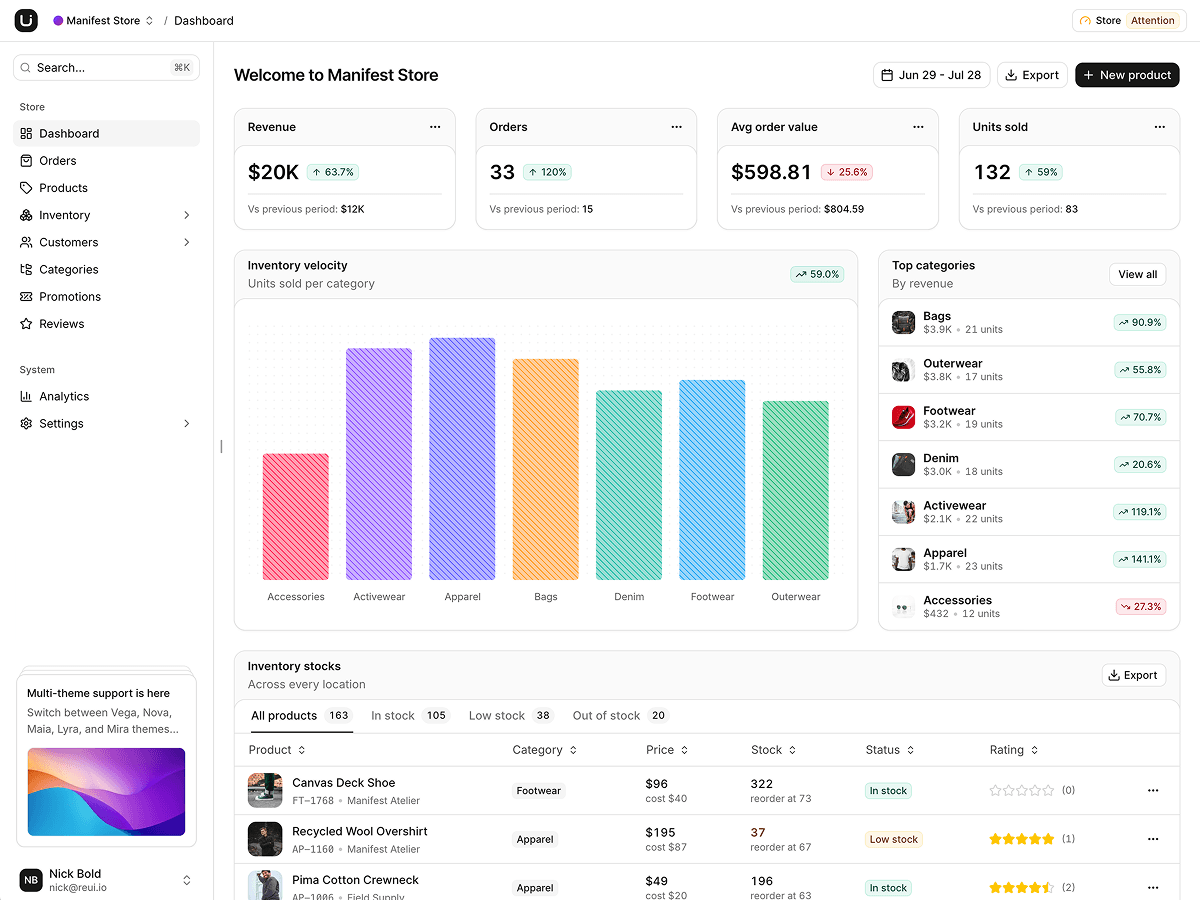
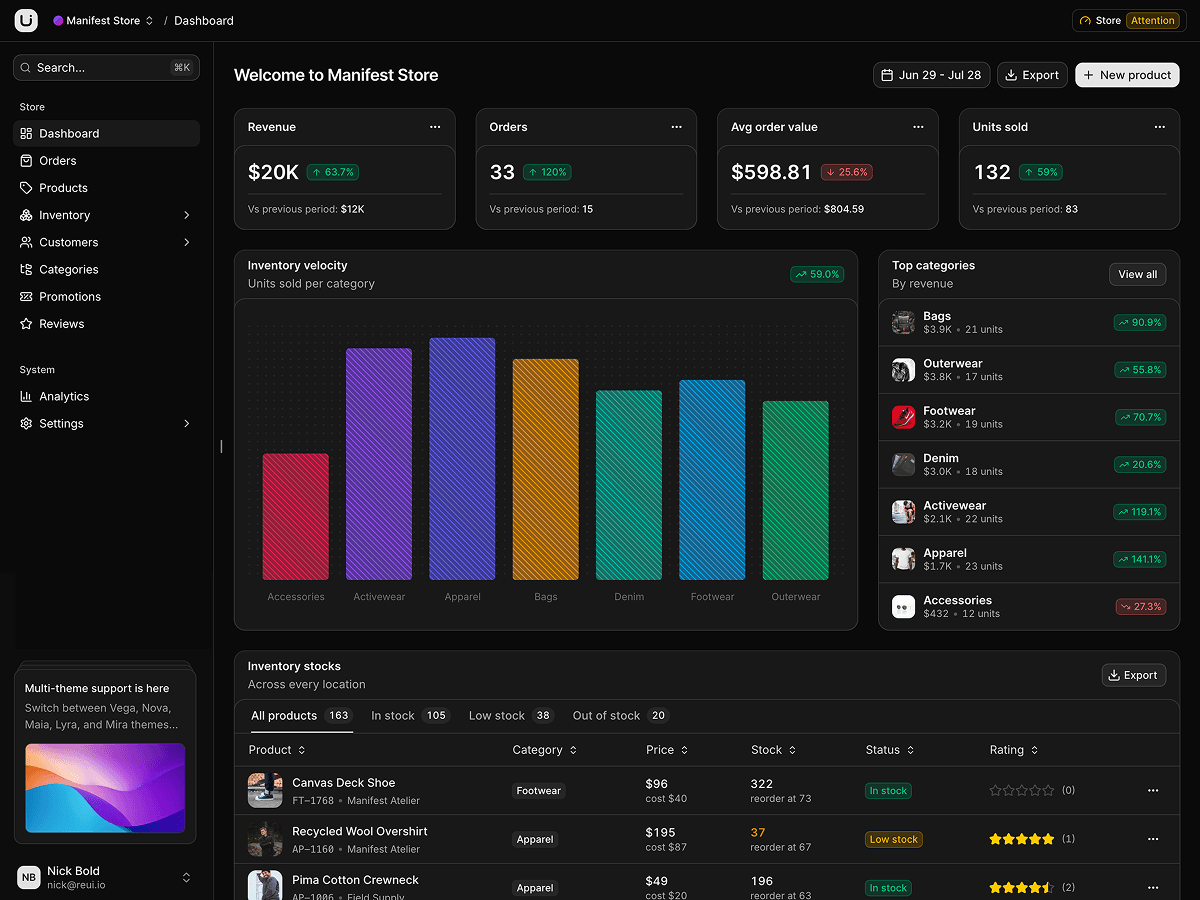
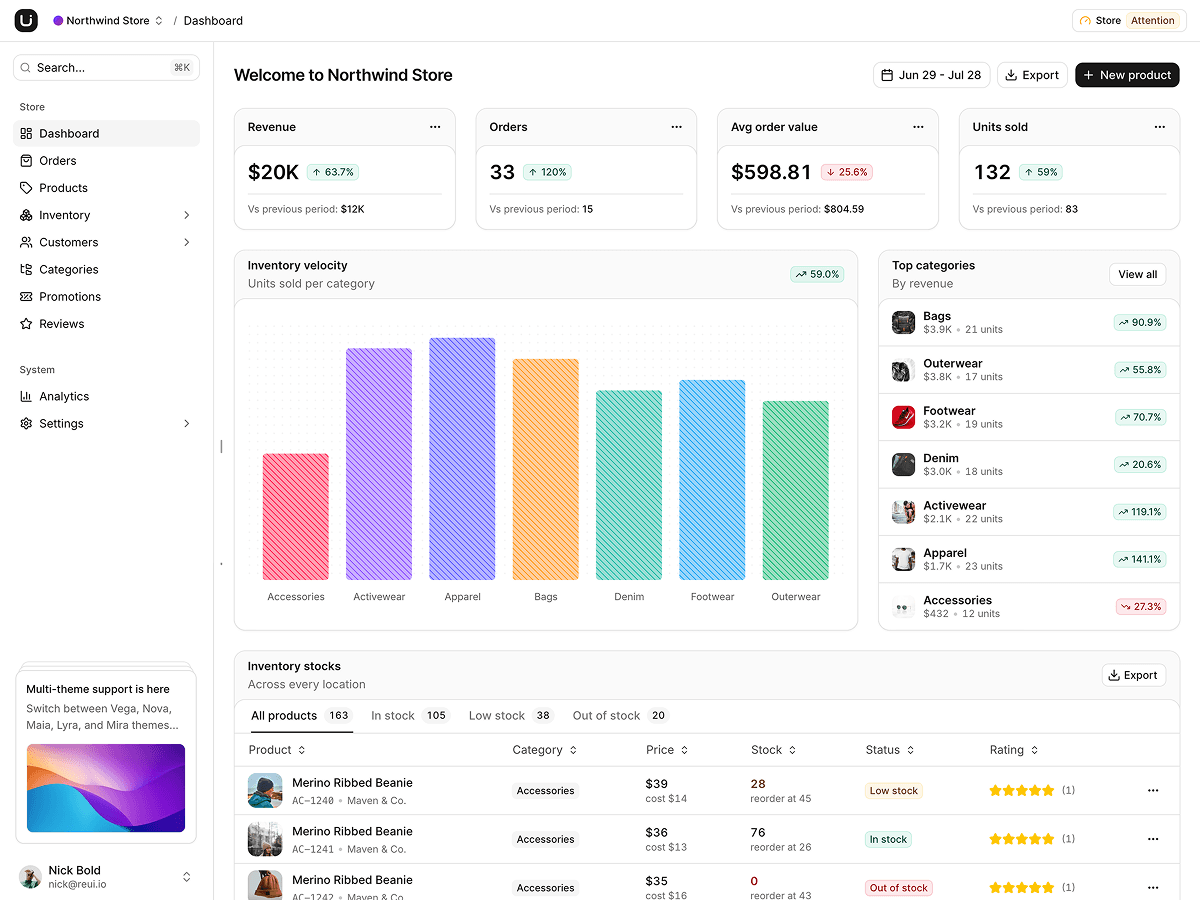
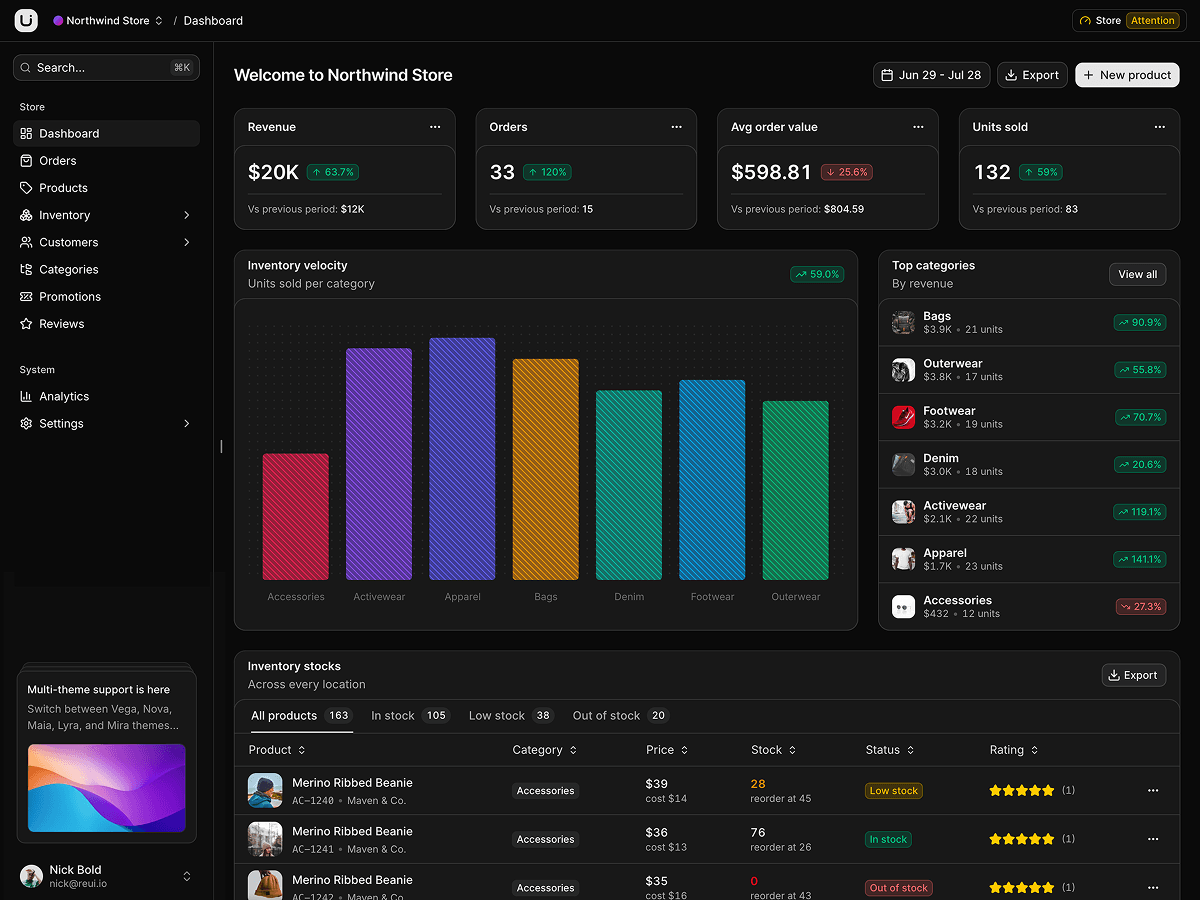
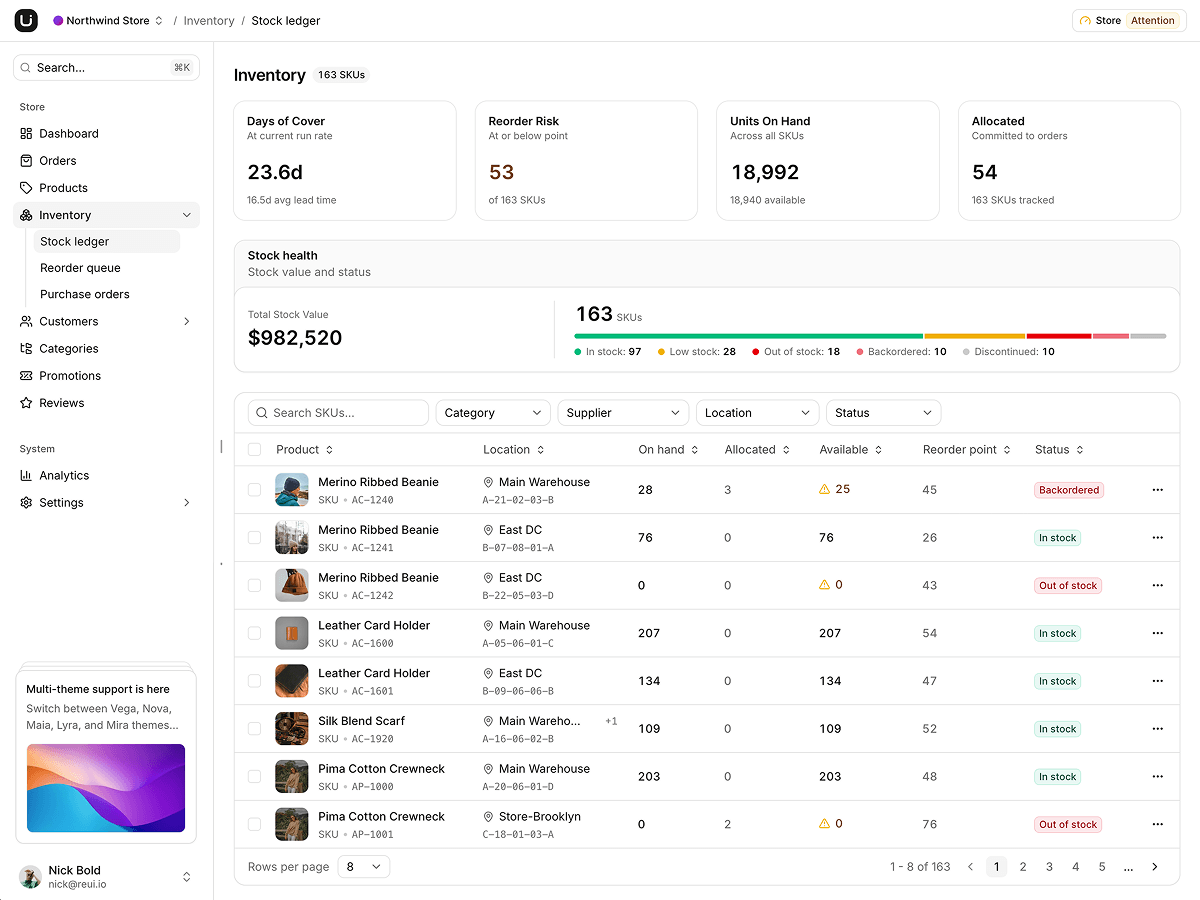
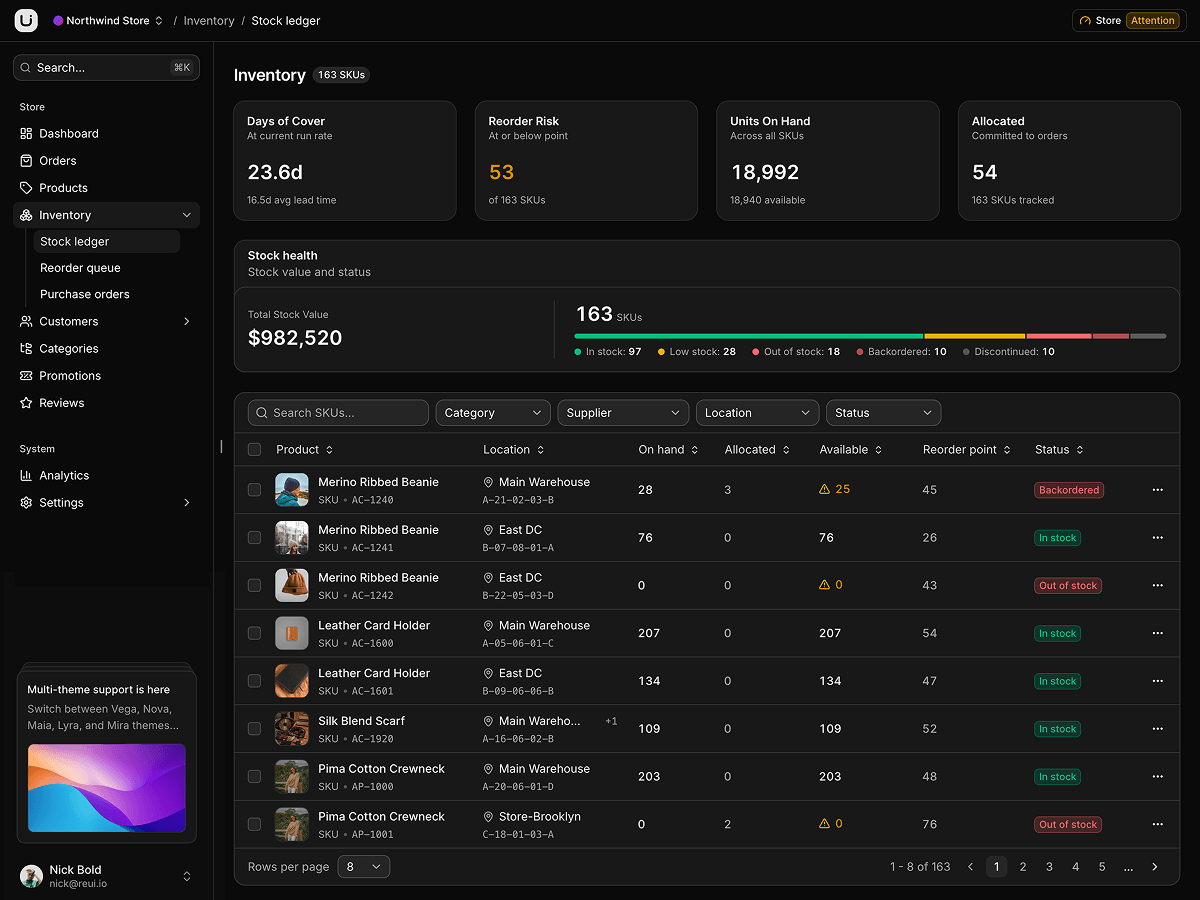
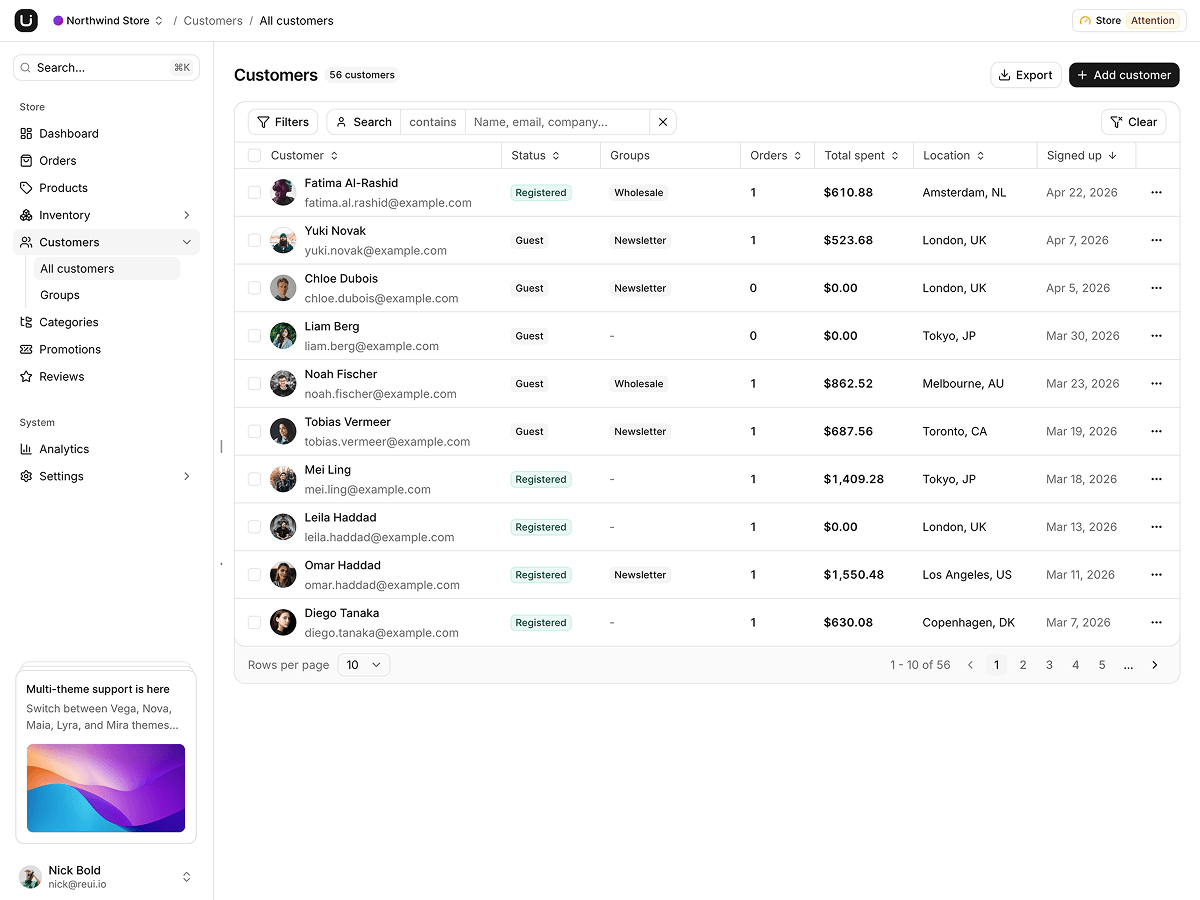
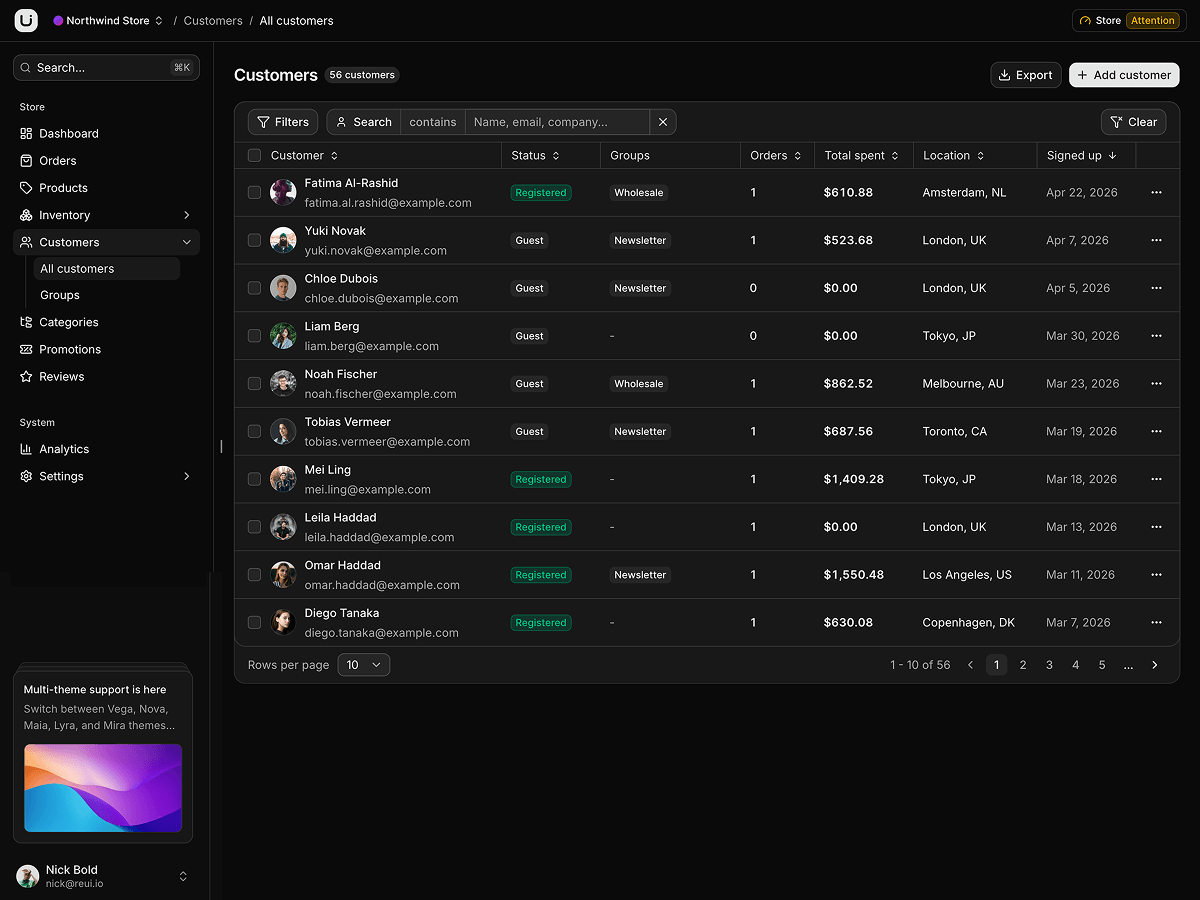
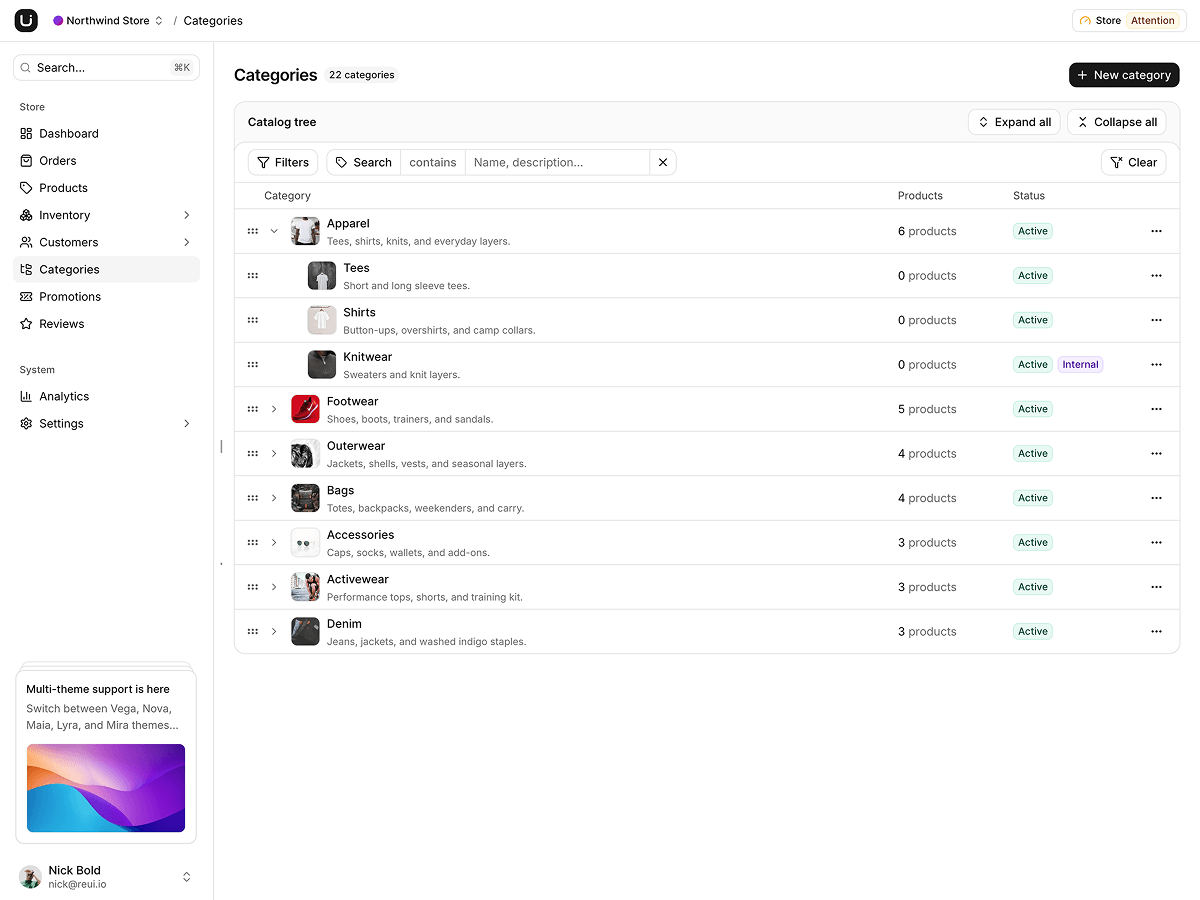
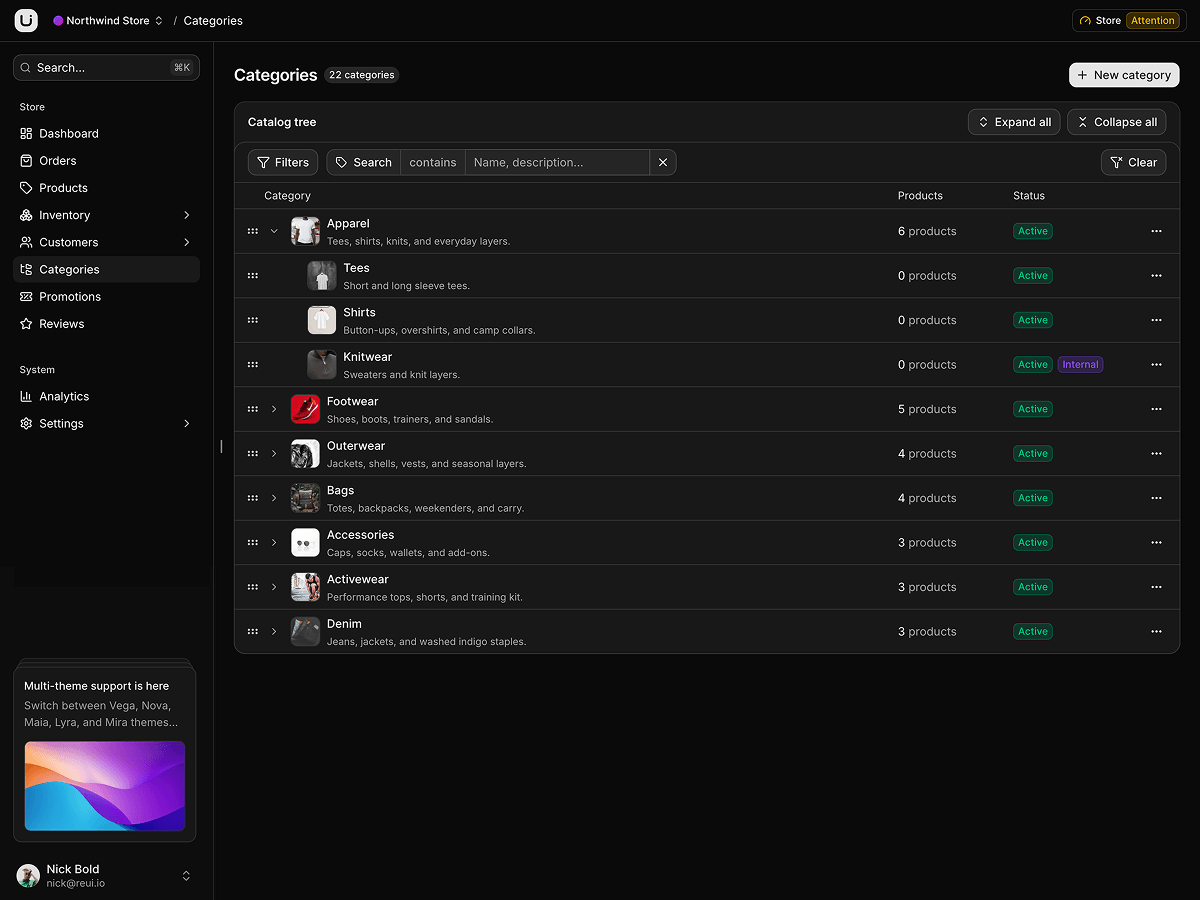
A commerce admin on TanStack Start: orders, catalog, inventory with purchase orders, customers, promotions, reviews and analytics.
What is included
- TanStack Table v9 grids. Orders, catalog and inventory run the v9 data grid, columns typed against the feature set.
- Orders move by verb. A shipped order refuses to cancel, and update() throws on any status patch.
- One shipping origin. Every line comes off the one location on order.shipping.
- Draft POs, received once. Receiving a draft adds each line at the PO's location and prepends a Restock movement.
- Reorder queue nets POs. needsReorder adds units inbound on open POs, so raising a PO clears the SKU.
- Rollback is per order. A transition snapshots one order, so a rollback spares the bulk edit beside it.
- Bulk fulfill plans first. Refused rows stay selected and the toast reports what actually went through.
- Seventeen repositories, two adapters. Each entity has a demo adapter and a live one, chosen by VITE_DATA_MODE.
Who it is for
- Teams shipping a back office early Every screen reads through the repository seam, so swapping in your API touches no component.
- Developers evaluating TanStack Start Orders is a pathless _list layout whose detail sheet owns /orders/$orderId.
- Agencies rebranding one admin per client Navigation is one NAV_GROUPS array, the design tokens one stylesheet.
Frequently asked questions
Does Surge include a backend or a database?
No. Demo data seeds an in-memory store on first read, and every page reads it through a typed Repository interface via TanStack Query. To go live, implement the adapters in src/lib/data/repositories/live and set VITE_DATA_MODE=live. The demo adapter next door is a working reference for the exact return shapes.
How is this different from Manifest?
Same screens, same ReUI design, different stack. Surge is TanStack Start over a typed repository seam, so it needs no server and its records live in memory for the session. Manifest is Laravel and Inertia over Eloquent, so its records live in a database file. Choose by what your team already runs in production.
What happens to records I create in the demo?
They hold for the browser session. Edits and deletes patch the cache first, a create waits for the store to mint its id, and a full reload restores the pristine sample data. Settings, General, Demo data can load, reset or clear the store, and clearing is the fastest way to see every empty state.
What do I get when I download a template?
The full source of a standalone project: every page, component, route, and style, ready to run locally. Templates are built entirely from ReUI blocks and components, so the code matches the registry you already use.
Do I need a plan to download templates?
Free templates only need a ReUI account, so sign in and download. Every other template is included with the Ultimate plan, alongside all blocks and Motion Icons.
Are templates sold individually?
No. Templates come with the Ultimate plan rather than as separate purchases, so one upgrade unlocks the whole catalog, including everything added later.
How do I install a template?
Download the source, install dependencies with your package manager, add your environment variables, and run the dev server. Each template ships a README with its own setup steps.