Chart Wave Icon
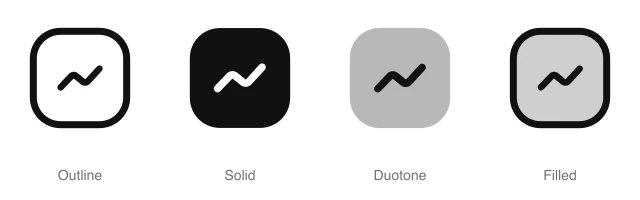
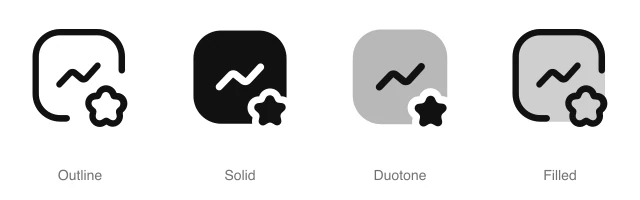
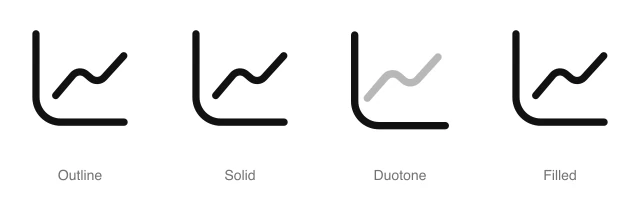
Rounded square with a wave line that dips and then spikes, for signal data, activity trends and analytics. Available in 4 styles (outline, solid, duotone and filled) as a React component you install with the shadcn CLI.
Preview
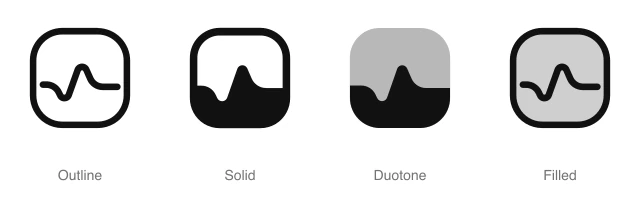
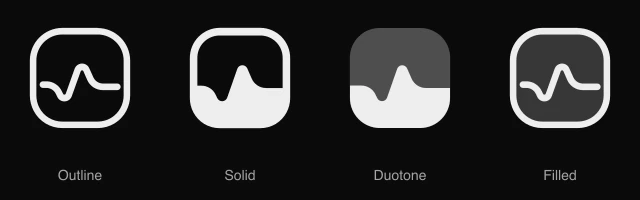
- 16px
- 20px
- 24px
- 32px
Install and code
Chart Wave icon in shadcn/ui components
Button
Icon button
Button group
Badge
Dropdown menu
Input group
Sidebar
Empty state
Chart Wave icon FAQ
What does this icon show?
Rounded square with a wave line that dips and then spikes, for signal data, activity trends and analytics. Typical uses: activity trend widget, sensor signal monitor card and traffic analytics nav item.
When should I use it instead of a similar icon?
Use it for:
- Anomaly and spike alerts in a monitoring tool, where a flat series jumps once and settles
- Fraud and unusual activity flags in a payments or security dashboard, such as a sudden run of refunds
For a latency or CPU tile that rises and falls with no single spike, use the Chart Line icon. For heart rate and vitals on a health or fitness card, use the Pulse icon. For the waveform on a sent voice message or a now playing row, use the Equalizer icon.
Which styles does it come in?
4 styles: Outline, Solid, Duotone and Filled. Every style is drawn on the same 24 by 24 grid and installs as its own file, so you can switch styles without touching the layout.
How do I install it with the shadcn CLI?
Copy the install command from the panel above, in the style you want, and run it in your project. The shadcn CLI adds the icon as a React component that you import and render like any other. It draws in the current text color, so your text color and size classes style it. Icon installs need a ReUI Ultimate license.
What icons go well with it?
Icons from the same family and the Charts set: Bar Chart, Building Chart, Chart, Chart Arrow Down, Chart Arrow Up and Chart Bars Ascending.
When was it added, and what was it called before?
It joined the ReUI icon library on June 30, 2026. It was previously named graph-3, and that install name still resolves to this icon.
Icons related to Chart Wave
For AI Agents
Hand your agent this brief or the ReUI MCP, not a screenshot. Installs with a ReUI Ultimate license.
When to use
- Anomaly and spike alerts in a monitoring tool, where a flat series jumps once and settles
- Fraud and unusual activity flags in a payments or security dashboard, such as a sudden run of refunds
When not to use
- A latency or CPU tile that rises and falls with no single spike: use the Chart Line icon
- Heart rate and vitals on a health or fitness card: use the Pulse icon
- The waveform on a sent voice message or a now playing row: use the Equalizer icon
Agent notes
- Name an icon-only button with its label, "Detect anomalies", as the aria-label
Markdown
https://reui.io/icons/preview/chart-wave.mdMCP
get_icon("chart-wave")Install
npx shadcn@latest add @reui/icons/default/duotone/chart-waveStart building with ReUI Pro today.
Every Pro block, every style, and every future addition, with one license for unlimited projects.
Get All-Access
From $249, once. Lifetime updates.