Waves Stack Icon
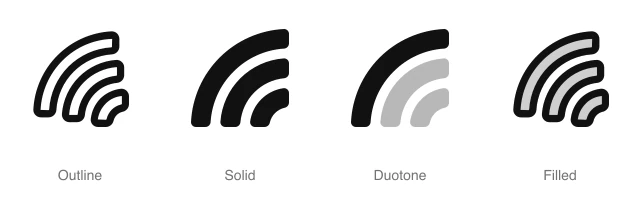
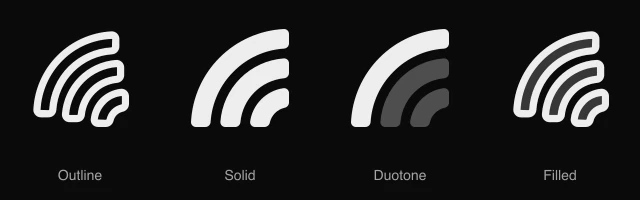
AnimatedThree horizontal wavy bands stacked evenly, for water, ocean themes and flowing patterns. Available in 4 styles (outline, solid, duotone and filled) with an animated variant, as a React component you install with the shadcn CLI.
Preview
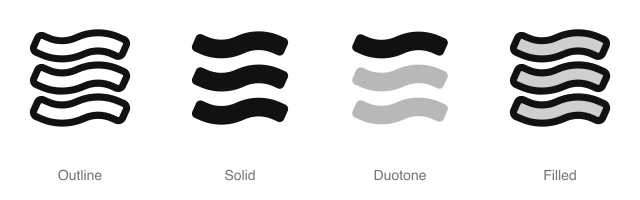
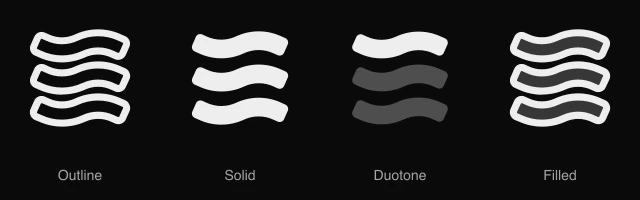
- 16px
- 20px
- 24px
- 32px
Install and code
Waves Stack icon in shadcn/ui components
Button
Icon button
Button group
Badge
Dropdown menu
Input group
Waves Stack icon FAQ
What does this icon show?
Three horizontal wavy bands stacked evenly, for water, ocean themes and flowing patterns. Typical uses: waterfront tag in a property listing, ocean theme in a travel filter and flowing pattern in a hero section.
When should I use it instead of a similar icon?
Use it for:
- Waterfront, beach and lakeside filters on property, rental and hotel listings
- Sea state, swell or water temperature readings in a weather, surf or boating app
For a list view switch that shows results as full width rows, use the Lines Stack icon. For a hotel or gym amenity with a place to swim laps, use the Swimming Pool icon. For a water meter reading or a leak alert on a utility tile, use the Drop icon.
Which styles does it come in?
4 styles: Outline, Solid, Duotone and Filled. Every style is drawn on the same 24 by 24 grid and installs as its own file, so you can switch styles without touching the layout. An animated variant also plays a short animation on hover, or whenever your code starts it.
How do I install it with the shadcn CLI?
Copy the install command from the panel above, in the style you want, and run it in your project. The shadcn CLI adds the icon as a React component that you import and render like any other. It draws in the current text color, so your text color and size classes style it. Icon installs need a ReUI Ultimate license.
What icons go well with it?
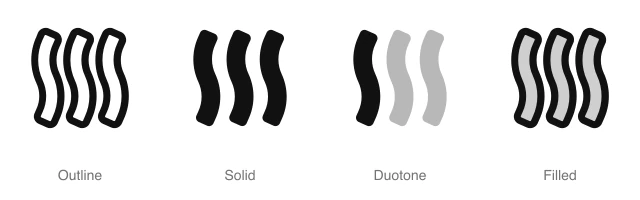
Icons from the same family and the Shapes set: Waves Vertical, Ribbon Stack, Lines Stack, SIM Card Stack, Video Stack and Arcs Radiate.
When was it added, and what was it called before?
It joined the ReUI icon library on June 30, 2026. It was previously named abstract-16, and that install name still resolves to this icon.
Icons related to Waves Stack
For AI Agents
Hand your agent this brief or the ReUI MCP, not a screenshot. Installs with a ReUI Ultimate license.
When to use
- Waterfront, beach and lakeside filters on property, rental and hotel listings
- Sea state, swell or water temperature readings in a weather, surf or boating app
When not to use
- A list view switch that shows results as full width rows: use the Lines Stack icon
- A hotel or gym amenity with a place to swim laps: use the Swimming Pool icon
- A water meter reading or a leak alert on a utility tile: use the Drop icon
Agent notes
- Name an icon-only button with its label, "Waterfront", as the aria-label
Markdown
https://reui.io/icons/preview/waves-stack.mdMCP
get_icon("waves-stack")Install
npx shadcn@latest add @reui/icons/default/duotone/waves-stackStart building with ReUI Pro today.
Every Pro block, every style, and every future addition, with one license for unlimited projects.
Get All-Access
From $249, once. Lifetime updates.