Laptop Icon
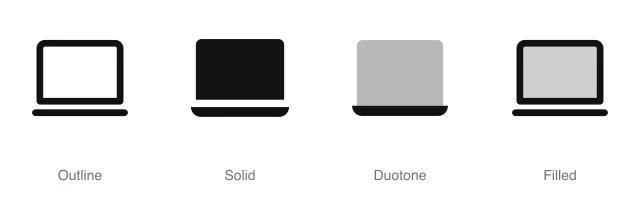
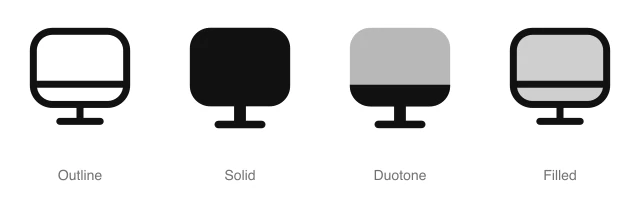
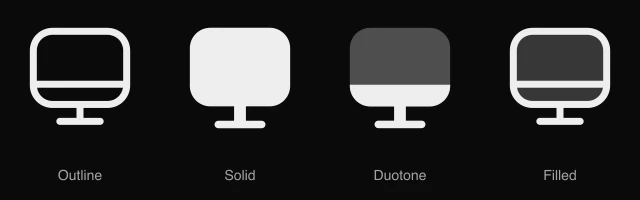
Open laptop with a screen above a flat base, for device types, remote work and desktop app downloads. Available in 4 styles (outline, solid, duotone and filled) as a React component you install with the shadcn CLI.
Preview
- 16px
- 20px
- 24px
- 32px
Install and code
Laptop icon in shadcn/ui components
Button
Icon button
Button group
Badge
Dropdown menu
Input group
Sidebar
Laptop icon FAQ
What does this icon show?
Open laptop with a screen above a flat base, for device types, remote work and desktop app downloads. Typical uses: device type selector, desktop app download link and remote work profile badge.
When should I use it instead of a similar icon?
Use it for:
- Computer rows in a signed-in sessions list, next to phone and tablet rows
- The Download for Mac or Windows button on an app's download or pricing page
- Remote and hybrid work tags on job cards, or a work from home field in an HR profile
For an external monitor, or a resolution and scaling settings page, use the Screen icon. For a tag on a template that adapts to every size from computer to handset, use the Desktop Mobile icon.
Which styles does it come in?
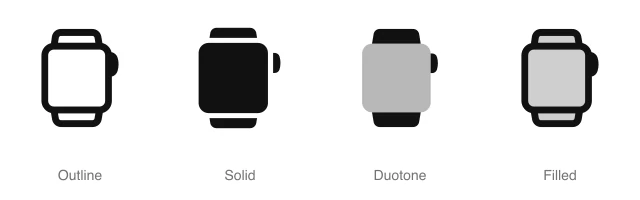
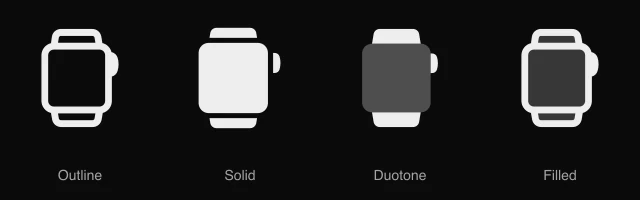
4 styles: Outline, Solid, Duotone and Filled. Every style is drawn on the same 24 by 24 grid and installs as its own file, so you can switch styles without touching the layout.
How do I install it with the shadcn CLI?
Copy the install command from the panel above, in the style you want, and run it in your project. The shadcn CLI adds the icon as a React component that you import and render like any other. It draws in the current text color, so your text color and size classes style it. Icon installs need a ReUI Ultimate license.
What icons go well with it?
Icons from the same family and the Devices set: AirPod, Calculator, Desktop Mobile, Electricity, External Drive and Game Console.
When was it added?
It joined the ReUI icon library on June 30, 2026.
Icons related to Laptop
For AI Agents
Hand your agent this brief or the ReUI MCP, not a screenshot. Installs with a ReUI Ultimate license.
When to use
- Computer rows in a signed-in sessions list, next to phone and tablet rows
- The Download for Mac or Windows button on an app's download or pricing page
- Remote and hybrid work tags on job cards, or a work from home field in an HR profile
When not to use
- An external monitor, or a resolution and scaling settings page: use the Screen icon
- A tag on a template that adapts to every size from computer to handset: use the Desktop Mobile icon
Agent notes
- Name an icon-only button with its label, "Download for desktop", as the aria-label
Markdown
https://reui.io/icons/preview/laptop.mdMCP
get_icon("laptop")Install
npx shadcn@latest add @reui/icons/default/duotone/laptopStart building with ReUI Pro today.
Every Pro block, every style, and every future addition, with one license for unlimited projects.
Get All-Access
From $249, once. Lifetime updates.